
- Age rating4+
- CategoryPhoto & Video
- Developer树 巩
- LanguagesEnglish+ 3 more
- Size164.6 MB
Links to the official App Store page
Download.org hosts no file of Flit Photo Editor. The button opens its official App Store page, published by 树 巩. Listing last checked on Nov 20, 2026.
Screenshots


About
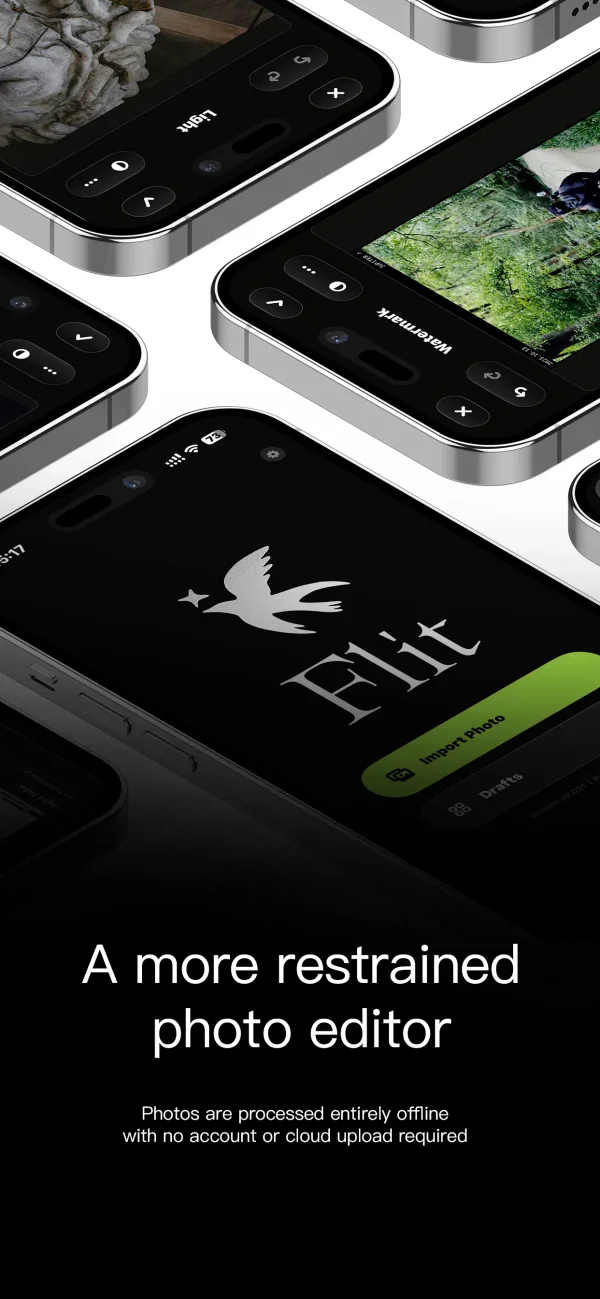
Flit is a photo editor focused purely on the image itself.
No accounts, no social feeds, and no ad tracking. Simply open a photo and start color grading.
【Built for Color】
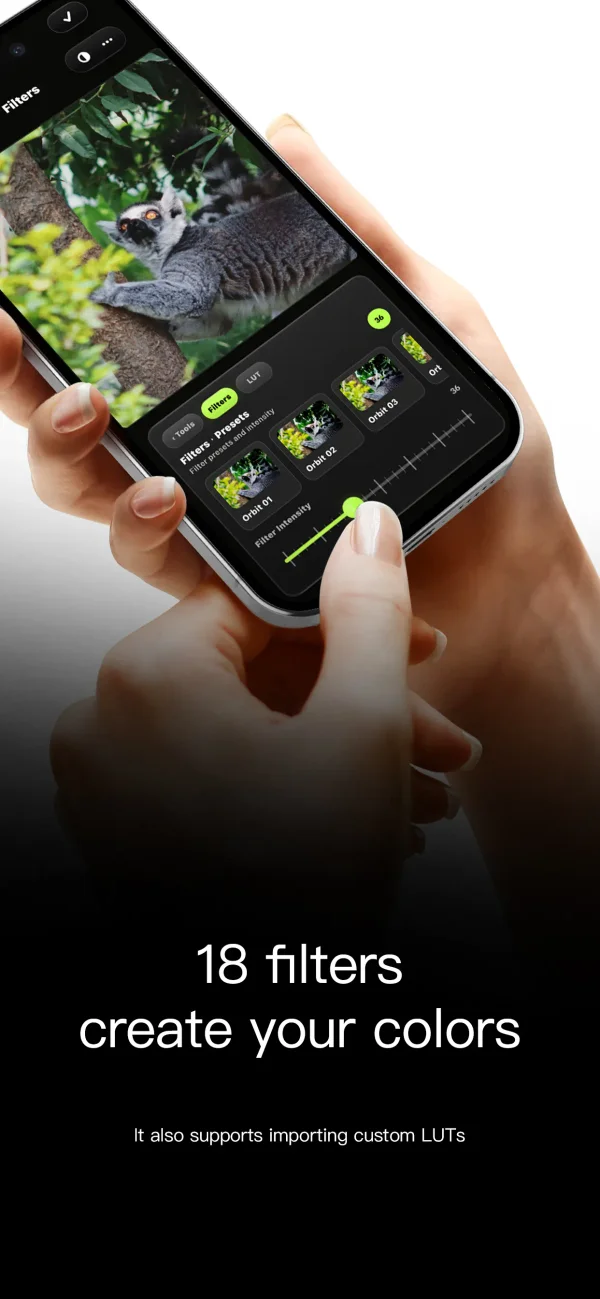
- 204 built-in filters covering natural, soft, and stylized color profiles
- Support for importing custom `.cube` LUTs
- Adjustments for exposure, contrast, highlights, shadows, saturation, color temperature, and tint
- Color-specific adjustments for hue, saturation, and luminance
- 5-point tone curve with real-time adjustment and reset capabilities
- Independent control over filter and LUT intensity
【Built for Texture】
- Grain, dust, light leaks, and vignetting
- Sharpening, soft edges, chromatic aberration, and fade effects
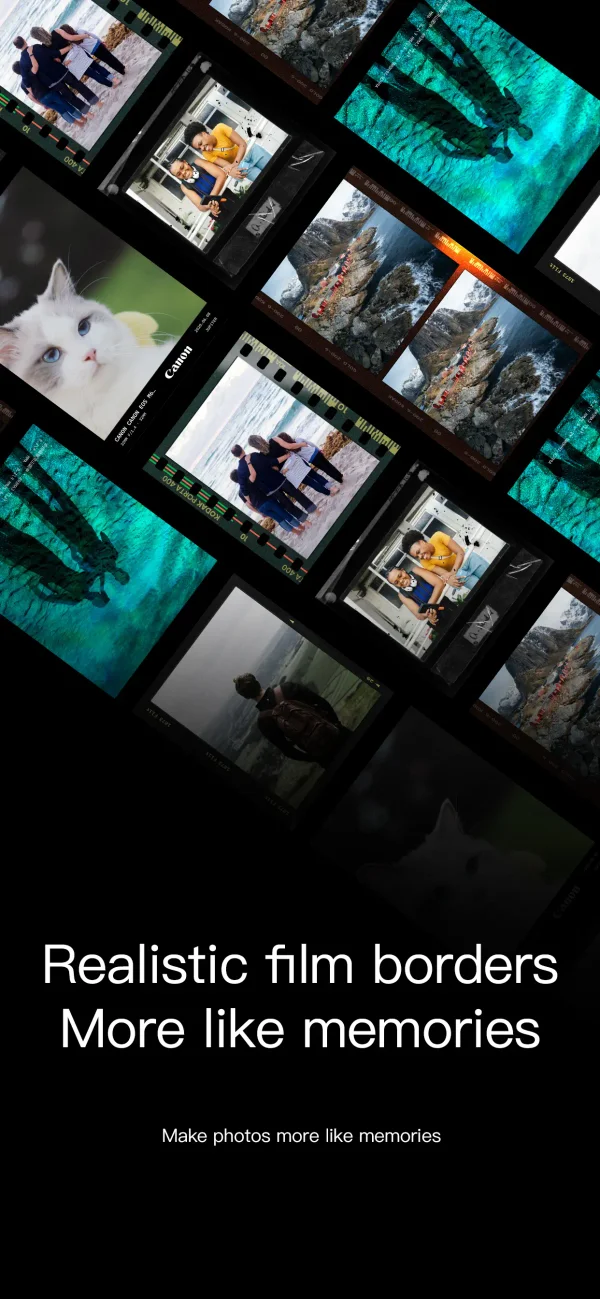
- 20 photo frame styles and 7 camera info overlays
- Reads embedded camera, lens, exposure, and shooting data
【Uninterrupted Editing】
- Original image comparison, undo/redo, and edit history
- Standard crop ratios, rotation, and flipping
- Save current edits as templates for future use
- Batch-apply the current edit or a template and save each result to Photos
- Drafts saved locally to resume editing later
- Full-resolution JPEG export with optional metadata retention
【Designed for iPhone and iPad】
Optimized for one-handed use and photo previewing on iPhone; displays previews, tools, and edit details simultaneously on iPad for a clearer large-screen editing experience.
Flit supports Simplified Chinese, Traditional Chinese, English, and Japanese, with Dark, Light, and System-matching appearance modes.
Note: Color adjustments, drafts, templates, and imported LUTs are stored locally on your device. Photos containing GPS data may use Apple Maps services to convert coordinates into location names; please refer to the Privacy Policy for details.
What’s new
Version 1.17 · Nov 15, 2026
Added support for iPhone Duo, with toolbars that adapt to the screen configuration.
Refined the Duo home screen layout, button sizes, and spacing.
Optimized editing panel heights and slider spacing to give photos more room.
Improved preset grids and toolbar alignment in wider layouts.
Editing controls now hide when viewing photos full screen.
Improved the layout of crop, rotate, and flip controls on Duo and iPad.
Updated iPad top action buttons with a consistent style.
App privacy
What 树 巩 declares on the App Store about how this app handles data.
-
Data not collected
The developer does not collect any data from this app.
Privacy practices may vary, for example with the features you use or your age.
Information
- Seller
- 树 巩
- Category
- Photo & Video
- Version
- 1.17
- Updated
- Nov 15, 2026
- Released
- Jun 29, 2026
- Size
- 164.6 MB
- Requires
- iOS 26.0 or later
- Age rating
- 4+
- Price
- Free
- Languages
- English, Japanese, Simplified Chinese, Traditional Chinese
- Copyright
- © 2026 Shu Gong
You might also like
-
 BGAway: AI Background RemoverOne-Tap Photo Cutouts
-
 Threedi - 3D Text Editor3D Typography & Logo Maker
-
 Filmix CameraFilm Looks & Manual Controls
-
 Photography Stickers - FluntroStickers for Photographers
-
 LumaPane - Realistic AlbumAnalog-Inspired Photo Viewers
-
 iVideo - Video Editor ToolboxTrim, Caption, Color, Compress
-
 RawCammRAW Photos, Zero Tracking
-
 MarkFrameAdd border watermarks to photo
-
 FlipPhotos:3D Flip Photosnew way to browse photo albums
-
 Stillora: MP4 Video MakerPhoto & Audio to MP4 Slideshow