
- Age rating4+
- CategoryFinance
- DeveloperAlessandro Recano
- LanguagesItalian+ 1 more
- Size18.8 MB
Links to the official App Store page
Download.org hosts no file of Floow. The button opens its official App Store page, published by Alessandro Recano. Listing last checked on Nov 22, 2026.
Screenshots

About
Floow keeps your accounts, spending, budgets and savings goals in one place. Add a transaction, Floow suggests the right category and shows you where you stand.
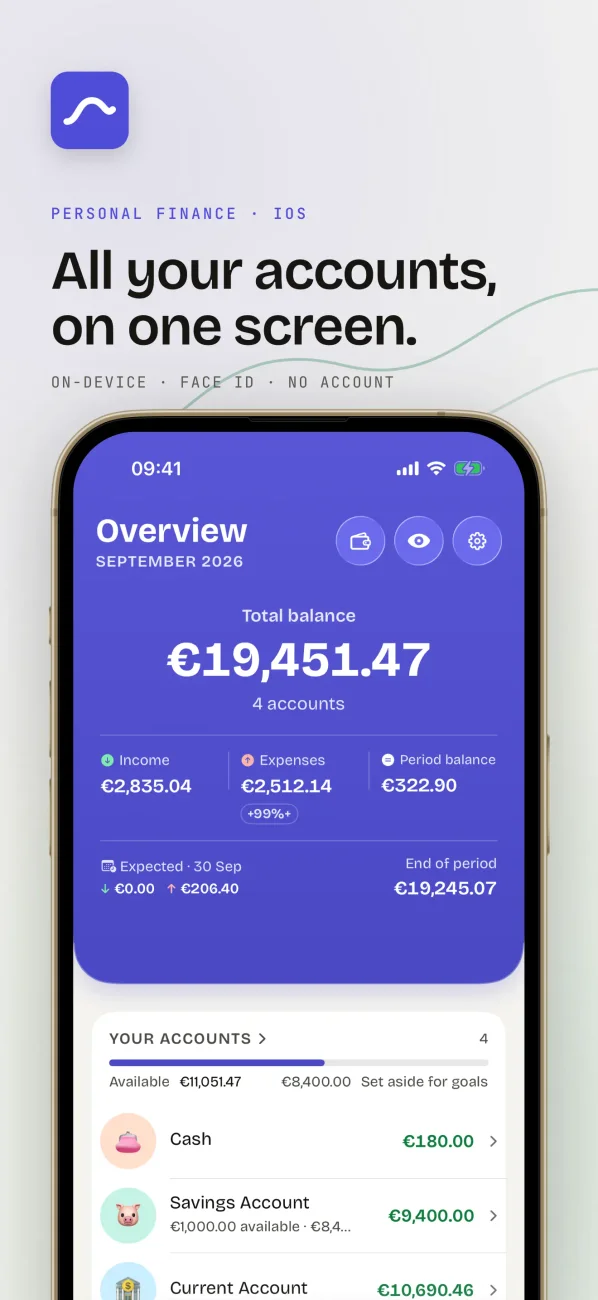
ALL YOUR ACCOUNTS TOGETHER
Current account, cash, prepaid cards, savings: add them all and see each balance plus the total on a single screen. No sign-up: open the app and you're in.
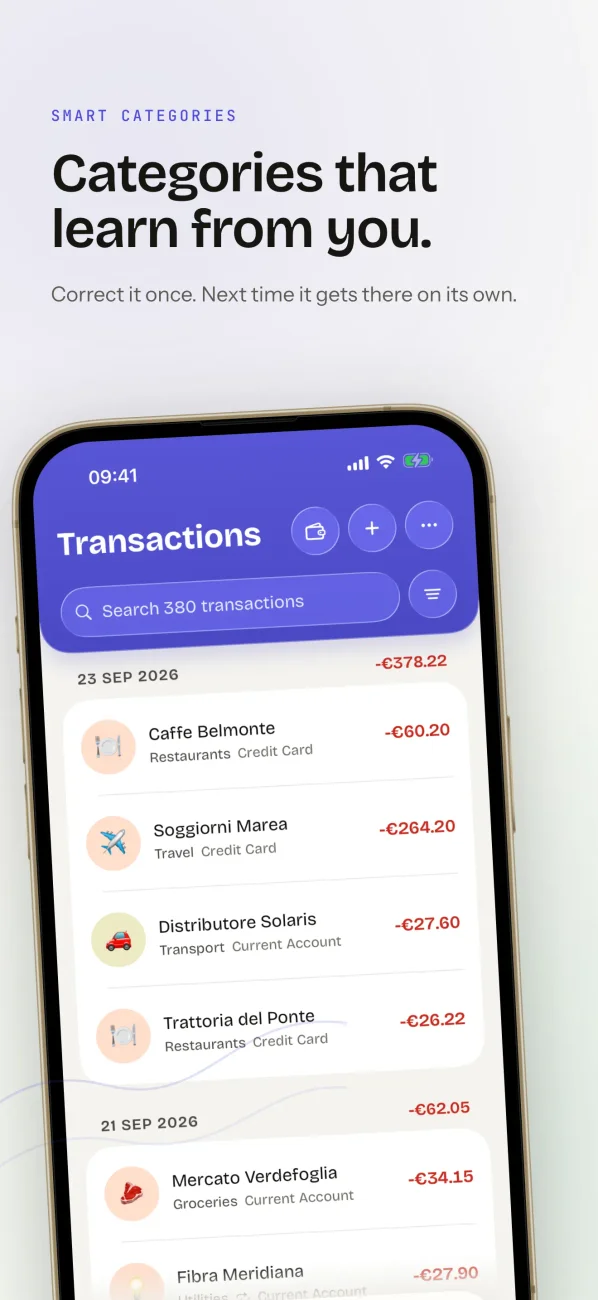
CATEGORIES THAT LEARN FROM YOU
As you type a description, Floow suggests the most likely categories and you pick one with a tap. It learns from that choice, so next time the right suggestion is already at the top — without you writing a single rule. In Settings, "What Floow has learned" shows everything it has picked up, and you can correct or delete it whenever you like.
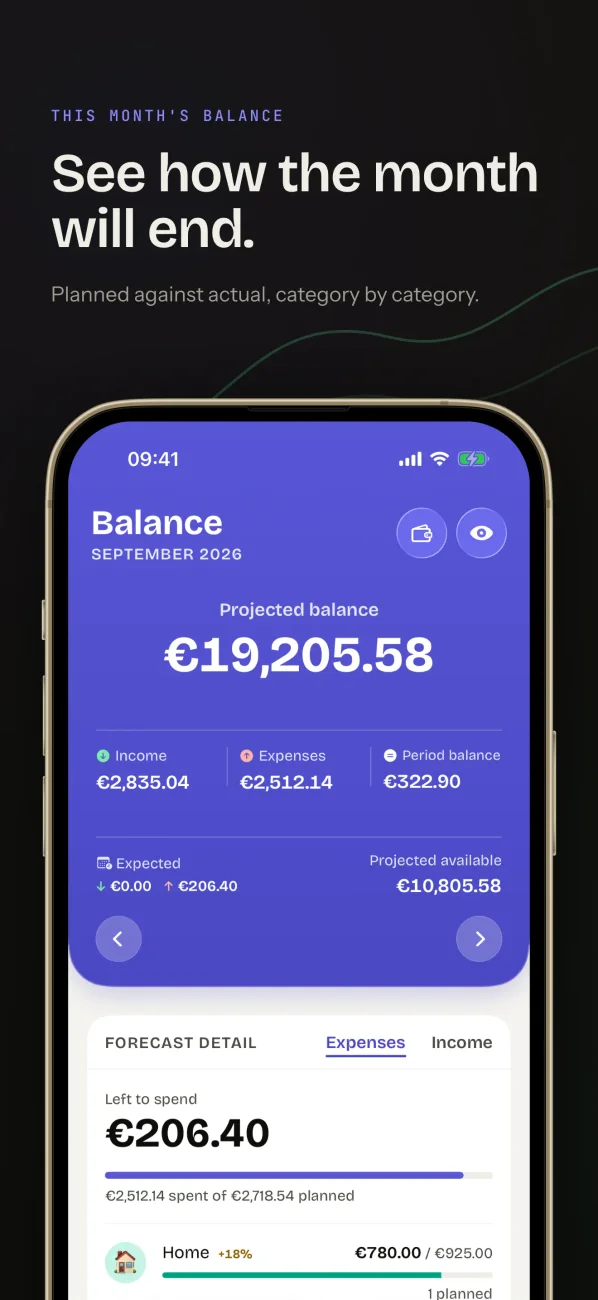
OVERVIEW AND BALANCE
Your combined balance across all accounts, income and spending for the period, and a projection to the end of the month. Balance tracks your net worth over time and separates what you have from what you are putting aside.
BUDGETS BY CATEGORY
Set a monthly limit for the categories you care about and see at a glance how much is left, and whether you are spending faster than the month allows. Nothing to fill in each month: budgets renew on their own.
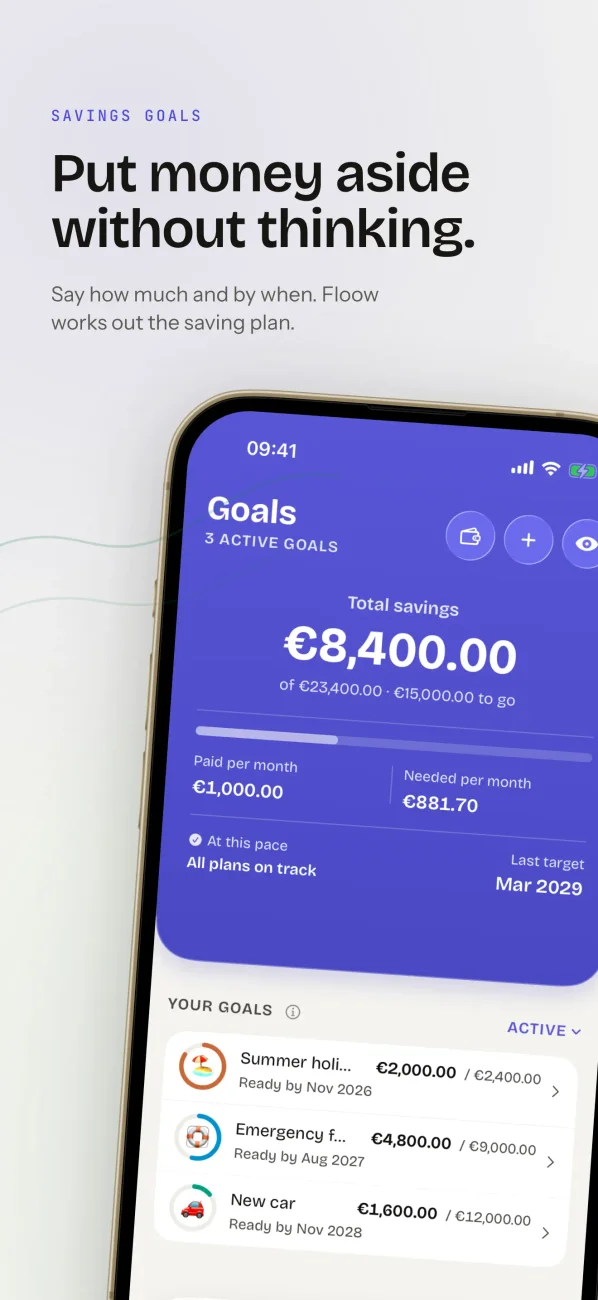
SAVINGS GOALS
A trip, a new car, an emergency fund. Decide how much and by when, and Floow works out the saving plan. Every contribution is recorded, and you can confirm or postpone upcoming instalments straight from the overview.
TRANSACTIONS, YOUR WAY
Instant search, filters by date, account, category and amount. Notes, tags and receipt photos attached to each transaction. Recurring payments with reminders, so rent and subscriptions never catch you out — and you choose which notifications you get.
YOUR DATA STAYS YOURS
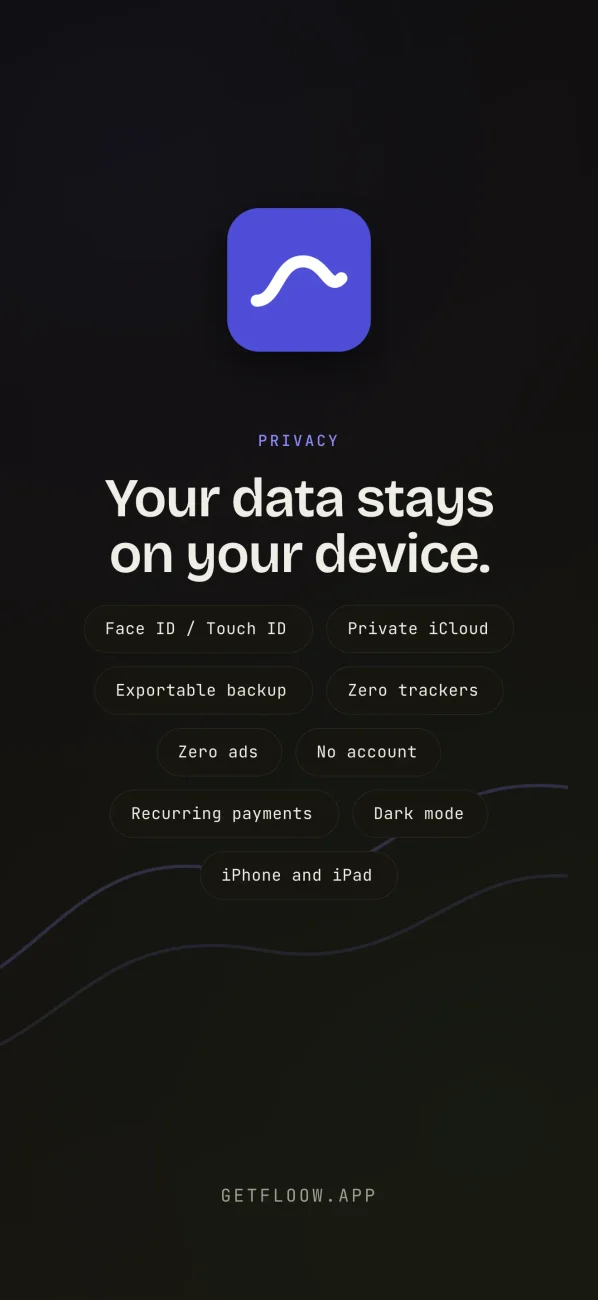
Transactions and balances live on your device. No server of ours stores them: no trackers, no ads, no profile sold to anyone. If you like, sync them across your devices with your private iCloud — or export a backup file that stays with you. Coming from another app? Bring your transactions in from a CSV file. Lock with Face ID or Touch ID.
ON iPHONE AND iPAD
One app that opens in two columns on iPad: the list on the left, the detail on the right, and the tabs become a sidebar. A dark mode tinted by the colour you choose. In English and Italian.
FREE, NO STRINGS
Accounts, transactions, budgets and goals have no limits. No in-app purchases, no ads, no cut-down version.
Questions or problems: support@getfloow.app
Privacy: https://getfloow.app/en/privacy
What’s new
Version 1.4 · Oct 26, 2026
Floow 1.4: monthly and yearly reports, and transactions logged by voice or from Apple Pay.
• Reports: at the bottom of the Overview, the report for the current month. Month shows spending day by day, your categories, the last six months of budgets and anything out of the ordinary. Year shows income and expenses, categories month by month, how much you save and your net worth. Tap a category to see its twelve months
• Siri and Shortcuts: "Add an expense in Floow" or "Add income in Floow", also from the Action button. A future date creates a scheduled transaction with its reminder
• Apple Pay payments: with a Wallet automation in the Shortcuts app, every payment lands in Floow on the card's account. The steps are in Settings → Siri and Shortcuts
• In Settings, "Leave a review" takes you straight to the App Store page
• In the editor, once a category is chosen only its icon remains, leaving more room for the note
• "Import from file" opens again on every iPhone running iOS 26
• Fixed an unexpected close after long use of the app
• "Uncategorised" counts only the accounts you are looking at, and no longer opens an empty list
• Restoring a backup no longer creates a second Transfer category, and budgets keep their date
• In Settings the tab bar stays still, and the Overview no longer jumps at the end of a scroll
• Trend percentages show the real value
App privacy
What Alessandro Recano declares on the App Store about how this app handles data.
-
Data not linked to you
May be collected but is not linked to your identity.
- Contact info
- User content
- Diagnostics
Privacy practices may vary, for example with the features you use or your age.
Information
- Seller
- Alessandro Recano
- Category
- Finance
- Version
- 1.4
- Updated
- Oct 26, 2026
- Released
- Aug 16, 2026
- Size
- 18.8 MB
- Requires
- iOS 26.2 or later
- Age rating
- 4+
- Languages
- Italian, English
- Copyright
- © 2026 Alessandro Recano
You might also like
-
 LibloManage money and expenses
-
 Konto: Expense TrackerExpenses that log themselves
-
 MyPersFinanceFinance
-
 Budget Bro - Fantasy FinanceMaster your money
-
 Quantik - Net Worth TrackerAll your wealth in one place
-
 CapTrack – Net Worth TrackerTrack wealth & investments
-
 OnePortfolio: Net Worth AppNet Worth & Portfolio Track
-
 Expense Tracker - RialtoBudget Planner, Bills & Wealth
-
 Spesix: Budget & ExpensesTrack money, hit your goals
-
 SBLO – Expense TrackerBudget, Balance & Savings