
- Age rating4+
- CategoryProductivity
- DeveloperFlo Ai Technologies
- LanguagesEnglish
- Size21.6 MB
Links to the official App Store page
Download.org hosts no file of FLOstate AI. The button opens its official App Store page, published by Flo Ai Technologies. Listing last checked on Nov 13, 2026.
Screenshots

About
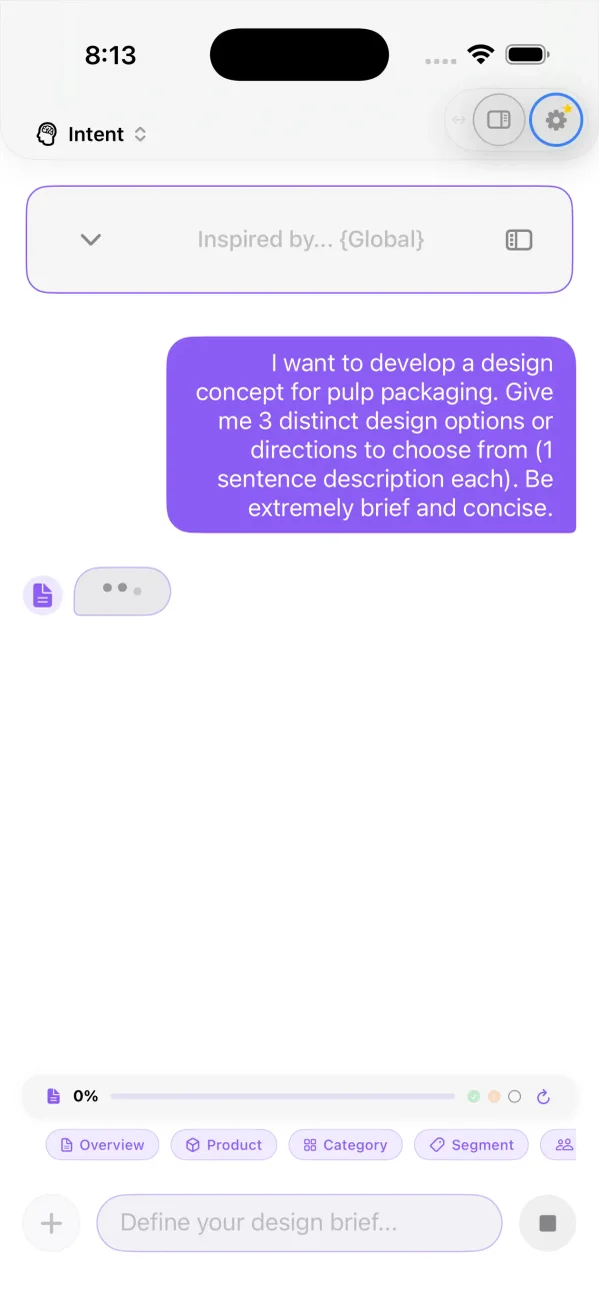
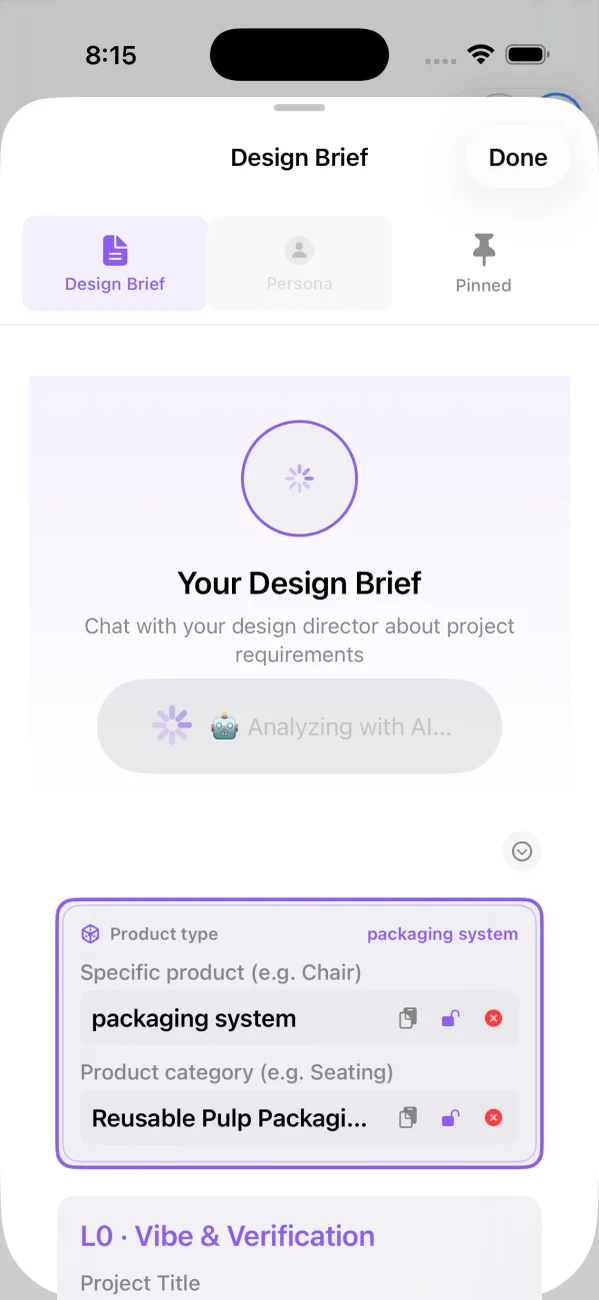
FLOstate is an AI-powered design collaboration platform built specifically for iPad. It transforms how designers, creatives, and professionals work with AI through visual-first workflows that match how designers actually think.
Terms of Use (EULA): https://theflo.ai/terms
Privacy Policy: https://theflo.ai/privacy
VISUAL-FIRST DESIGN WORKFLOW
Unlike traditional design tools that force text-based workflows, theFLOpad is built for visual thinkers. Every interaction is designed around imagery, spatial relationships, and experiential learning—the way designers naturally process information.
KEY FEATURES
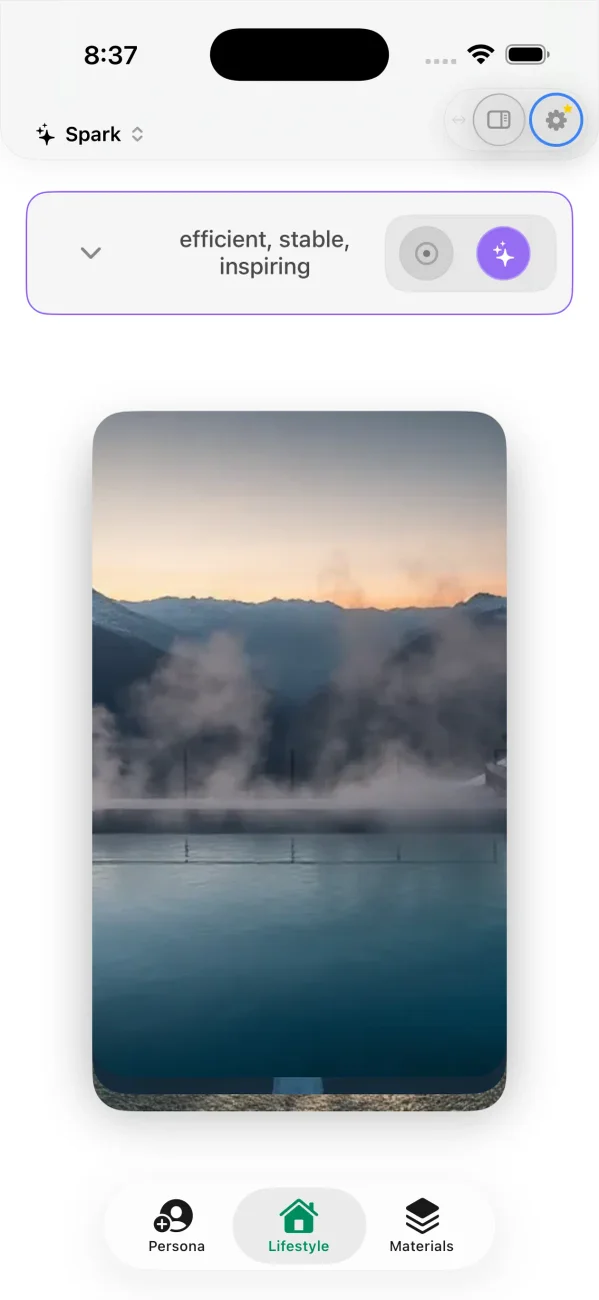
• AI Persona Builder
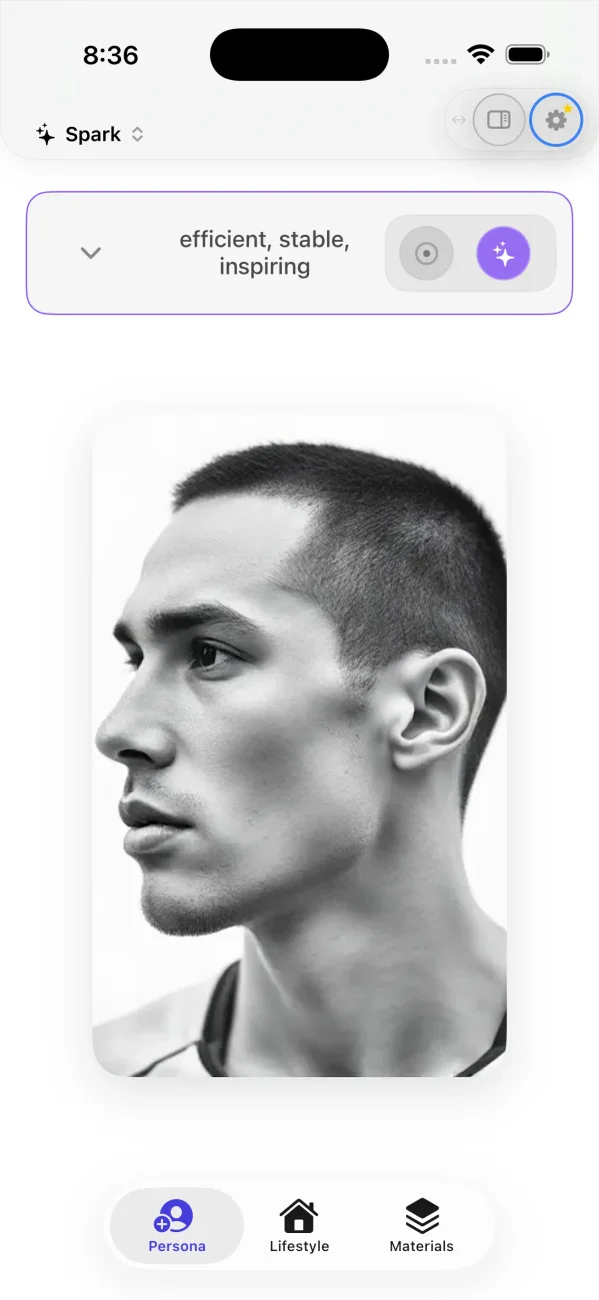
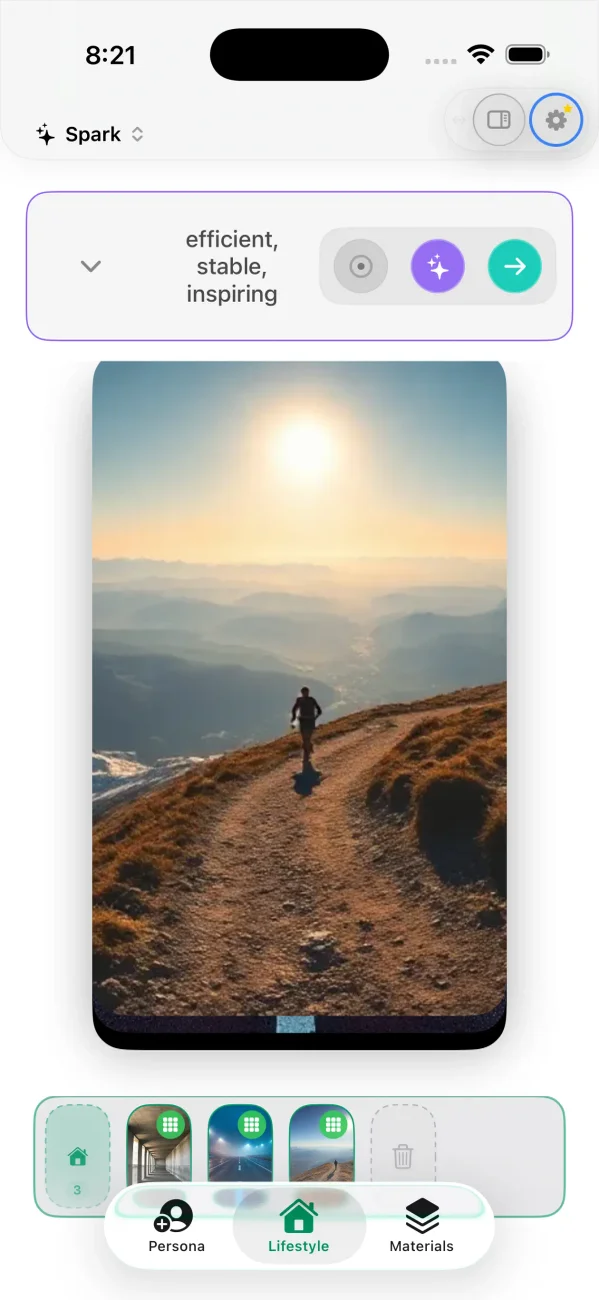
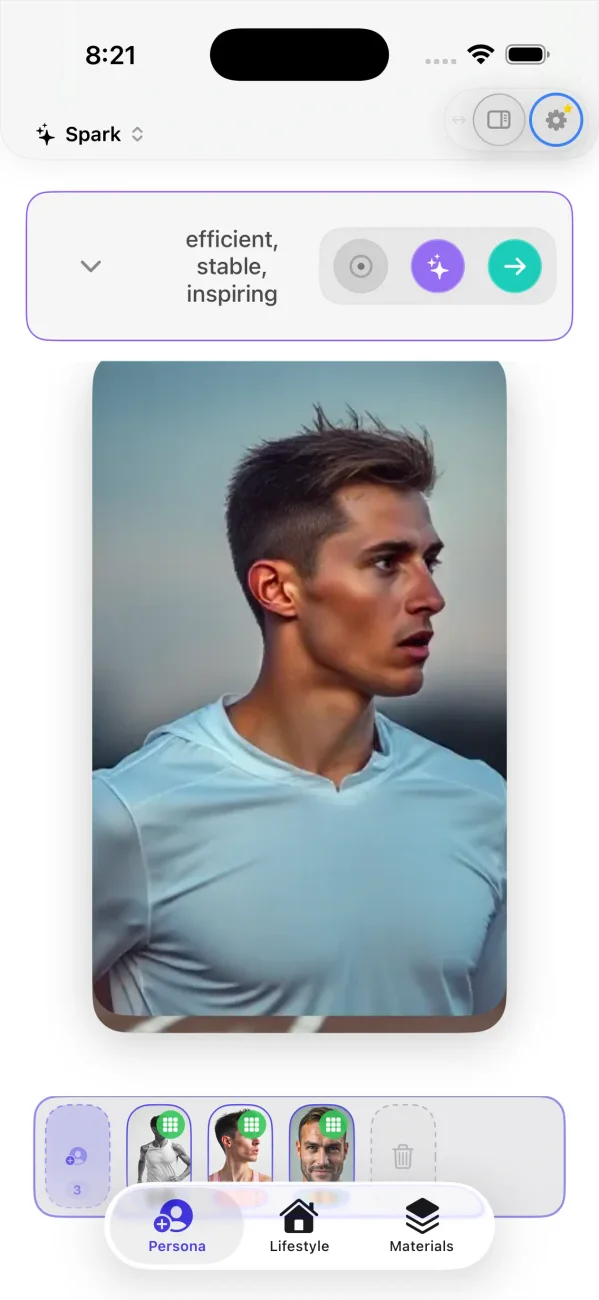
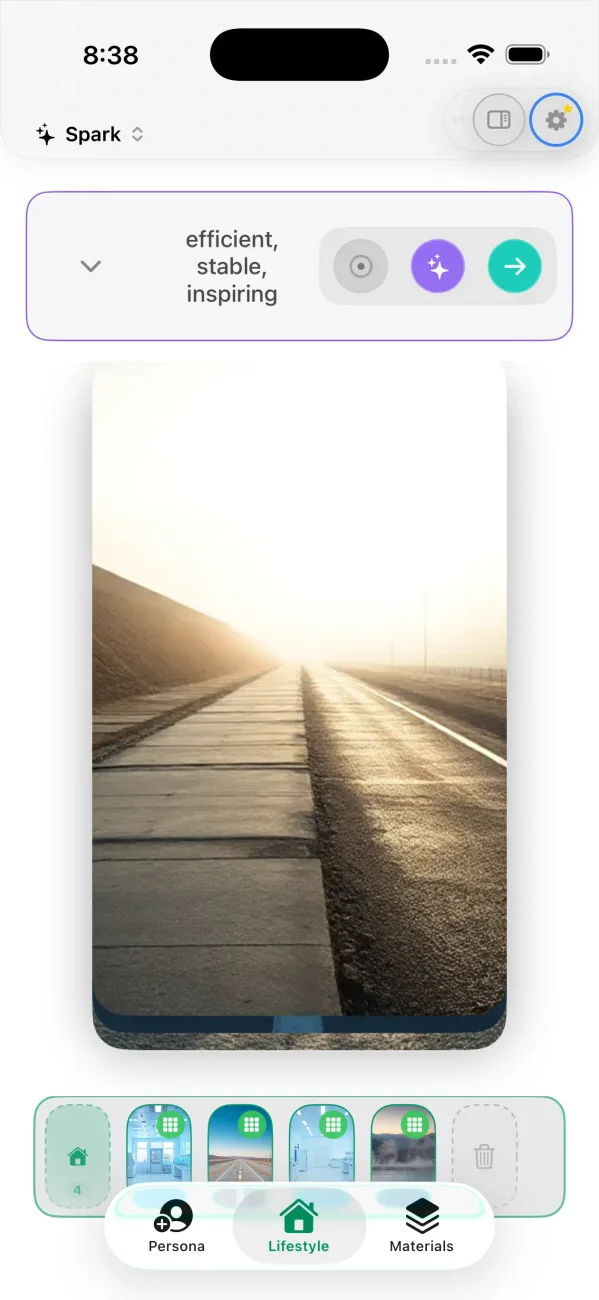
Create detailed customer personas using visual moodboards. Build three-category profiles (Persona, Lifestyle, Materials) that capture the essence of your target audience through images, not just text.
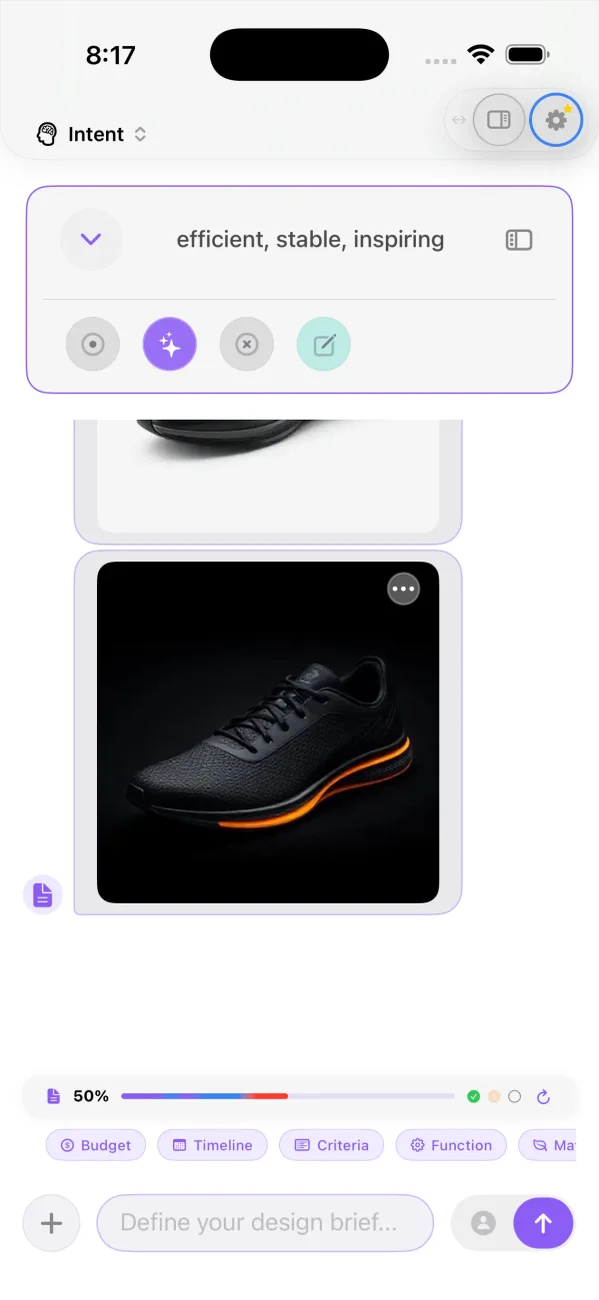
• AI Image Generation
Generate custom images with advanced AI models. Create concept visuals, moodboard elements, and design iterations that match your creative vision and persona requirements.
• Design Validation Chat
Have real conversations with AI personas to validate your design concepts. Test assumptions, get feedback, and ensure your designs resonate with your target audience before you build.
• Interactive Moodboards
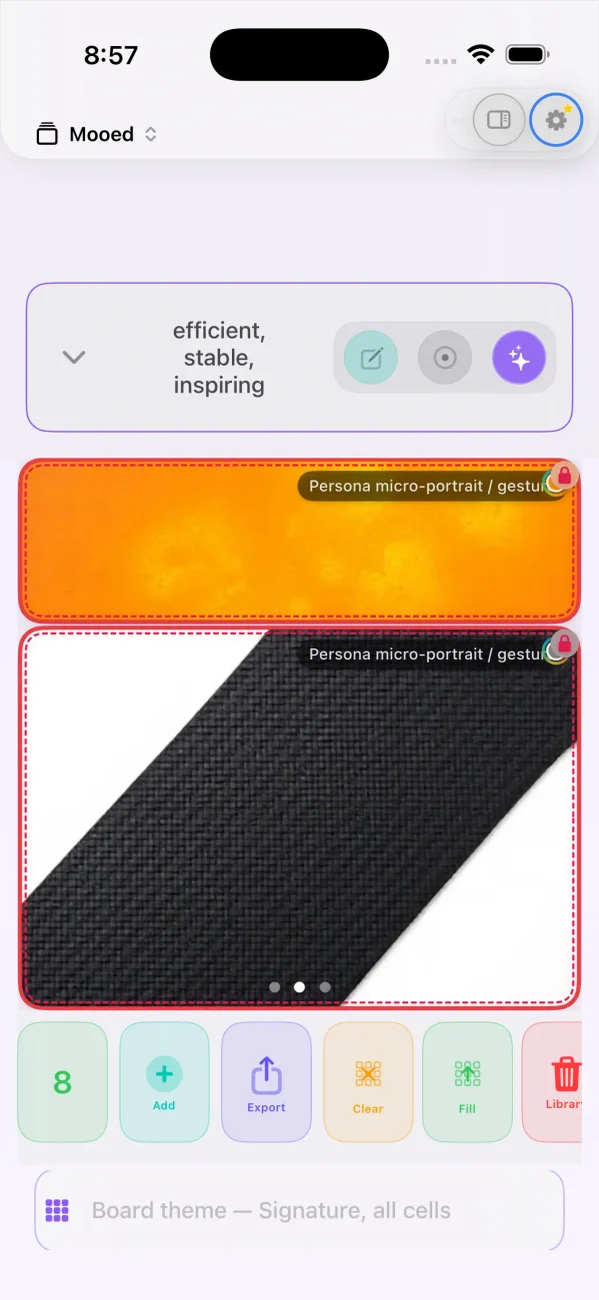
Build visual collections with intuitive drag-and-drop. Organize inspiration, concepts, and references in a spatial, visual format that matches your cognitive workflow.
• Drawing & Sketching
Use Apple Pencil to sketch, draw, and annotate directly on your iPad. Seamlessly integrate hand-drawn concepts into your digital workflow.
• Project Management
Organize all your design projects in one place. Track iterations, manage assets, and maintain visual continuity across all your creative work.
PERFECT FOR
• Industrial Designers – Visual pattern recognition professionals
• Graphic Designers – Aesthetic pattern recognition specialists
• Interior Designers – Spatial pattern recognition experts
• Contractors – Functional pattern recognition practitioners
• Creative Professionals – Anyone who thinks visually, not textually
THE DESIGNER'S DILEMMA SOLVED
Traditional design validation relies on text and abstract methods that do not match how designers think. theFLOpad bridges this gap by providing visual, experiential validation workflows that align with natural cognitive processes.
Instead of:
Designer Creates → Assumes Customer Needs → Builds Product → Customer Does Not Buy
You get:
Designer Creates → Builds AI Persona (Visual) → Converses with Persona → Validates Assumptions → Builds What Customers Actually Want
WHY THEFLOpad
• Built for iPad – Native touch, Apple Pencil, and gesture support
• Visual-First – Every feature designed around imagery and spatial thinking
• AI-Powered – Advanced AI models for image generation and persona conversations
• Privacy-Focused – Secure authentication with Sign in with Apple
• iCloud Sync – Access your creations anywhere, anytime
GET STARTED
Download theFLOpad and transform your design workflow today. Build personas visually, generate images with AI, validate concepts through conversation, and create designs that customers actually want.Download theFLOpad and transform your design workflow today. Build personas visually, generate images with AI, validate concepts through conversation, and create designs that customers actually want.
Perfect for design students, creative professionals, and anyone who wants to leverage AI for faster, more innovative design work.
Terms of Use: https://theflo.ai/terms
Privacy Policy: https://theflo.ai/privacy
Perfect for design students, creative professionals, and anyone who wants to leverage AI for faster, more innovative design work.
What’s new
Version 1.0.11 · Jun 30, 2026
Bug fixes and performance improvements.
App privacy
What Flo Ai Technologies declares on the App Store about how this app handles data.
-
Data linked to you
May be collected and linked to your identity.
- Contact info
- Identifiers
Privacy practices may vary, for example with the features you use or your age.
Information
- Seller
- FLO.AI Inc.
- Category
- Productivity
- Version
- 1.0.11
- Updated
- Jun 30, 2026
- Released
- Apr 14, 2026
- Size
- 21.6 MB
- Requires
- iOS 17.0 or later
- Age rating
- 4+
- In-app purchases
- Yes
- Languages
- English
- Copyright
- © 2025 theFLOAI. All rights reserved.
You might also like
-
 Paraphrase Tool - AI HumanizerHumanize AI Detector & Reword
-
 Leximo: AI Call AgentAI Phone Calls on Your Behalf
-
 Creative AI Command PromptsAI Prompt Gallery
-
 Shed Suite CRMProductivity
-
 Revclip: Post & EarnTurn views into money
-
 Surfed - Browser & BookmarkManage your browsing history
-
 Token2 CompanionUse FIDO2 key as a TOTP token
-
 Muse for ActorsMemorize your lines with ease
-
 Picture to text: Image ScannerHandwriting to text scanner
-
 Jeeves AiCopy. Marketing. AI Writer