
- Age rating17+
- CategoryProductivity
- DeveloperShryas Bhurat
- Size1.5 MB
Links to the official App Store page
Download.org hosts no file of Flow Pad. The button opens its official App Store page, published by Shryas Bhurat. Listing last checked on Nov 14, 2026.
Screenshots

About
Flow Pad is a private notes app for iPhone and iPad. Record by voice or write notes, then get on-device transcription, summaries, and a chat to ask questions about any note, no account, no data sent off your device.
RECORD
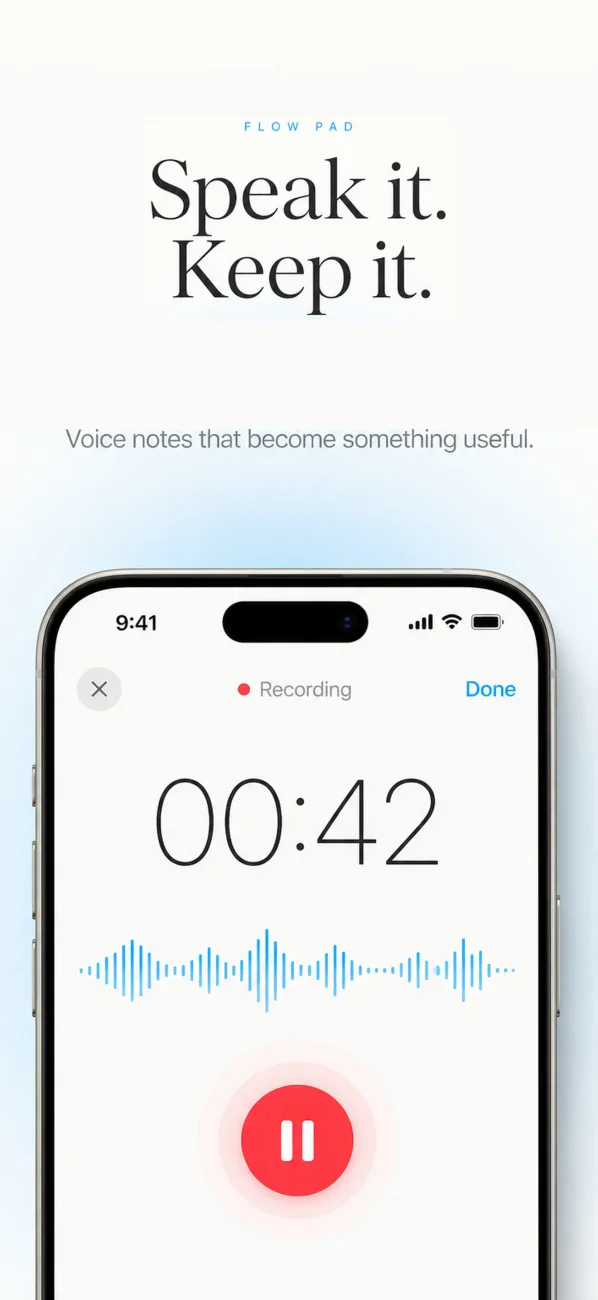
• Full-screen recorder with live waveform
• Pause and resume; tap Done to save as a note in your Notes list
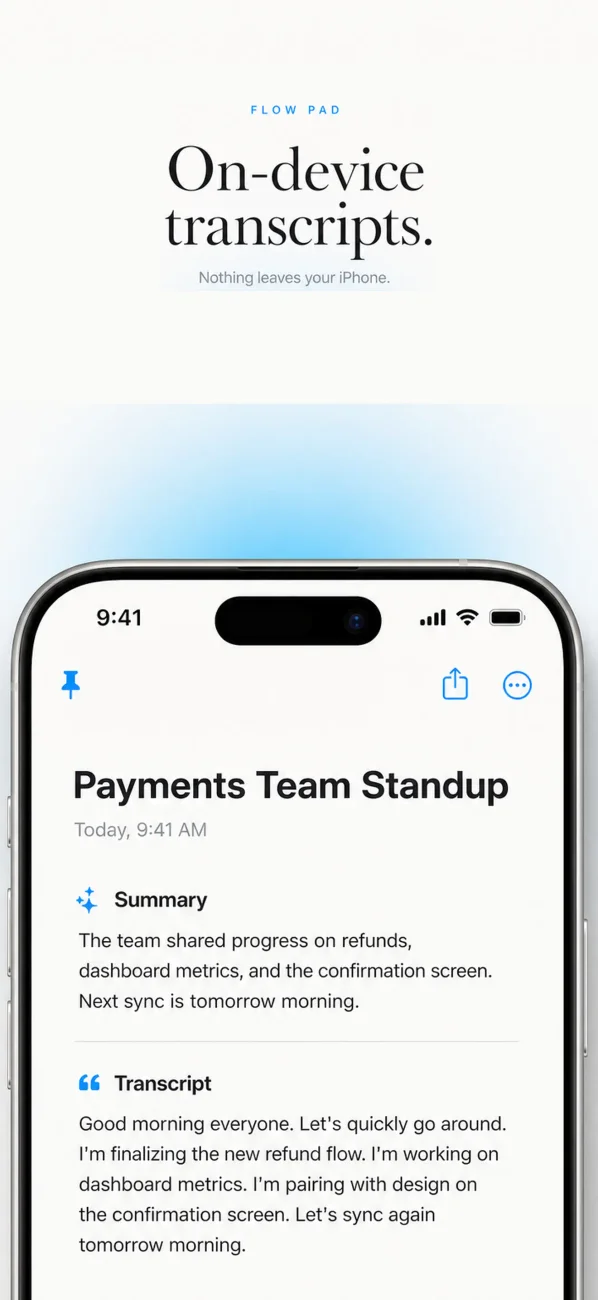
• On-device speech-to-text (Apple Speech); transcript appears in the note
SUMMARIZE
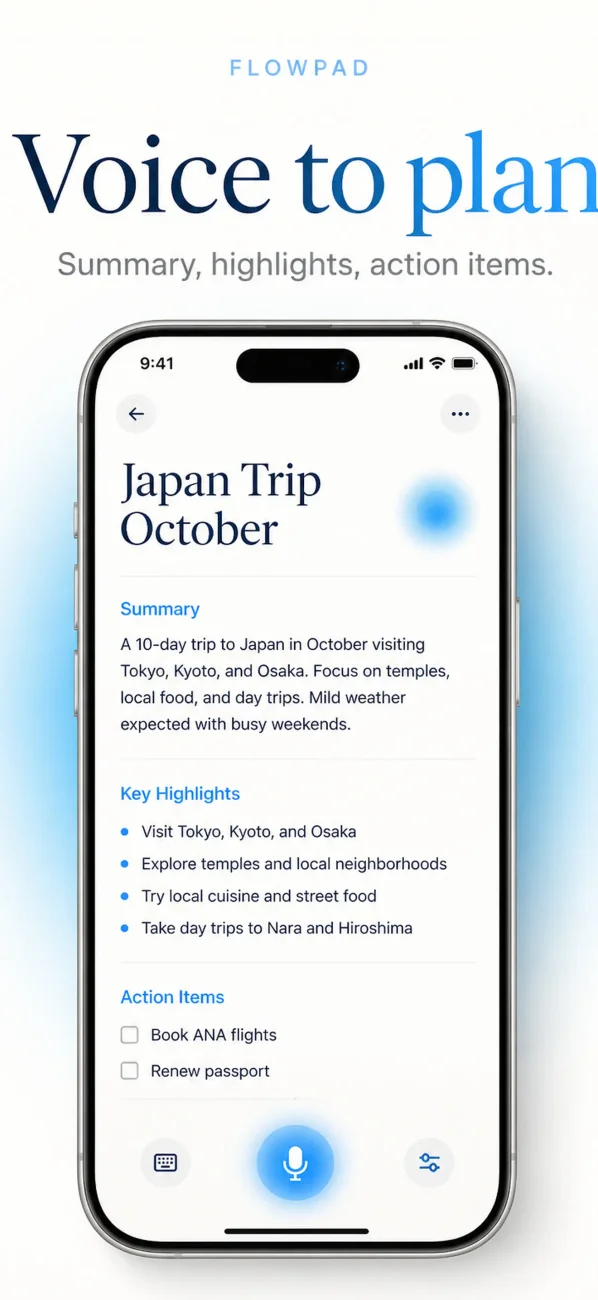
• On-device summarization (Apple Foundation Models when available, or built-in extractive summary)
• Each note gets a summary, key highlights (bullets), and action items with checkboxes
• Tap “Generate summary” in the note if it wasn’t created yet
ASK ABOUT THIS NOTE
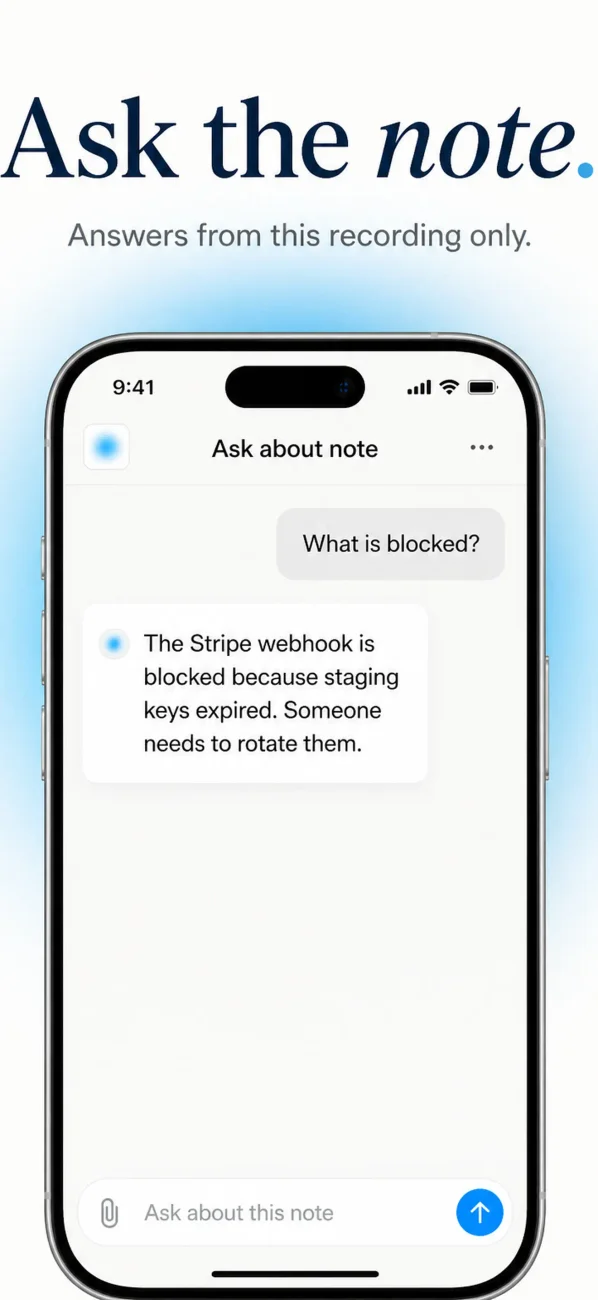
• “Ask about this note” at the top of each note opens a chat
• Ask anything about that note; answers use only its summary, transcript, and content—on device
• Input bar stays just above the keyboard so you can type and send easily
WRITE NOTES
• Create written notes (title + body) from the Notes screen (+ menu: Record or Write Note)
• Add headings, bullet lists, and photos from your library
• Same summarization and “Ask about this note” as voice notes
ORGANIZE & FIND
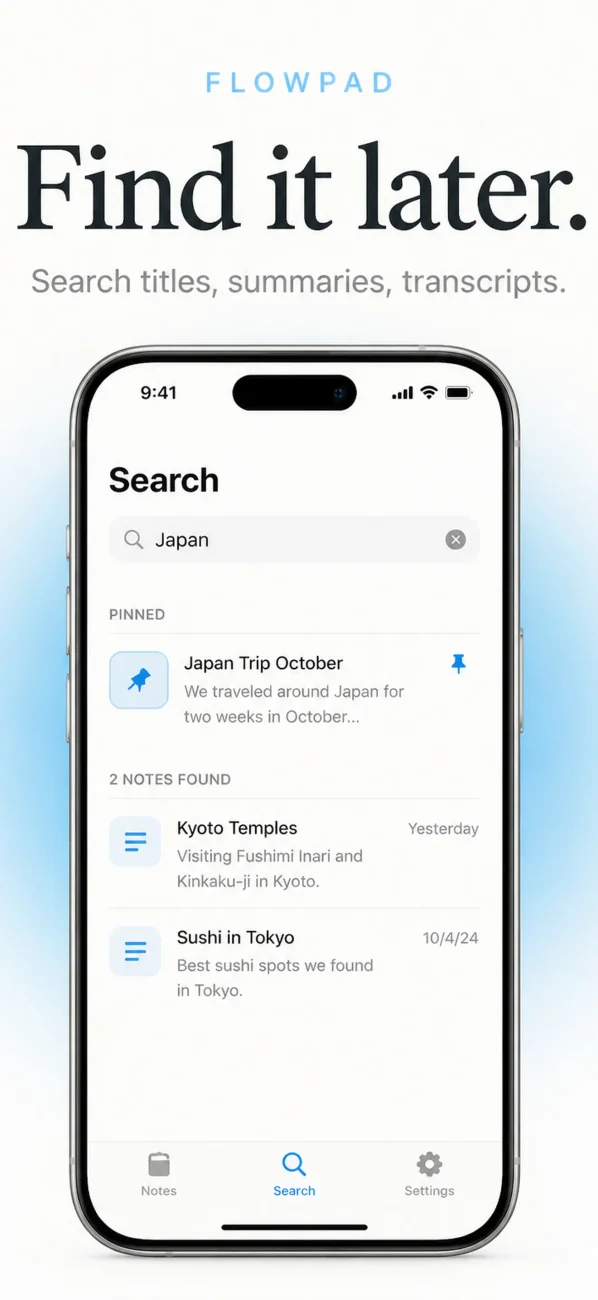
• Notes list with “Search notes”; grouped by Today, Yesterday, and date
• Pin notes to the top; full-text search across titles, summaries, and transcripts
• Swipe or context menu to delete; Pin, Copy, Share from the list or the note’s ⋯ menu
NOTE DETAIL
• Editable title; audio playback with waveform and progress
• Summary, key highlights, action items (tap to mark done), transcript, written content
• One-tap copy (summary, transcript, or all) and share
PRIVACY
• Recording, transcription, summarization, and Q&A all happen on your device
• No account or sign-in; microphone for recording, Speech Recognition for transcription, Photo Library, only if you add photos
Flow Pad: voice and written notes, on-device AI, and ask anything about your notes—without sending your data elsewhere.
What’s new
Version 4.2 · Aug 17, 2026
Smarter on-device summaries, still fully private.
• Voice and written notes now produce clearer summaries, key highlights, and action items
• Action items stay faithful to what you actually said. No invented to-dos
• Short notes like “call Priya” and “buy milk” are captured as tasks
• Ask about this note is more accurate, with suggested follow-up questions
• Names, dates, and numbers are kept in the summary
• Recording, transcription, and AI still run on your iPhone. Nothing is sent to us
App privacy
What Shryas Bhurat declares on the App Store about how this app handles data.
-
Data not collected
The developer does not collect any data from this app.
Privacy practices may vary, for example with the features you use or your age.
Information
- Seller
- Shryas Bhurat
- Category
- Productivity
- Version
- 4.2
- Updated
- Aug 17, 2026
- Released
- Mar 19, 2026
- Size
- 1.5 MB
- Requires
- iOS 26.0 or later
- Age rating
- 17+
- Price
- Free
- Copyright
- © 2026 Camou Labs
You might also like
-
 PromptWallet AI Prompt LibraryFind and reuse what works
-
 CopyPasta - Clipboard HistoryManage copy paste records
-
 Save Button AppProductivity
-
 Veura: Voice to TextAudio Recorder & Transcription
-
 Ambi AIAI That Remembers You
-
 TensorChat: Private AIIntelligence on your terms
-
 TranscribeAppTranscribe audio into text
-
 Balane TextDeck: ShortcutsPrompt Library & Text Expander
-
 Snippets: Quick Markdown NotesSync via iCloud
-
 TimeZone Vanguard: World ClockTime Zone Converter & Planner