Flow: Pomodoro Timer & Focus
Deep work sessions & breaks
Designed for iPhone, iPad
In-app purchases
- Age rating4+
- CategoryProductivity
- DeveloperRemi Herbiet
- LanguagesGerman+ 43 more
- Size18.4 MB
Links to the official App Store page
Download.org hosts no file of Flow: Pomodoro Timer & Focus. The button opens its official App Store page, published by Remi Herbiet. Listing last checked on Nov 23, 2026.
Screenshots


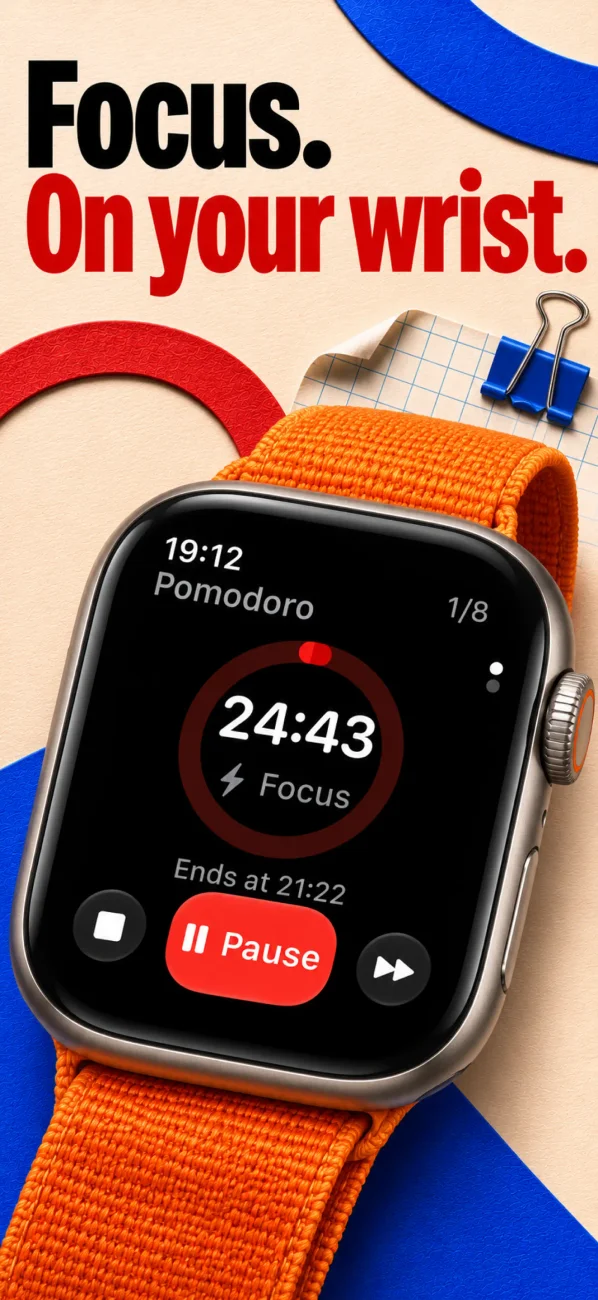
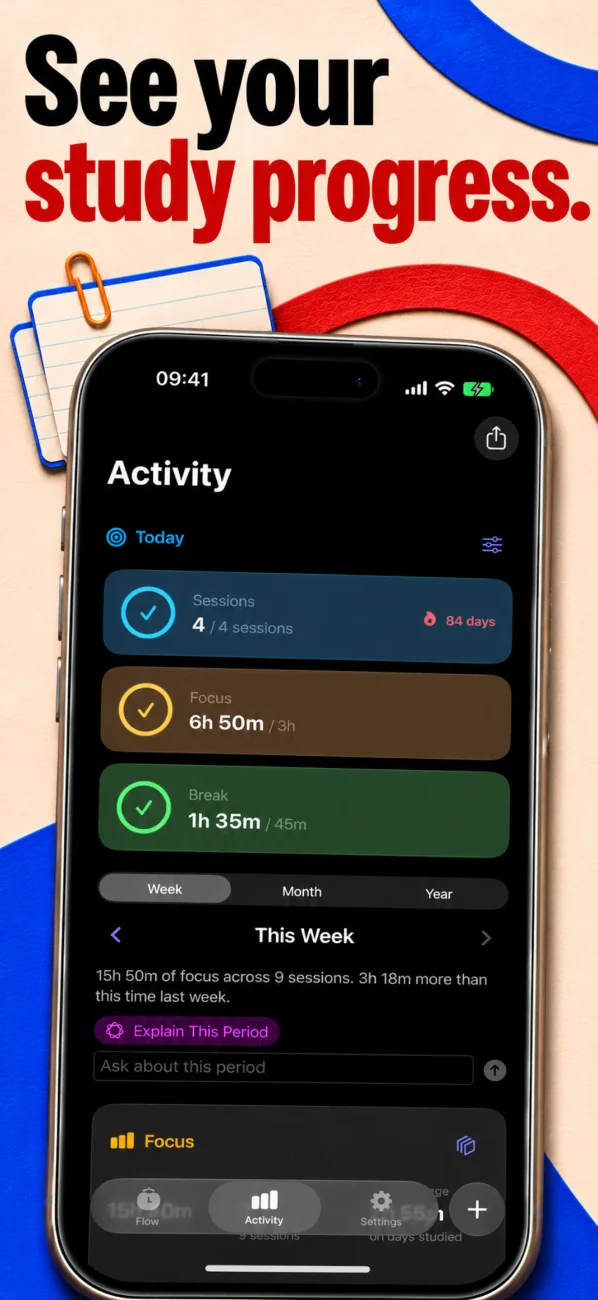
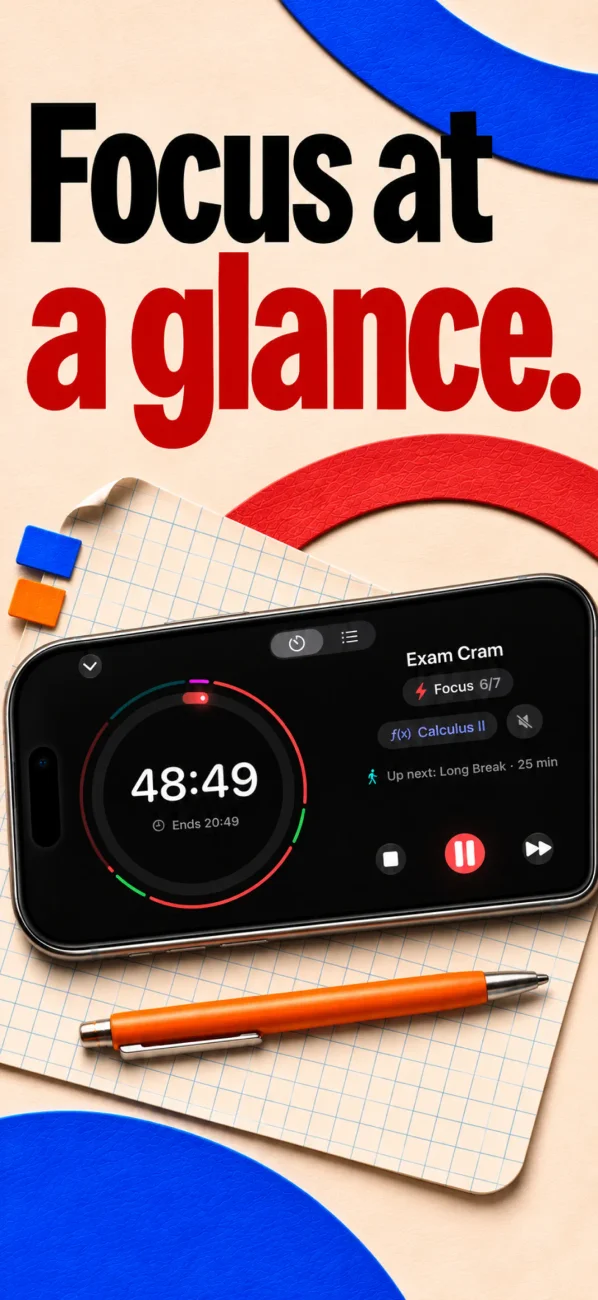
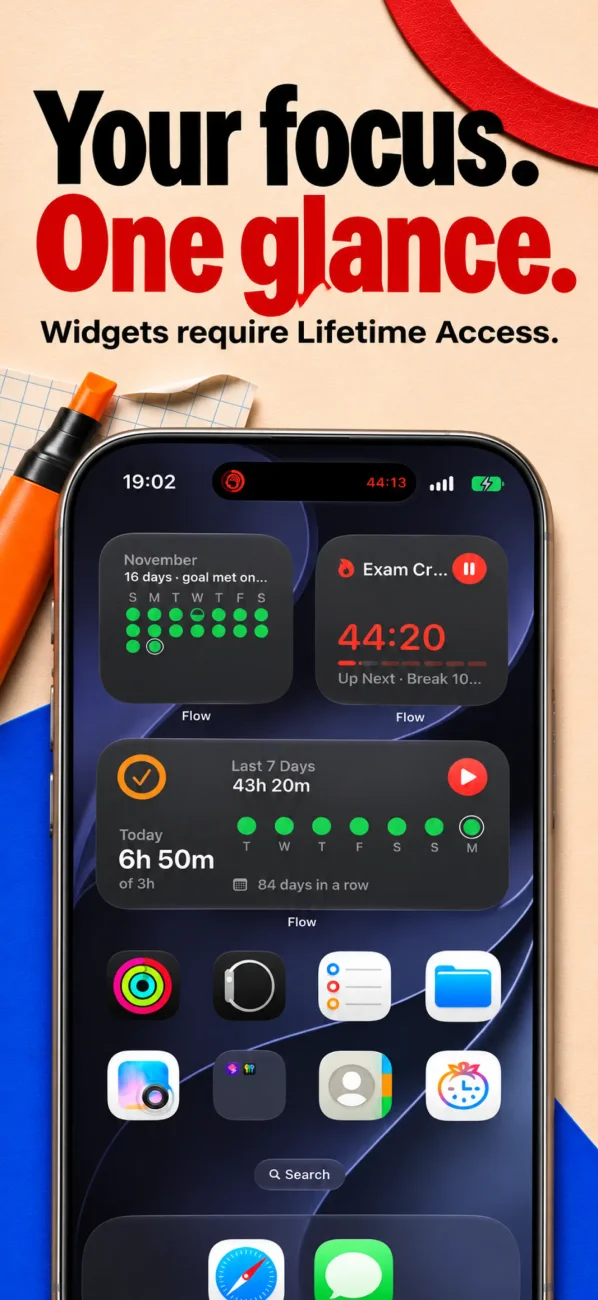

About
Focus with intention. Not with friction.
Flow is a minimalist Pomodoro and focus timer that helps you structure deep work, follow flexible Flows, and take meaningful breaks without turning productivity into another complicated system.
No accounts. No subscriptions. No noise. Just press start.
HOW IT WORKS
▸ Pick a flow: classic Pomodoro or your own custom sequence
▸ Press start. Flow handles the timing.
That's it. No onboarding maze. No overloaded settings screen.
WHY PEOPLE SWITCH TO Flow
▸ Starts fast, with almost no setup friction
▸ Gentle transitions between blocks, not jarring alarms
▸ Clear in both light and dark mode
▸ Thoughtful Apple-native design with privacy at the centre
SEE YOUR PROGRESS WITHOUT THE PRESSURE
▸ Track focused time by day and week
▸ View session history and consistency over time
▸ Review notes and patterns without turning focus into a game
▸ Honest progress data, not gamification traps
DESIGNED FOR iOS, NOT PORTED TO IT
▸ Apple-native SwiftUI with smooth animations and subtle haptics
▸ Home Screen widgets and Live Activities support
▸ Works comfortably on iPhone and iPad
▸ Supports Dynamic Type, VoiceOver, and Reduce Motion
FREE VS FLOW PRO
Free:
▸ Up to three saved flows from built-in templates
▸ Basic session history
▸ Full timer experience with no ads
Flow Pro: pay once, keep it
▸ Unlimited custom Flows
▸ Block distracting apps and websites
▸ Detailed statistics and session insights
▸ Home Screen widgets
▸ Session reminders
No subscriptions. No trials that auto-renew. One purchase.
BUILT FOR
▸ Students during exam season
▸ Developers in deep code sessions
▸ Writers, designers, and makers
▸ Anyone with ADHD who needs gentle structure
▸ Knowledge workers tired of overbuilt productivity apps
Focus on what matters. One session at a time.
What’s new
Version 26.0.2 · Nov 18, 2026
Flow is now more dependable from start to finish, with more accurate focus-session timing, stronger recovery after relaunch, and a clearer experience on iPad.
Improved:
• Focused time stays accurate when you end a session or skip a block early.
• Active sessions recover more reliably after reopening Flow.
• iPad navigation, Activity, and the expanded timer make better use of larger screens.
• Screen Time authorisation and accessibility are more robust.
Thanks for focusing with Flow.
App privacy
What Remi Herbiet declares on the App Store about how this app handles data.
-
Data not collected
The developer does not collect any data from this app.
Privacy practices may vary, for example with the features you use or your age.
Information
- Seller
- Remi Herbiet
- Category
- Productivity
- Version
- 26.0.2
- Updated
- Nov 18, 2026
- Released
- Feb 10, 2026
- Size
- 18.4 MB
- Requires
- iOS 18.0 or later
- Age rating
- 4+
- In-app purchases
- Yes
- Languages
- German, Arabic, Bengali, Danish, English, Finnish, French, Greek, Gujarati, Hebrew, Hindi, Indonesian + 32 more
- Copyright
- © Crafter Apps
You might also like
-
 AL-60: Visual & Focus TimerMinimal menu-bar countdown
-
 Pomodoro+ Focus TimerFocus Timer & Time Tracker
-
 tomodoro - focus timerdeep focus pomodoro timer
-
 Habit Tracker - OneMinimal habit tracker
-
 Orbit – Habit & Memory TrackerSee your life as an orbit
-
 PomoDo!Helps do more!
-
 Flow Pomodoro: Earn A BreakFlexible breaks for deep work
-
 PomoDuo: Pomodoro Focus TimerADHD Study Buddy, Block Apps
-
 ToDue: Relentless RemindersReminders that won't let go
-
 Pomolume: Pomodoro Study AlarmFocus Coach for Work Session