Flow Timer: Visual Countdown
Hourglass, ADHD Focus & Study
Designed for iPhone, iPad
Free · In-app purchases
- Age rating4+
- CategoryProductivity
- DeveloperCodejuno Ltd
- LanguagesEnglish+ 14 more
- Size82.9 MB
Links to the official App Store page
Download.org hosts no file of Flow Timer: Visual Countdown. The button opens its official App Store page, published by Codejuno Ltd. Listing last checked on Nov 14, 2026.
Screenshots
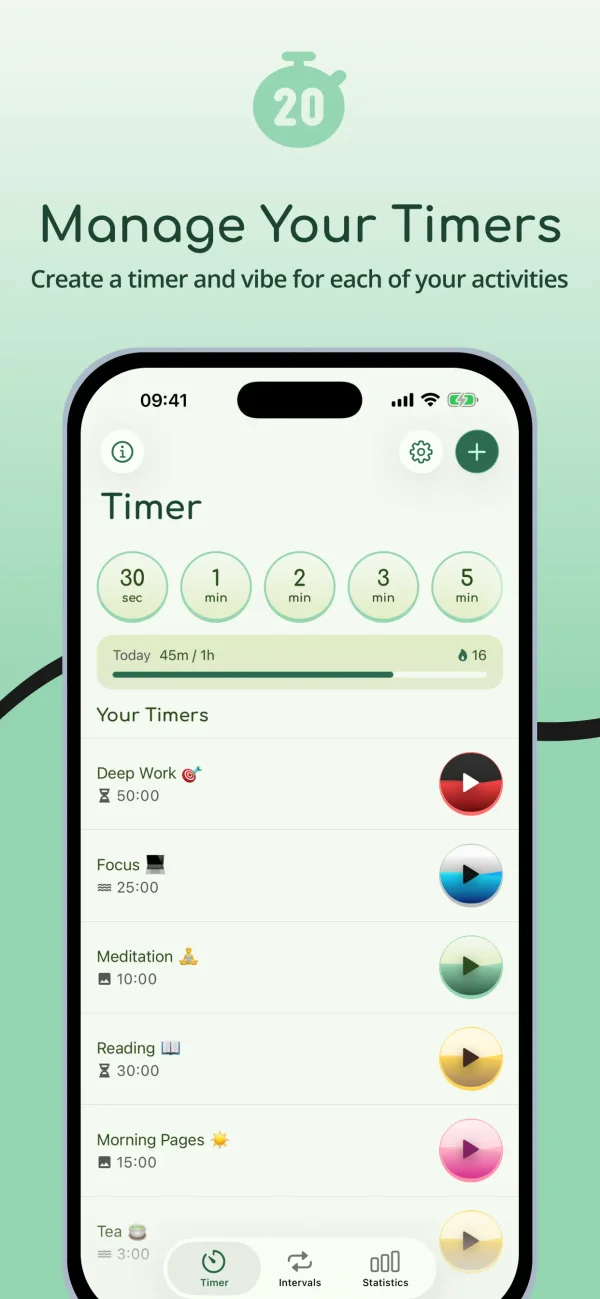
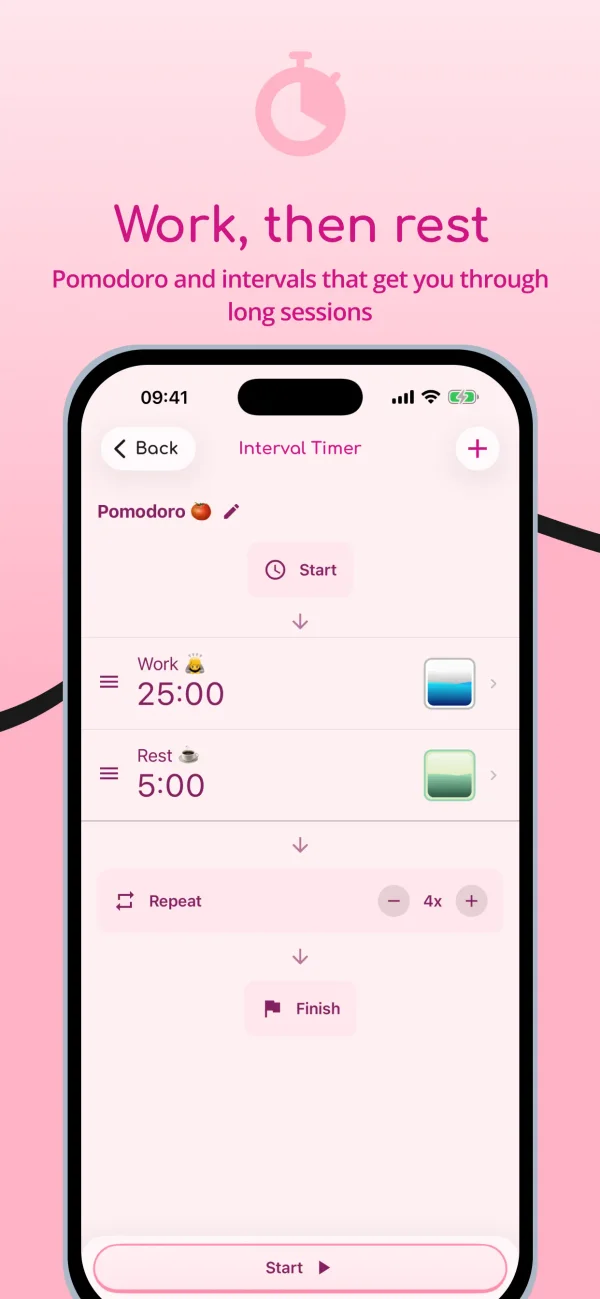

About
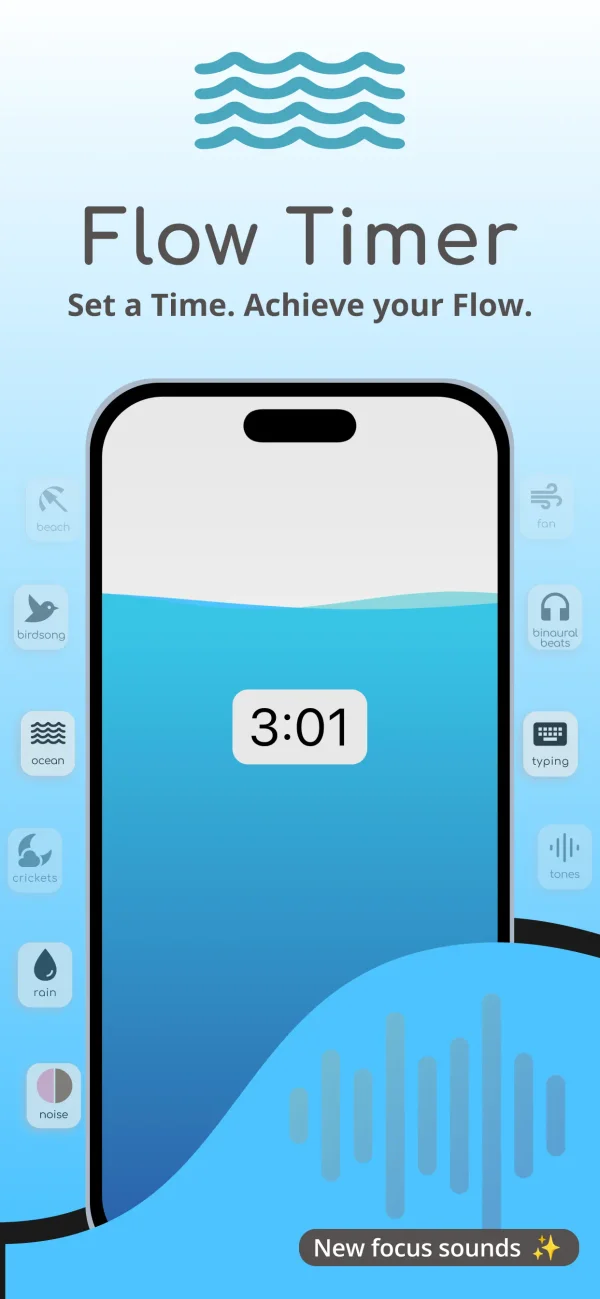
Water climbs. Sand falls. A picture appears.
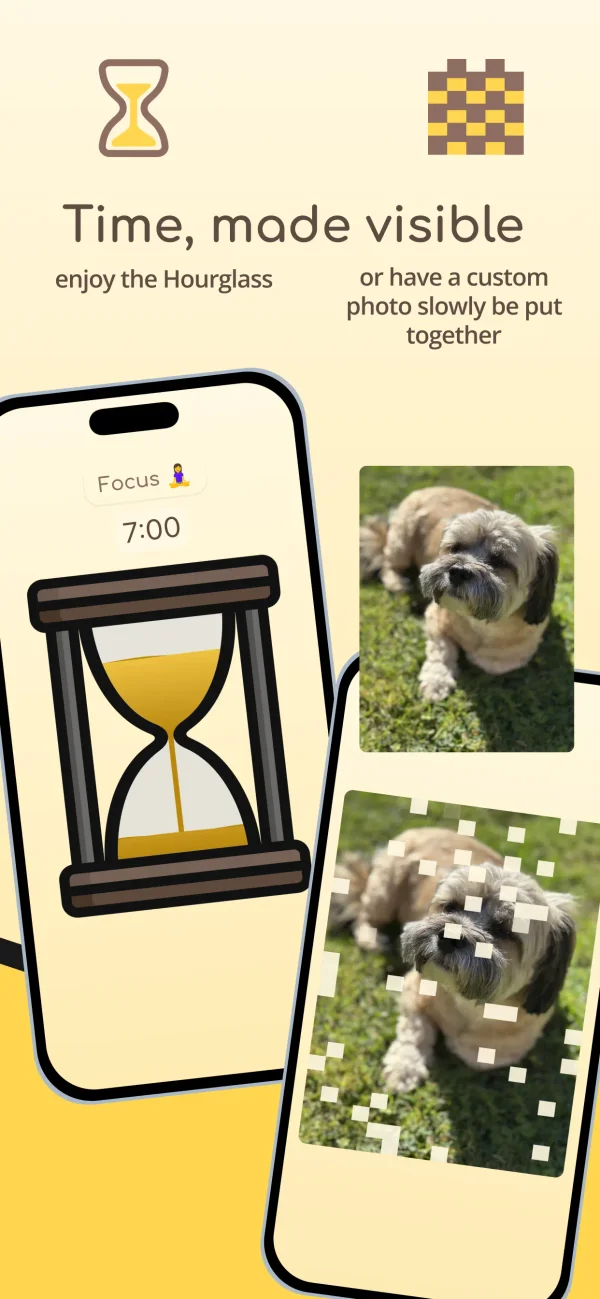
Flow Timer is a visual timer: it shows you time instead of telling you. Water that climbs the glass as you go, a sand timer whose grains really fall, or a picture that paints itself while you work. Glance at it and you know how long is left — no numbers to read, no arithmetic.
BUILT FOR TIME BLINDNESS
When minutes feel invisible — as they often do for people with ADHD — a shape you can watch beats a number you have to interpret. That is the whole design. Nothing flashes, nothing nags, nothing demands a decision. The timer simply keeps being visible until it is done.
A TIMER WORTH LOOKING AT
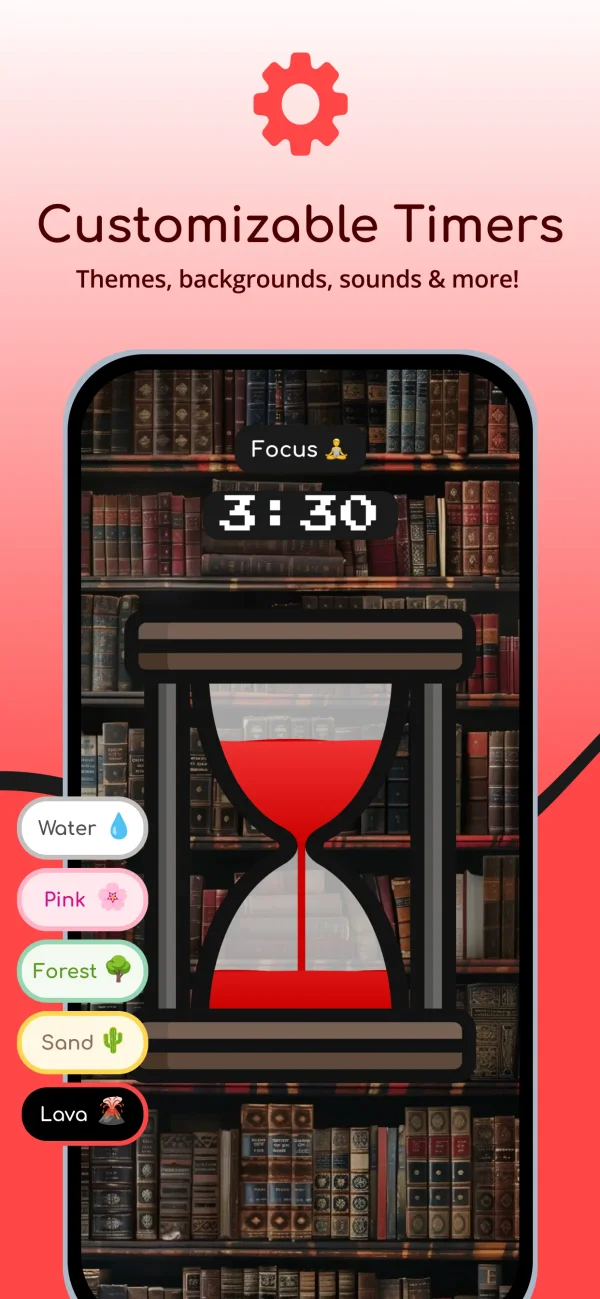
Most timers are ugly because nobody expects you to watch them. This one is made to be watched: hand-drawn scenes, five colour palettes, an hourglass with real falling sand, calming sounds, and a zen mode that clears away everything but the time. Leave it running on a desk or a second screen and it earns its place.
IN THE CLASSROOM AND AT HOME
Big enough to read from the back row, clear enough for a child who cannot read a clock yet. Transitions, tests, quiet reading, toothbrushing, screen time, bedtime wind-down. A visual countdown ends the "how long left?" question without anyone having to answer it.
ALSO A GOOD STUDY TIMER
Set any duration, name it, start it in one tap. Build interval sessions for pomodoro study blocks, workouts or circuits. Streaks, badges, a heatmap and monthly trends record where your focus actually went, from your very first session.
OFFLINE, AND STAYS THAT WAY
No account, no sign-in, no analytics, no ads. Flow Timer collects nothing about you because it has nowhere to send it — everything stays on your device unless you export a backup yourself. Available in 15 languages.
ONE PURCHASE, NOT A SUBSCRIPTION
Free covers the liquid mode, the sand timer, intervals, every duration, most sounds and your daily statistics. Flow Timer Pro is an optional one-time purchase — never a subscription — adding canvas timers with your own photos, binaural beats and focus tones, your complete history, and backup export. Buy it once and it is yours for good.
Built by one person who wanted a timer worth looking at.
What’s new
Version 2.4.0 · Sep 1, 2026
Flow Timer Pro is here — and if you already use the app, nothing has been taken away. Everything you have today stays yours, free, forever.
Pro is one purchase, never a subscription. It adds canvas timers with your own photos, binaural beats and focus tones, your full focus history, and backup export.
Also in this version: the app now shows as "Flow Timer" on your home screen in every language, and onboarding and button labels are tidier.
App privacy
What Codejuno Ltd declares on the App Store about how this app handles data.
-
Data not collected
The developer does not collect any data from this app.
Privacy practices may vary, for example with the features you use or your age.
Information
- Seller
- Codejuno Ltd
- Category
- Productivity
- Version
- 2.4.0
- Updated
- Sep 1, 2026
- Released
- Mar 20, 2025
- Size
- 82.9 MB
- Requires
- iOS 16.4 or later
- Age rating
- 4+
- Price
- Free
- In-app purchases
- Yes
- Languages
- English, Arabic, Dutch, French, German, Hindi, Italian, Japanese, Korean, Portuguese, Russian, Simplified Chinese + 3 more
- Copyright
- © 2026 Codejuno
You might also like
-
 Lofi Pomodoro TimerLofi Pomodoro Study Timer
-
 Pomodoro Buddy: Focus TimerFocus Timer & Session Tracker
-
 Visual Countdown Pixel TimerFor Studying, Workouts, Chores
-
 Pomo: Pomodoro Study TimerFocus Timer & Study Tracker
-
 Lily pad - visual timerGentle time awareness
-
 Visual Countdown Timer LiquidHourglass for Focus Deep Study
-
 Pomodoro Focus Timer–Time FarmStay Focused & Study with Pets
-
 Countdown Timer Nano (Legacy)Countdown Timer
-
 Countdown Visual Timer: KidsAutism hourglass ABA 0 60 ASD
-
 Visual Timer - Focus CountdownUltimate app for showing time