
FlowDay: Daily Planner
Daily Planner for ADHD Minds
Designed for iPhone, iPad
Free
- Age rating4+
- CategoryUtilities
- DeveloperNguyen Xuan Hai
- LanguagesEnglish+ 4 more
- Size5.5 MB
Links to the official App Store page
Download.org hosts no file of FlowDay: Daily Planner. The button opens its official App Store page, published by Nguyen Xuan Hai. Listing last checked on Nov 15, 2026.
Screenshots


About
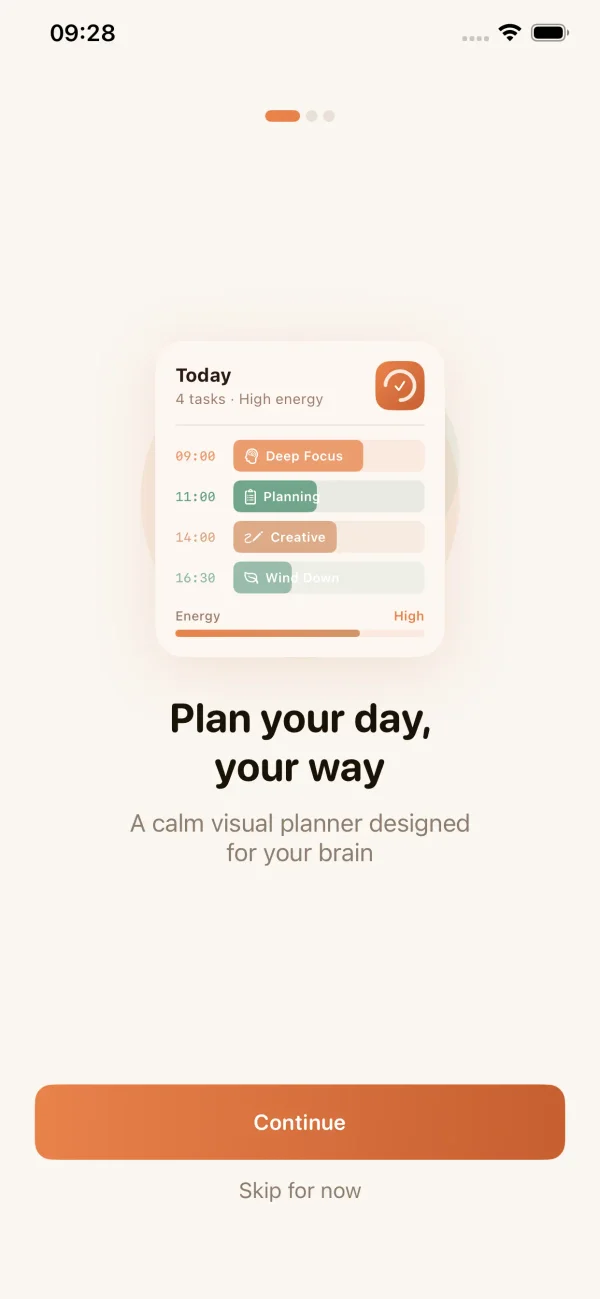
FlowDay turns an overwhelming to-do list into a calm, visual daily plan — designed for people whose brains work a little differently.
No clutter. No noise. Just your day, laid out clearly.
PLAN WITH VISUAL CLARITY
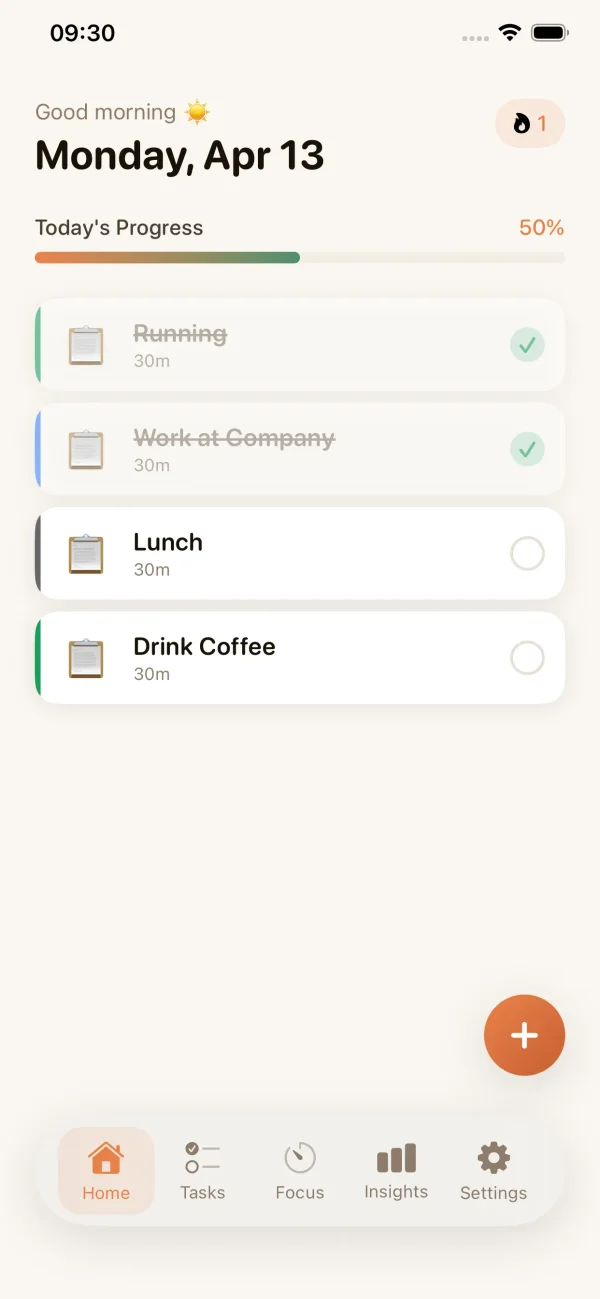
See every task with its color-coded category, emoji, and exact duration at a glance. Work, Health, Learning, Social, Creative, Errands — each one has its own color so you always know what kind of day you're building.
A gradient progress bar shows how much of your day you've already completed. Watching it fill up is surprisingly motivating.
BUILD YOUR STREAK
FlowDay tracks how many consecutive days you complete at least one task. The flame badge on your home screen grows with every productive day — no pressure, just a quiet nudge to keep going.
DEEP FOCUS, ON DEMAND
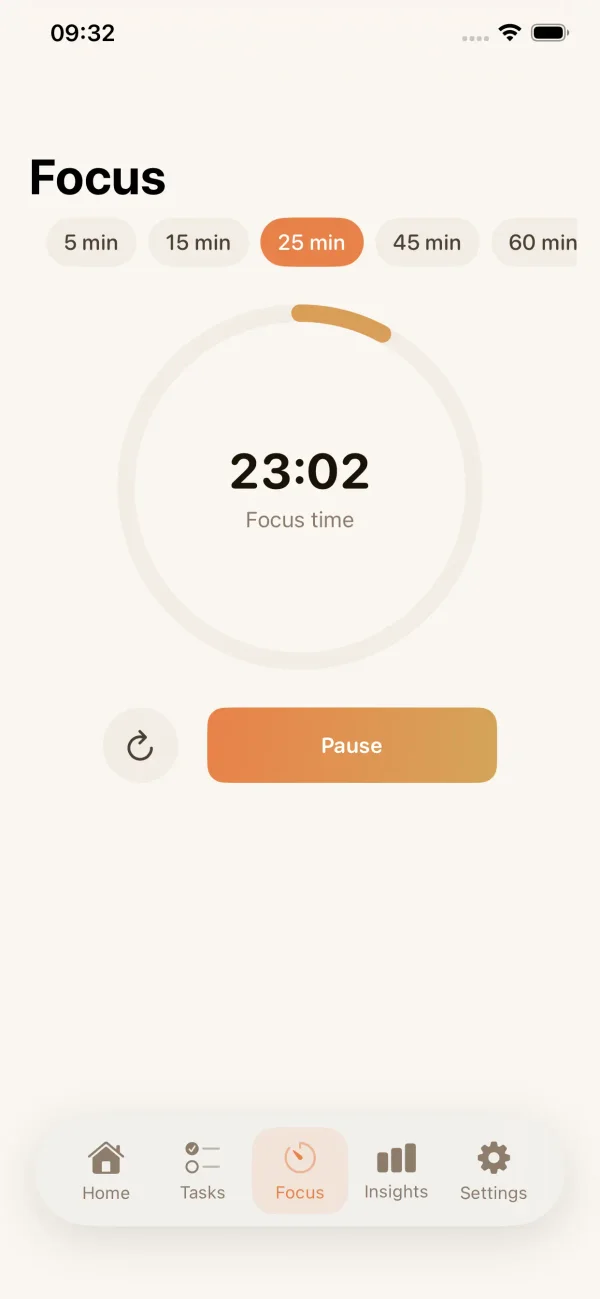
When it's time to concentrate, switch to the Focus Timer. Choose a session length from 5 to 60 minutes. A circular gradient ring counts down your time — and when it hits zero, a completion banner marks your win.
The timer keeps running even when you switch apps, so you stay on track without babysitting the screen.
UNDERSTAND YOUR PATTERNS
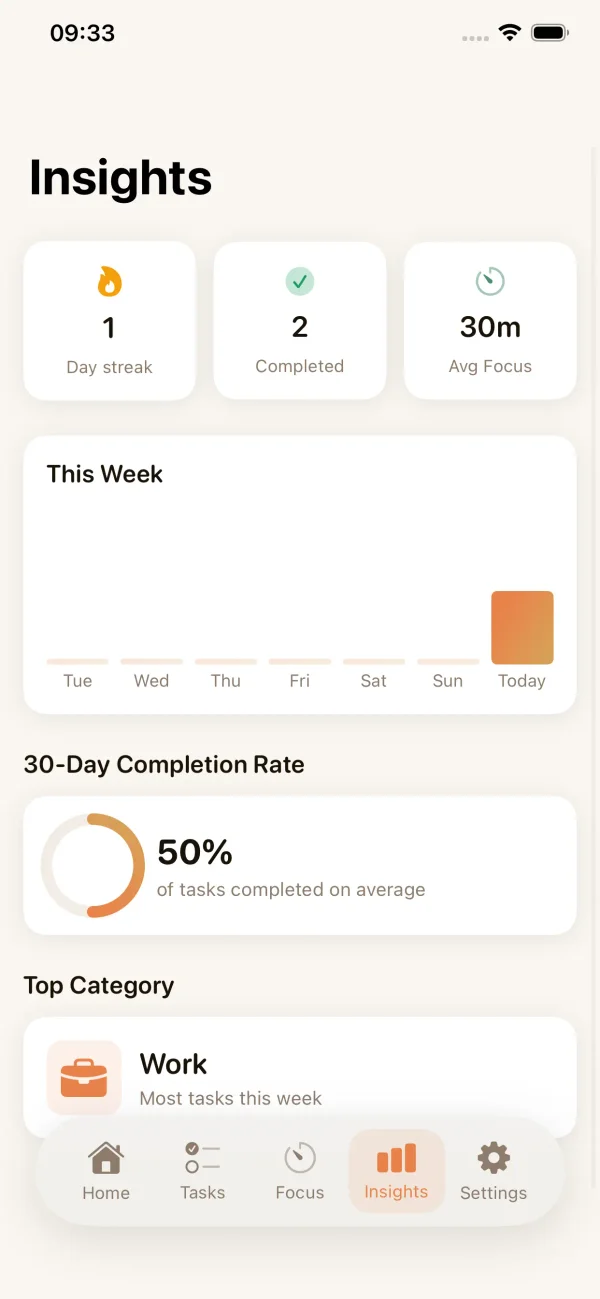
The Insights screen shows what you actually do — not what you plan to do. A bar chart reveals your completion rate for each of the last 7 days. Your 30-day average, top category, and all-time completed tasks are computed from real activity.
QUICK ADD, ANYTIME
Capture a task before it slips away. Tap the + button to open a Quick Add sheet: type a title, pick a category, and it's saved in seconds. No form filling, no dropdowns, just the idea and the category.
The full Task List screen lets you go deeper — set priority (High / Medium / Low), choose a duration, and search or filter by category.
DESIGNED FOR REAL LIFE
• Daily reminder notification at any time you choose
• Warm color palette designed to reduce visual overwhelm
• Full Dark Mode support
• Works completely offline
• No account required — your data stays on your device
WHO IS FLOWDAY FOR?
FlowDay is built for anyone who finds traditional to-do apps too complex, too cluttered, or too demanding. If you have ADHD, are neurodivergent, or simply prefer a calmer approach to planning — FlowDay is for you.
FlowDay: Daily Planner is free to download and use.
App privacy
What Nguyen Xuan Hai declares on the App Store about how this app handles data.
-
Data not collected
The developer does not collect any data from this app.
Privacy practices may vary, for example with the features you use or your age.
Information
- Seller
- Nguyen Xuan Hai
- Category
- Utilities
- Version
- 1.0
- Updated
- Apr 14, 2026
- Released
- Apr 14, 2026
- Size
- 5.5 MB
- Requires
- iOS 16.0 or later
- Age rating
- 4+
- Price
- Free
- Languages
- English, French, German, Indonesian, Japanese
- Copyright
- © FlowDay Inc.
You might also like
-
 VeloClean: Photo CleanerSmart Photo Cleaner
-
 Incident GenieTechnology is my witness!
-
 Plant Identifier: AI VisionUtilities
-
 Printable ADHD PlannerPrintable planners & templates
-
 SpeakMemoChimeNotify reminders by voice
-
 Juiced UpJuiced Up EV Charging app
-
 Sell AIAI-Powered eBay Listings
-
 Cuckoo Speaking ClockStay on time effortlessly
-
 OAT - Offender Address TraceYour Safety Companion on the G
-
 New ToDo List & Tasks & PhotoSet your ToDo with Photo