
- Age rating4+
- CategoryProductivity
- DeveloperAkhil Jacob
- LanguagesEnglish
- Size27.2 MB
Links to the official App Store page
Download.org hosts no file of Flowmoro. The button opens its official App Store page, published by Akhil Jacob. Listing last checked on Nov 20, 2026.
Screenshots


About
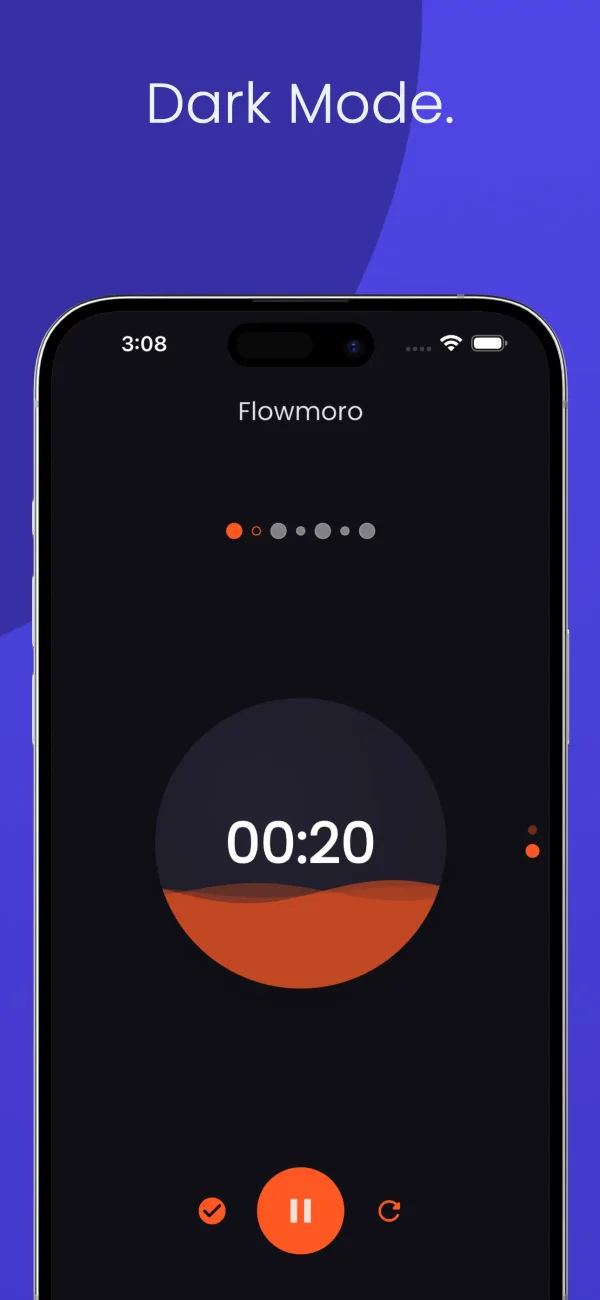
Flowmoro is a beautifully designed productivity app that helps you stay focused and maximize efficiency using the proven Pomodoro Technique.
Key Features:
• Minimalist Design: An uncluttered interface that keeps you concentrated on your tasks.
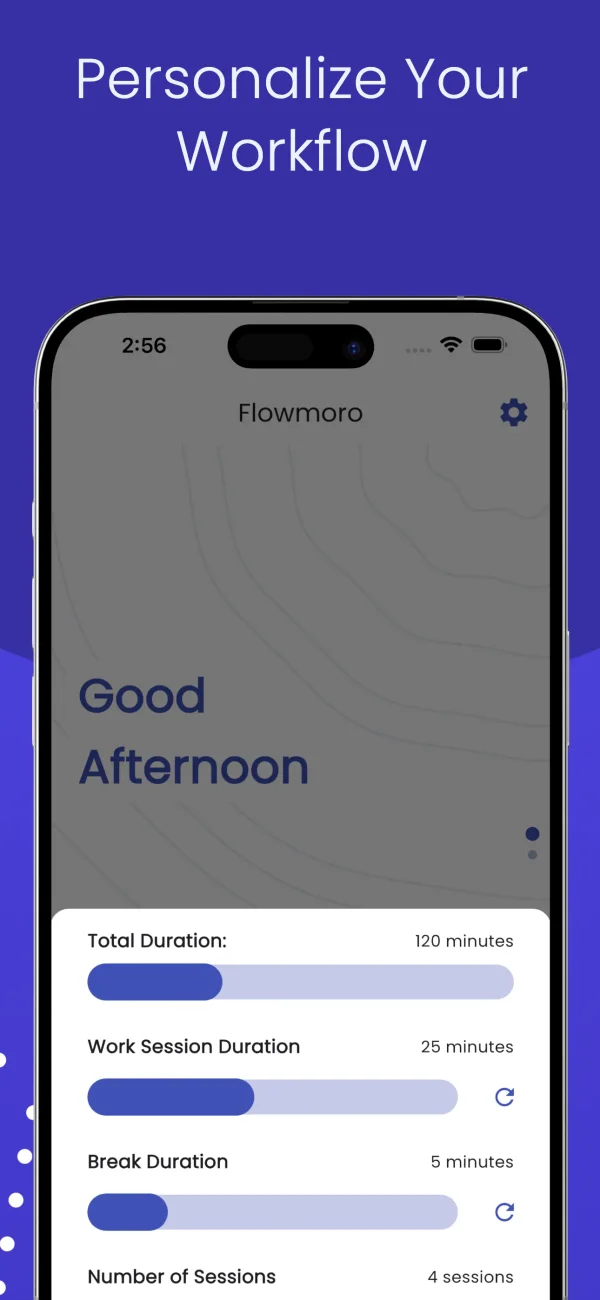
• Customizable Sessions: Adjust work and break intervals to suit your personal workflow.
• Advanced Settings: Fine-tune session durations and the number of cycles.
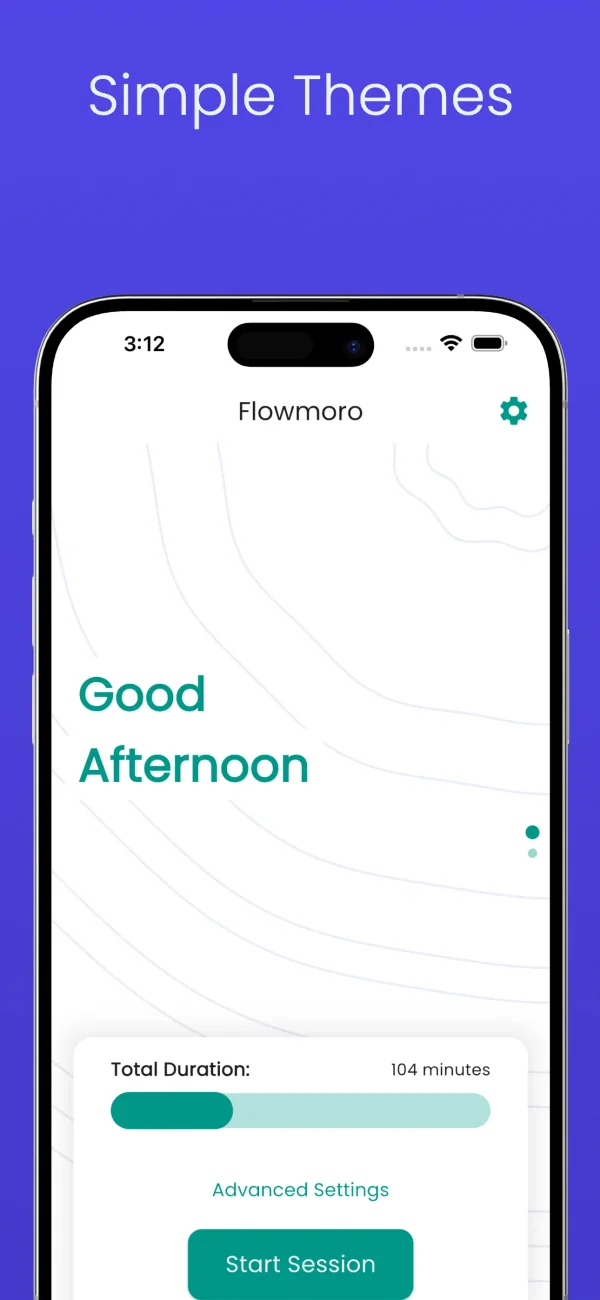
• Theming Options: Personalize the app with a variety of theme colors to match your style.
• Privacy Focused: We value your privacy—no data is collected or shared.
Why Flowmoro?
Flowmoro is more than just a timer; it’s a tool crafted to help you enter a state of flow and maintain it. By balancing work sessions with regular breaks, you prevent burnout and enhance productivity throughout the day.
App privacy
What Akhil Jacob declares on the App Store about how this app handles data.
-
Data not collected
The developer does not collect any data from this app.
Privacy practices may vary, for example with the features you use or your age.
Information
- Seller
- Akhil Jacob
- Category
- Productivity
- Version
- 1.0.0
- Updated
- Oct 3, 2024
- Released
- Oct 5, 2024
- Size
- 27.2 MB
- Requires
- iOS 12.0 or later
- Age rating
- 4+
- Price
- $0.99
- Languages
- English
- Copyright
- © Modrn Magic LLC
You might also like
-
 Productive TimeSimple Time Monitoring Concept
-
 Time Blocker GX - Be FocusedFocus on What Matters Now
-
 StashletSave once, paste anywhere
-
 Habit & Goal Tracker - ClayRoutines, Fitness & Learning
-
 Current: Visual Focus TimerADHD Productivity & Deep Work
-
 Reminders MaxCalendar planner & organizer
-
 Still: simple listsCollect, plan, arrange
-
 Sisyphus TasksAll in one Calendar
-
 CleanPadThe home for your thoughts
-
 Menu Bar Notes: Quick CaptureQuick and Easy Menu Bar Notes