
Flows: Comic and Manga Reader
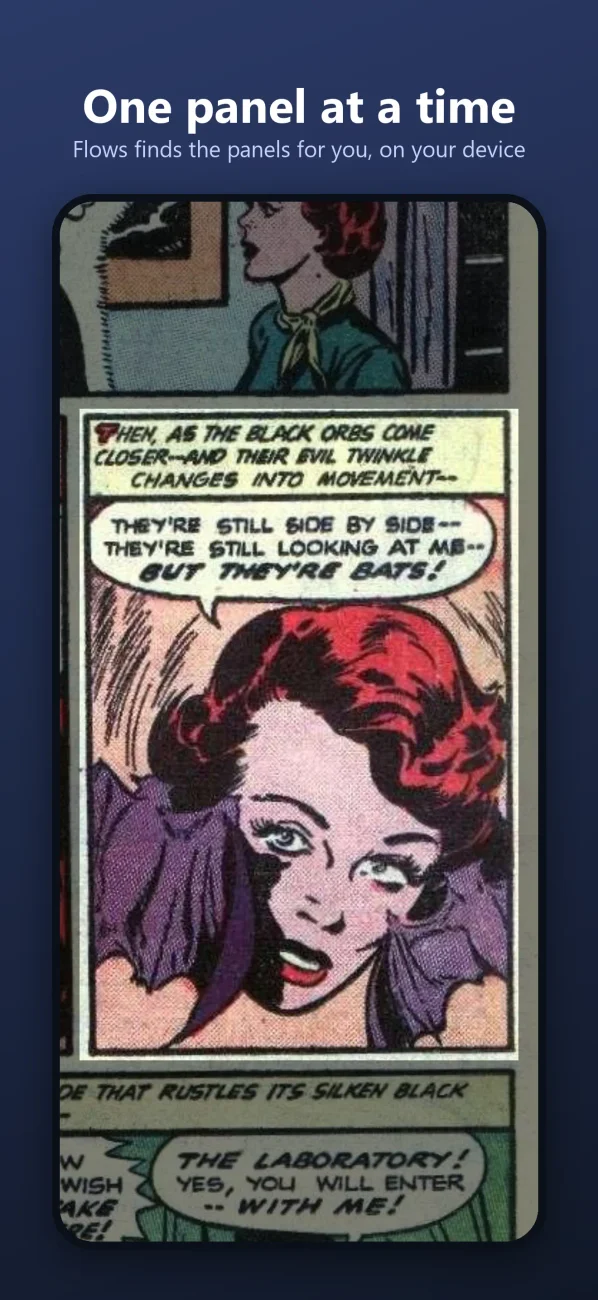
Read one panel at a time
Designed for iPhone, iPad
Free · In-app purchases
- Age rating4+
- CategoryBooks
- DeveloperDaniel Nunn
- LanguagesEnglish+ 12 more
- Size61.7 MB
Links to the official App Store page
Download.org hosts no file of Flows: Comic and Manga Reader. The button opens its official App Store page, published by Daniel Nunn. Listing last checked on Nov 26, 2026.
Screenshots
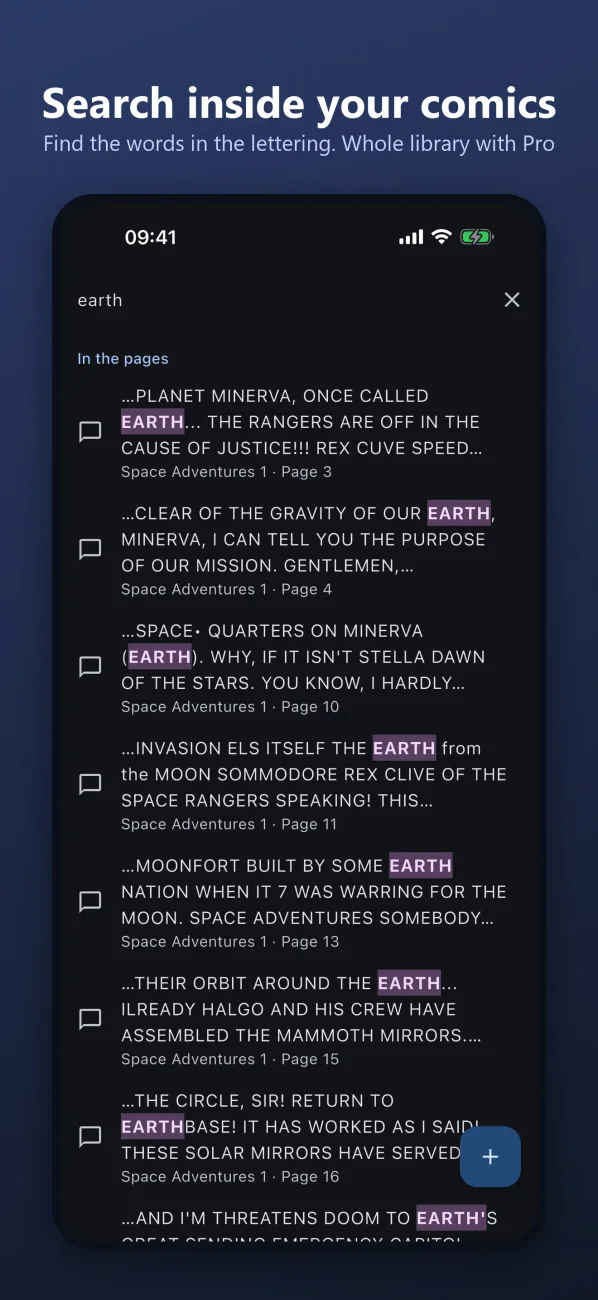
About
Flows is a comic, manga and webtoon reader for iPhone and iPad that reads your own files, one panel at a time or as one long scroll.
PANEL BY PANEL
Flows finds the panels on each page for you, then zooms to one at a time and moves through them in reading order. It handles the layouts simple readers get wrong: small panels laid over a full page picture, pictures drawn across two pages, and panels that bleed into each other. Each panel is widened to take in any speech balloon that crosses its edge. Double tap any panel to zoom straight to it. Everything runs on your device, and nothing is uploaded.
YOUR LIBRARY, YOUR WAY
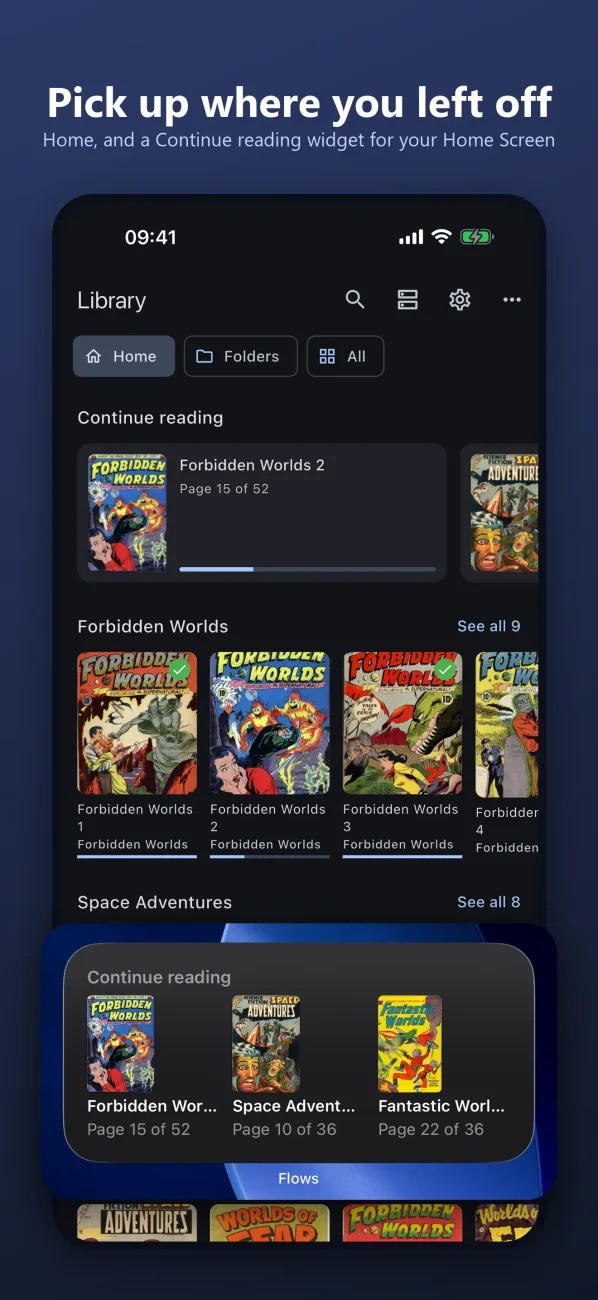
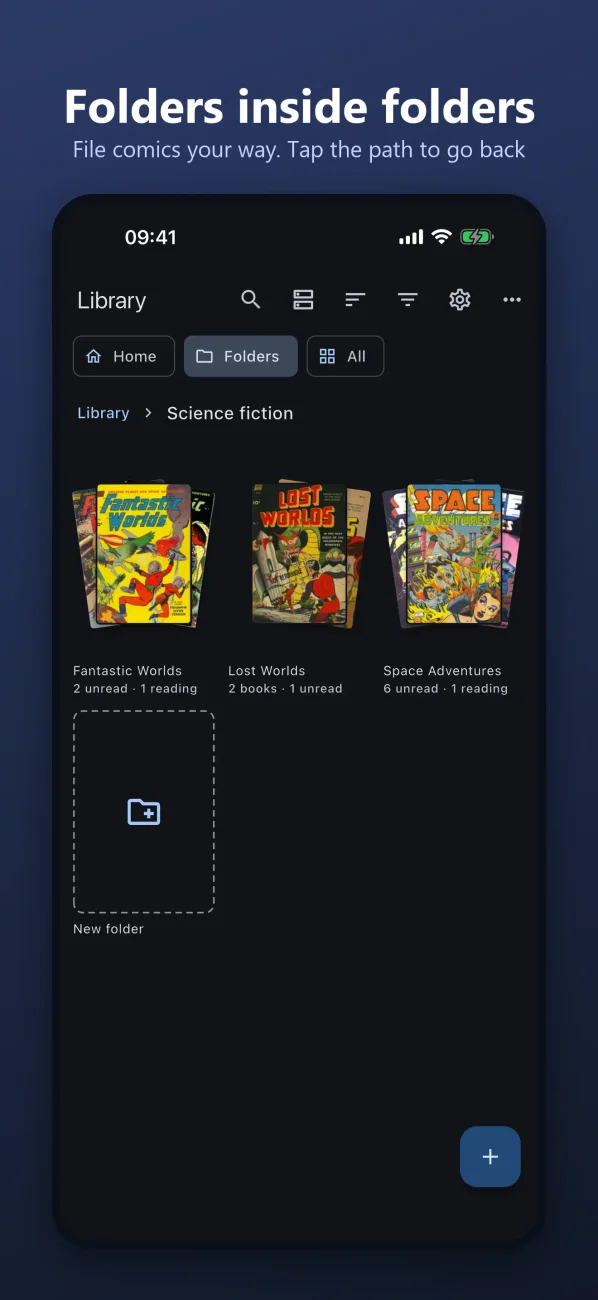
Home shows the books you are reading and the folders you pin. Folders can hold folders, and show as a fanned stack, a mosaic, a folder with a cover or book spines. Flows can also show the folders your comics are in and your servers' libraries. Every book keeps its place, down to the panel.
WEBTOONS AND CONTINUOUS SCROLL
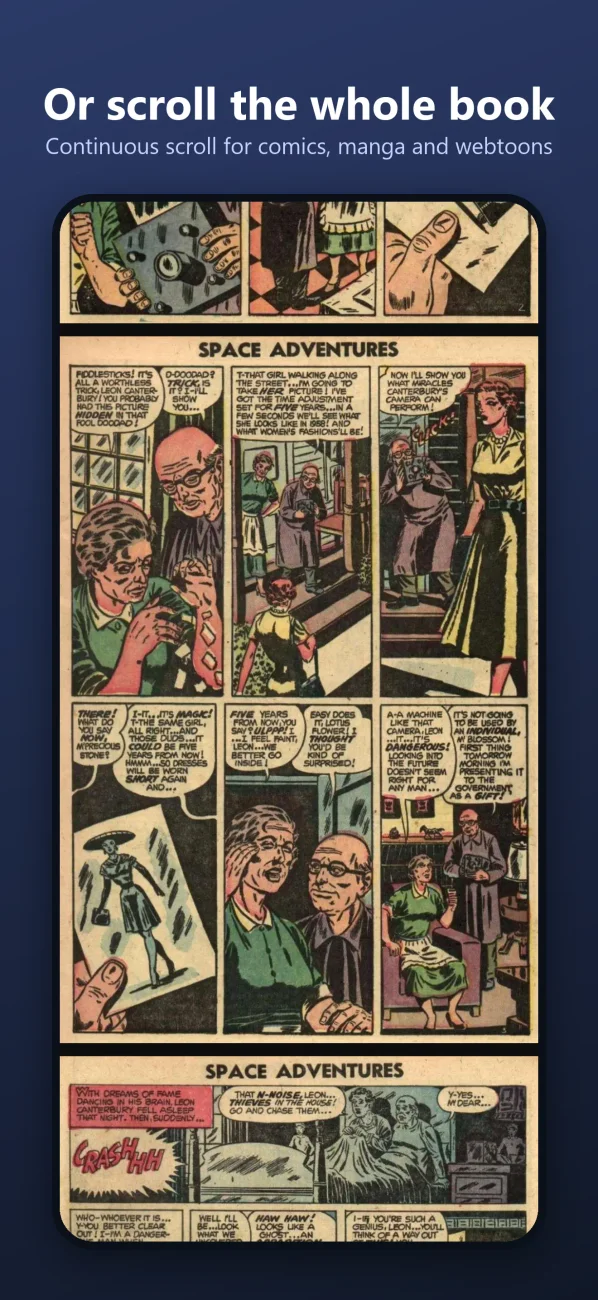
Webtoons and other vertical strips open as one continuous scroll, the way they are drawn, and reopen at the exact spot you stopped. Pinch to zoom in on a detail. Any comic or manga can be read as a scroll too, for one book or for all of them.
READ ALOUD
Flows can read the lettering on the page out loud in your device's own voices, panel by panel, for readers who find small lettering hard to read. Free, and it runs on your device.
BUILT FOR IPAD
Held sideways, Flows shows facing pages side by side, the way a printed comic falls open. A picture drawn across both pages is read as one. Held upright, a wide double page can be split in two.
READS YOUR FILES
• CBZ, CBR, CB7 and CBT comic archives
• PDF and EPUB
Import them from the Files app, or open them in Flows from Files or another app's share sheet. No account, and no library to upload into someone else's cloud.
TURN PAGES YOUR WAY
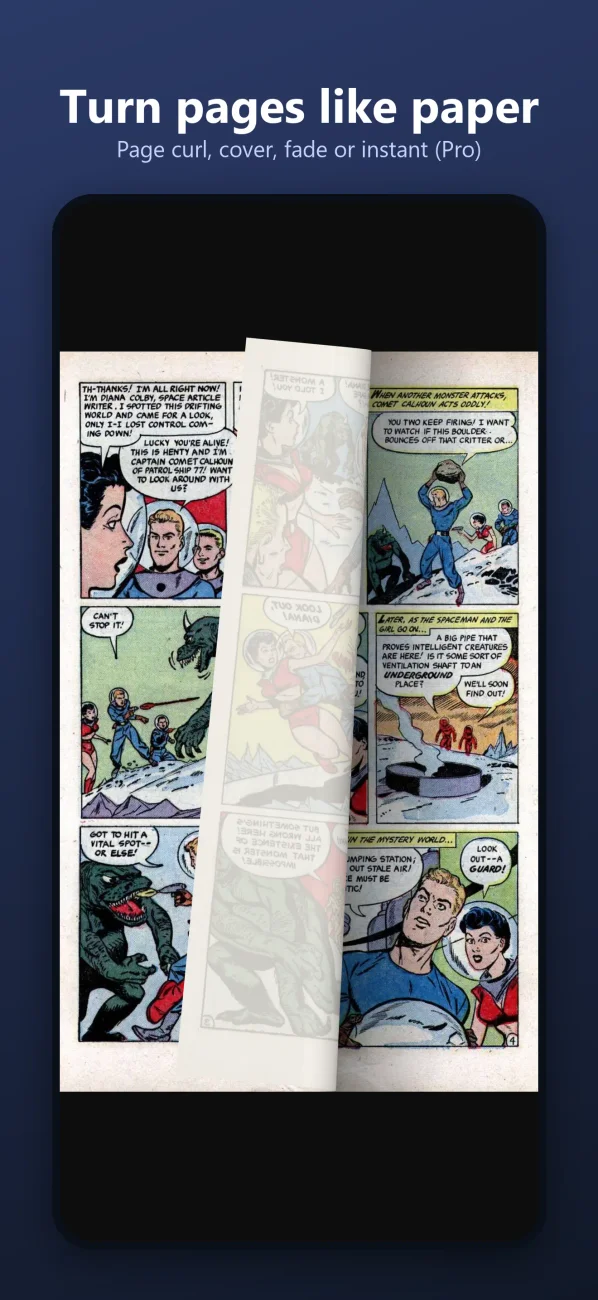
Tap, swipe, or use a keyboard or a page turner. Right to left reading is supported properly, panel order included, so manga reads the way it should. Four panel manga can be read down each column instead of across the page.
EVERY SETTING WHERE YOU READ
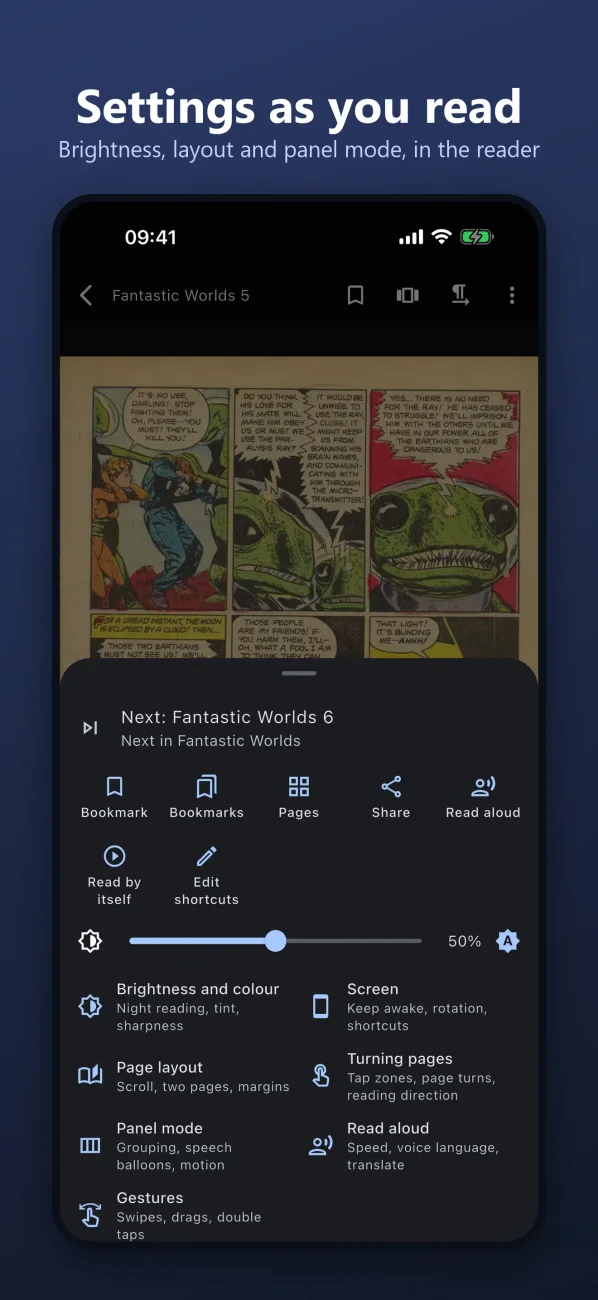
Brightness, night reading, page layout, page turning and panel mode are all in the reader menu, in the same groups as Settings, and each book can keep its own choices. Settings can be searched, and Flows speaks 13 languages.
FLOWS PRO
One purchase, kept forever. No subscription.
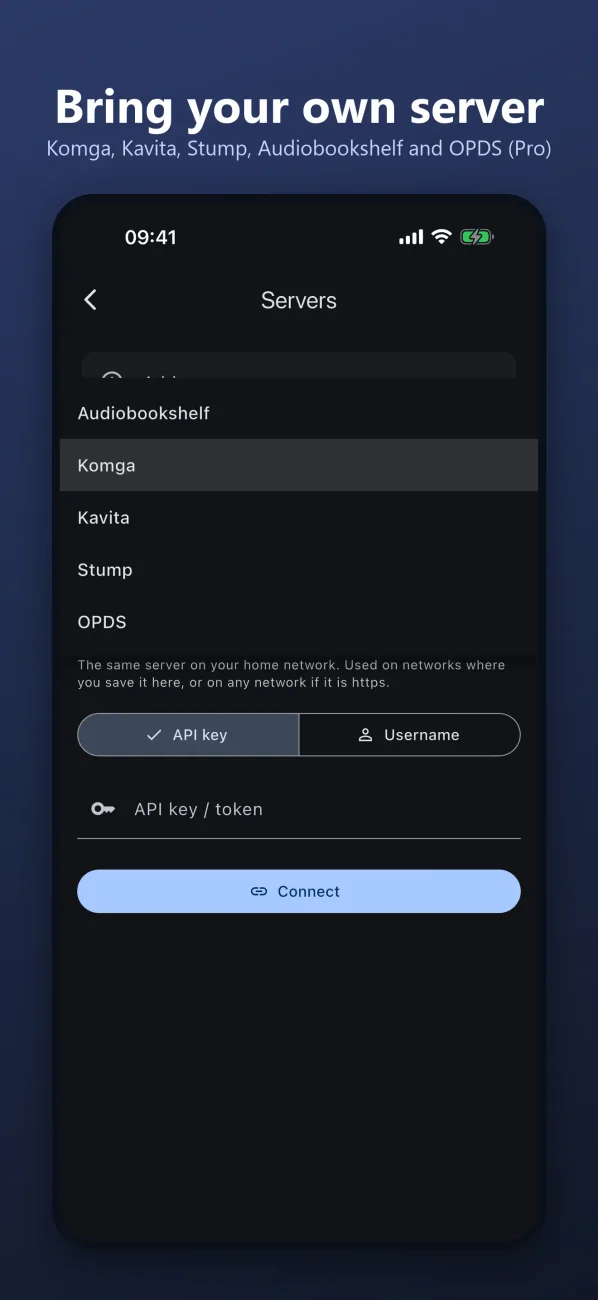
• Your own server: Komga, Kavita, Stump, Audiobookshelf or any OPDS catalog, kept in sync, with new issues of series you follow downloaded for you
• Back up to iCloud or Google Drive and keep your place in sync across your devices
• Edit details of a book or a whole series, written into the book and sent to Komga or Kavita
• App lock: Face ID, Touch ID or your passcode to open Flows
• Sharpness and clean up for soft or old scans
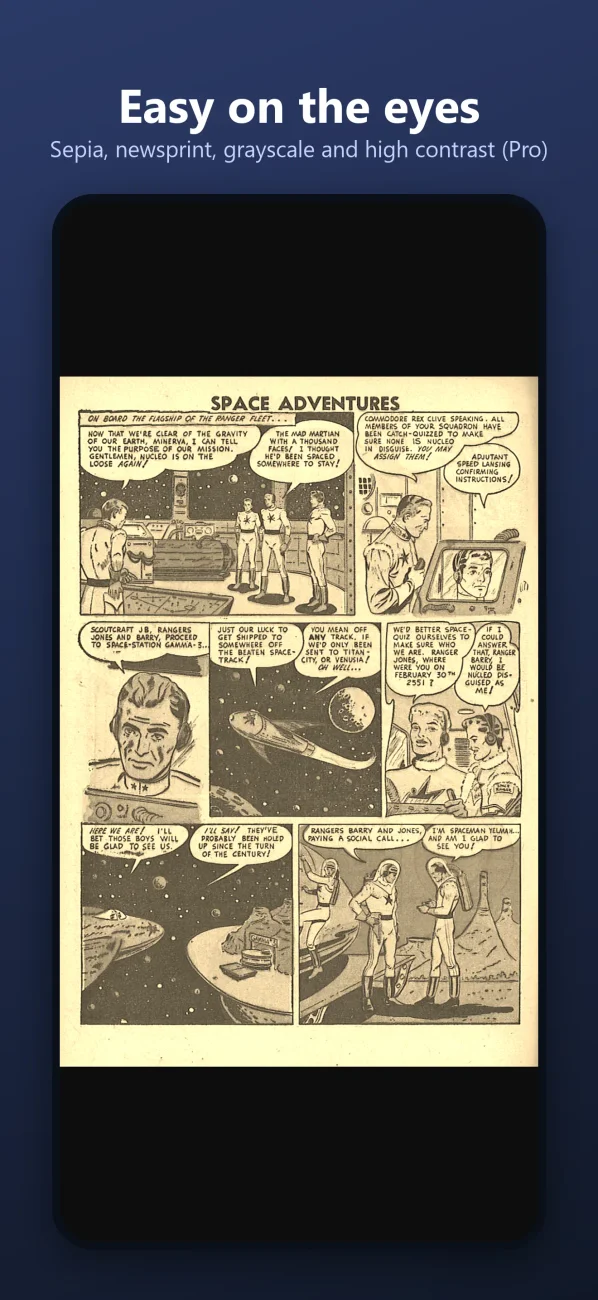
• Page tints: sepia, newsprint, grayscale or high contrast
• True Black for OLED screens
• Page turns: page curl, cover, fade or instant
• Read by itself: panels and pages step on at your own pace
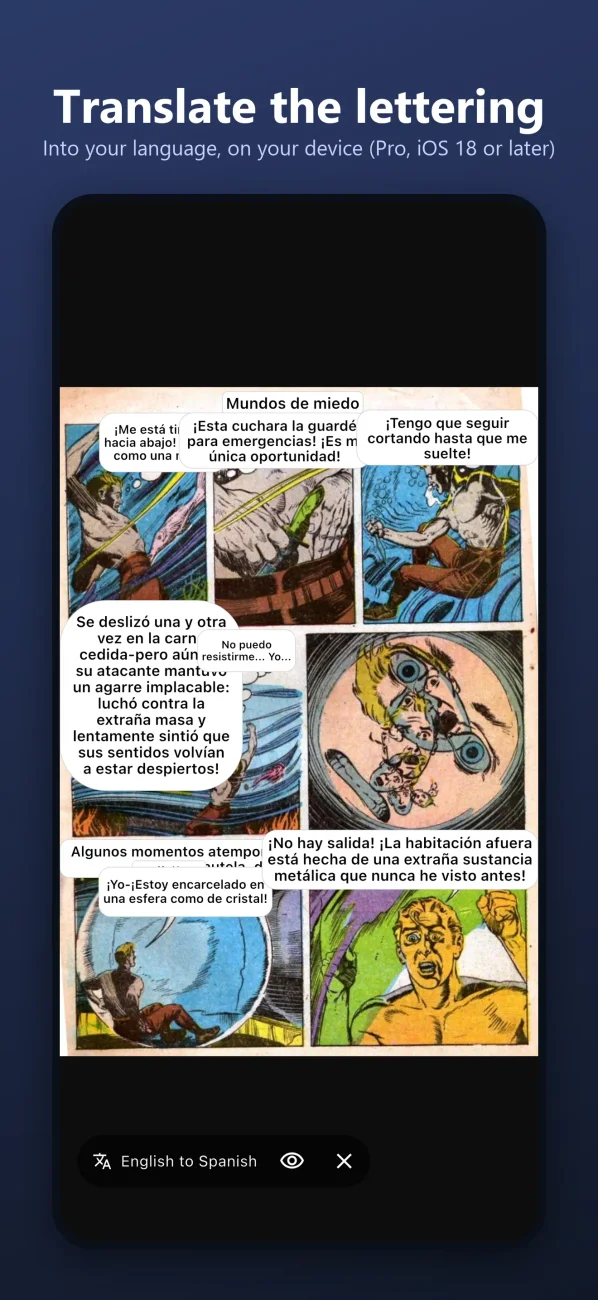
• Translate the lettering into your language
• Your reading by day, week or month, most read books and a daily goal
• A watched folder, smart folders and your own covers
Local files and folders, the reader, panel mode, continuous scroll, read aloud, two page view, bookmarks and right to left manga are free, and always will be.
PRIVACY
Flows has no ads, no tracking and no analytics. Panel and text detection run on your device. Reading stats stay on your device, unless you turn on Cloud backup, which keeps them in your own iCloud or Google Drive. Server details you enter are stored on your device and used only to talk to your server.
What’s new
Version 6.0.1 · Nov 25, 2026
• Pro: iCloud backup and sync now work on iPhone and iPad. If Flows asked you to turn on iCloud Drive when it was already on, this update fixes it.
• Clearer messages when iCloud is not ready or not signed in.
• Flows reconnects to iCloud by itself when you come back from the Settings app.
• SFTP servers are no longer available on iPhone and iPad. Use SMB or WebDAV to reach the same NAS or computer.
App privacy
What Daniel Nunn declares on the App Store about how this app handles data.
-
Data not collected
The developer does not collect any data from this app.
Privacy practices may vary, for example with the features you use or your age.
Information
- Seller
- Daniel Nunn
- Category
- Books
- Version
- 6.0.1
- Updated
- Nov 25, 2026
- Released
- Oct 31, 2026
- Size
- 61.7 MB
- Requires
- iOS 16.0 or later
- Age rating
- 4+
- Price
- Free
- In-app purchases
- Yes
- Languages
- English, French, German, Indonesian, Italian, Japanese, Korean, Polish, Portuguese, Russian, Simplified Chinese, Spanish + 1 more
- Copyright
- © 2026 Nunninator Apps
You might also like
-
 Panelly: Manga & Comic ReaderTranslate Bubbles & Read Aloud
-
 Hanbam: Manga & Novel ReaderComics, EPUB, TXT & PDF Books
-
 COLUMN Filer ViewerYour manga & videos on iPhone
-
 FolientaPrivate EPUB & PDF Reader
-
 Typoi: Book Reader, EPUB & PDFEbook, AI Voice & Speed Read
-
 Walnut Reader - ebook, epubYour books, beautifully read
-
 Grafumi: Book & Comic ReaderEPUB, PDF, CBZ, CBR & Manga
-
 Comic & Image Reader: ManulCBZ, CBR & More Manga· NAS
-
 Last Page: EPUB & Book ReaderThe reader that writes back
-
 Voxium: Text to SpeechPDFs & eBooks, read aloud