Flowtick - Pomodoro Timer
Time management & study timer
Designed for iPhone, iPad
Free · In-app purchases
- Age rating4+
- CategoryProductivity
- DeveloperFinn-Ole Siewers
- LanguagesEnglish+ 1 more
- Size12.6 MB
Links to the official App Store page
Download.org hosts no file of Flowtick - Pomodoro Timer. The button opens its official App Store page, published by Finn-Ole Siewers. Listing last checked on Nov 20, 2026.
Screenshots
About
TWO TIMER MODES
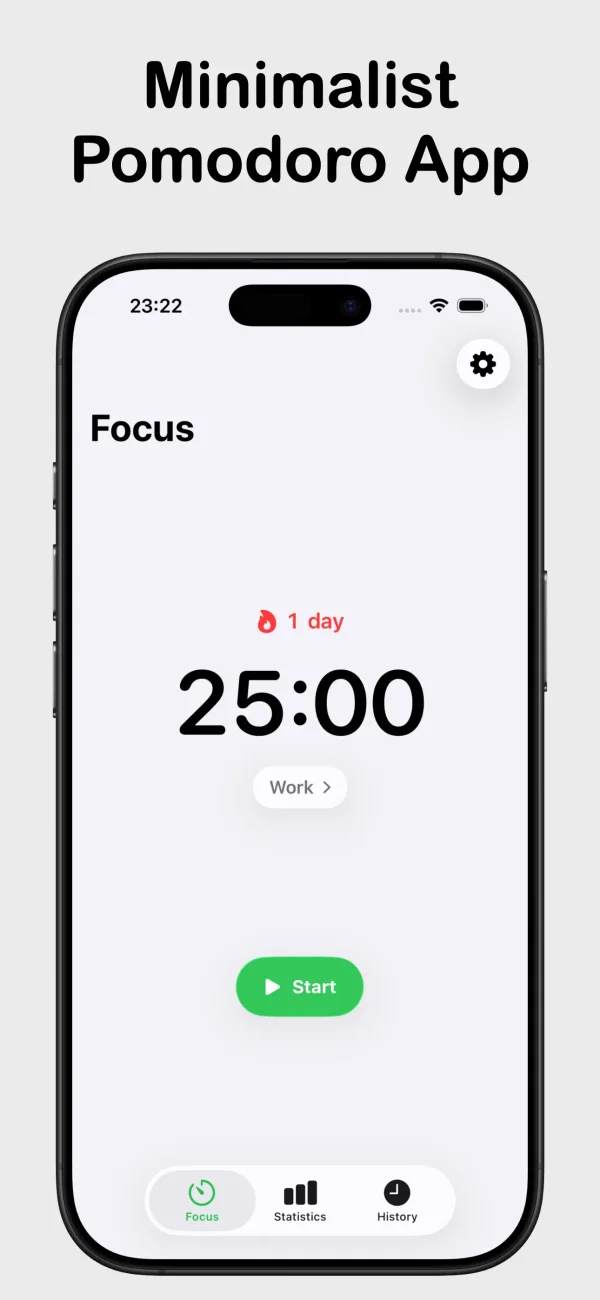
- Pomodoro Timer: Work in proven 25-minute blocks with countdown function. The classic Pomodoro technique helps you focus completely on one task and create productive work blocks.
- Stopwatch Mode: Unlimited time tracking for free work without fixed time constraints. Perfect for creative projects or tasks that require flexible time management.
CATEGORIES & ORGANIZATION
- Unlimited Categories: Organize your sessions by predefined or custom categories
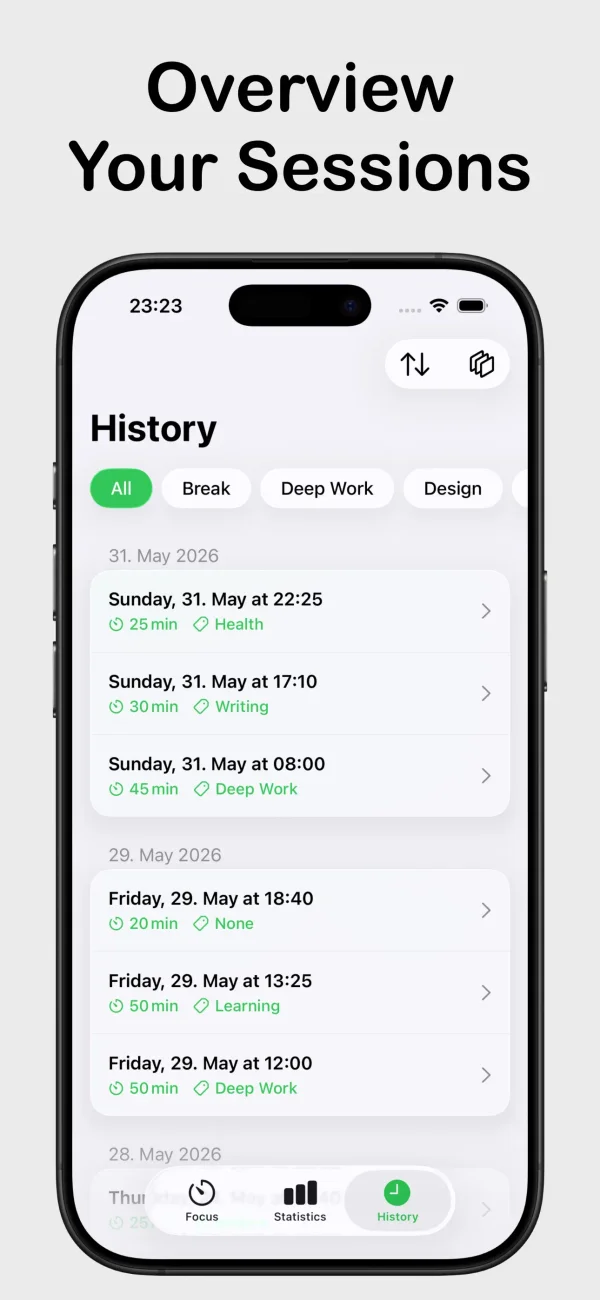
- Smart Filtering: Quickly find the sessions that interest you
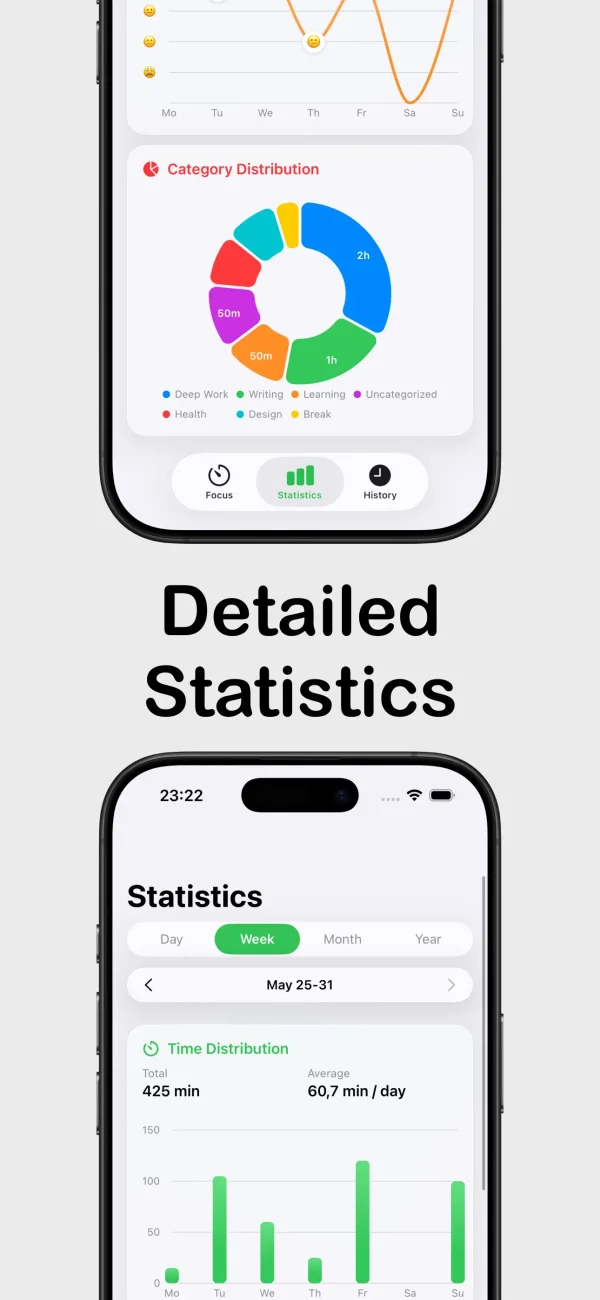
- Category Distribution: Understand how you spend your time across different areas
DETAILED ANALYSIS
- Time distribution over day, week, month, and year
- Session count and productivity trends
- Category distribution with appealing charts
- Productivity ratings for self-reflection
REFLECTION & NOTES
- Session Reflection: After each session, you can rate how productive you were (1-5 stars) and reflect on what went well or what distracted you.
- Notepad: Capture spontaneous thoughts and ideas during your focus sessions without interrupting your workflow.
ICLOUD SYNCHRONIZATION
- Synchronize your data automatically across all devices. Work seamlessly on iPhone, iPad, and Mac with identical data everywhere.
LIVE ACTIVITIES & DYNAMIC ISLAND
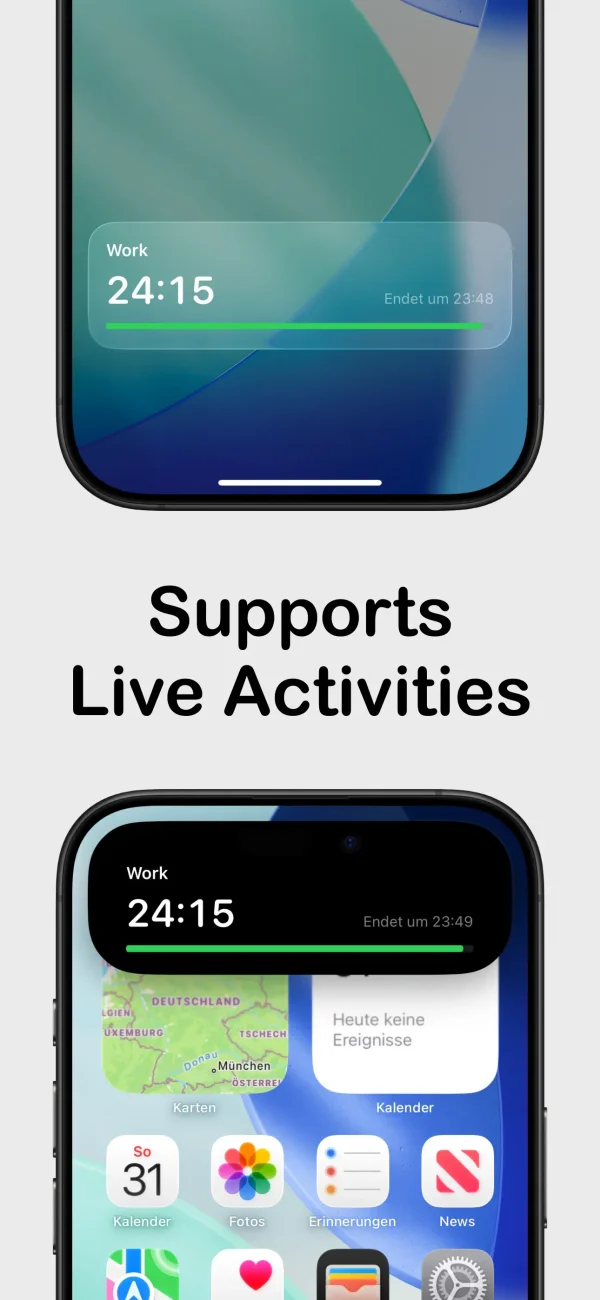
- Always in view: Track your active session directly in the Dynamic Island or on the lock screen. The timer continues running visibly even when the app is in the background.
- Push Notifications: Receive automatic notifications when your timer has expired.
PRIVACY
- Your productivity data remains private. Anonymous usage statistics help me improve the app without collecting personal information.
TERMS OF USE
https://www.apple.com/legal/internet-services/itunes/dev/stdeula/
What’s new
Version 1.1.0 · Jun 3, 2026
- Major design update for iOS 26
- Added streak display with a detailed heatmap
- Active sessions can be restored after closing the app
- Many small improvements and bug fixes
App privacy
What Finn-Ole Siewers declares on the App Store about how this app handles data.
-
Data not linked to you
May be collected but is not linked to your identity.
- Purchases
- Identifiers
- Usage data
Privacy practices may vary, for example with the features you use or your age.
Information
- Seller
- Finn-Ole Siewers
- Category
- Productivity
- Version
- 1.1.0
- Updated
- Jun 3, 2026
- Released
- Jul 16, 2025
- Size
- 12.6 MB
- Requires
- iOS 26.0 or later
- Age rating
- 4+
- Price
- Free
- In-app purchases
- Yes
- Languages
- English, German
- Copyright
- © 2026 Finn-Ole Siewers
You might also like
-
 Bell TimerElegant, Intuitive, Custom
-
 FocusQuest TimerProductivity & Gamification
-
 Domoro – Pomodoro Focus TimerBuild to beat distractions
-
 Sessions - Time TrackerLog and analyze your day
-
 Pomodoro Focus Timer - TogglioTasks for Work, Study & ADHD
-
 Iron Focus- Pomodoro timerTime blocking for work & study
-
 DayTime - Track Your DayMicro Journal Made to Share
-
 MonoTimer - Pomodoro TimerMinimal Focus & Break Timer
-
 TimeSlower: Pomodoro with ToDoPlay your day!
-
 Plant Identifier Care AIYour Personal Plant Whisperer