- Age rating4+
- CategoryProductivity
- DeveloperJose Blanco
- LanguagesFrench+ 1 more
- Size20.0 MB
Links to the official App Store page
Download.org hosts no file of Fluent Notes. The button opens its official App Store page, published by Jose Blanco. Listing last checked on Nov 20, 2026.
Screenshots
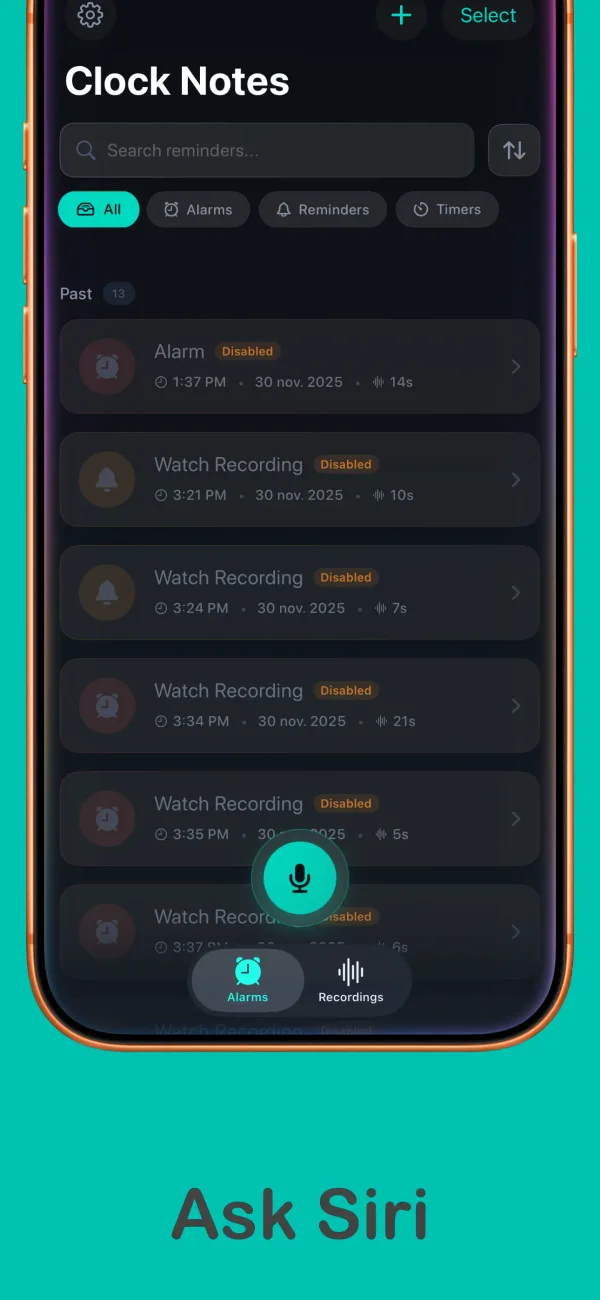
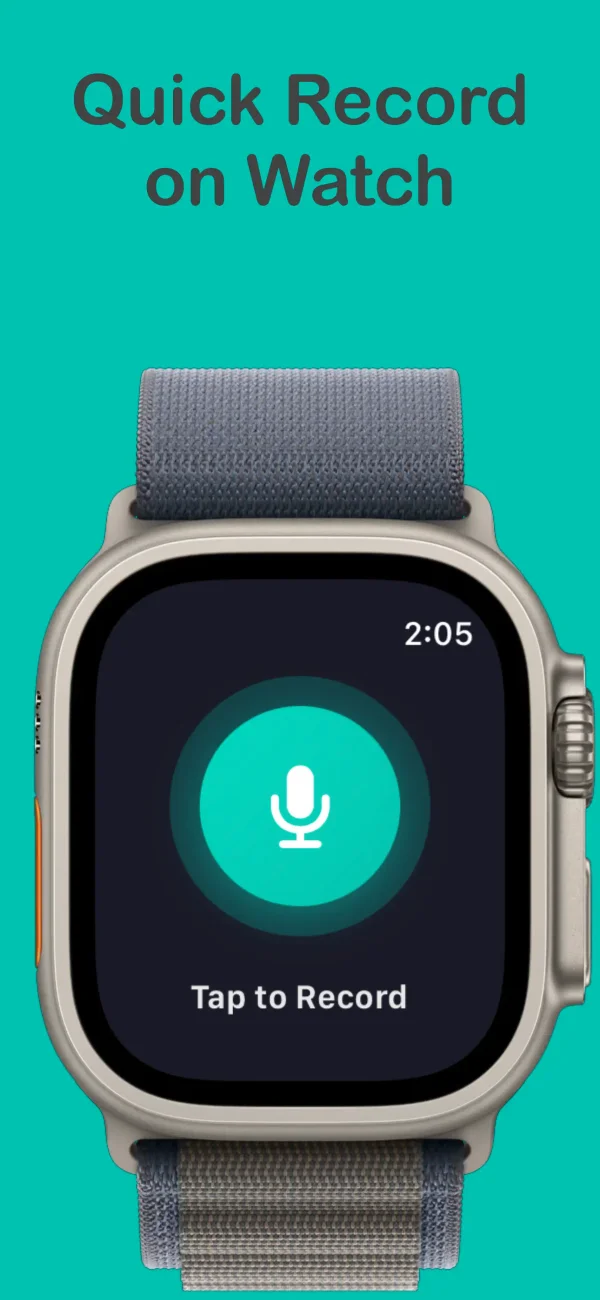
About
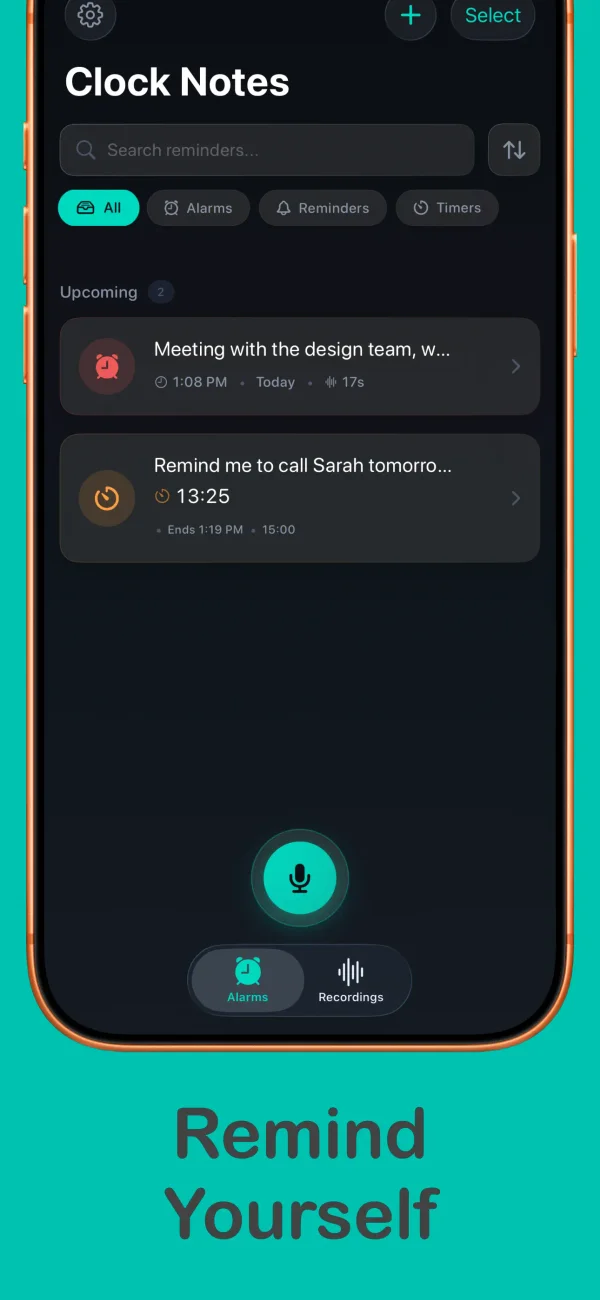
Capture your thoughts instantly and never miss a beat with Clock Notes—the fastest, most natural way to set reminders and alarms.
Forget fiddling with tiny date pickers or typing out long notes. Just hold the button, speak your mind, and let Clock Notes handle the rest. Whether it’s a quick "Laundry in 45 minutes" or a detailed "Meeting with Sarah at 2 PM about the project launch," Clock Notes turns your voice into a reliable alarm and a searchable text note instantly.
YOUR VOICE, ON TIME
Clock Notes isn't just a voice recorder; it's a powerful time management tool built for the speed of life.
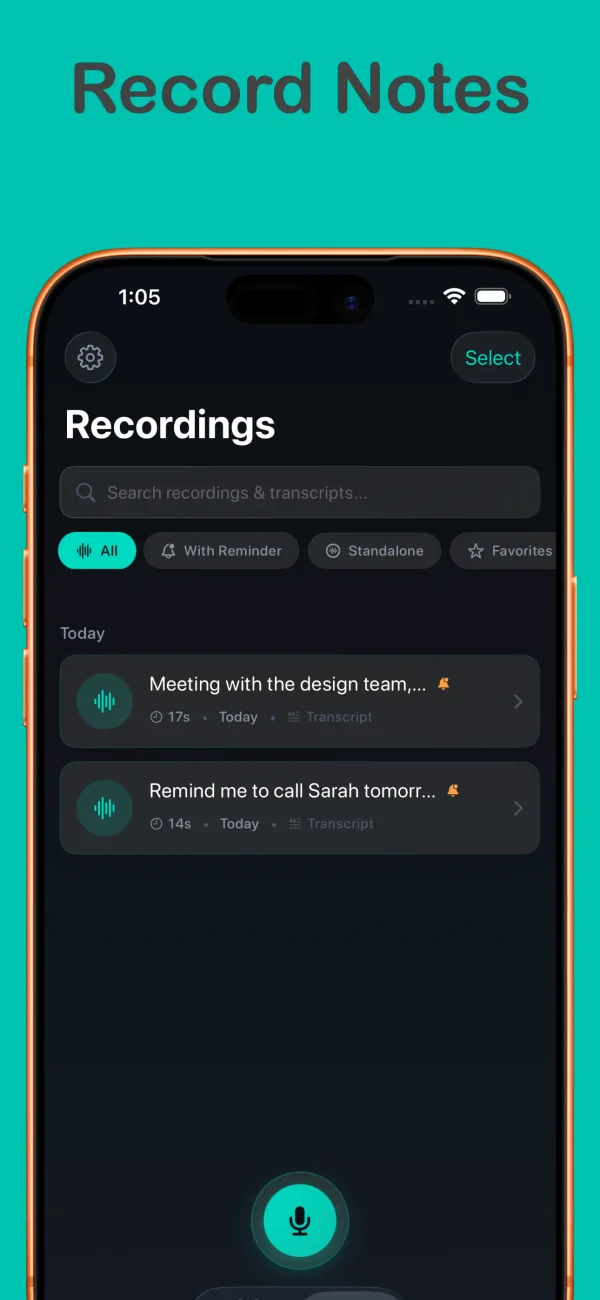
• Hold to Record: The interface is designed for speed. Tap and hold to capture a thought. Drag to lock for hands-free recording.
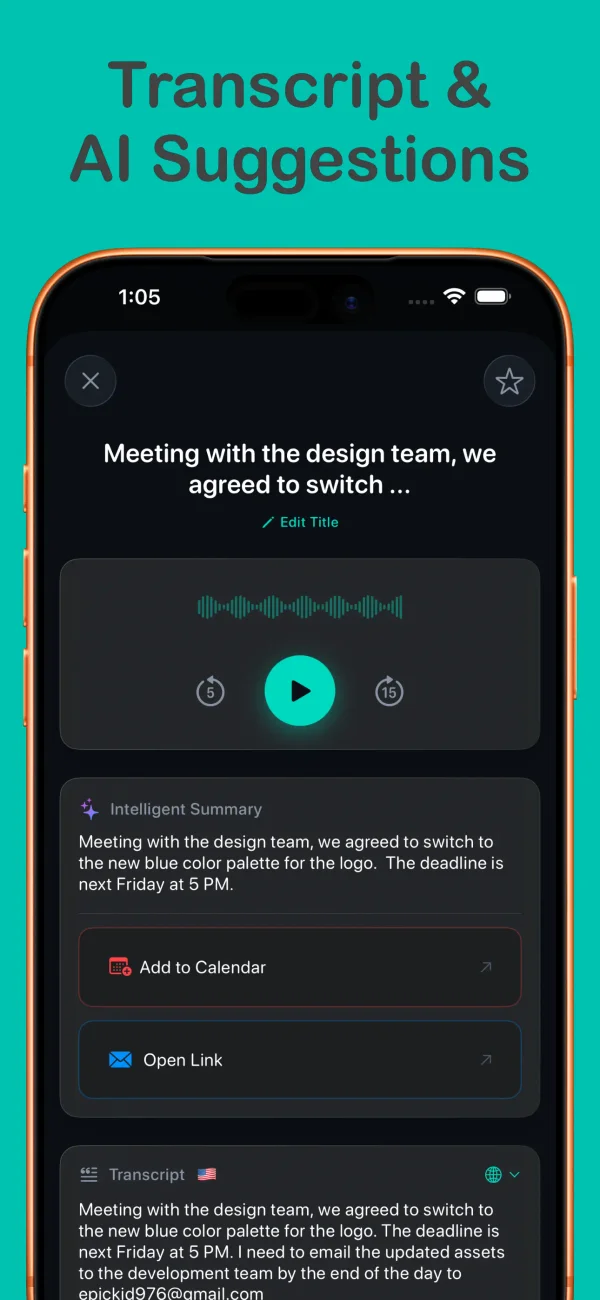
• Smart Transcription: We automatically transcribe your audio so you can read, search, and skim your reminders later.
• Hear Your Reminder: When the alarm goes off, your original voice recording plays. It’s like receiving a voicemail from your past self—impossible to ignore.
BUILT FOR MODERN iOS
Clock Notes leverages the latest Apple technologies to feel right at home on your device.
• Live Activities: Keep an eye on your active timers right from the Lock Screen or Dynamic Island. Pause, resume, or cancel without unlocking your phone.
• Interactive Widgets: See your upcoming reminders and tick them off directly from your Home Screen.
• StandBy Mode: Looks stunning on your nightstand, keeping your next alarm front and center.
• App Shortcuts: Just say "Hey Siri, create a note on Clock Note" to start recording instantly, completely hands-free.
RELIABLE
• AlarmKit Integration: Critical alerts ensure your alarms ring loud and clear, even if the app is closed, your device is locked, or you're in Do Not Disturb mode.
• 100% Offline: Your privacy matters. All processing happens on-device. No internet connection required to set or receive alarms. (AI Features require internet connection)
CLOCK NOTES PRO
Unlock the full potential of your productivity:
7 Day free trial
One time Lifetime Purchase
What’s new
Version 2.0.1 · May 22, 2026
Bug fixes and new onboarding.
App privacy
What Jose Blanco declares on the App Store about how this app handles data.
-
Data not collected
The developer does not collect any data from this app.
Privacy practices may vary, for example with the features you use or your age.
Information
- Seller
- Jose Blanco
- Category
- Productivity
- Version
- 2.0.1
- Updated
- May 22, 2026
- Released
- Dec 4, 2025
- Size
- 20.0 MB
- Requires
- iOS 26.0 or later
- Age rating
- 4+
- Price
- Free
- In-app purchases
- Yes
- Languages
- French, Spanish
- Copyright
- © Jose Blanco 2025
You might also like
-
 Bump TaskCapture actions from anywhere.
-
 AsterodeAI, Notes, Memory
-
 SnapTap for Widgets & ControlClipboard,Tracker,Day Counter
-
 TasklingDoSpeak once, Organize all
-
 In The Loop: Friend ReminderRelationship Manager & CRM
-
 Daily To-Do List: tiqTasks, Habits & Reset
-
 Fly Notes: Voice RemindersBrain dump, to-dos & Ask AI
-
 Deferred: Decision DebtProductivity
-
 Voice to Text: AI Minutes AppAi summary & meeting note app
-
 Life MaintenanceYour household in harmony