
- Age rating17+
- CategorySports
- DeveloperOnur Berk Tastan
- LanguagesEnglish+ 1 more
- Size42.7 MB
Links to the official App Store page
Download.org hosts no file of FLUIT. The button opens its official App Store page, published by Onur Berk Tastan. Listing last checked on Nov 23, 2026.
Screenshots



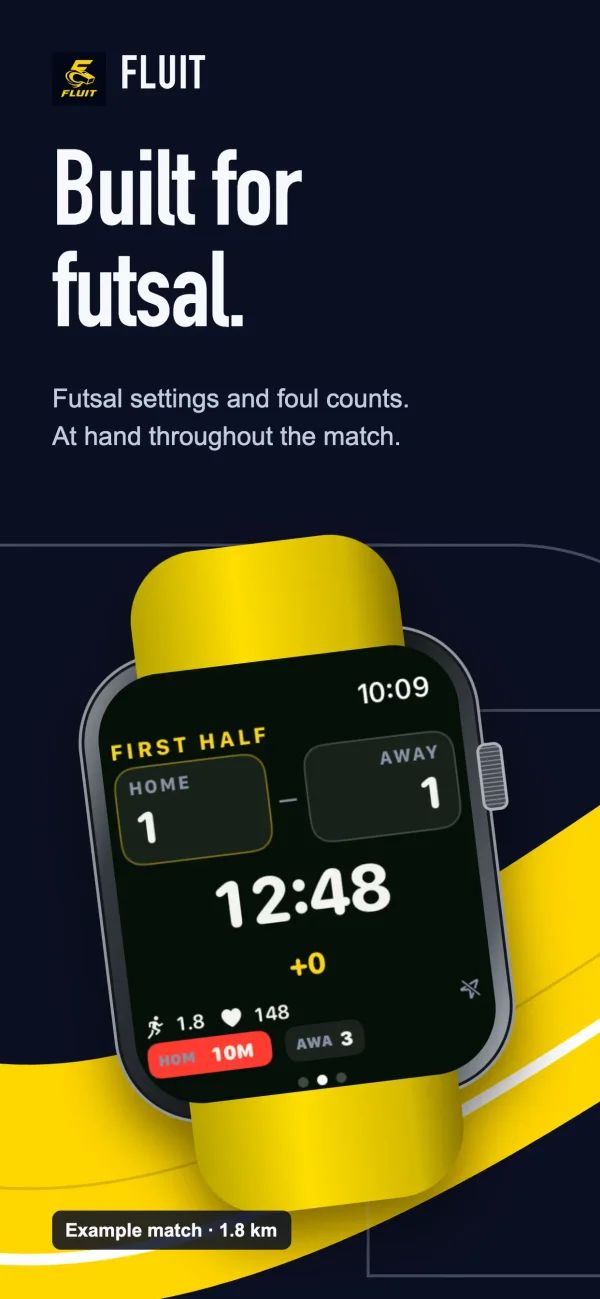
About
Your match on your wrist. Your overview after the final whistle.
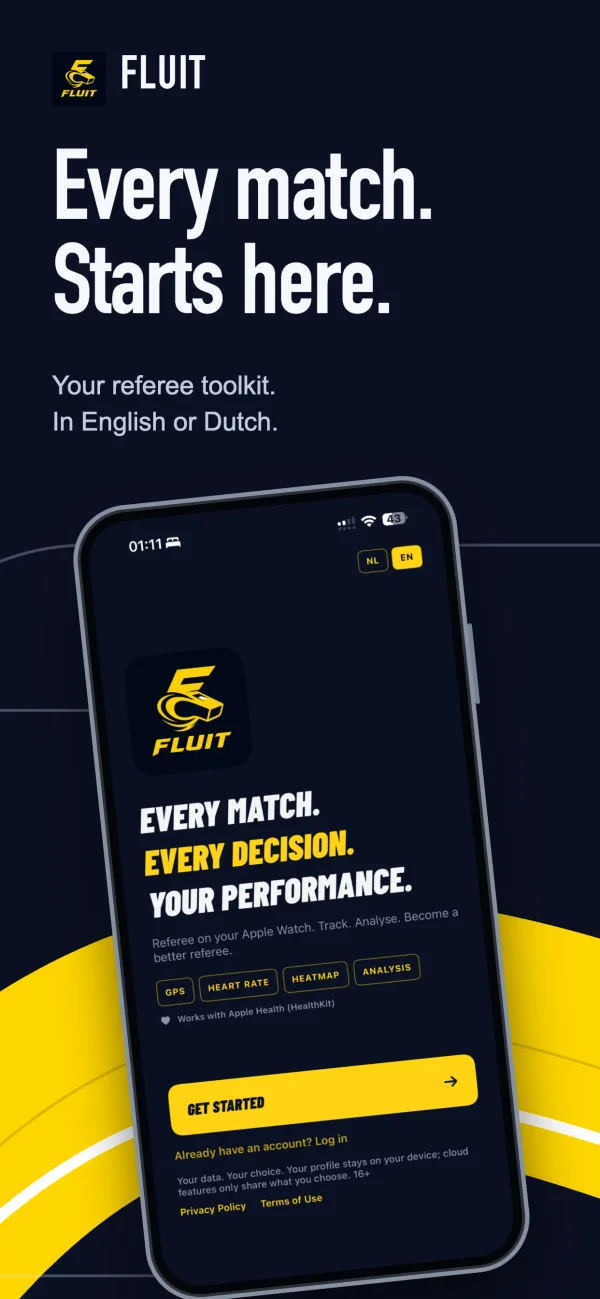
FLUIT helps football and futsal referees and assistant referees prepare matches, record events and look back afterwards. Plan and review on iPhone; keep track of time, scores and match events on Apple Watch.
Ready for kick-off
Plan a match or tournament, set the playing periods and match rules, and add both teams. Scan team lists from screenshots, photos, a printed match form or a PDF. FLUIT reads names, shirt numbers, starters, substitutes and available team staff details locally on your iPhone. Check the result before confirming it. Recognisable pages from the same form are brought together automatically.
The pre-match check distinguishes between details sent, saved and selected on Apple Watch. It also checks updated team lists. An incoming plan does not silently replace a match already in progress.
During the match
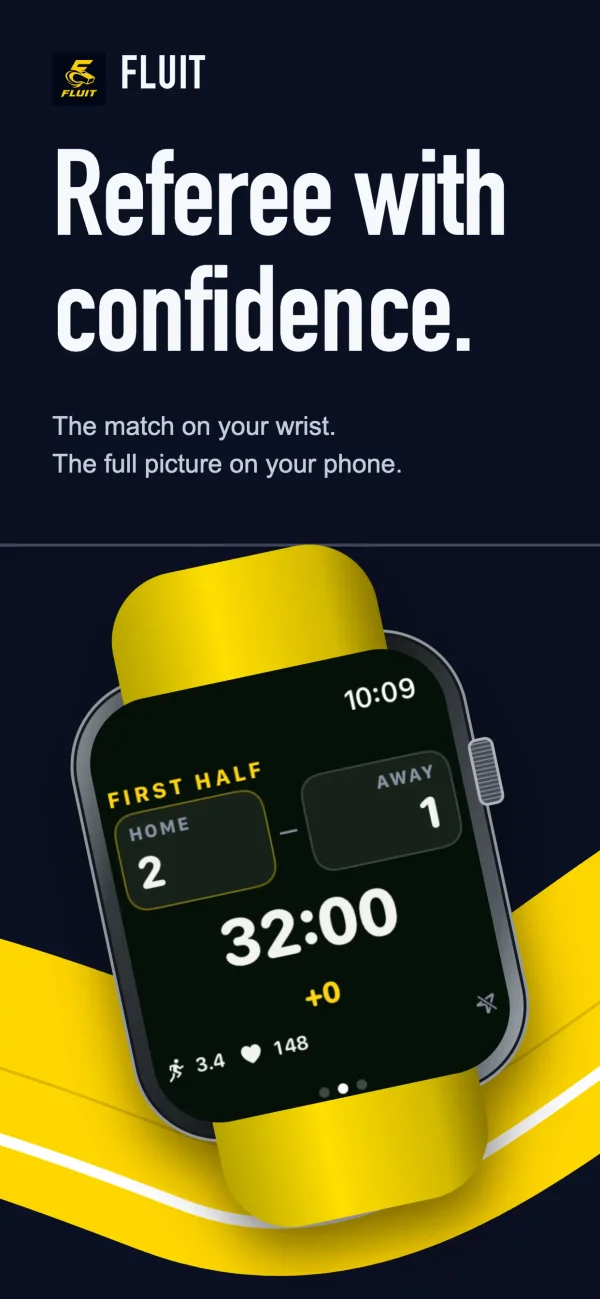
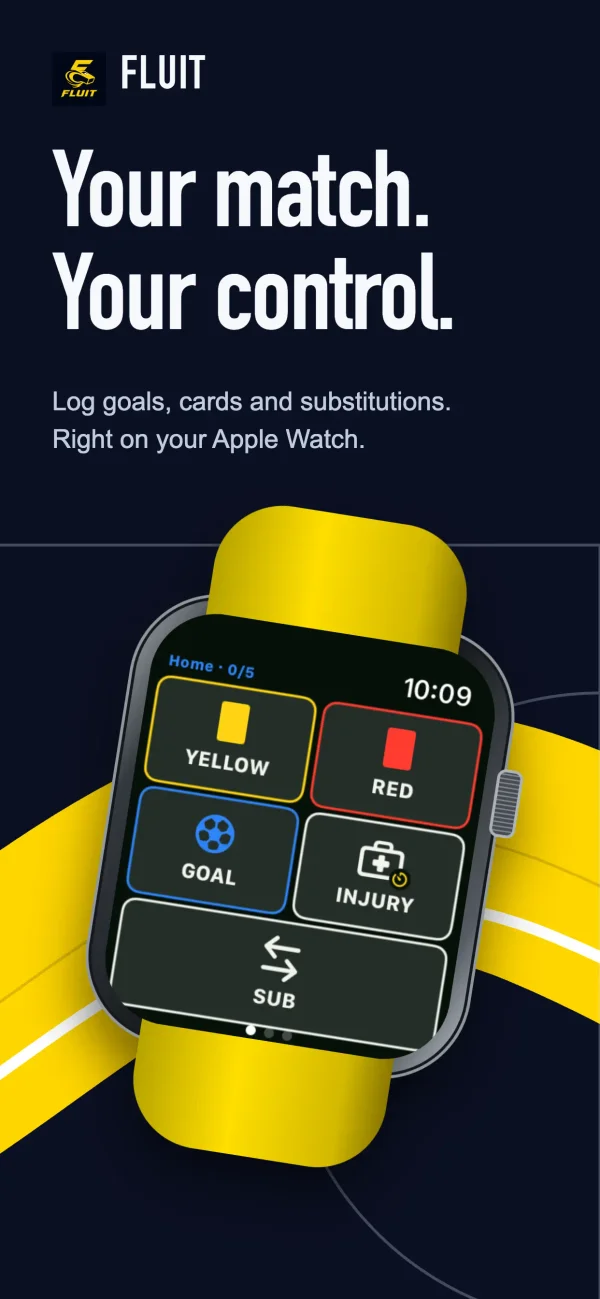
Use your Apple Watch to manage the match clock and record goals, cards and substitutions. Prepare substitutions at half-time. Choose settings for football or futsal, including temporary dismissals and penalty shoot-outs. Your watch can run a match without your iPhone beside the pitch.
Record stoppages with the lower counter. In football, the main match clock keeps running. Different haptic patterns help you distinguish starting and stopping. Your report shows the number of recorded stoppages, their duration and totals by period. Available start and end locations show where you operated the counter.
Keep your result
Completed ordinary matches remain available as local recovery copies on Apple Watch. FLUIT retries delivery when connectivity returns and only confirms receipt after the iPhone has saved the result. The troubleshooter lets you send a result again.
Understand your season
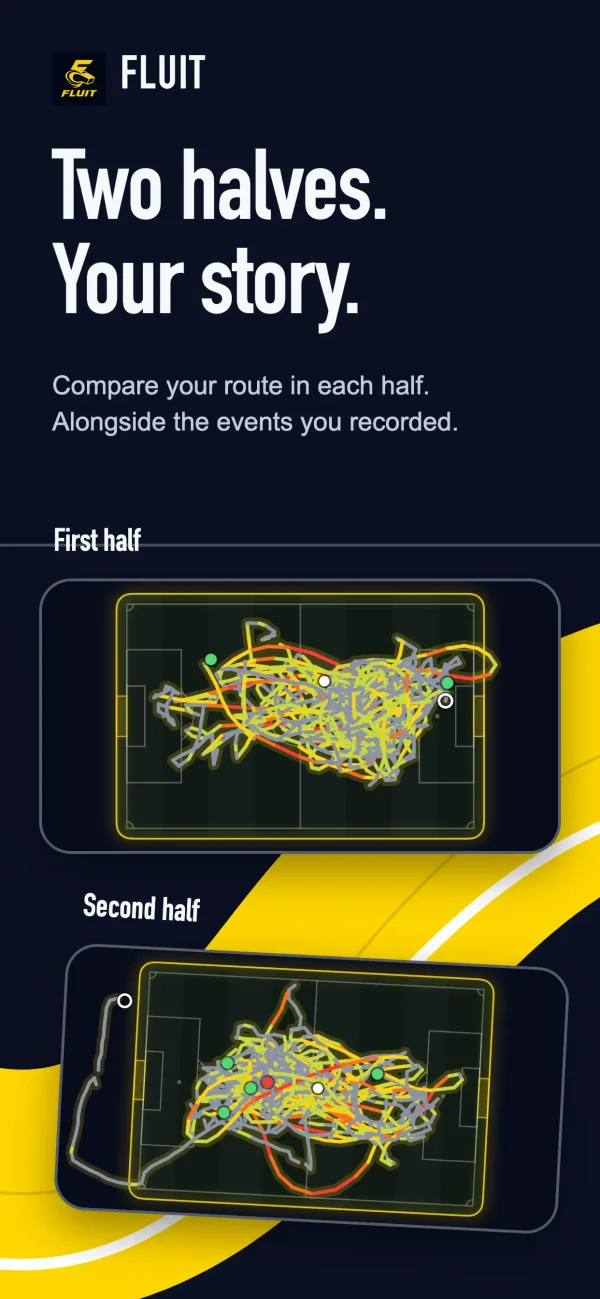
Explore matches, goals, cards, distance covered, speed zones and heart rate. Compare two matches using routes, heatmaps and a shared colour scale. Personal heart-rate zones use one maximum heart rate that you set. Available measurements are identified, and missing values do not count as zero. With your permission, Apple Health (HealthKit) supplies available workout and heart-rate data. GPS locations and pitch orientation remain estimates.
Practise and share
Keep learning in Academy with laws-of-the-game questions, challenges and practice tests. Choose your practice reminders or turn them off. Join a Clubhouse to learn together and take part in a quiz night. From five completed matches, FLUIT can create a milestone video with music on your iPhone. You decide whether to share it and whether team names appear.
Optional Garmin connection
Use FLUIT 1.2 or later on a supported Garmin watch paired in Garmin Connect. Pair with FLUIT before your match, send your plan and retrieve results afterwards from the app. Syncing with Garmin Connect alone does not import a FLUIT report.
Requires iPhone with iOS 17 or later and Apple Watch with watchOS 10 or later for Watch features. Available in Dutch and English. Features and measurements depend on your watch, settings and permissions. Update the Watch app too for the new connection features.
Your account and selected Clubhouse activities use online services. Match analysis and team-sheet scanning take place locally. Technical crash diagnostics help us investigate faults; usage analytics are off by default and optional. Choose whether to share usage analytics in Profile. FLUIT is not an official association system and does not replace the referee's decisions.
Questions or feedback? support@fluitapp.nl
What’s new
Version 1.0.4 · Nov 10, 2026
More confidence before, during and after your match.
• Check whether your match and team lists have been saved and selected on Apple Watch before kick-off.
• Completed ordinary matches remain available as recovery copies on your watch. The receipt status shows whether your iPhone has actually saved the result.
• Review recorded stoppages by period in your match report, including start and end locations when GPS is available. For football, the main clock keeps running while the stoppage counter is active; futsal follows its configured clock rules.
• For football, control the stoppage counter with the separate pause/play button, or enable gesture control on supported Apple Watches. The match clock keeps running.
• Set an optional half-time or full-time reminder for 30, 60 or 120 seconds after playing time plus added time. You decide when to confirm the end of the period or match.
• Improved distance and heatmap processing, including measurement gaps, stationary time and recording recovery.
• Scan both teams and staff from a match form. Multiple form photos are automatically ordered when their pages can be identified.
• Improvements to photo import, duplicate player names and resending results.
Update FLUIT on your Apple Watch too to use all new connection features. Check recognised player details before confirming them. GPS locations and pitch orientation remain estimates.
App privacy
What Onur Berk Tastan declares on the App Store about how this app handles data.
-
Data linked to you
May be collected and linked to your identity.
- Health and fitness
- Location
- Contact info
- User content
- Identifiers
- Usage data
-
Data not linked to you
May be collected but is not linked to your identity.
- Diagnostics
Privacy practices may vary, for example with the features you use or your age.
Information
- Seller
- Onur Berk Tastan
- Category
- Sports
- Version
- 1.0.4
- Updated
- Nov 10, 2026
- Released
- Sep 5, 2026
- Size
- 42.7 MB
- Requires
- iOS 17.0 or later
- Age rating
- 17+
- Languages
- English, Dutch
- Copyright
- © 2026 OBT TECH
You might also like
-
 Ref90 - Referee WatchFootball Referee Watch App
-
 RefBasket: Basketball RefereeShot clock, fouls & report
-
 TeamUp Live: ScorekeeperMatch scores on Apple Watch
-
 De 1000 RoversSports
-
 REF90 GrassrootsGrassroots Referee Watch App
-
 Soccer Ref WatchMatch tool for soccer referees
-
 MatchTimer ProPro Sports Timer & Alerts
-
 HAFCSports