
FLUX F
Curate & present your photos
Designed for iPhone, iPad
Free · In-app purchases
- Age rating4+
- CategoryPhoto & Video
- Developer子康 王
- LanguagesEnglish+ 1 more
- Size10.3 MB
Links to the official App Store page
Download.org hosts no file of FLUX F. The button opens its official App Store page, published by 子康 王. Listing last checked on Nov 24, 2026.
Screenshots



About
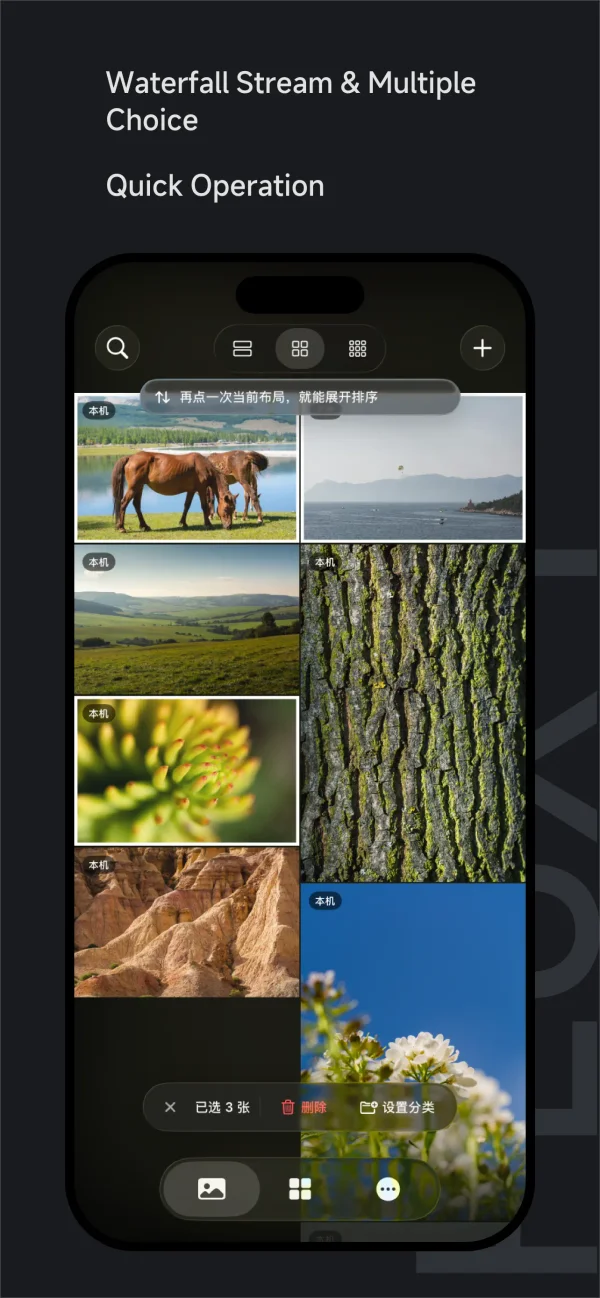
FLUX F is a beautifully minimalist home for your photography, with a quiet, distraction-free dark interface that lets you curate, present, and share every captured moment.
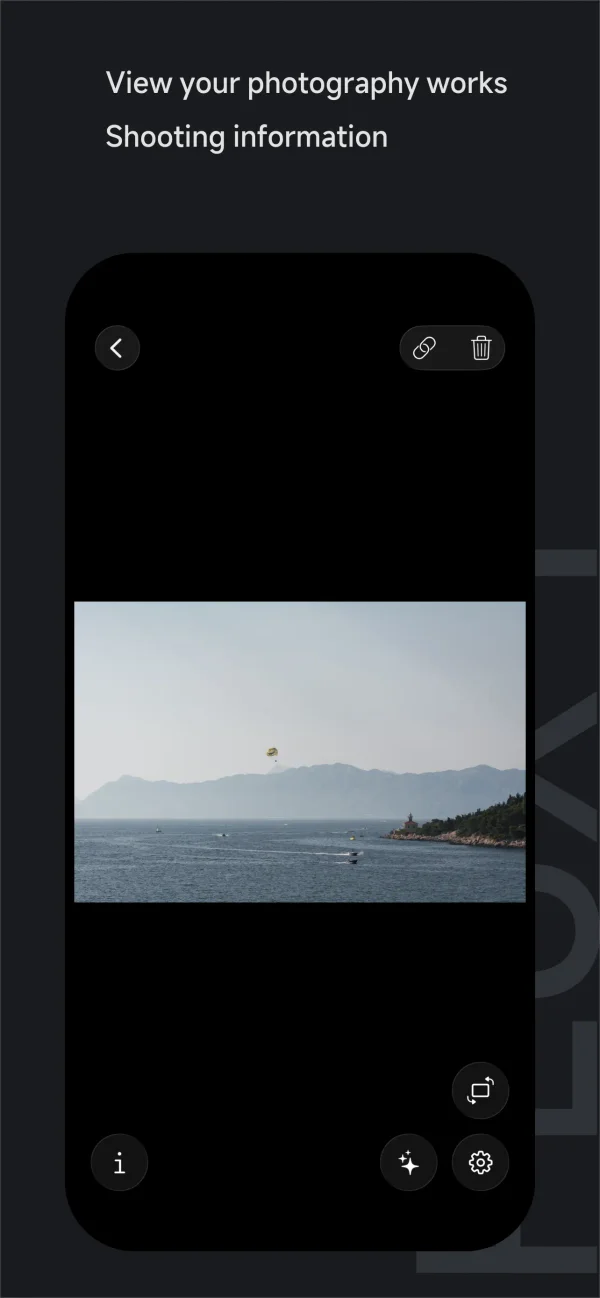
Manage your portfolio: add works in one tap and enrich each photo with a title, description, shooting info, and location. Organize everything by categories with tags and ratings, and browse through clean timeline and category views.
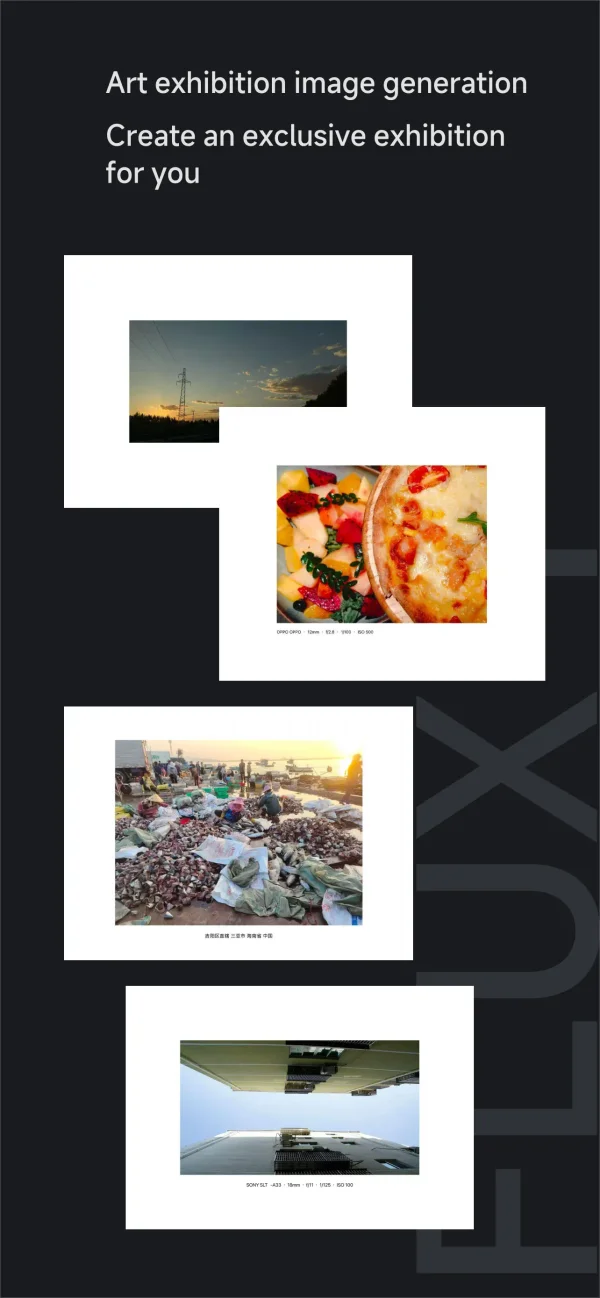
Frame and export: six crafted templates — Minimal White, Minimal Dark, Average Color, Bottom White, Bottom Dark, and Inner Text. Choose which details appear on the frame, including the title, description, shooting info, location, and your signature, then adjust the alignment and text colors. Preview in real time and export high-resolution images straight to your photo library for sharing or printing.
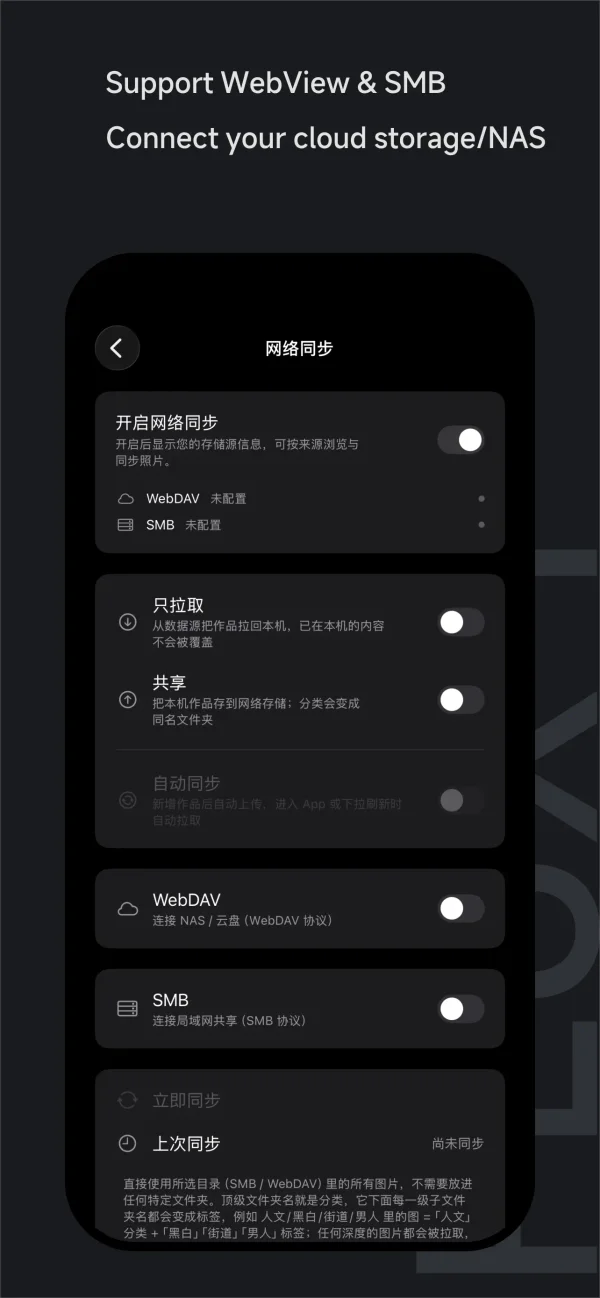
iCloud sync and backup: turn on iCloud to keep your portfolio in sync across all your devices, or use one-tap ZIP export to back up every photo and your configuration.
Privacy: your work stays on your device and in your iCloud by default. No registration is required to use any feature.
Privacy Policy: https://docs.morids.com/en/c/appdocs/ios/flux-f/privacy-policy/
User Agreement (EULA): https://docs.morids.com/en/c/appdocs/ios/flux-f/eula/
What’s new
Version 26.1110.1 · Nov 22, 2026
1)Rearranged the settings content layout [Optimization]
2)Added changelog [New]
3)Refactored most UI components (detail optimization) [Optimization]
4)Multi-select sharing feature is complete; also supports multi-select forwarding via zip (original images), html, and watermarked zip (original images with watermark) [New]
5)Removed the ugly scrollbar on secondary pages [Optimization]
6)New layout and design for the category page; supports switching back to the old version in settings [New]
7)Added transition animations for switching between the three homepage pages [Optimization]
8)Material staging area: temporarily store materials in a centralized place, then add them from the material area to a category / or no category [New]
9)Fixed: when uploading images directly inside the category page, the waterfall flow ratio is not the original ratio [Fix]
10)Replaced with a whole new set of icons [Optimization]
App privacy
What 子康 王 declares on the App Store about how this app handles data.
-
Data not collected
The developer does not collect any data from this app.
Privacy practices may vary, for example with the features you use or your age.
Information
- Seller
- 子康 王
- Category
- Photo & Video
- Version
- 26.1110.1
- Updated
- Nov 22, 2026
- Released
- Sep 8, 2026
- Size
- 10.3 MB
- Requires
- iOS 17.0 or later
- Age rating
- 4+
- Price
- Free
- In-app purchases
- Yes
- Languages
- English, Simplified Chinese
- Copyright
- © 2026 Zikang Wang
You might also like
-
 GuanZhen: Photo Critique·GearCritique, style & gear advisor
-
 摄影装备库Photo & Video
-
 LutFtp(multilingual version)FTP|PTP|USB|MSC|UVC|LUT|RAW
-
 XZphotosPublic Aviation Photo Library
-
 影犀Photo & Video
-
 Imaging Console LiteNikon Essential
-
 FilmArchive-Film PhotographyFilm scanner & darkroom timer
-
 SpektraLabFilm darkroom for RAW photos
-
 bubblefilm - 测光和胶片电子记录本Photo & Video
-
 Imaging ConsoleControl & Transfer & Monitor