
Flux: Life Clock & Countdown
Memento Mori, Focus & Widgets
Designed for iPhone, iPad, iPod touch
Free
- Age rating4+
- CategoryProductivity
- DeveloperSTEPHAN HENNING
- LanguagesEnglish
- Size58.6 MB
Links to the official App Store page
Download.org hosts no file of Flux: Life Clock & Countdown. The button opens its official App Store page, published by STEPHAN HENNING. Listing last checked on Nov 20, 2026.
Screenshots
About
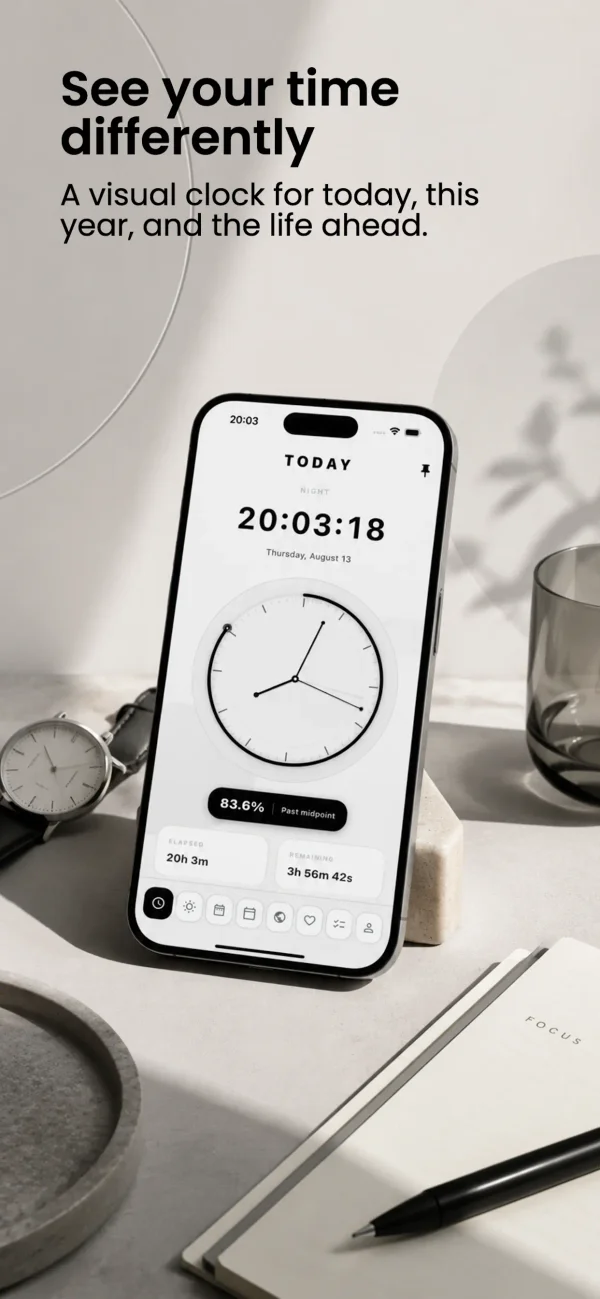
SEE YOUR TIME DIFFERENTLY.
Flux is a visual time tracker, life clock, Memento Mori companion, countdown timer, Pomodoro focus timer, and time widget app designed to make every day feel more intentional.
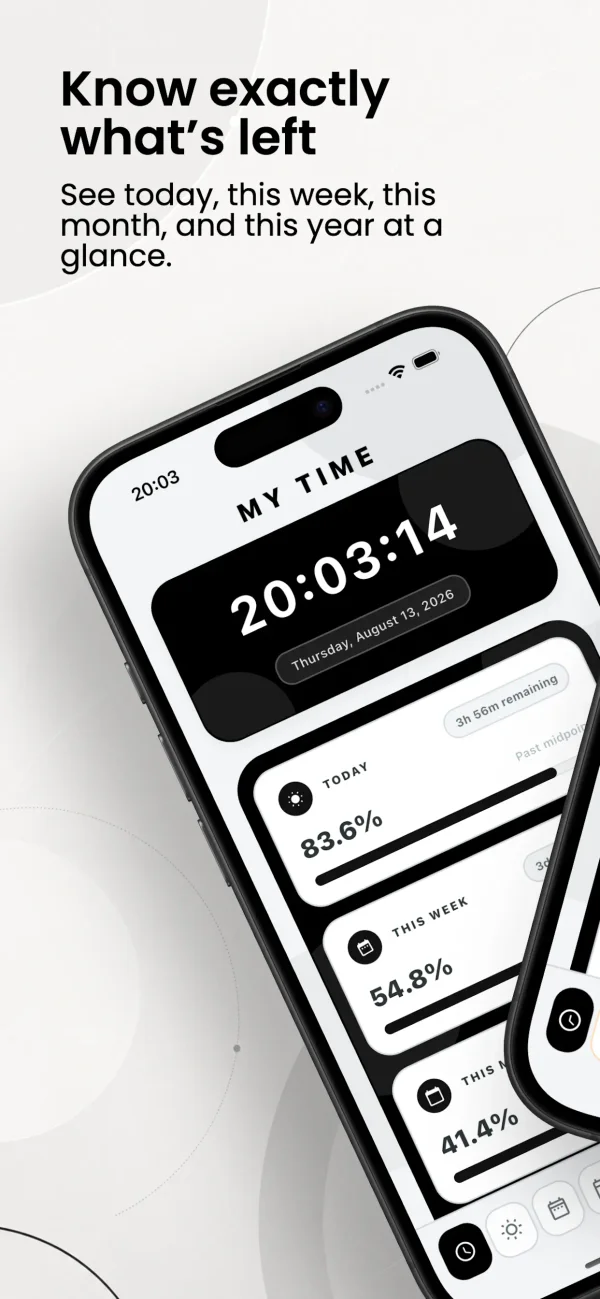
See how much of today, this week, this month, this year, and your life has passed — then create beautiful countdowns for the moments that matter next.
VISUALIZE YOUR LIFE & TIME
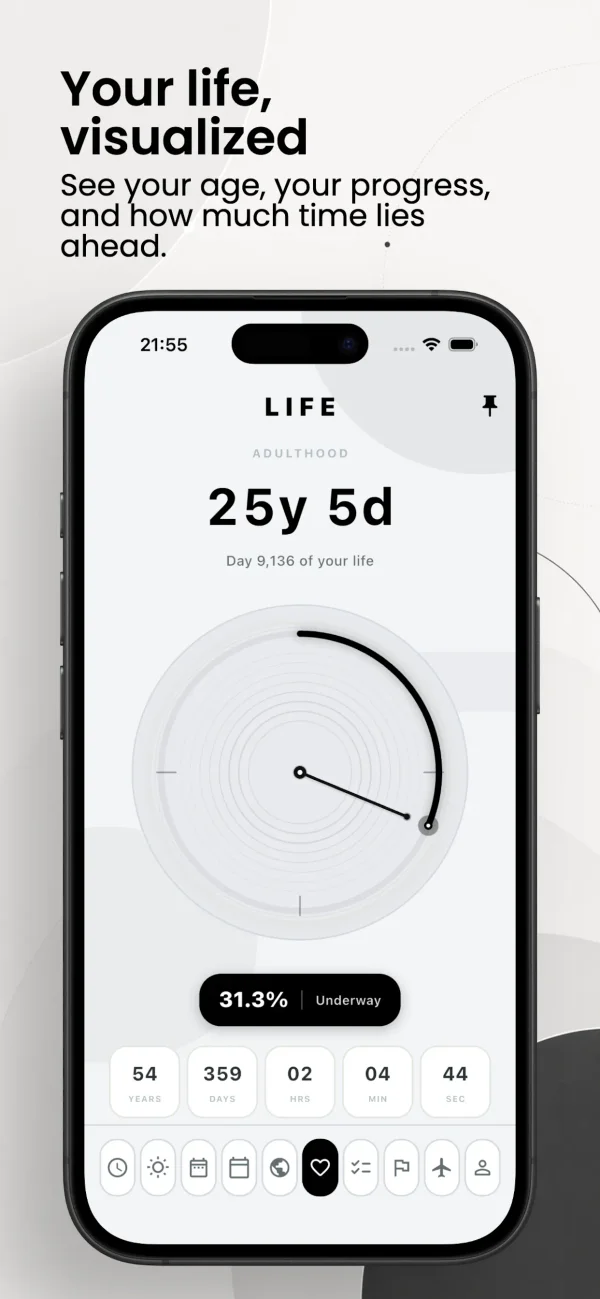
• LIFE CLOCK & MEMENTO MORI
Turn your birthday and lifespan target into a visual life progress clock. See days lived, time remaining, life stages, decade rings, and your progress through life at a glance.
• TODAY: 24-HOUR TIME DIAL
Track elapsed and remaining hours with an interactive daily clock, day/night awareness, and solar progress.
• WEEK, MONTH & YEAR PROGRESS
See exactly how far you are through the current week, month, and year with simple visual progress dials.
• BIRTHDAY COUNTDOWN
Count down to your next birthday and see upcoming age milestones in a dedicated birthday timer.
COUNTDOWN TIMER FOR ANY EVENT
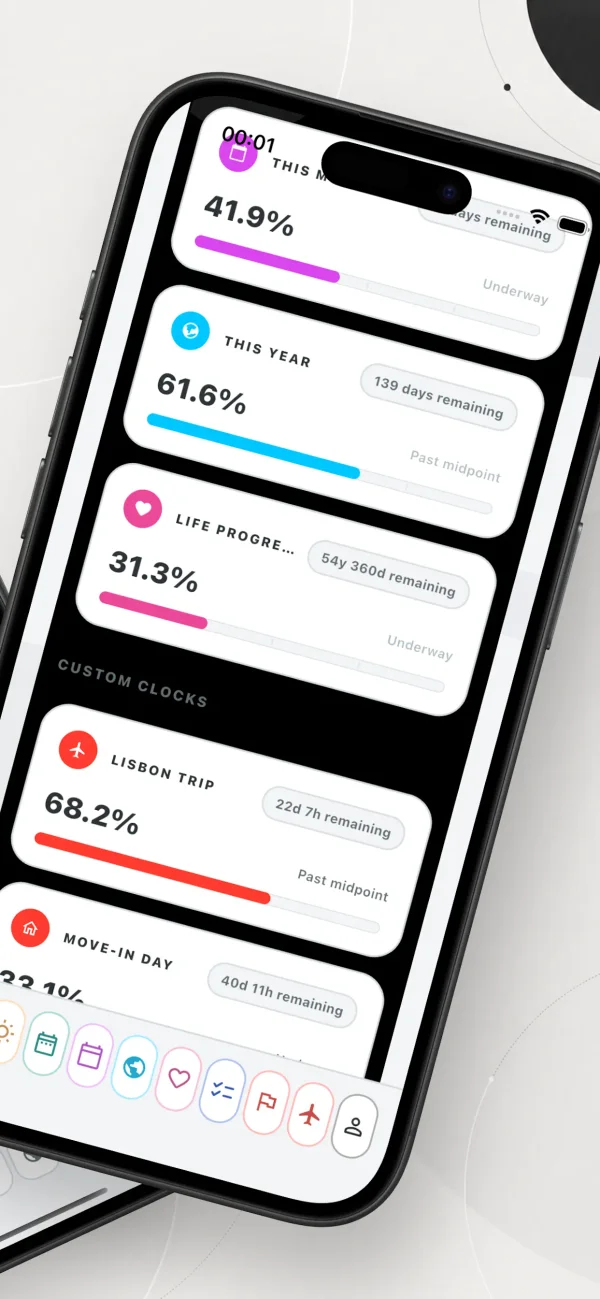
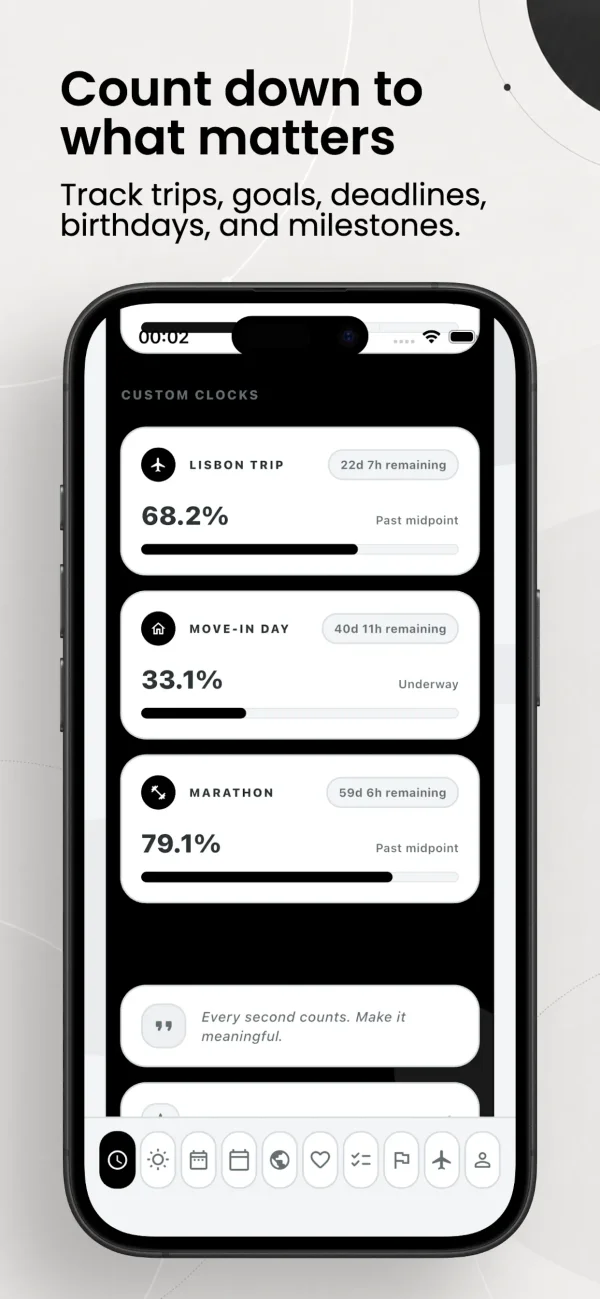
Create custom countdowns and progress clocks for:
• Vacations and trips
• Weddings and anniversaries
• Exams and study deadlines
• Projects and product launches
• Marathons, fitness and health goals
• Move-in days, birthdays and milestones
• Any important date or personal goal
Choose custom icons, set start and target dates, add reminder alerts, and pin your most important countdowns for instant access.
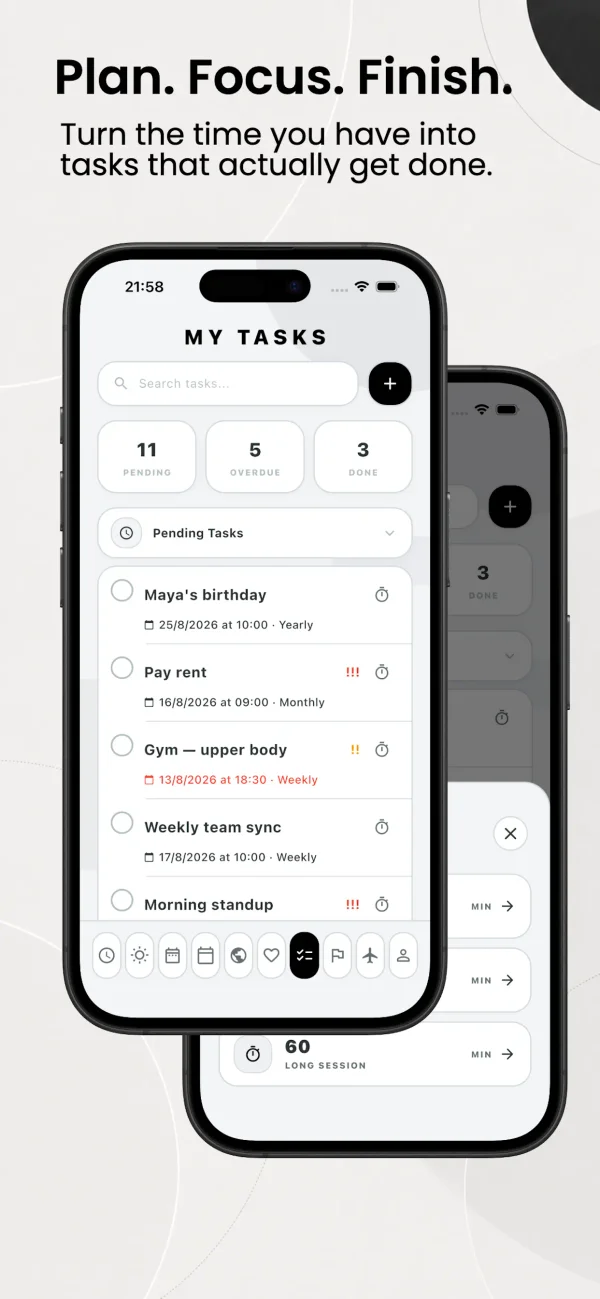
POMODORO & FOCUS TIMER
Turn intention into action with built-in focus sessions.
• Start 25-minute, 45-minute, or custom focus timers
• Use Pomodoro-style sessions for work, study and deep focus
• Connect focus sessions directly to your tasks
• Track tasks with due dates, tags, filters and batch actions
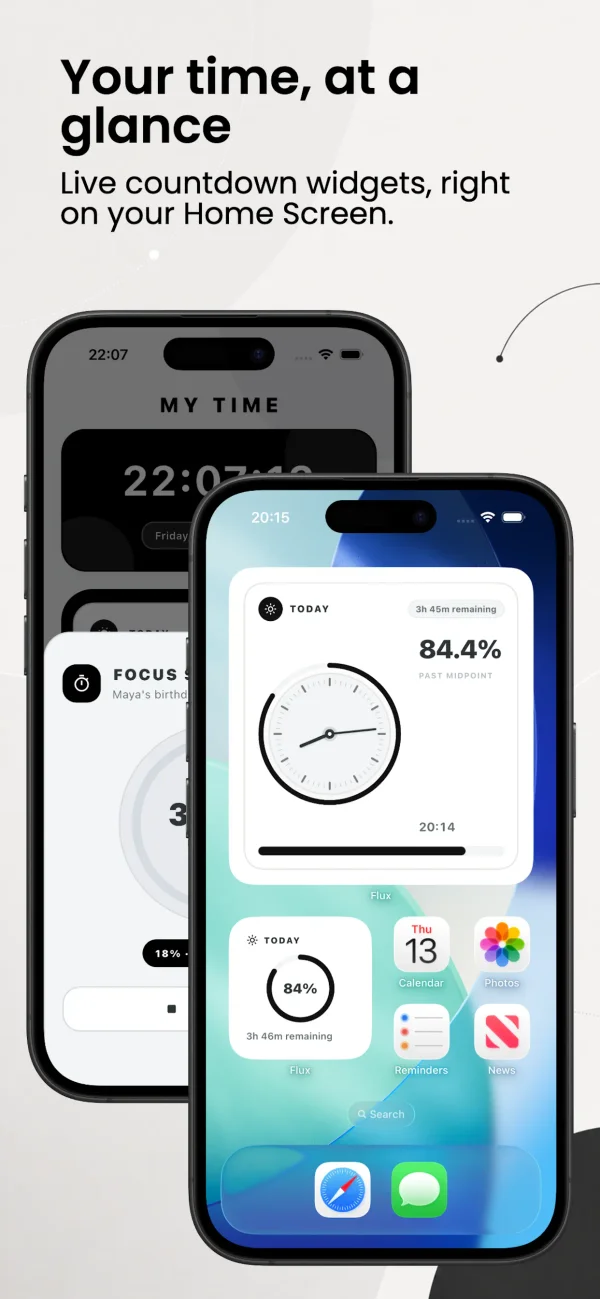
LIVE ACTIVITIES, DYNAMIC ISLAND & WIDGETS
Keep time visible without constantly opening the app.
• Live Activities with a real-time countdown and progress bar
• Dynamic Island support in Expanded, Compact and Minimal views
• Lock Screen and StandBy countdown progress
• Home Screen widgets in Small, Medium and Large sizes
• Lock Screen widgets for Today, Life Progress, custom countdowns and tasks
AESTHETIC TIME TRACKING
Flux is designed to make time feel clear, calm and visual.
Choose minimalist monochrome themes for a clean OLED-friendly look, or use vibrant color themes for different time periods. Smooth animations and subtle haptics make every interaction feel deliberate.
PRIVATE & OFFLINE FIRST
Your core time tracking works offline with local storage. No mandatory account is required. Optional sign-in and cloud backup are available when you want them.
WHY FLUX?
Flux combines a life progress tracker, Memento Mori life clock, countdown timer, daily time tracker, Pomodoro focus timer, task manager and aesthetic widgets in one visual experience.
Whether you want to see your life in perspective, count down to a wedding or vacation, stay focused while studying, track a major deadline, or simply understand where your time is going, Flux helps make time visible.
Make every second count.
Download Flux and start seeing your time clearly.
What’s new
Version 4.2.1 · Nov 18, 2026
A Fresh New Look for Flux!
We’ve rebuilt the entire interface from the ground up for a cleaner, more fluid experience - making it easier and more beautiful than ever to track your life clocks and stay on top of your daily tasks.
App privacy
What STEPHAN HENNING declares on the App Store about how this app handles data.
-
Data linked to you
May be collected and linked to your identity.
- Location
- Contact info
- Identifiers
- Usage data
- Diagnostics
Privacy practices may vary, for example with the features you use or your age.
Information
- Seller
- STEPHAN HENNING
- Category
- Productivity
- Version
- 4.2.1
- Updated
- Nov 18, 2026
- Released
- Jan 19, 2026
- Size
- 58.6 MB
- Requires
- iOS 15.0 or later
- Age rating
- 4+
- Price
- Free
- Languages
- English
- Copyright
- © 2026 Stephan Henning
You might also like
-
 Chunq: AI Planner & FocusADHD Task, Planning & Focus
-
 Memento Mori: Time Left WidgetYear progress & Stoic quotes
-
 Arc: 24-Hour Day DialYour whole day on one dial
-
 App Usage LimiterDaily app limits, no escape
-
 Calendar Planner AppDaily Planner Calendar 2024
-
 Recall: The Memory AppChat with your memories
-
 SeTime: Time and task trackerWork, breaks, tasks
-
 DayClock - 24h Circle PlannerA visual 24-hour planner
-
 Work Hours Tracker - Time LogProductivity
-
 Goal Tracking - GoalsKitProgress, Accountability, Plan