- Age rating4+
- CategoryEducation
- DeveloperCaerus Digital, LLC
- LanguagesEnglish
- Size164.5 MB
Links to the official App Store page
Download.org hosts no file of FMS Trainer. The button opens its official App Store page, published by Caerus Digital, LLC. Listing last checked on Nov 24, 2026.
Screenshots
About
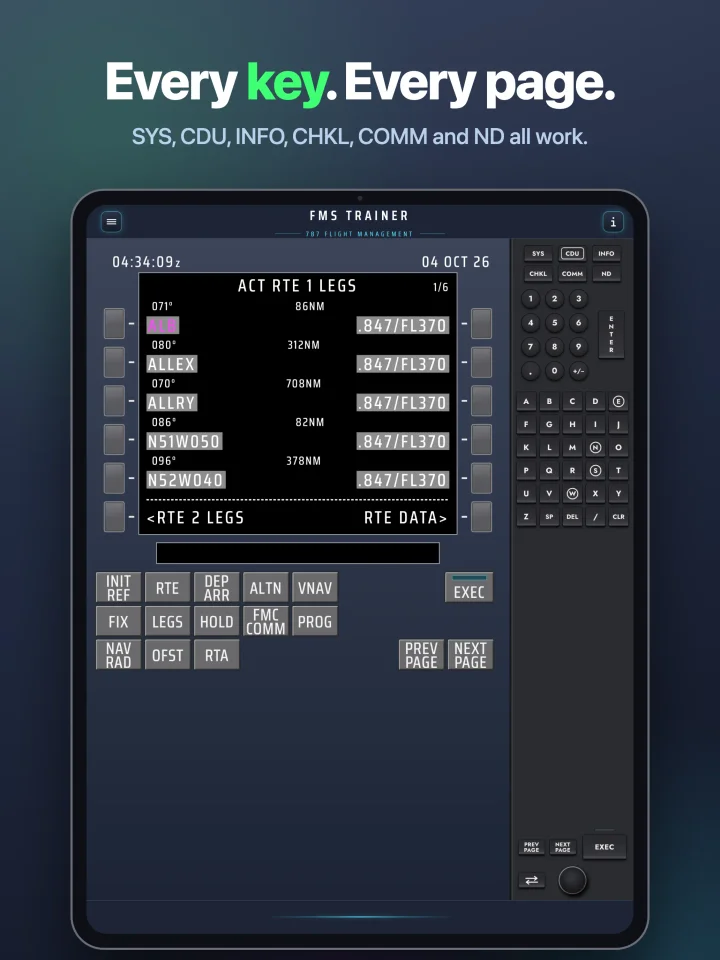
FMS Trainer lets airline pilots practice the flight management computer anywhere, with nothing to break and no clock running. Load a flight, run the preflight, and press every key you have wondered about.
SIX FLIGHT DECKS
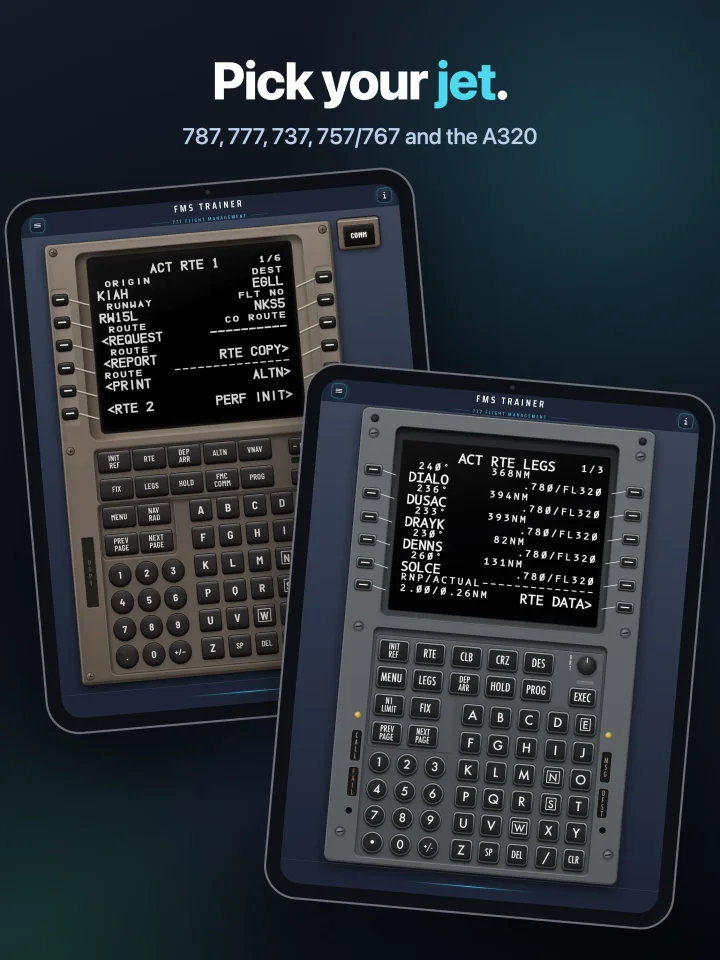
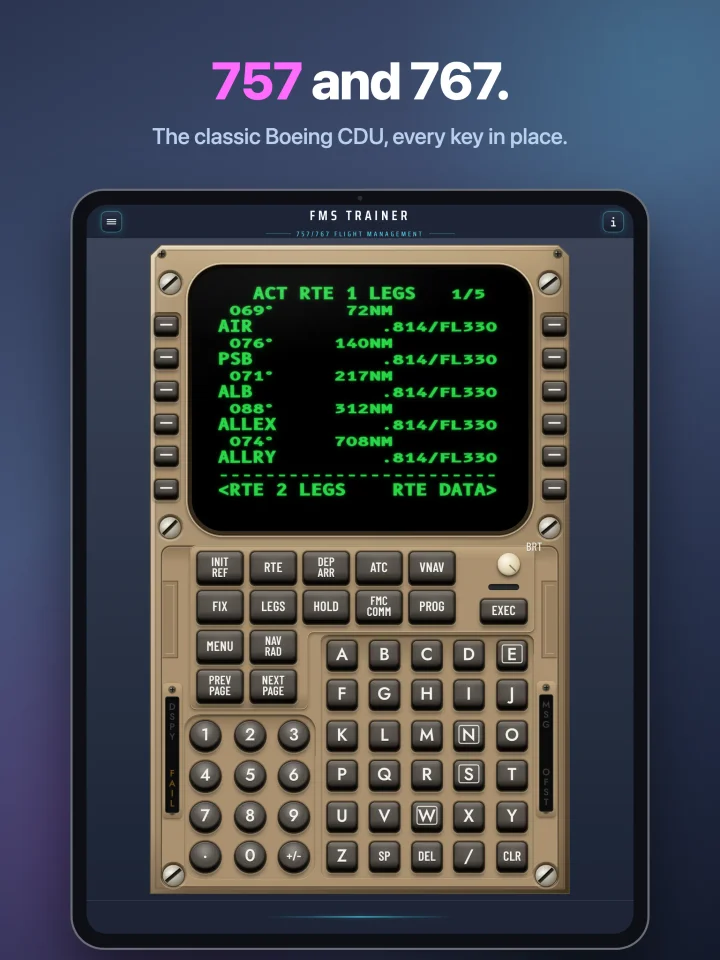
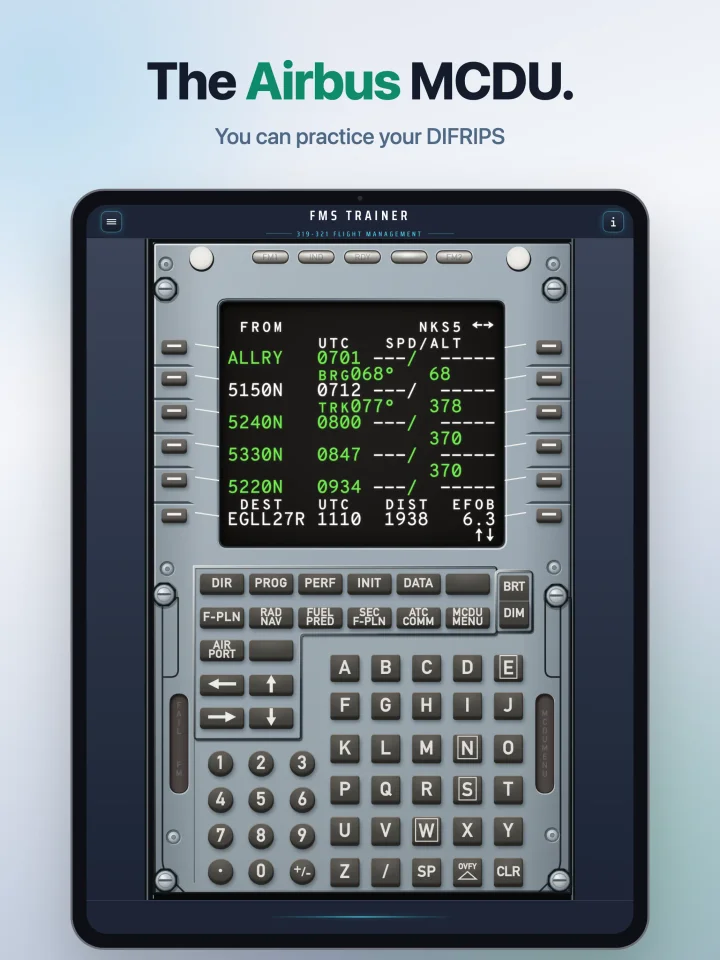
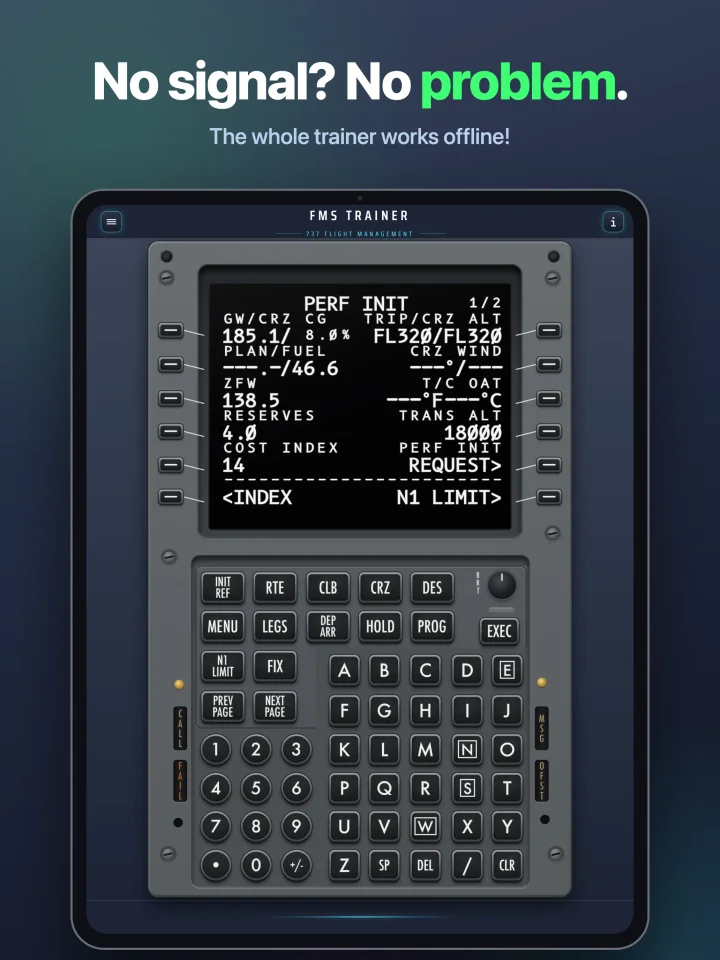
787, 777, 747-400, 757/767, 737, and the A320 family. Each has its own keyboard, its own pages, and its own quirks.
THE WHOLE CDU
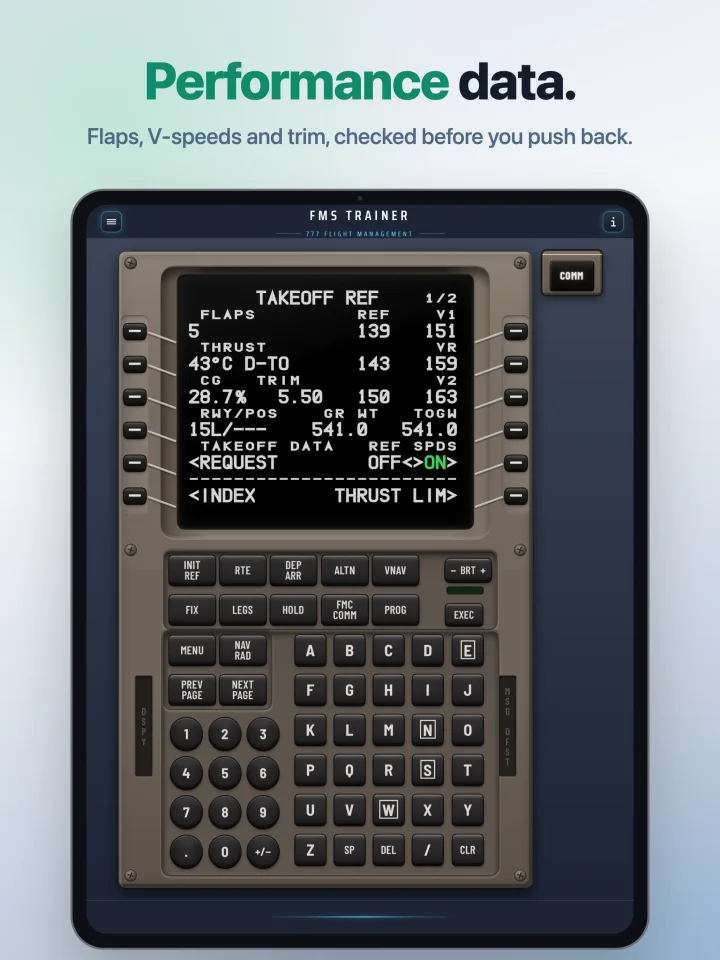
Route, legs, performance, takeoff, progress, fix, hold, descent, and approach pages. The scratchpad, MOD, and EXEC work the way they do on the line.
A FULL PREFLIGHT
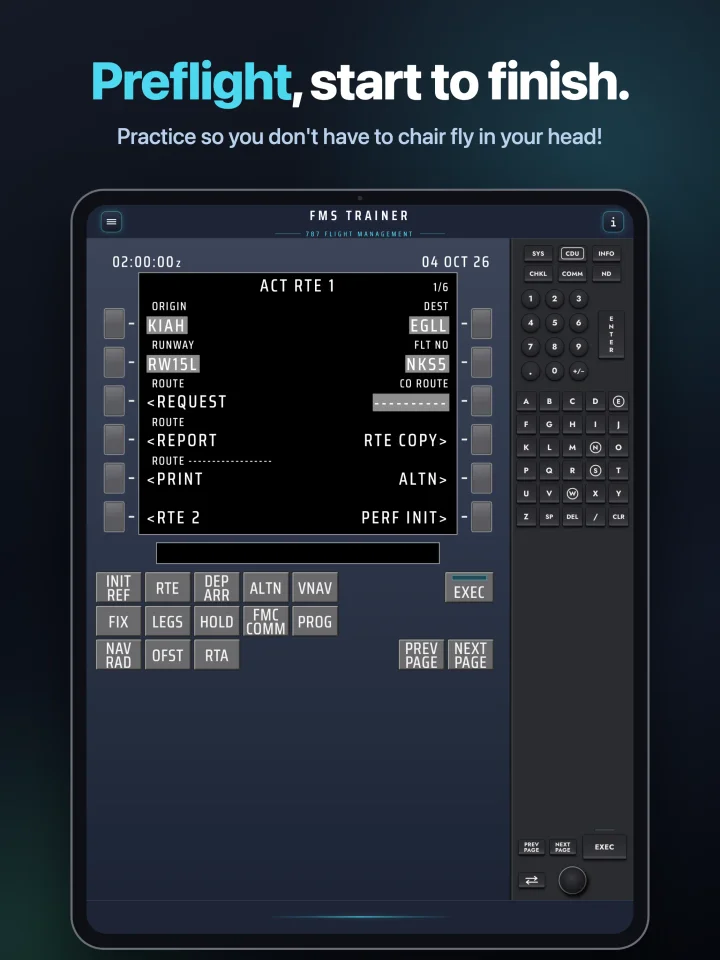
Pick an example flight and it arrives as a datalink upload. Load it, activate it, execute it, then work through performance setup, takeoff data, and winds in order.
787 SCREENS
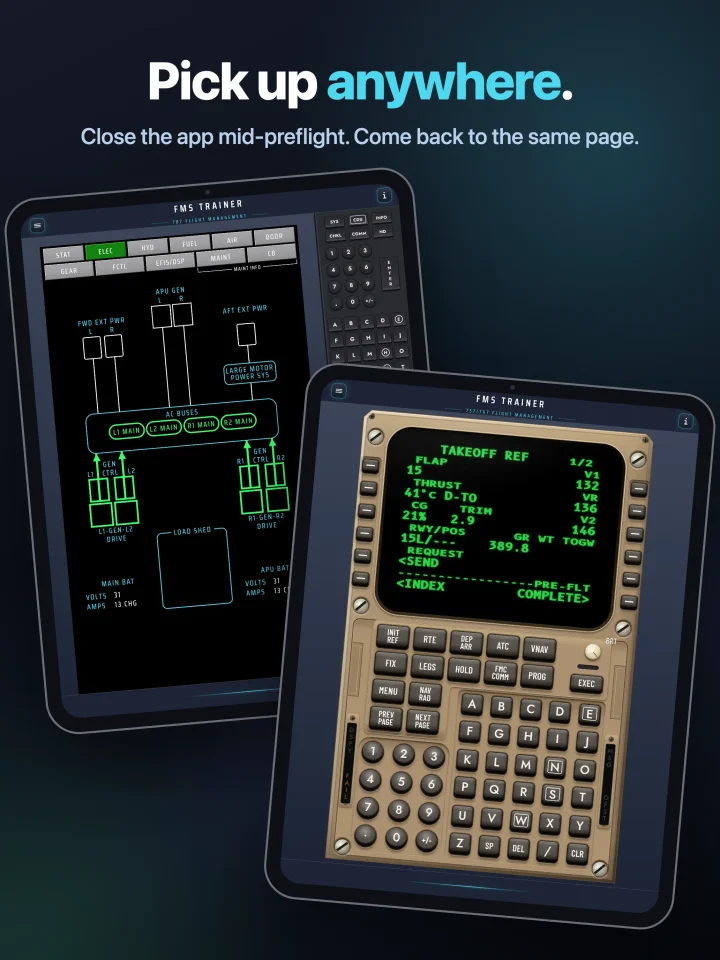
On the 787, switch between the CDU, COMM, CHKL, SYS, INFO, and ND screens from the keypad column, like the airplane.
CHECKLISTS
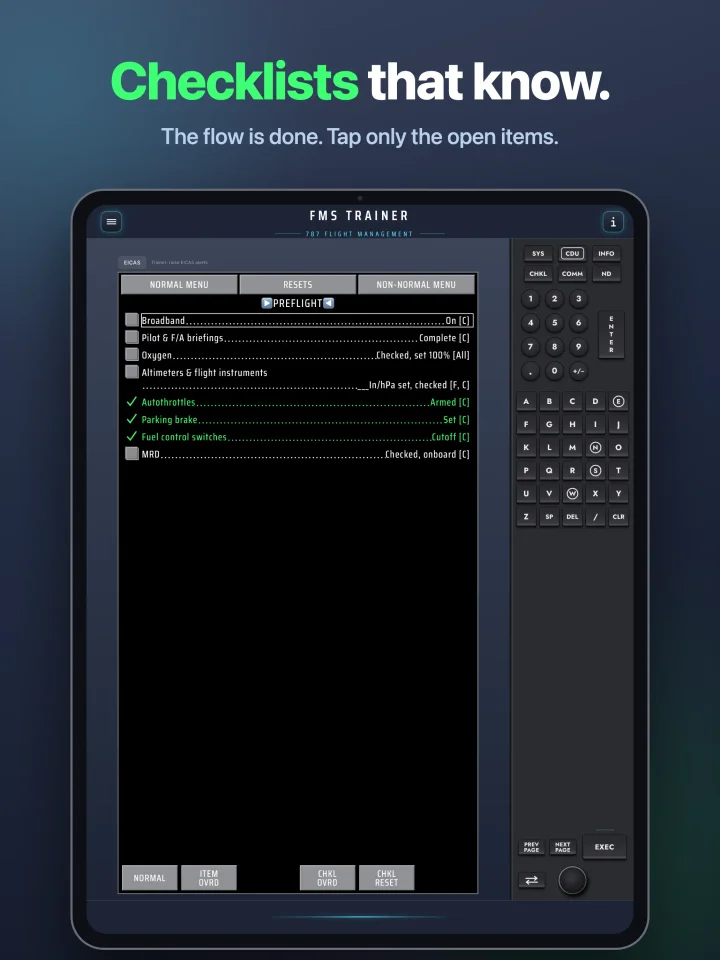
Electronic checklists that assume the flow is done. Sensed items arrive checked, and you tap only the open items.
MAP AND SYSTEMS
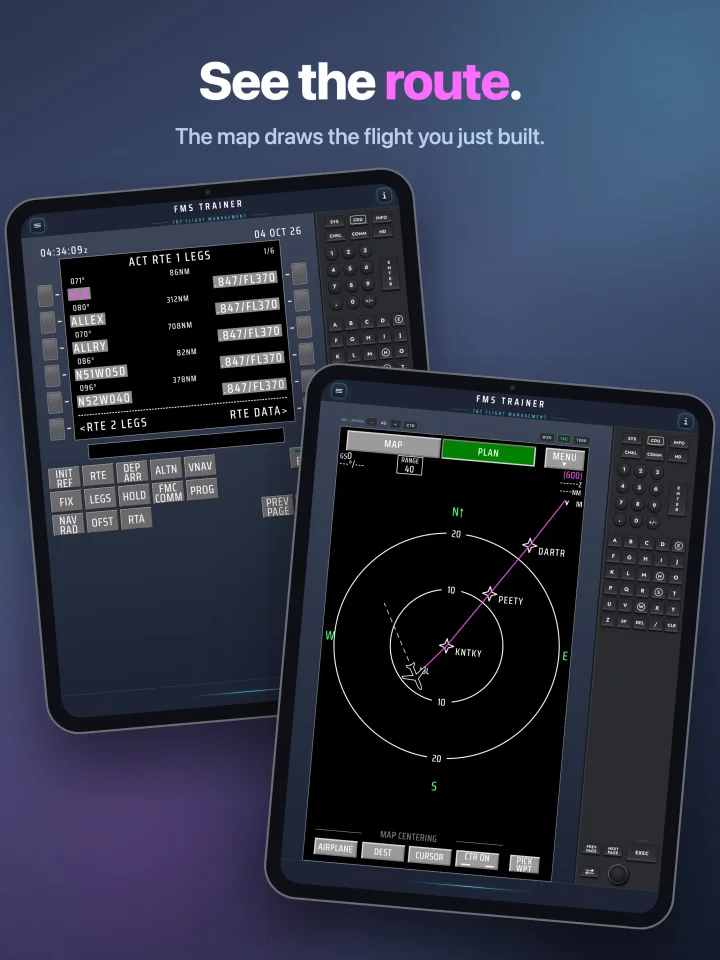
The navigation display in map and plan modes, plus system synoptics and status pages, all drawn from the flight you loaded.
BRING YOUR OWN PLAN
Open a flight plan PDF from Files or the share sheet and it loads like an uplink. It stays on your device.
PICK UP WHERE YOU LEFT OFF
Close the app mid-preflight. When you come back, every page is where you left it.
FREE TO TRY, BUY THE AIRCRAFT YOU FLY
Download free and try one aircraft of your choice free for 7 days. Then buy each aircraft you want once, as its own in-app purchase. No subscription, no sign-in, no ads, and no tracking. Bought FMS Trainer 1.0? The five launch aircraft are still yours; the 747-400 is a separate purchase.
FOR TRAINING ONLY
FMS Trainer is a study aid. It is not certified for flight, it is not a flight simulator approved for training credit, and its navigation data is not current. Always follow your airline's procedures and approved manuals.
FMS Trainer is an independent app from Caerus Digital, LLC. It is not affiliated with, sponsored by, or endorsed by any airline or aircraft manufacturer. Aircraft model names are used only to describe the flight decks the app represents.
Terms of use: https://caerus.digital/fms-trainer.html#terms
Privacy policy: https://caerus.digital/fms-trainer.html#privacy
Support: support@caerus.digital
What’s new
Version 2.2 · Nov 23, 2026
New in 2.2
- The 747-400: a sixth aircraft. Try it free or buy it on its own; it is also part of All aircraft.
- Procedure tab under Info: the FMC preflight steps check off as you do them; on the 787 it adds the normal checklists. (Every aircraft but the 747.)
- 737, 747 and 777: changes on the RTE page now reach LEGS and keep your speed and altitude constraints; route discontinuities show where the manual puts them.
- 737: PROGRESS and descent times and fuel follow the flight plan.
- SELECT DESIRED WPT pick list on the 737, 747, 757/767 and 777 when an identifier has more than one match.
- 757/767: route offsets and alternates work as the manual describes.
- 777: holds, arrivals and approach intercepts follow the manual.
- 787: the wind uplink executes from any screen; the Final weights uplink works with any loaded plan; PROGRESS distance follows the flight plan.
- 787 COMM: new REMINDERS, WEATHER and NOTAM REQUESTS, OFF TIME, POSTFLIGHT, FREE TEXT and DIVERSION pages. A319-A321: LINK MANAGER and CONNECTION STATUS.
- A319-A321: defaults, computed values and predictions in the small font; the F-PLN shows T/C, T/D and DECEL; new CLOSEST AIRPORTS and EQUI-TIME POINT.
- Screens keep their look with a larger iPad text size and Bold Text.
- ILS frequencies come from the navigation data.
- Many more fixes on every aircraft so the pages match the manuals.
App privacy
What Caerus Digital, LLC declares on the App Store about how this app handles data.
-
Data not collected
The developer does not collect any data from this app.
Privacy practices may vary, for example with the features you use or your age.
Information
- Seller
- Caerus Digital, LLC
- Category
- Education
- Version
- 2.2
- Updated
- Nov 23, 2026
- Released
- Oct 28, 2026
- Size
- 164.5 MB
- Requires
- iOS 17.0 or later
- Age rating
- 4+
- Price
- Free
- In-app purchases
- Yes
- Languages
- English
- Copyright
- © 2026 Caerus Digital, LLC
You might also like
-
 SV KV Study Guides787 & 32x Systems Practice
-
 Boeing 787 FMC CDU TrainingMaster Boeing 787 Study & Test
-
 ATC Trainer: Radio ReadbackPilot Comms & NATO Alphabet
-
 Boeing 767 Tech Question BankMaster Boeing 767 Study & Test
-
 Flightdeck A320Interactive Cockpit & MCDU
-
 Boeing 767 FMC CDU TrainingMaster Boeing 767 Study & Test
-
 MCDU TrainerA320 与 737 飞行程序练习
-
 Jeb's A320 ChecklistAirbus Cockpit Flows & FMGC
-
 Boeing 777 FMC CDU TrainingMaster Boeing 777 Study & Test
-
 Acron B787 Cockpit Fam.Cockpit Familiarization Aid