Focus Flip: Study Timer
Pomodoro Timer & Focus Timer
Designed for iPhone
In-app purchases
- Age rating4+
- CategoryEducation
- DeveloperAnul Agarwal
- LanguagesEnglish
- Size50.7 MB
Links to the official App Store page
Download.org hosts no file of Focus Flip: Study Timer. The button opens its official App Store page, published by Anul Agarwal. Listing last checked on Nov 17, 2026.
Screenshots

About
Focus Flip: Pomodoro Timer is a flip-to-start focus timer designed to keep your phone face down and your mind in the zone.
Use it as a clean pomodoro timer to break work into sprints and short breaks without getting lost in notifications.
Turn your device into a distraction-free focus app that starts tracking the moment you flip your phone.
Section 1 – Flip to focus: your core focus timer
Make focus as simple as flipping your phone:
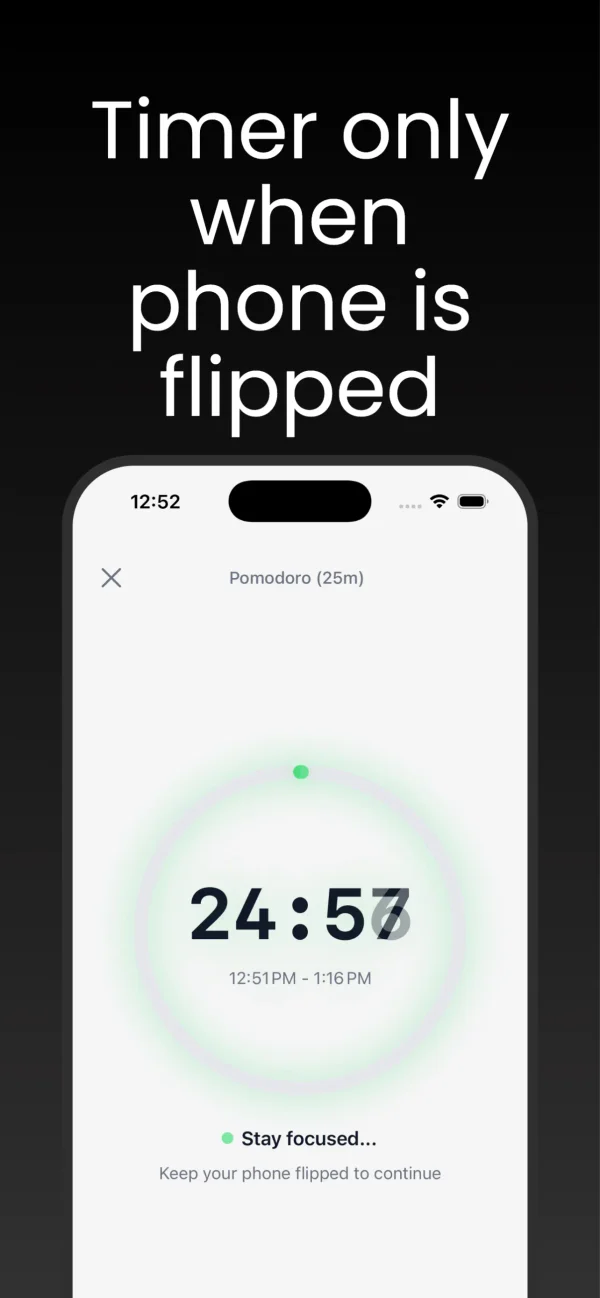
Put your phone face down to automatically start the focus timer.
Pick a duration and let the timer run without needing to tap or swipe.
Lift or flip your phone back to pause or stop the focus timer.
Use it as a study timer on your desk, library table, or coffee shop spot.
The flip mechanic turns your device into a physical reminder that it’s time to work, not scroll.
Section 2 – Classic Pomodoro timer flow
Turn your sessions into a structured pomodoro timer routine:
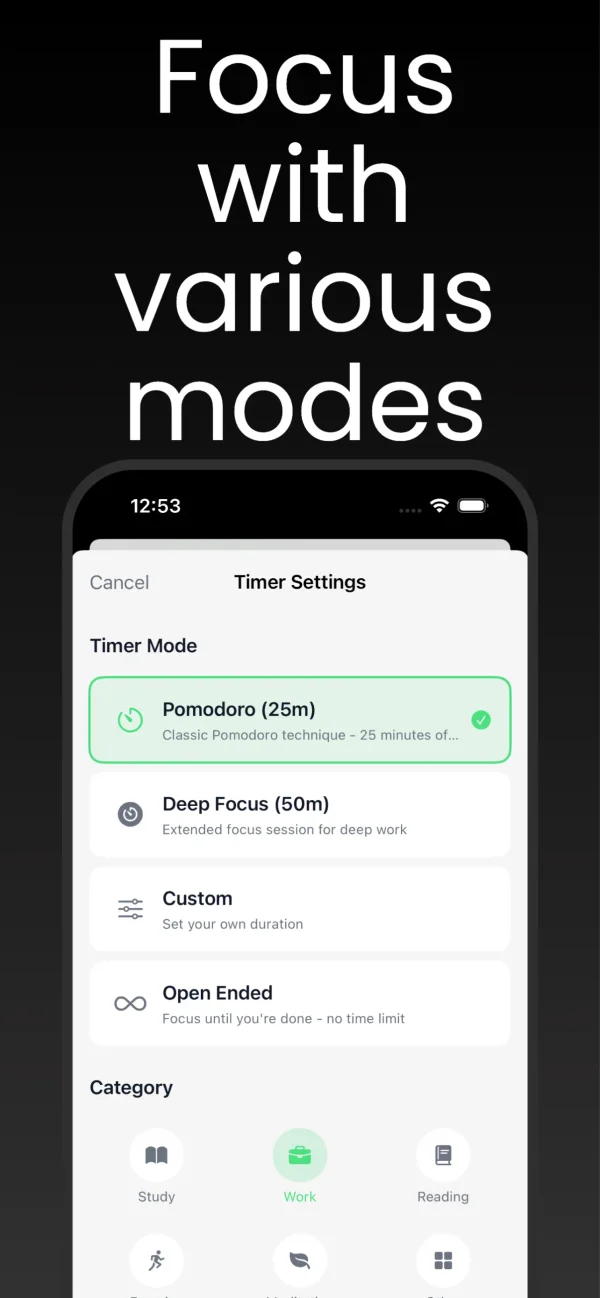
Choose classic 25/5 or customize your pomodoro timer lengths.
Chain several pomodoros together for deep work while still getting breaks.
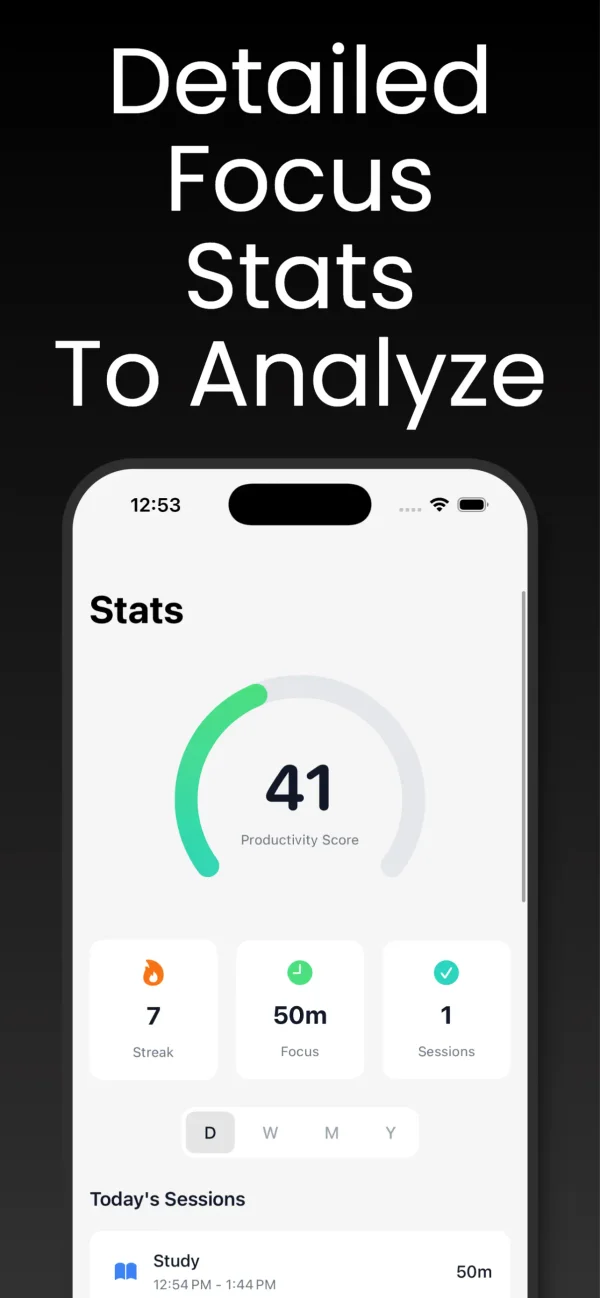
See your completed rounds so you know how many pomodoro timer cycles you’ve finished today.
Use Focus Flip as your pocket focus keeper so you don’t lose track of where you are.
This keeps your day moving in simple sprints instead of one long, exhausting block.
Section 3 – Study & work rhythms
Use Focus Flip as your everyday study timer and work companion:
Create tags like “Exam prep”, “Client work”, or “Side project” in your study timer sessions.
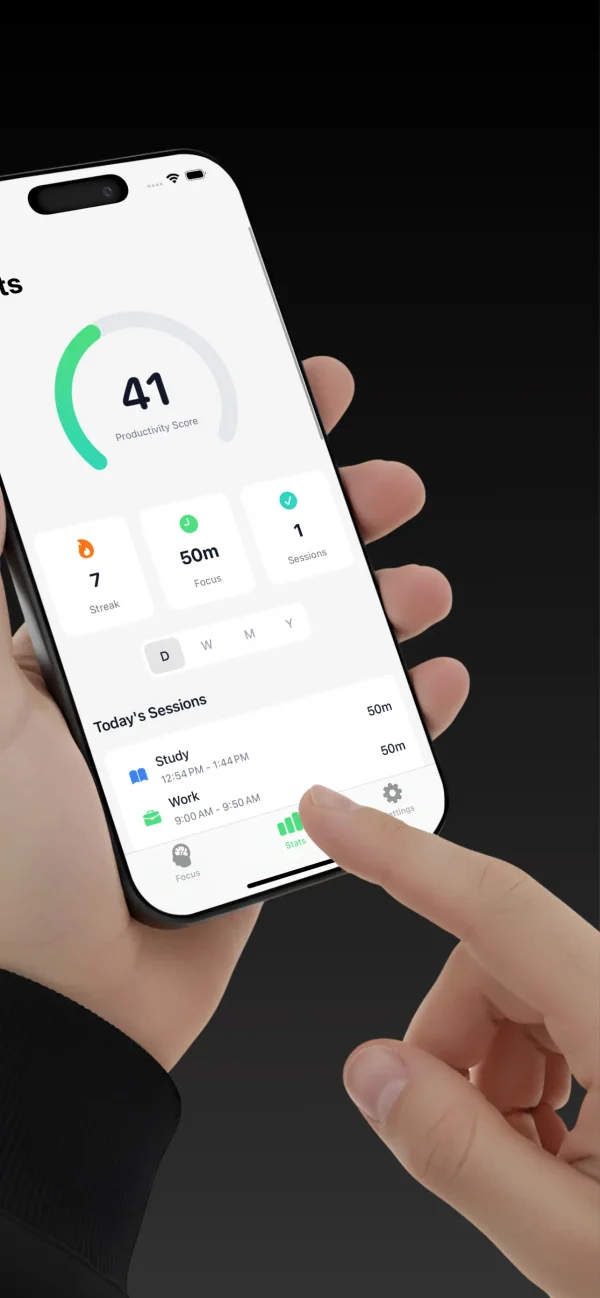
Track how much real, phone-down time you’ve logged for each tag.
Treat the app as a minimal focus app you can trust whenever you sit down to study or work.
Let Focus Flip act like a quiet focus keeper that measures how consistent you’ve been.
Great for students, creators, freelancers, and anyone who wants real, measurable focus blocks.
Section 4 – Your focus friend
Think of Focus Flip as your quiet focus friend:
Your focus friend nudges you to put the phone face down when it’s time to work.
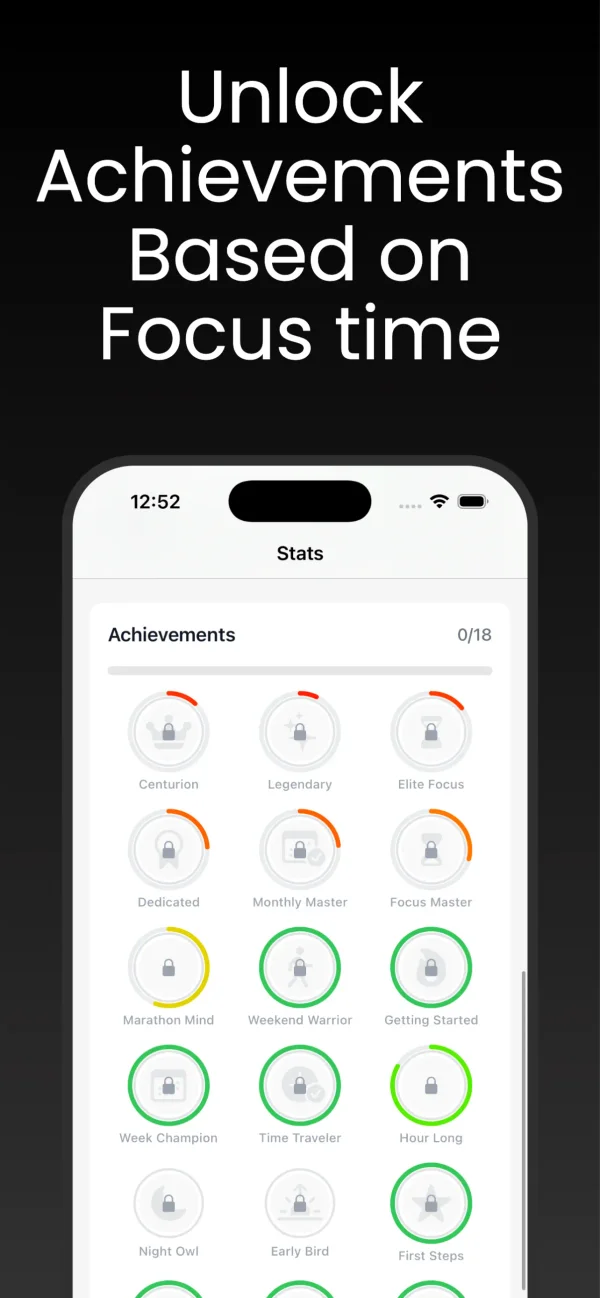
Your focus friend celebrates finished sprints with simple stats, not noisy streaks.
Your focus friend stays on your side as a reliable focus app, not a social feed.
No pressure, no gamified stress — just a calm helper that stays with you session after session.
Section 5 – Why this app
Why people choose Focus Flip: Pomodoro Timer:
Physical cue: The flip-to-start focus timer makes it obvious when you’re in a session.
Minimal: A clean pomodoro timer and focus app that doesn’t flood you with complex dashboards.
Flexible: Works as a study timer, work timer, or simple focus keeper for any task.
How to use
Open Focus Flip and choose your pomodoro timer or custom duration.
Place your phone face down to start the focus timer.
Work until the timer ends, treating the app as your quiet focus friend.
Flip your phone back over to end or pause the session.
Check your history to see how much time you’ve logged in your focus app and study timer.
Notes / Disclaimer
Focus Flip is a productivity tool only. It cannot guarantee grades, promotions, or outcomes. It simply helps you stay off your phone and keep consistent focus timer and pomodoro timer sessions. Always listen to your body, take healthy breaks, and avoid overworking.
Premium Purchases:
Some features in this app require a premium subscription purchase. Features like extended timers and categories + viewing stats require this.
TERMS OF USE:
https://www.apple.com/in/legal/internet-services/terms/site.html
PRIVACY POLICY:
https://docs.google.com/document/d/1xYJd7JMu9YEkS6cY2vJAi_fAsXRCM5Ljvait-MS1j0k/edit?tab=t.0
What’s new
Version 1.01 · Dec 24, 2025
-In this version of Focus Flip: Study timer, there are bug fixes
App privacy
What Anul Agarwal declares on the App Store about how this app handles data.
-
Data not collected
The developer does not collect any data from this app.
Privacy practices may vary, for example with the features you use or your age.
Information
- Seller
- Anul Agarwal
- Category
- Education
- Version
- 1.01
- Updated
- Dec 24, 2025
- Released
- Dec 22, 2025
- Size
- 50.7 MB
- Requires
- iOS 18.2 or later
- Age rating
- 4+
- In-app purchases
- Yes
- Languages
- English
- Copyright
- © 2025 Focus Timer App
You might also like
-
 Modit - Focus TimerTimer for better concentration
-
 Nature ID - Animal Identifiermodern animal bird identifier
-
 Study Timer For StudentTimer for study, work & task
-
 Study Timer & Log: Study BuddyPomodoro, Focus Timer & a Pet
-
 Primo Rocks: Gem IdentifierRock and Mineral Identifier
-
 Tudory - Focus Timer & PlannerStudy Together & Pomodoro
-
 Revision Tracker: StudyClockFocus, concentration, flow
-
 Vintage: Antique Identifier AISnap, Scan & Value Appraiser
-
 Studiary: Study TimerTime it. See where it went.
-
 Rosary Lock: Pray Then ScrollCatholic Prayer & Screen Time