Focus Lens: Image OCR
Screenshot text, copy & export
Designed for iPhone, iPad
Free
- Age rating4+
- CategoryProductivity
- Developer玉凤 崔
- LanguagesEnglish+ 4 more
- Size2.6 MB
Links to the official App Store page
Download.org hosts no file of Focus Lens: Image OCR. The button opens its official App Store page, published by 玉凤 崔. Listing last checked on Nov 18, 2026.
Screenshots

About
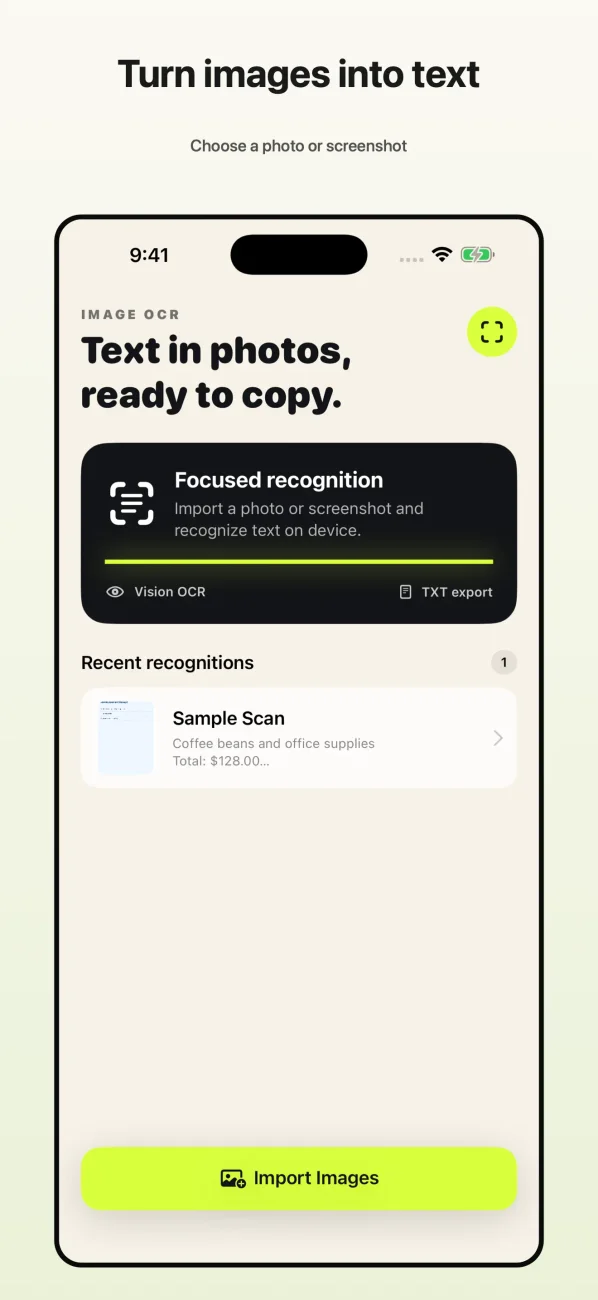
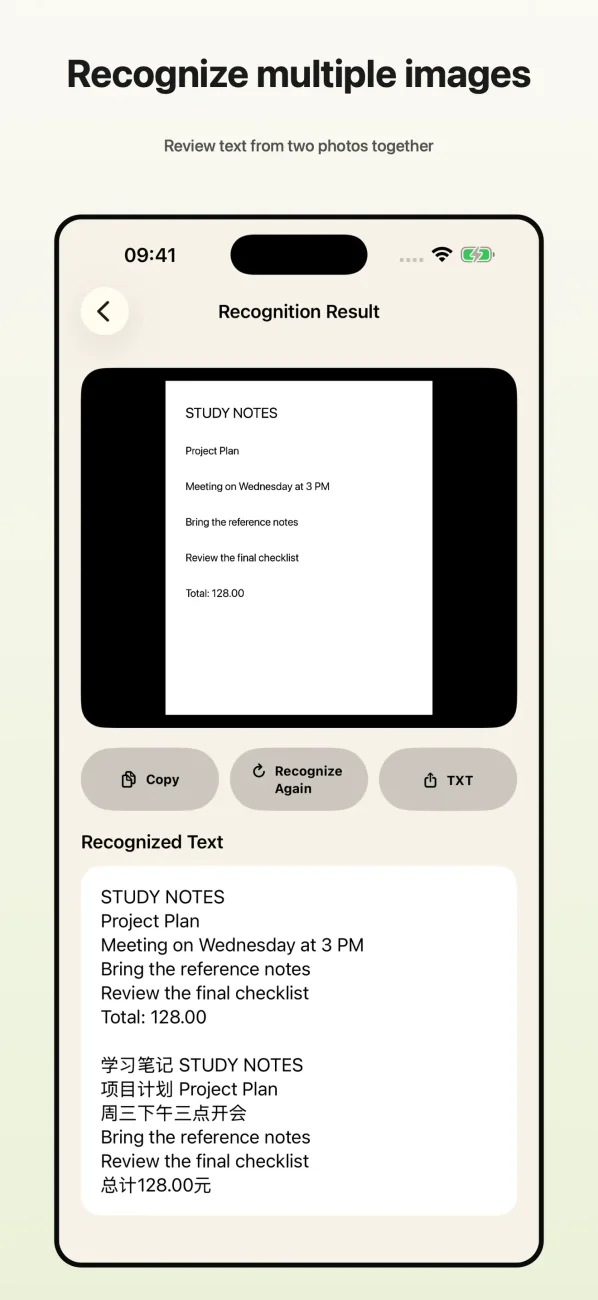
Reuse the words in a screenshot without typing them again: import an image, recognize the text, then copy or export it.
WHAT YOU CAN DO
• Import photos and screenshots from your library
• Select multiple images
• Recognize text on device
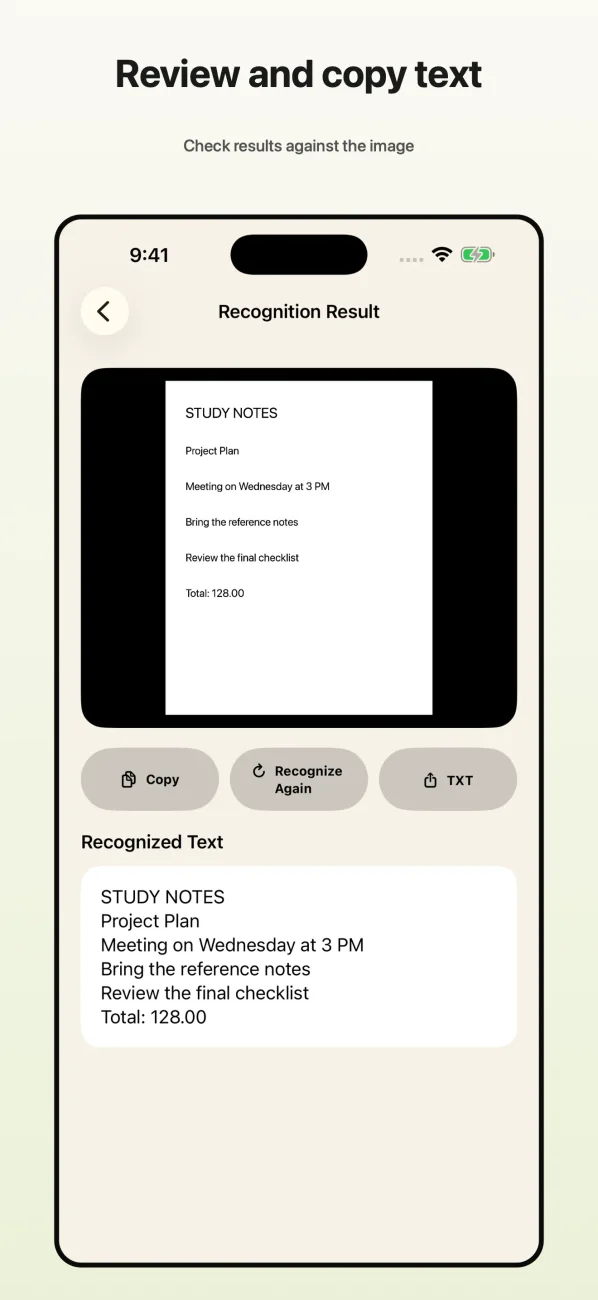
• Review and select the result
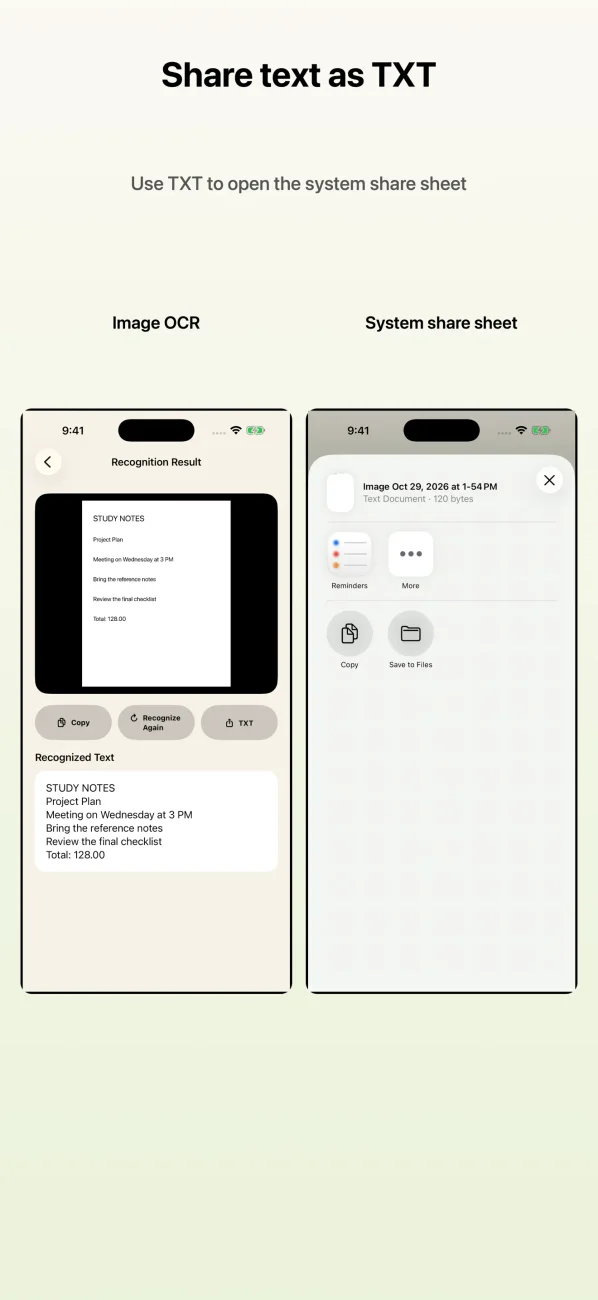
• Copy text or export a TXT file
• Revisit recent recognitions on this device
GET STARTED
1. Choose a photo or screenshot from your library.
2. Recognize the text and check it against the image.
3. Copy the words you need or export a TXT file.
Current features require no account or purchase. Recognition depends on image clarity and content, so check important details against the source image.
Open the app and start with the workflow that fits your next task.
What’s new
Version 1.0.2 · Oct 30, 2026
Updated store information to explain the app’s workflow and supported features more clearly.
App privacy
What 玉凤 崔 declares on the App Store about how this app handles data.
-
Data not collected
The developer does not collect any data from this app.
Privacy practices may vary, for example with the features you use or your age.
Information
- Seller
- 玉凤 崔
- Category
- Productivity
- Version
- 1.0.2
- Updated
- Oct 30, 2026
- Released
- Jul 20, 2026
- Size
- 2.6 MB
- Requires
- iOS 17.0 or later
- Age rating
- 4+
- Price
- Free
- Languages
- English, Japanese, Korean, Simplified Chinese, Traditional Chinese
- Copyright
- © Copyright 2026
You might also like
-
 OCR YunsoftScan PDFs and Extract Text
-
 なんでも文字起こしProductivity
-
 CalclinRoll Calculator & Formulas
-
 Clib: Read Later & BookmarksSwipe to revisit saved links
-
 Blossom - Private AI ChatOffline AI Chatbot, No Cloud
-
 Aria — Private AI Chat100% On-Device & Private
-
 Orb - Proactive AIThe assistant that talks first
-
 OCR Memo - Scan HandwritingSnap Notes, Sort by Calendar
-
 Offeline: Private AI AssistantChat, write and study anywhere
-
 Hush — Focus SoundsFocus sounds & noise mixer