
Focus Lock: App Blocker Timer
Screen Time & Self Control
Designed for iPhone, iPad
Free · In-app purchases
- Age rating4+
- CategoryUtilities
- DeveloperTianfu New Area, Chengdu, Huayang, Burrito Software Development Studio
- LanguagesEnglish+ 4 more
- Size111.0 MB
Links to the official App Store page
Download.org hosts no file of Focus Lock: App Blocker Timer. The button opens its official App Store page, published by Tianfu New Area, Chengdu, Huayang, Burrito Software Development Studio. Listing last checked on Nov 17, 2026.
Screenshots
About
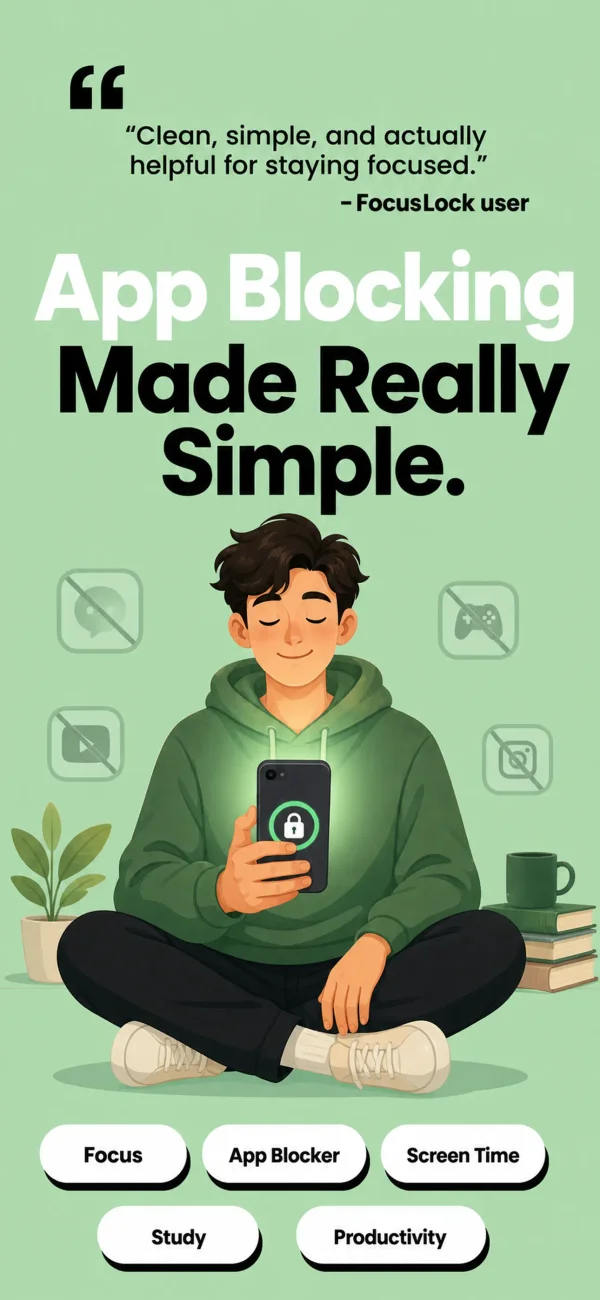
One tap to lock. Zero data collected. Your focus, your rules.
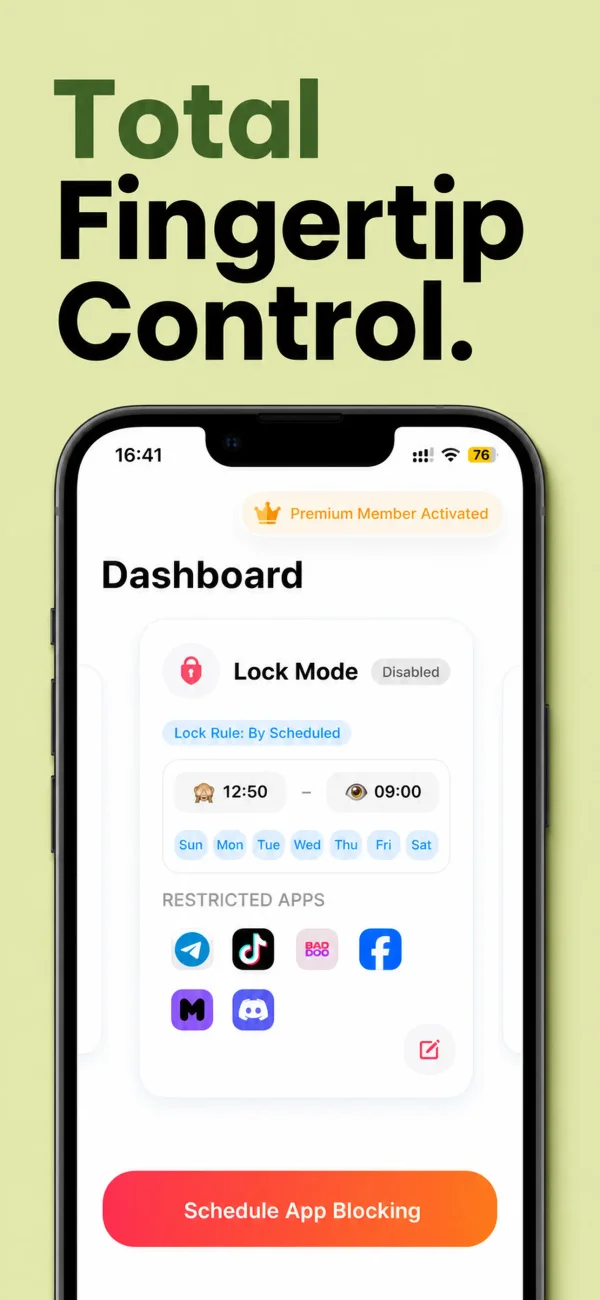
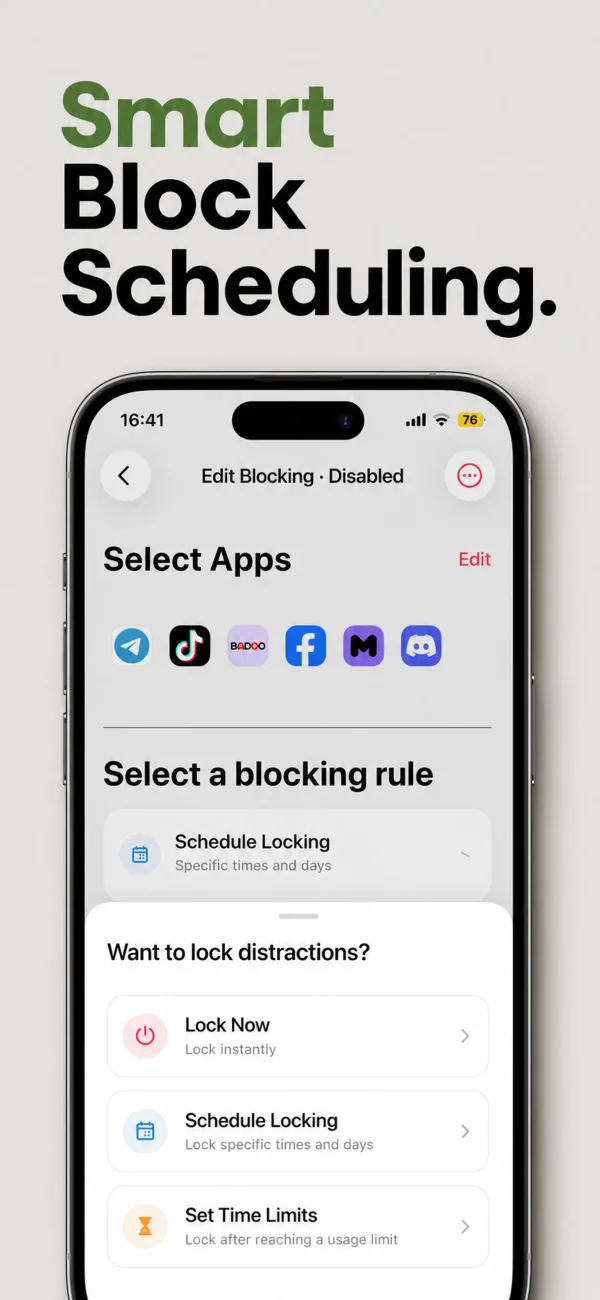
FocusLock puts you back in control. Lock distracting apps instantly, on a schedule, or when you hit your daily limit. Once locked, those apps show a motivational quote — not a feed.
BUILT FOR REAL LIFE
Lock What You Want, When You Want
- Instant Lock: tap to block any app immediately
- Scheduled Lock: auto-lock during work, study, or bedtime
- Usage Limit Lock: set a daily cap, it locks when you hit it
Nobody Gets Past It
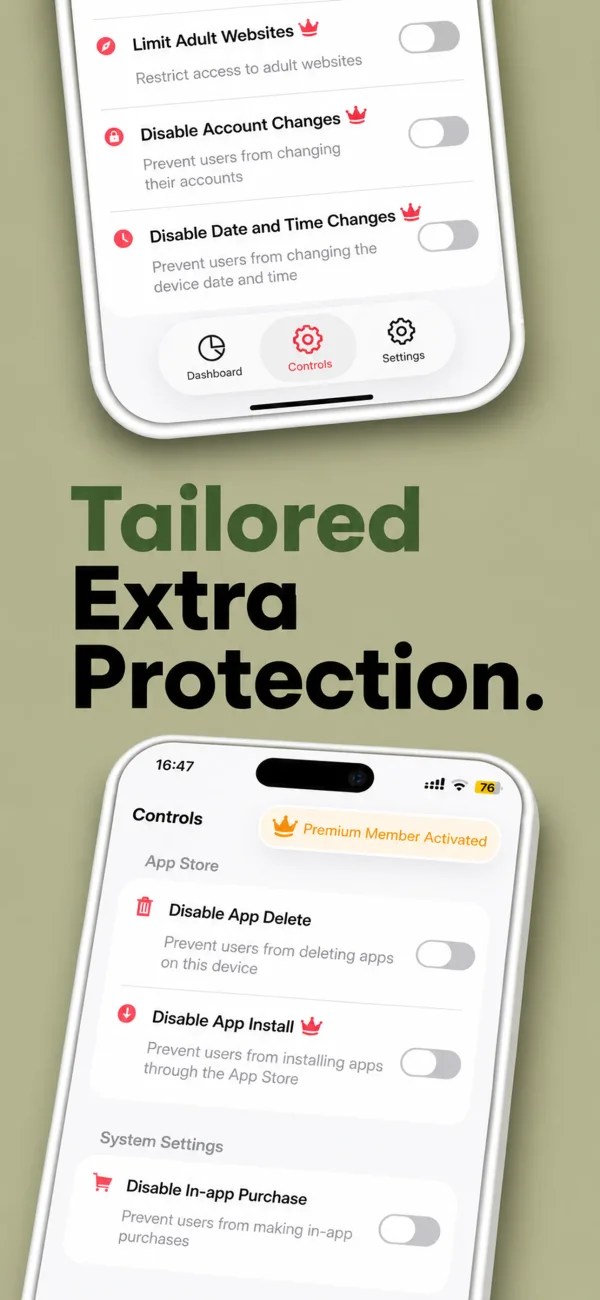
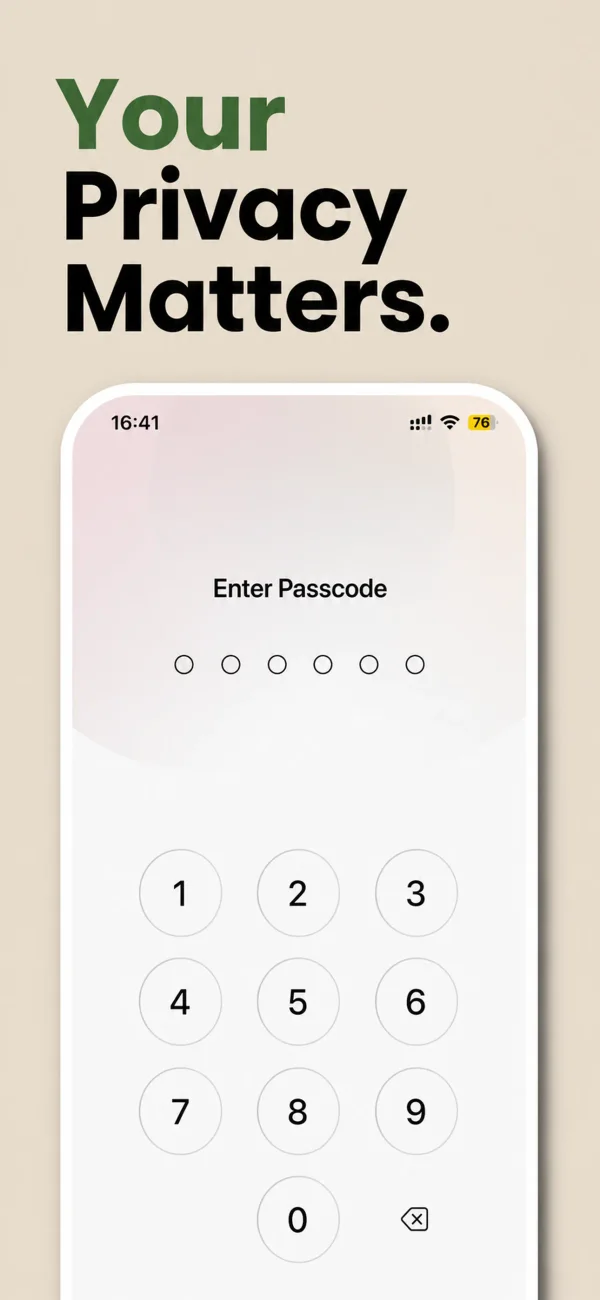
- Passcode-protect FocusLock so kids (or you) can't disable it
- Block app downloads, app deletions, and in-app purchases
- Shake or flip your phone for emergency exit
Hide in Plain Sight
- Disguise FocusLock as a calculator app — nobody will guess
- The lock screen shows inspiring quotes, not your blocked apps
PRIVACY THAT MEANS IT
Everything runs on your device. No accounts. No servers. No analytics. We don't collect your app usage data because we literally can't. Built on Apple's Screen Time API for system-level blocking that actually works.
SUBSCRIPTION
Free to download. Premium features unlock with a 1-week, 1-month, or 1-year auto-renewable subscription. Manage or cancel anytime in your Apple ID settings.
Download FocusLock. Lock the scroll. Find your focus.
Privacy Policy: https://burritostudio.net/privacy.html
Terms of Service: https://burritostudio.net/terms.html
What’s new
Version 2.4 · Nov 10, 2026
New onboarding helps you find the right focus routine for yourself or your child. Refined animations and haptics make getting started feel smoother.
App privacy
What Tianfu New Area, Chengdu, Huayang, Burrito Software Development Studio declares on the App Store about how this app handles data.
-
Data used to track you
May be used to track you across apps and websites owned by other companies.
- Identifiers
-
Data linked to you
May be collected and linked to your identity.
- Identifiers
-
Data not linked to you
May be collected but is not linked to your identity.
- User content
- Other data
Privacy practices may vary, for example with the features you use or your age.
Information
- Seller
- Tianfu New Area, Chengdu, Huayang, Burrito Software Development Studio
- Category
- Utilities
- Version
- 2.4
- Updated
- Nov 10, 2026
- Released
- Apr 18, 2026
- Size
- 111.0 MB
- Requires
- iOS 18.2 or later
- Age rating
- 4+
- Price
- Free
- In-app purchases
- Yes
- Languages
- English, French, German, Simplified Chinese, Spanish
- Copyright
- © 2026 FocusLock
You might also like
-
 KidsLock: Parental ControlLock apps on schedule
-
 Focus Coach: Digital Detox AppBlock Apps,Control Screen Time
-
 Locking PhoneNightly Auto Phone Lock
-
 MustSleepUtilities
-
 Lumen — Screen Time & FocusApp & Website Blocker, Timer
-
 不睡会死Utilities
-
 HabitLockApp Lock & Focus Habits
-
 喵喵外语Utilities
-
 ZenZone - App Blocker & FocusStop phone addiction & focus
-
 TTLockerSecure Apps, Photos & Notes