Focus Lock: Pomodoro Timer
App Blocker for ADHD & Study
Designed for iPhone
Free · In-app purchases
- Age rating4+
- CategoryProductivity
- DeveloperSleepyBytes SIA
- LanguagesEnglish+ 2 more
- Size34.6 MB
Links to the official App Store page
Download.org hosts no file of Focus Lock: Pomodoro Timer. The button opens its official App Store page, published by SleepyBytes SIA. Listing last checked on Nov 21, 2026.
Screenshots

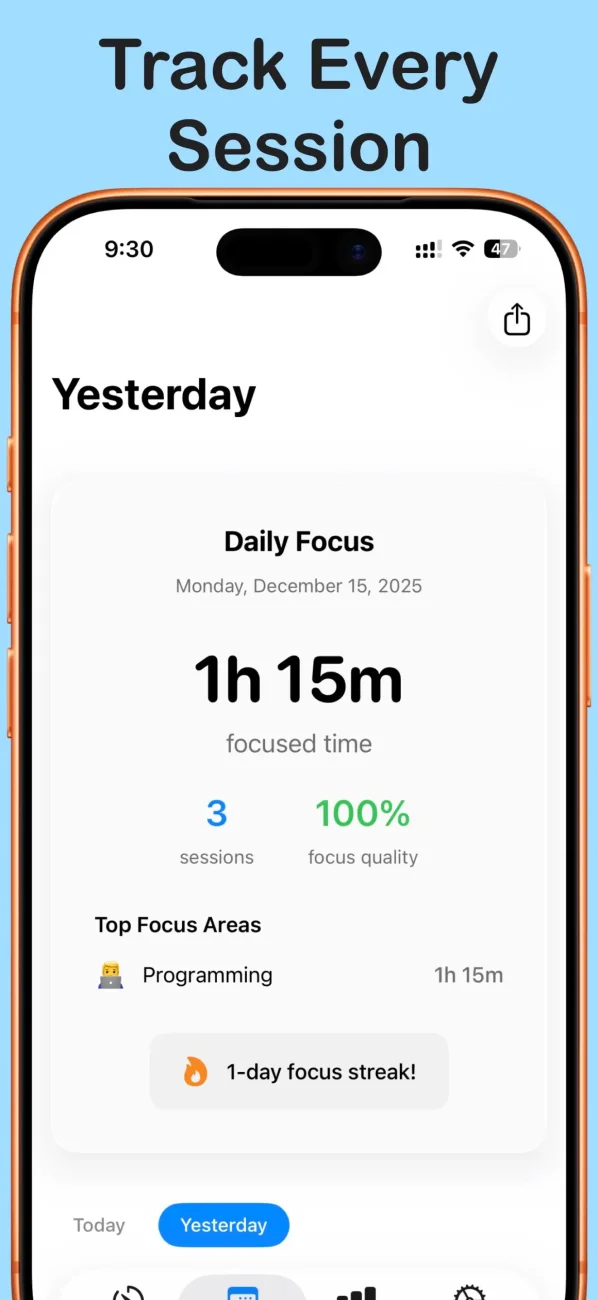
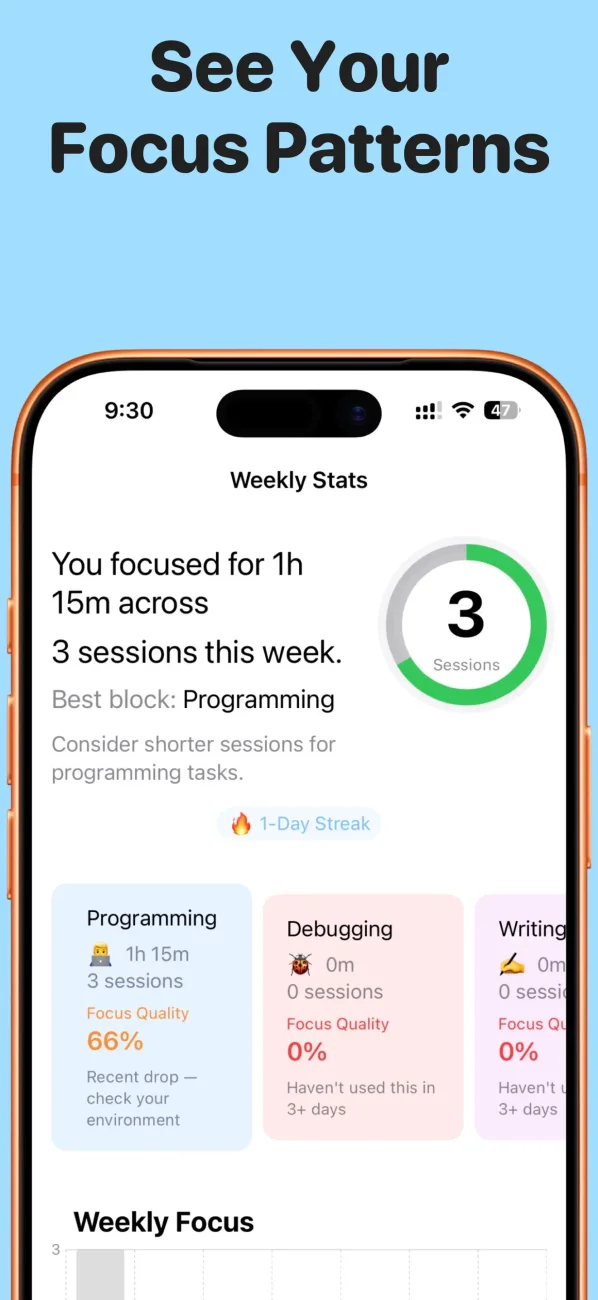
About
FOCUS FIRST. EARN YOUR SCROLL.
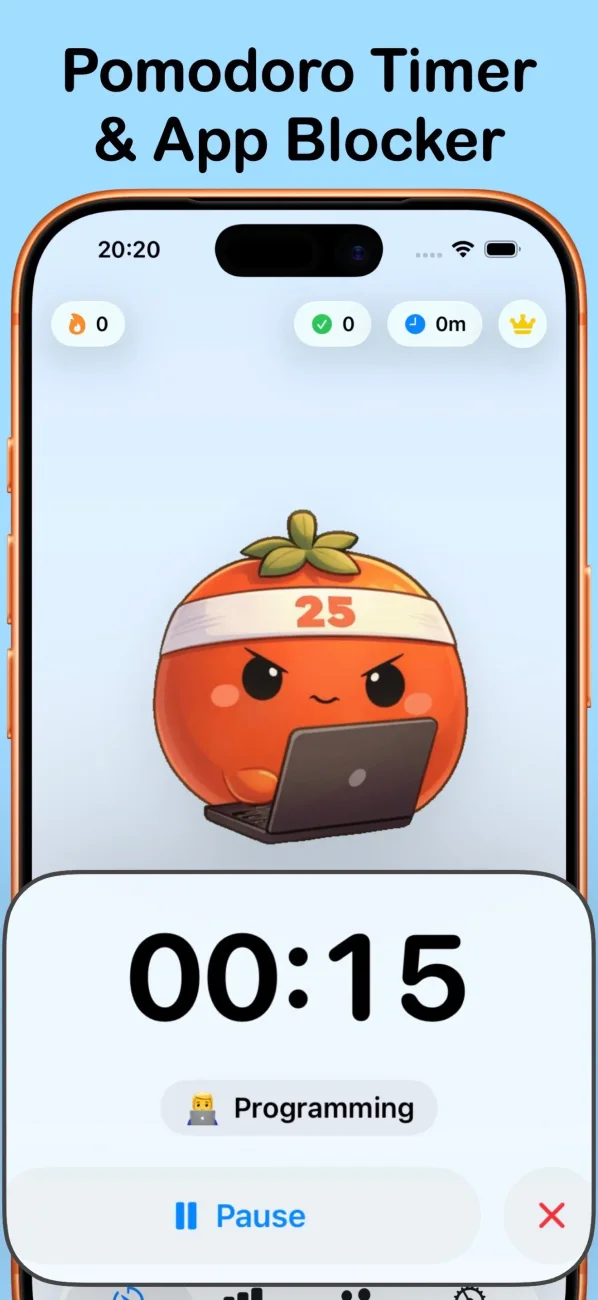
Focus Lock combines a Pomodoro timer with Screen Time app blocking. Choose your distracting apps, complete a focus session, and earn time to use them.
Built by someone with ADHD who was tired of losing hours to doomscrolling.
TWO WAYS TO FOCUS
Lock In mode keeps your selected apps locked until you earn an unlock window by completing a focus session. Earned time is measured by actual app usage. Three five-minute emergency unlocks are available each day.
Prefer session-based blocking? Turn off Lock In and block distractions only during focus sessions, with optional blocking during breaks.
BUILT FOR IPHONE DUO
On the inner display, the countdown and session controls sit on opposite sides of the fold. Half-folded on your desk, the timer stays visible above the controls. Open it like a book, fold it closed, or use Split View: your session keeps going.
BUILD A FOCUS HABIT
- Start with 25- or 45-minute focus sessions.
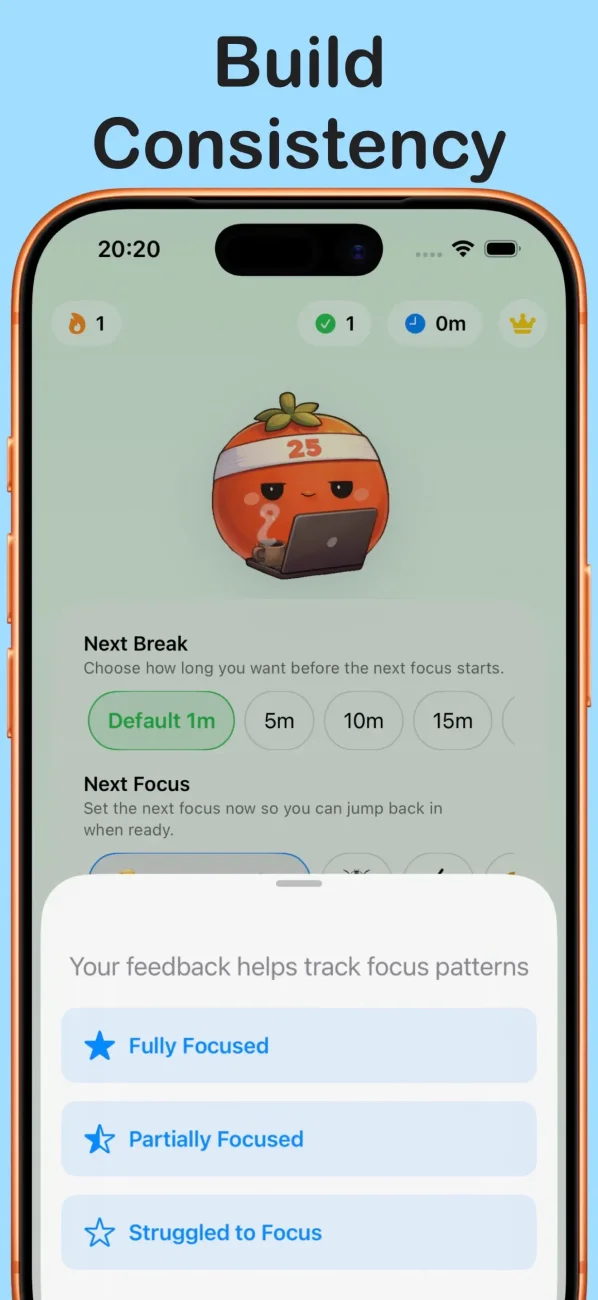
- Tag your work and see where your focus time goes.
- Track daily and weekly progress, streaks, and badges.
- Share your focus cards and milestones.
- Follow the timer with Live Activities and completion alerts. AlarmKit alarms are available on supported iOS versions with your permission.
FREE AND PREMIUM
Start free with up to three app or category selections for blocking. Premium adds unlimited selections, custom focus durations from 15 to 120 minutes, and custom tags. Optional subscriptions are available in the app; prices and trial availability are shown before purchase.
Screen Time permission is required for app blocking.
Privacy Policy: https://sleepybytes.com/privacy-policy/
Terms of Use: https://www.apple.com/legal/internet-services/itunes/dev/stdeula/
What’s new
Version 2.5.3 · Nov 20, 2026
Bug fixes.
App privacy
What SleepyBytes SIA declares on the App Store about how this app handles data.
-
Data linked to you
May be collected and linked to your identity.
- Purchases
- Location
- User content
- Identifiers
- Usage data
- Diagnostics
Privacy practices may vary, for example with the features you use or your age.
Information
- Seller
- SleepyBytes SIA
- Category
- Productivity
- Version
- 2.5.3
- Updated
- Nov 20, 2026
- Released
- Apr 8, 2025
- Size
- 34.6 MB
- Requires
- iOS 18.0 or later
- Age rating
- 4+
- Price
- Free
- In-app purchases
- Yes
- Languages
- English, Latvian, Spanish
- Copyright
- © 2026 SleepyBytes
You might also like
-
 Easlo ExperimentsExperiment Your Way
-
 Ripples: Habit TrackerVisual grids, streaks, widgets
-
 Ellie - Daily PlannerTime Blocking & Brain Dump
-
 Habit Radar : Habit TrackerTrack Habits with Friends
-
 Focus Lock - Screen Time LimitBlock Apps & Digital Detox
-
 My Little Pomodoro: FocusYou will make it. Focus here!!
-
 Joi: Daily Planner & OrganizerTo Do List, Habit Tracker adhd
-
 Curiosity Quench: scroll lessFocus lifetime > screen time
-
 Notedrafts: Note TakingNotebook for study and work
-
 Session Pomodoro Focus TimerKeep track study time & work