Focus To-Do: Focus Timer&Tasks
Pomodoro timer for work&study
Designed for iPhone, iPad, iPod touch
Free · In-app purchases
- Age rating4+
- CategoryProductivity
- DeveloperShenzhen Tomato Software Technology Co., Ltd.
- LanguagesEnglish+ 33 more
- Size103.1 MB
Links to the official App Store page
Download.org hosts no file of Focus To-Do: Focus Timer&Tasks. The button opens its official App Store page, published by Shenzhen Tomato Software Technology Co., Ltd. Listing last checked on Nov 21, 2026.
Screenshots
About
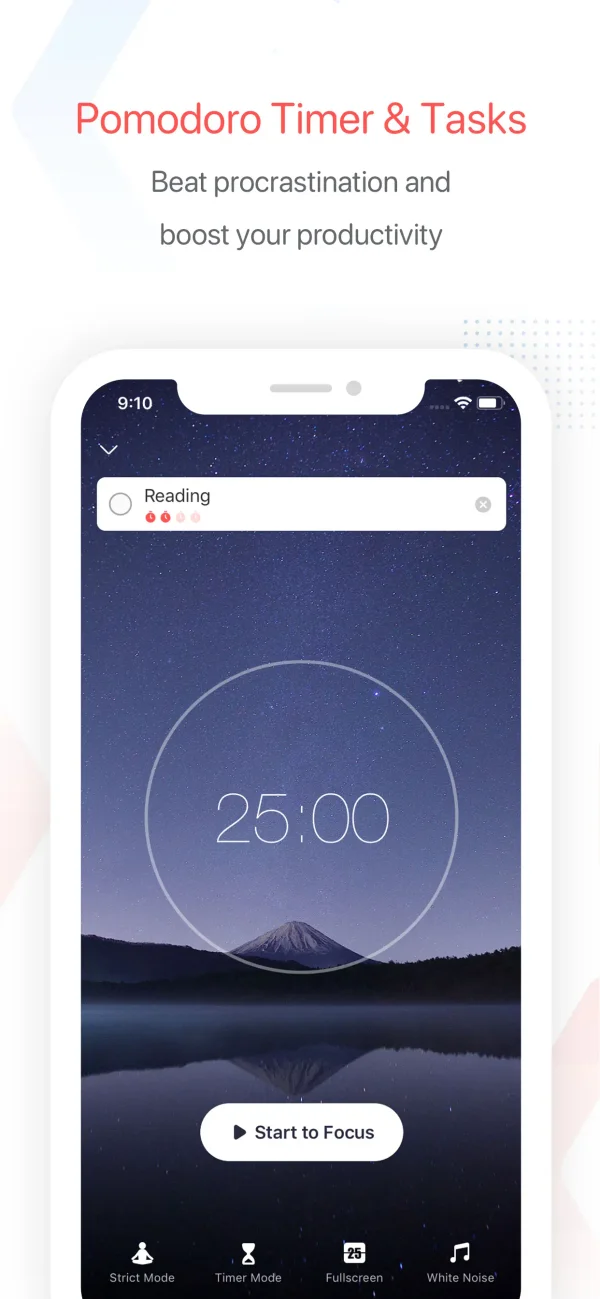
Focus To-Do combines Pomodoro Timer with Task Management, it is a science-based app that will motivate you to stay focused and get things done.
It brings Pomodoro Technique and To Do List into one place, you can capture and organize tasks into your todo lists, start focus timer and focus on work & study, set reminders for important tasks and errands, check the time spent at work.
It's the ultimate app for managing Tasks, Reminders, Lists, Calendar events, Grocery lists, checklist, helping you focus on work & study and tracking your working hours.
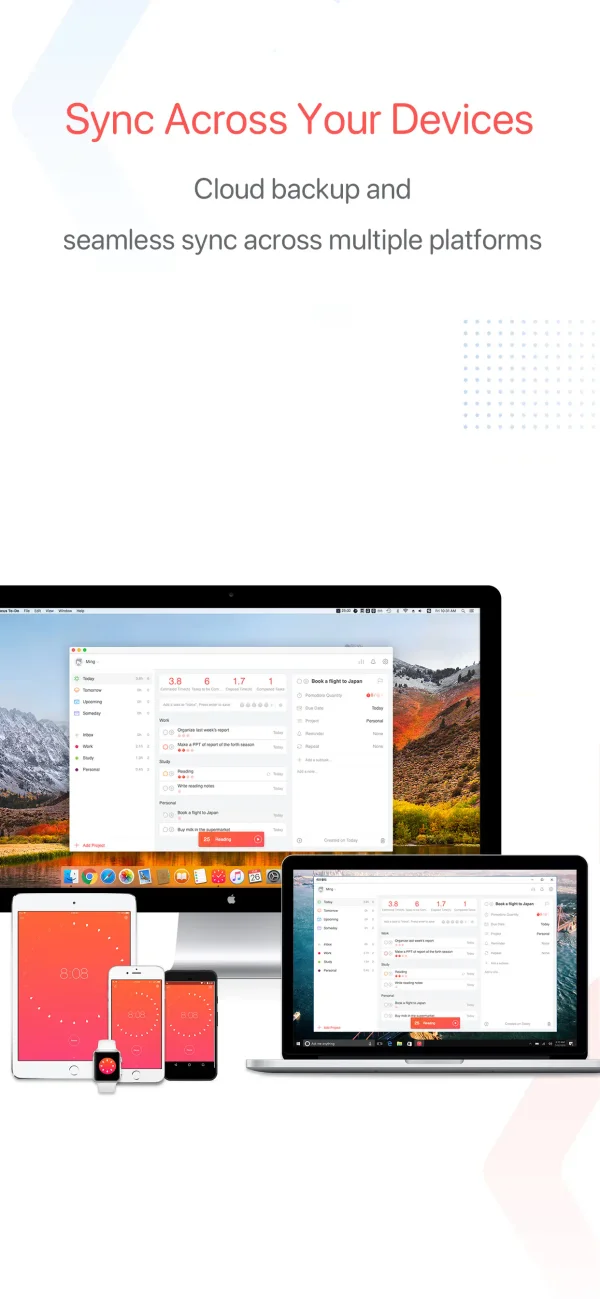
Focus To-Do syncs between your phone and computer, so you can access your lists from anywhere.
How it works:
1. Pick a task you need to accomplish.
2. Set a timer for 25 minutes, keep focused and start working.
3. When the pomodoro timer rings, take a 5 minute break.
Key Features:
- Pomodoro Timer:Stay focused and get more things done.
Pause and resume Pomodoro
Customizable pomodoro/breaks lengths
Notification before the end of a Pomodoro
Support for short and long breaks
Skip a break after the end of a Pomodoro
Continuous Mode
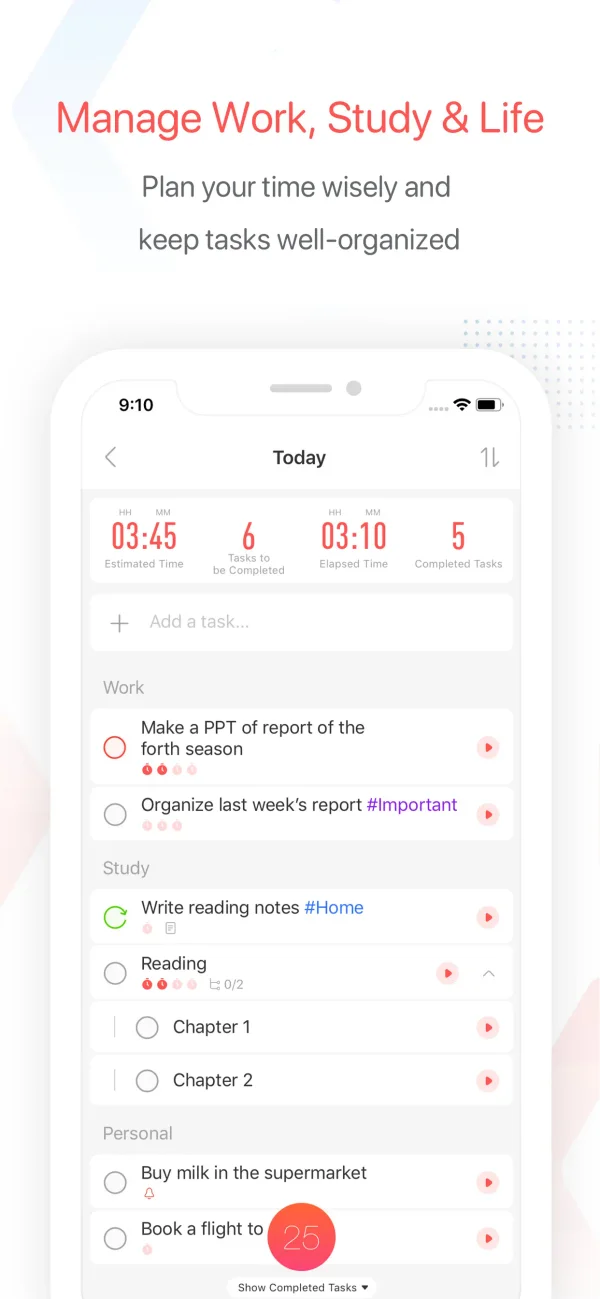
- Tasks Management: Task Organizer, Schedule Planner, Reminder, Habit Tracker, Time Tracker
Tasks and projects: Organise your day with Focus To-Do and complete your to do, study, work, homework or housework you need to get done.
Recurring tasks: Build lasting habits with powerful recurring due dates like "Every Monday".
Reminders: Setting a Reminder ensures you never forget important things ever again, you can set up recurring due dates to remind you each and every time.
Sub-tasks: Break down your task into smaller, actionable items or add a checklist .
Task Priority: Highlight your day’s most important To-Do with color-coded priority levels.
Estimated Pomodoro Number: Estimate the workload or set a goal.
Note: Record more detailed about the task.
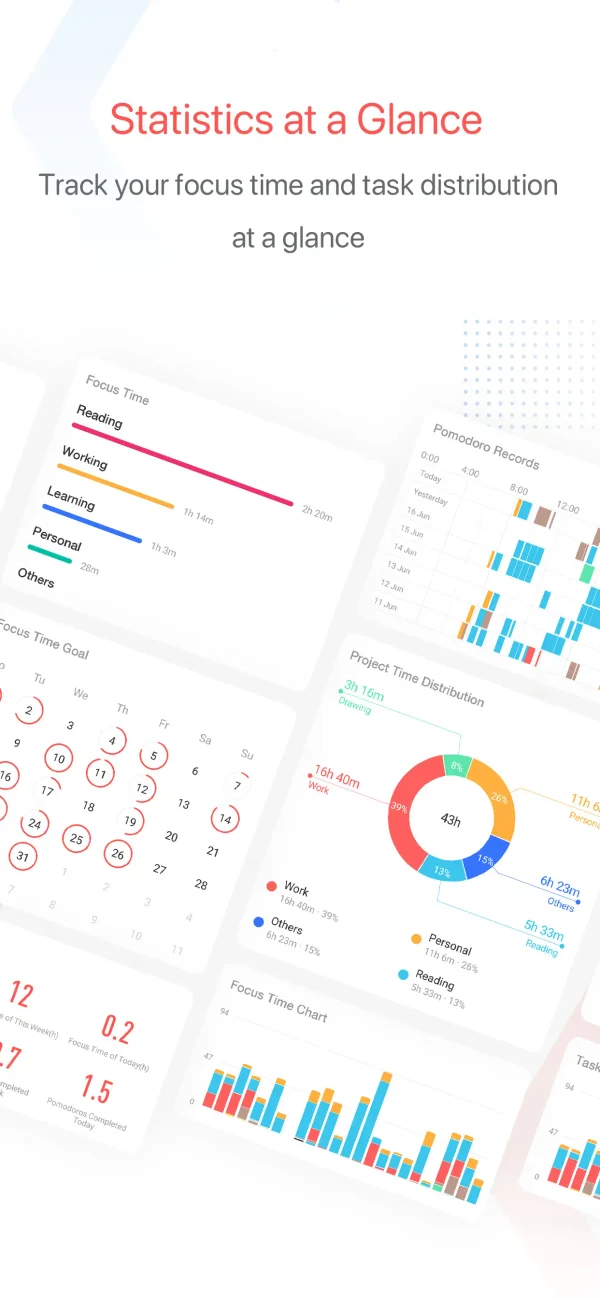
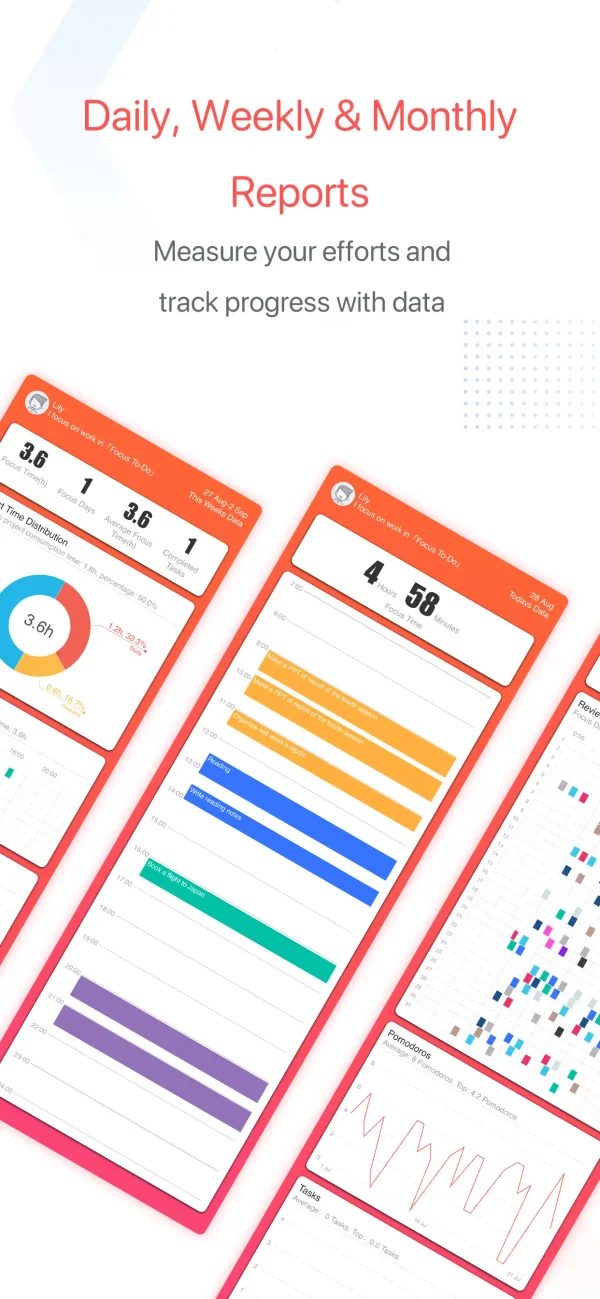
- Report: Detailed statistics of your time distribution, tasks completed.
Support the calculation of the total time of Focus Time.
Gantt Chart of the Focus Time.
Statistics on completed To Do.
Statistics on time distribution of project.
Trend chart of the completed To Do and the focus time.
- All-Platform synchronization: View and manage your goals wherever you are for better goal achieving.
Support seamless synchronization within iPhone、Mac、iPad、Apple Watch and other major platforms.
- Various Reminding:
Focus Timer finished alarm, vibration reminding.
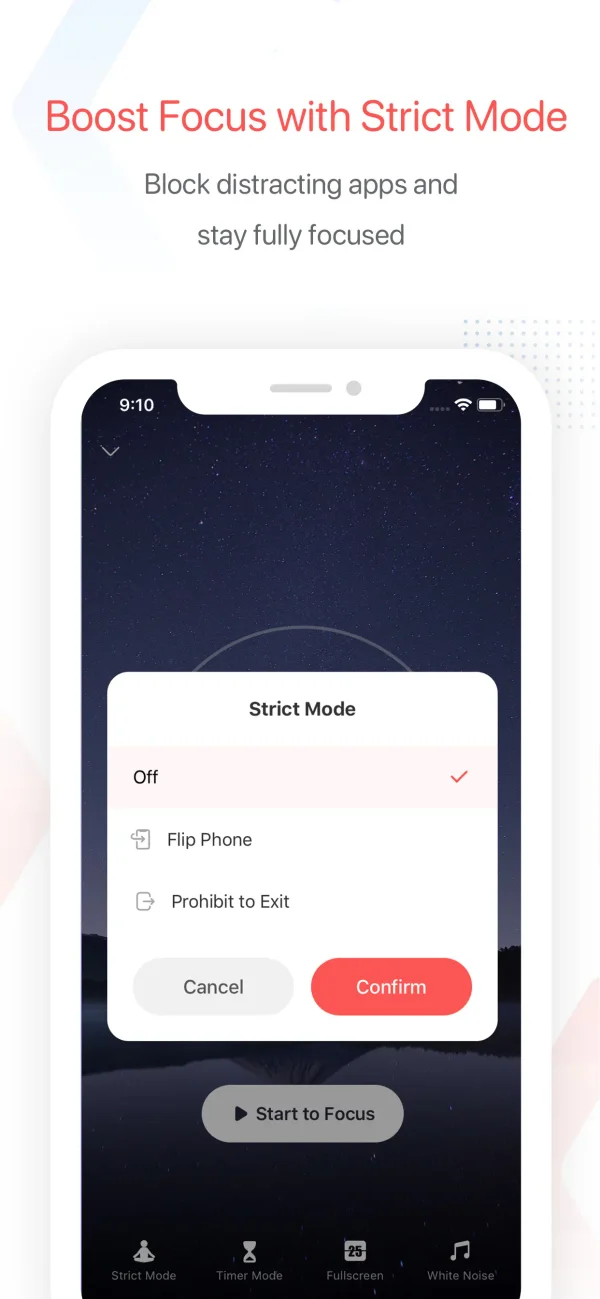
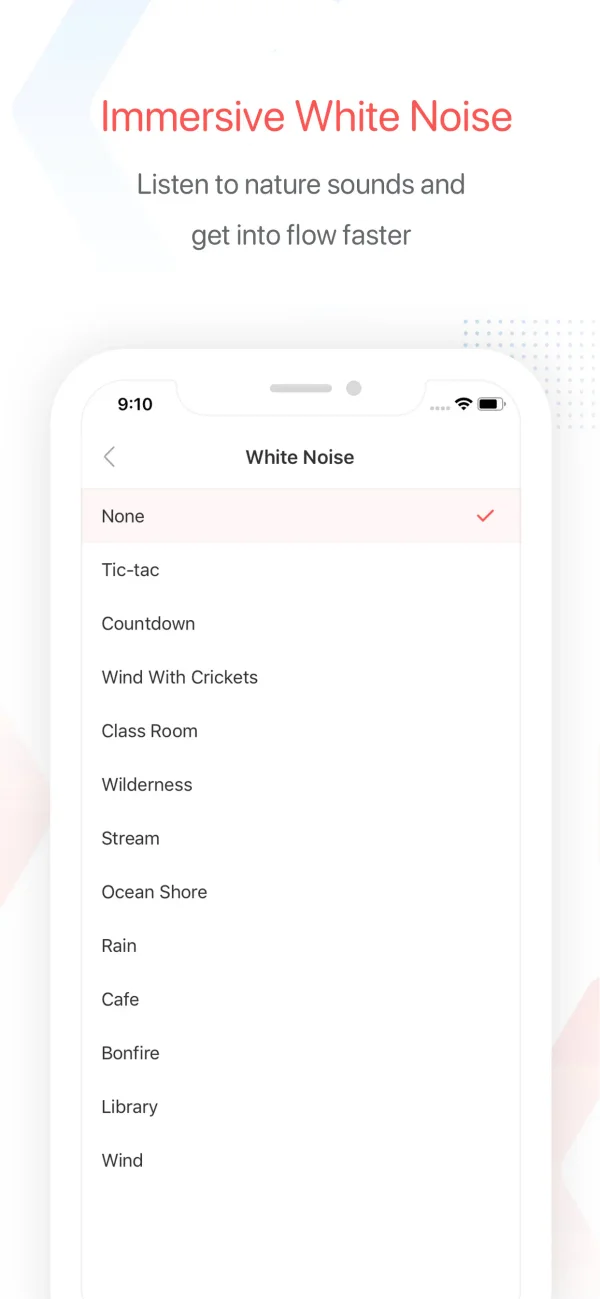
Various white noise to help you focus on work & study.
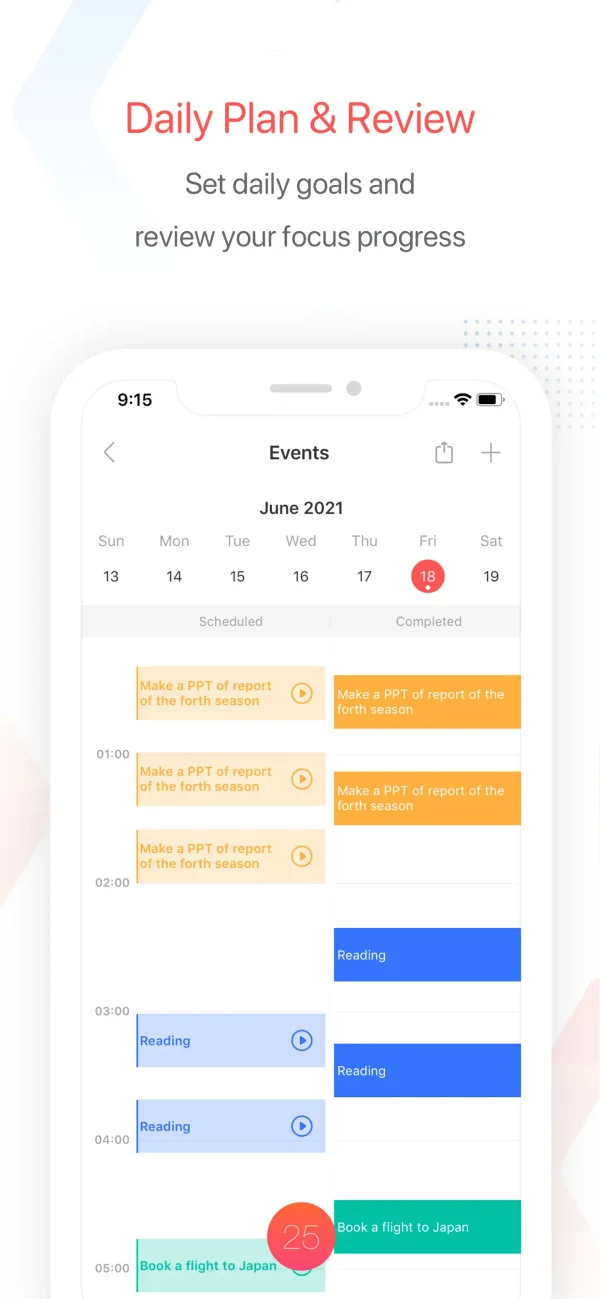
- Daily/Weekly/Monthly Report
View all of your tracked time in a calendar view.
- Support prevention of screen lock:
Check the pomodoro time left by keeping the screen on.
Contact Us: support@focustodo.net, reply within 24 hours.
Website: http://www.focustodo.cn
Pomodoro ™ and Pomodoro Technique ® are registered trademarks of Francesco Cirillo. This app is not affiliated with Francesco Cirillo.
Users have been focused on our app for 200 million hours, join us and we help you to be focused and increase your productivity, reduce procrastination and anxiety.
What’s new
Version 8.9 · Nov 13, 2026
1. Added support for iPhone Duo
2. New report history page
3. Added a monthly focus time widget
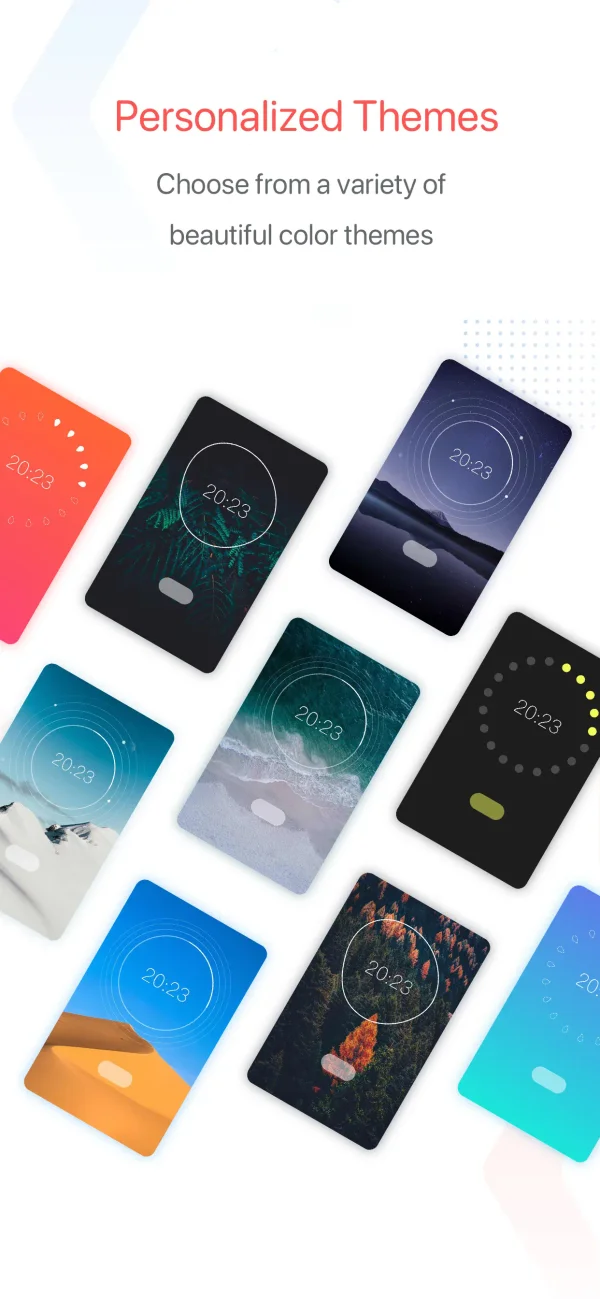
4. New timer design
5. Improved in-app wording
6. Fixed known issues
App privacy
What Shenzhen Tomato Software Technology Co., Ltd. declares on the App Store about how this app handles data.
-
Data not linked to you
May be collected but is not linked to your identity.
- User content
- Identifiers
- Usage data
- Diagnostics
Privacy practices may vary, for example with the features you use or your age.
Information
- Seller
- Shenzhen Tomato Software Technology Co., Ltd.
- Category
- Productivity
- Version
- 8.9
- Updated
- Nov 13, 2026
- Released
- Mar 1, 2015
- Size
- 103.1 MB
- Requires
- iOS 15.0 or later
- Age rating
- 4+
- Price
- Free
- In-app purchases
- Yes
- Languages
- English, Arabic, Bengali, Czech, Danish, Dutch, Filipino, Finnish, French, German, Greek, Hebrew + 22 more
- Copyright
- © 2015 SuperElement Inc
You might also like
-
 Focus Plant:forest app blockerGrow plants and stay focused
-
 FocusPomo · Pomodoro TimerProductivity|for Work & Study
-
 Focus Keeper - Pomodoro TimerADHD Organizer & Productivity
-
 Forest: Focus for ProductivityPomodoro Timer, ADHD & Study
-
 Flora - Green FocusTo-do list, habit tracker
-
 Flow: Focus & Pomodoro TimerConcentration for work & study
-
 Pomodoro - Focus TimerImprove your productivity
-
 Plantie - Stay focusedgrow trees with pomodoro timer
-
 Study Bunny: Focus TimerA motivational study timer!
-
 Focus & Pomodoro Timer - FocaStudy, Work & Productivity