Focuscapes: Deep Sleep & Focus
App Blocker & Sleep Sounds
Designed for iPhone
In-app purchases
- Age rating4+
- CategoryProductivity
- DeveloperBetter Sleep Rise Elite
- LanguagesEnglish
- Size30.2 MB
Links to the official App Store page
Download.org hosts no file of Focuscapes: Deep Sleep & Focus. The button opens its official App Store page, published by Better Sleep Rise Elite. Listing last checked on Nov 6, 2026.
Screenshots

About
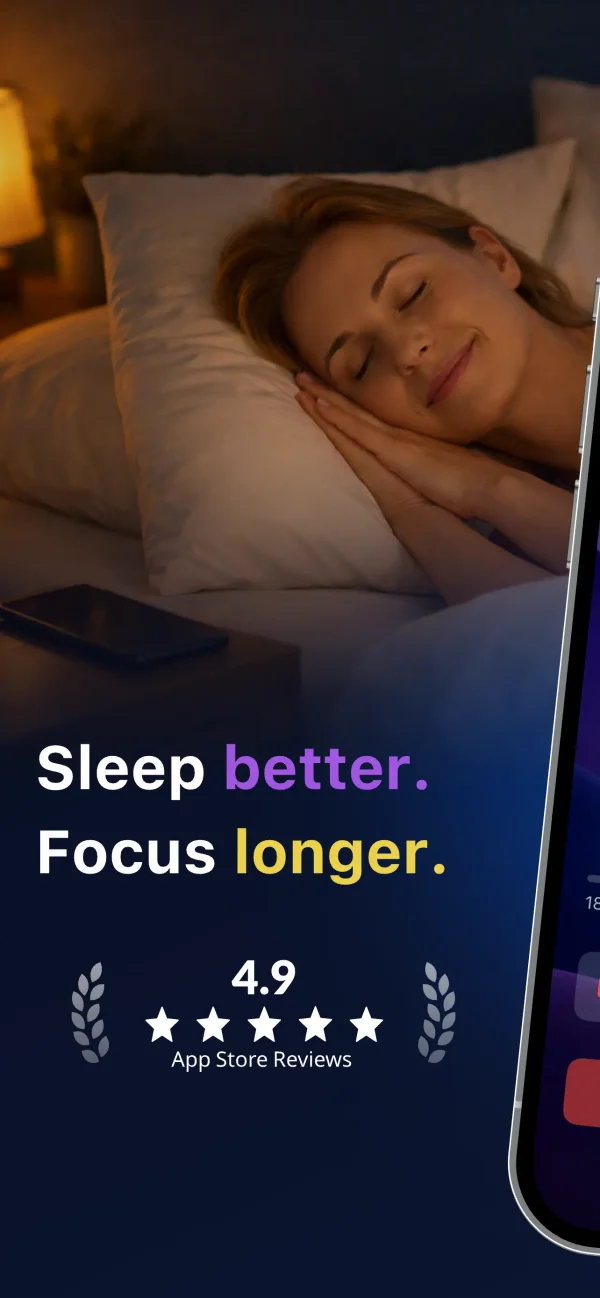
Focuscapes – Block nighttime apps, sleep in peace.
Instead of fighting every notification and urge to scroll, you set a mode, choose which apps are still allowed, add a gentle sound, and Focuscapes does the rest in the background.
① Four simple modes for real life
* Sleep All Night Mode – Strong blocking from bedtime until morning.
* Nap Mode – Short daytime breaks with light blocking and soft sounds.
* Wind Down Mode – Ease out of your day before bed, not quite full sleep.
* Quiet Rest Mode – A calm screen and fewer apps when you just need quiet.
Each mode has its own duration, app rules, and sound settings so you can match Focuscapes to your routine.
② Focuscapes focuses on one thing:
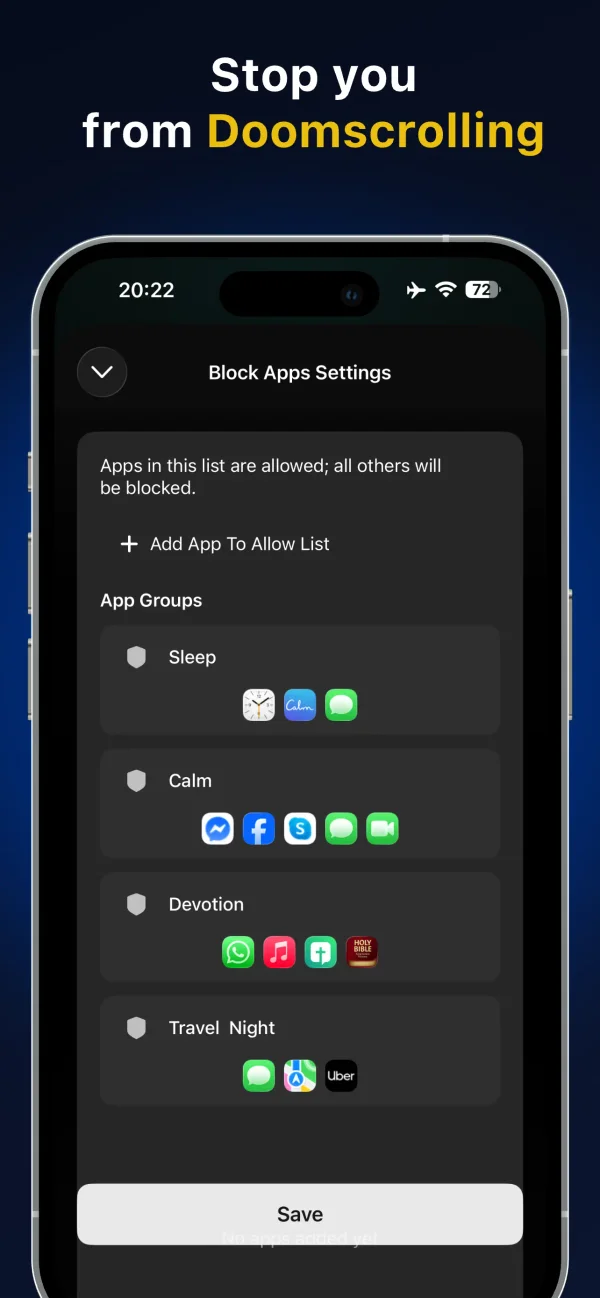
* Block high-stimulation apps while keeping what truly matters.
* Block social, short-video, news, and other distracting apps.
* Keep Phone, Messages, family chat, and your favorite sleep app available.
* No puzzles or “unlock tasks” required — just tap Start and forget about it.
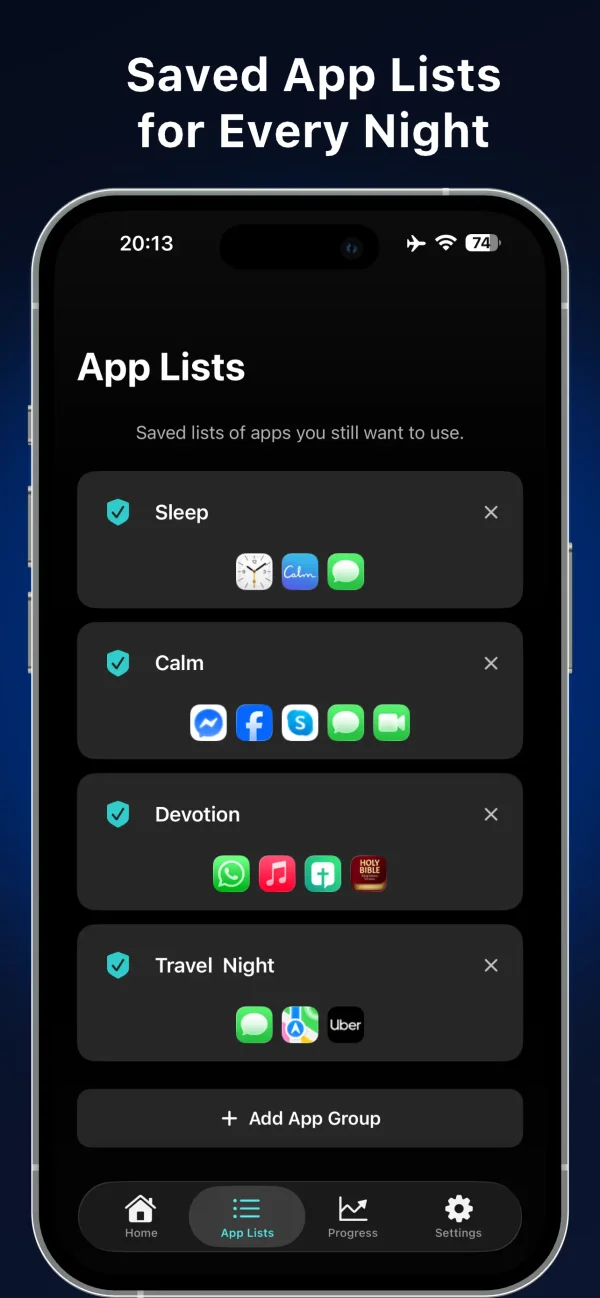
③ Saved App Lists for every night
* You don’t have to pick apps again every time.
* Create simple App Lists like Sleep, Family, Calm, or Travel Night.
* Reuse them in any mode so you can start a session in a few seconds.
* Change your lists at any time as your needs change.
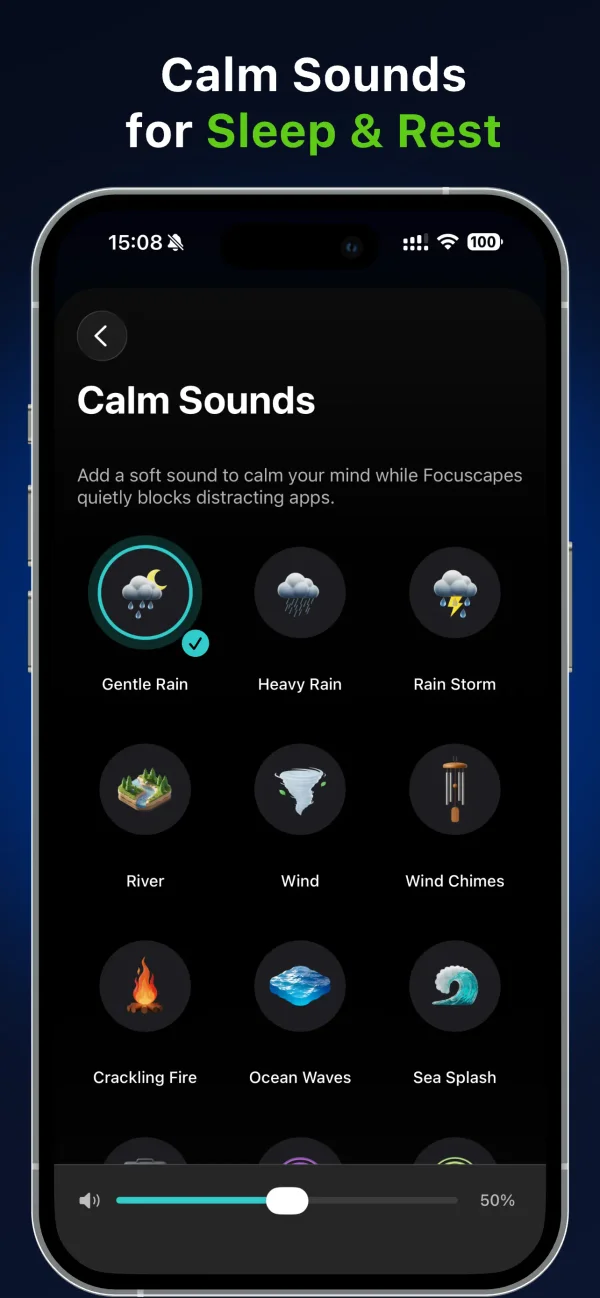
④ Gentle sounds to help you drift off
* Add a soft audio backdrop to match your night:
* Rain, gentle rain, rain storm
* River, sea splash, wind, ocean
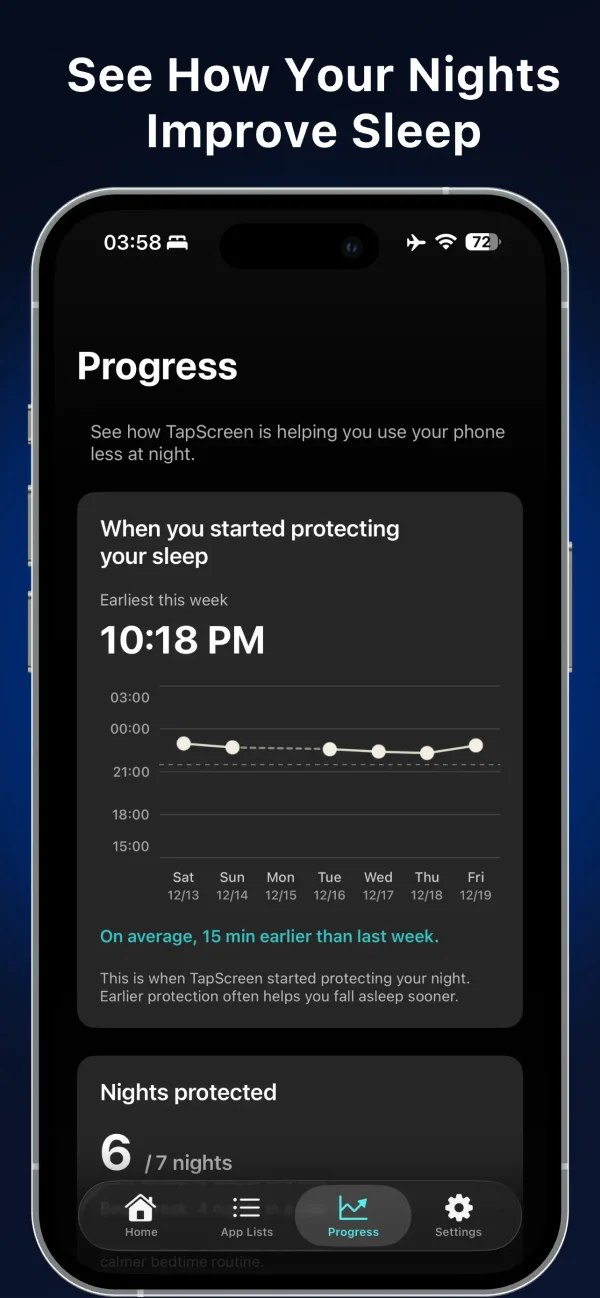
⑤ See your late-night progress
* The Progress tab gives you easy-to-read insights:
* How many nights you used Focuscapes
* How much late-night screen time you reduced
* Which apps were blocked the most at night
Simple cards, big text, and a gentle tone — no shaming, just small wins over time.
⑥ Private, local, and in your control
* Focuscapes uses Apple’s Screen Time API to start and stop app blocking on your device.
* Blocking happens on your iPhone using Apple’s system controls.
* We cannot see what you do inside apps or websites.
* Your personal browsing or message content never leaves your device.
* You stay in full control: you can change or stop sessions whenever you want in the app or in iOS settings.
Privacy Policy: https://tapscreentime.com/privacy-policy
Terms of Service: https://tapscreentime.com/terms
Support: support@bettersleepcycle.com
What’s new
Version 1.0.6 · May 11, 2026
- This update includes bug fixes and performance improvements.
App privacy
What Better Sleep Rise Elite declares on the App Store about how this app handles data.
-
Data not linked to you
May be collected but is not linked to your identity.
- Purchases
- Usage data
- Diagnostics
Privacy practices may vary, for example with the features you use or your age.
Information
- Seller
- Better Sleep Rise Limited
- Category
- Productivity
- Version
- 1.0.6
- Updated
- May 11, 2026
- Released
- Jan 26, 2026
- Size
- 30.2 MB
- Requires
- iOS 17.0 or later
- Age rating
- 4+
- In-app purchases
- Yes
- Languages
- English
- Copyright
- Copyright © 2024 AirByte Technology Co., Ltd.
You might also like
-
 Focus HomeMindful launcher. Less scroll.
-
 MinimilistlyA minimalist to-do list app
-
 Quiet: Minimal LauncherText home screen & calm pause
-
 Deep Flow: Screen Time ControlBlock Apps & Track screen time
-
 Simple Zen: Dumb PhoneMindful Phone Launcher
-
 Offvio Word:Edit Word DocumentDocs, PDF, PPT & Office Files
-
 Commercial: ScreenTime ControlApp Blocker for Focus
-
 GESTO: Gesture LauncherDraw a shape, open any app
-
 Intentional: Screen Time CtrlProductivity
-
 Dying Soon: Screen Time LimitApp Blocker & Daily Focus