FocusDo: ADHD To-Do List
One-Task Focus Timer & Stats
Designed for iPhone, iPad
Free · In-app purchases
- Age rating4+
- CategoryProductivity
- DeveloperNous Studio Ltd
- LanguagesEnglish+ 4 more
- Size60.9 MB
Links to the official App Store page
Download.org hosts no file of FocusDo: ADHD To-Do List. The button opens its official App Store page, published by Nous Studio Ltd. Listing last checked on Nov 23, 2026.
Screenshots
About
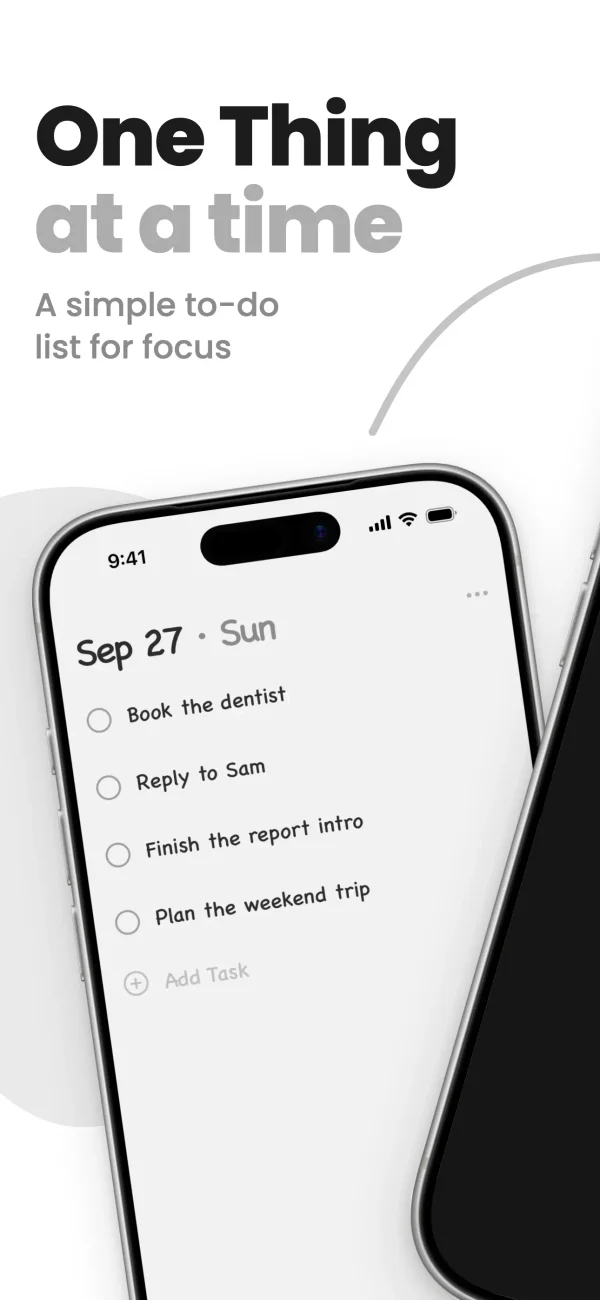
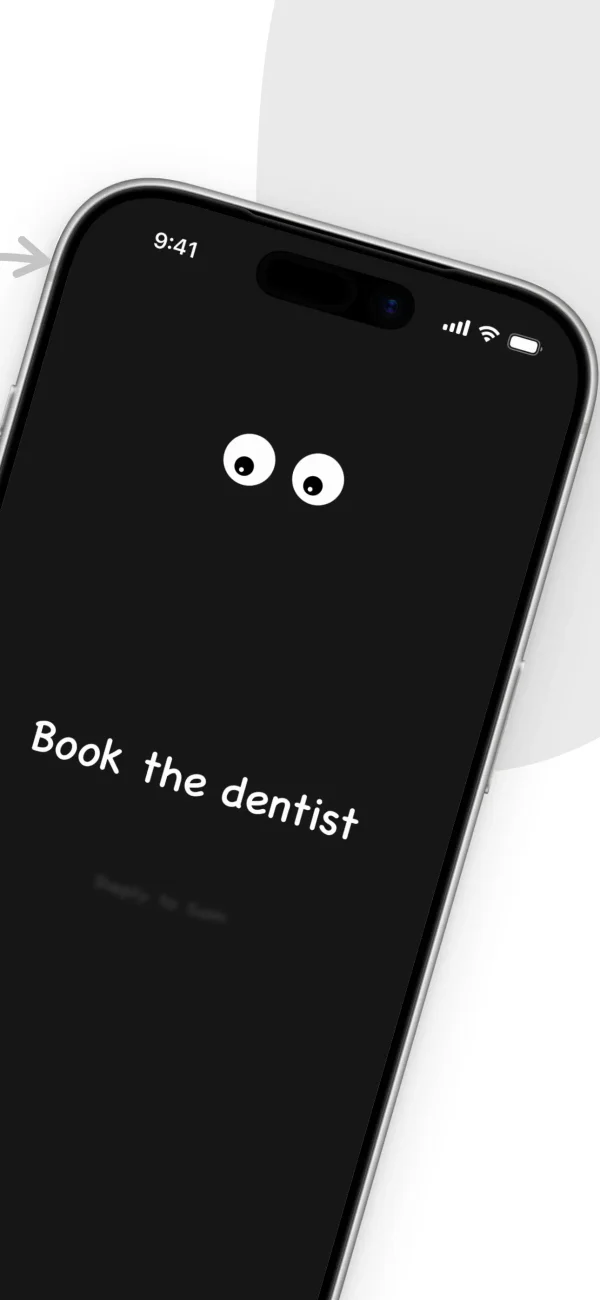
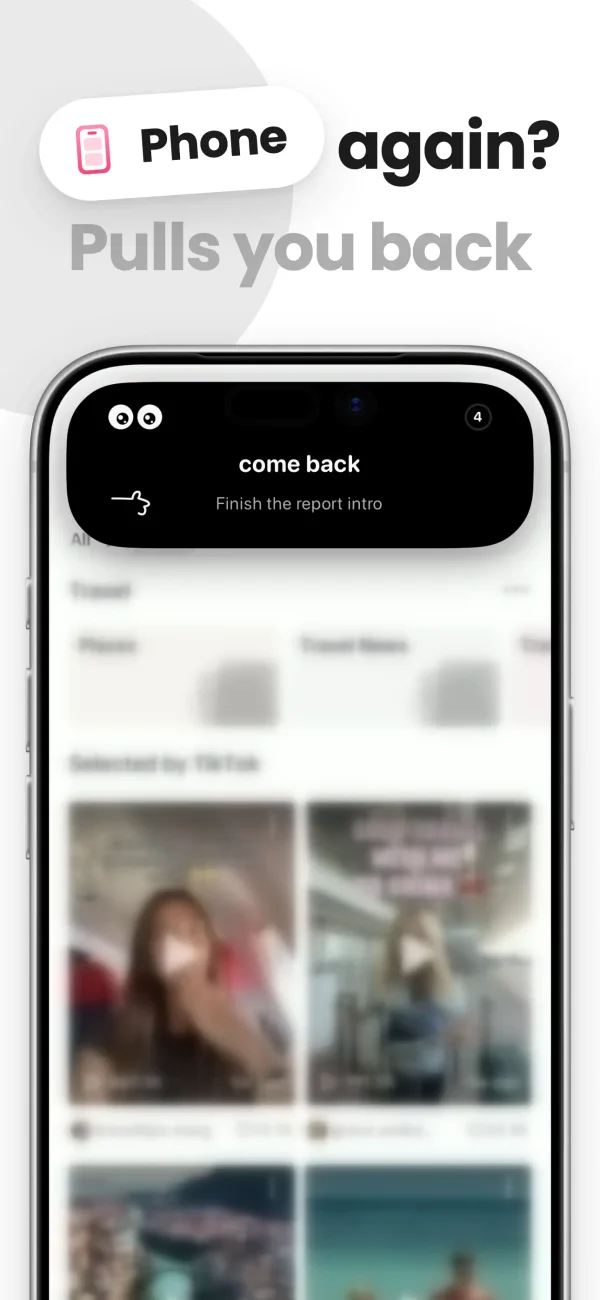
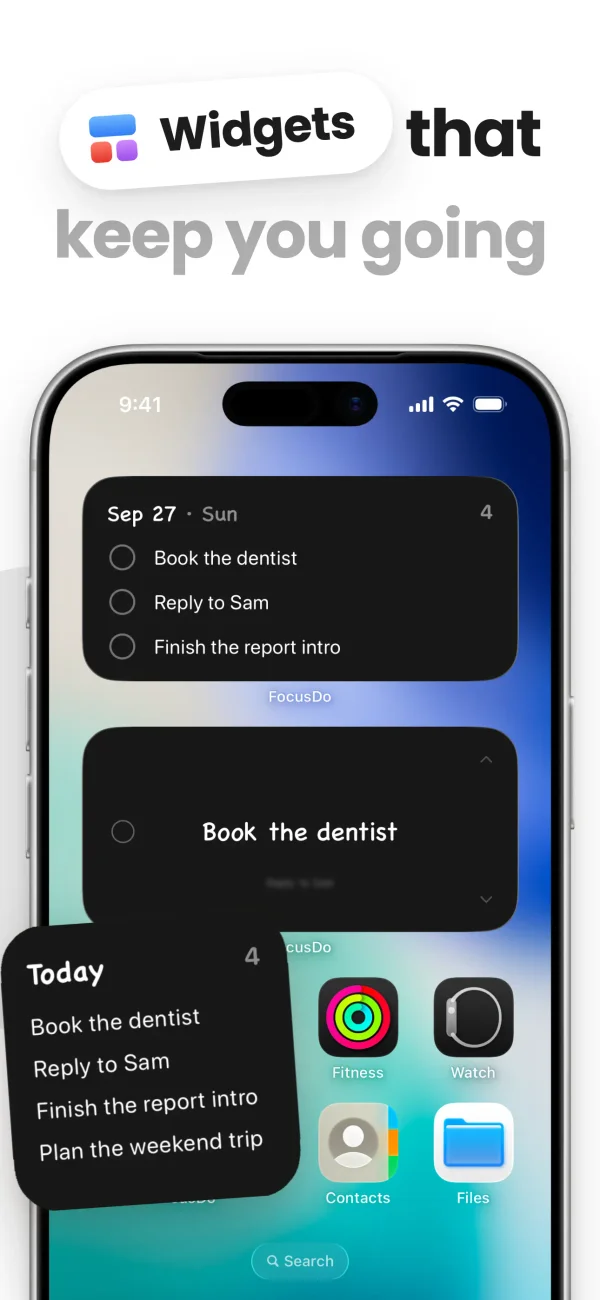
FocusDo is a minimal focus to-do list that helps you do one thing at a time. Enter Focus Mode and only the task in front of you stays on screen, with a timer when you want one. Drift off to another app, and the Dynamic Island calls you back.
ADHD-friendly by design: built for people who struggle to start, drift off easily, or lose the whole afternoon without knowing where it went.
【Focus Mode: one task on screen】
Swipe into Focus Mode and your list disappears. One task fills the screen; swipe it away when it's done. Turn your phone sideways and prop it on the desk, and it becomes a sticky note. A pair of hand-drawn eyes watches you the whole time: stall too long and they get sleepy, finish a task and they light up, tap them and they wink back.
【Dynamic Island: it notices when you leave】
Slip out of Focus Mode to scroll your phone, and FocusDo stays in the Dynamic Island and on your Lock Screen, showing what you were doing. It reminds you to come back every so often, and you can turn it off any time. Pro members can set their own reminder interval. Getting distracted isn't failure. Coming back is what counts.
【Focus Timer: count up or count down】
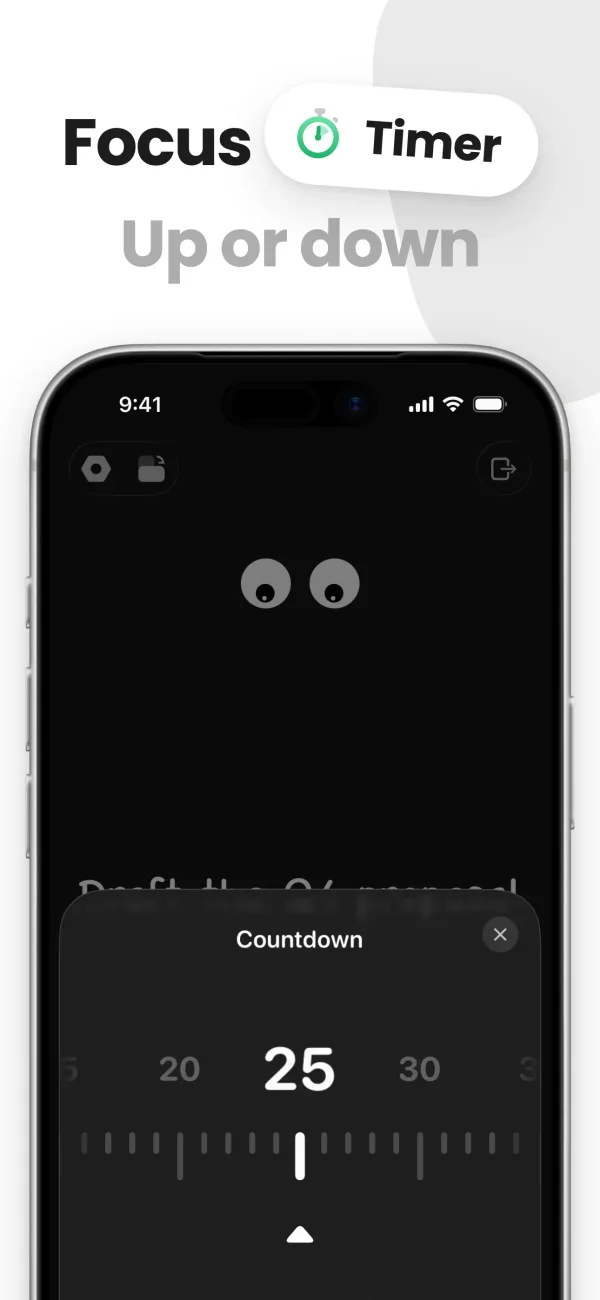
Start a timer in Focus Mode. Count up from zero, or slide the ruler to set a countdown. Pause or end any time; paused time doesn't count. Move on to the next task and the timer keeps going, logging time to whatever you're on now.
【Focus Stats: see where your time went】
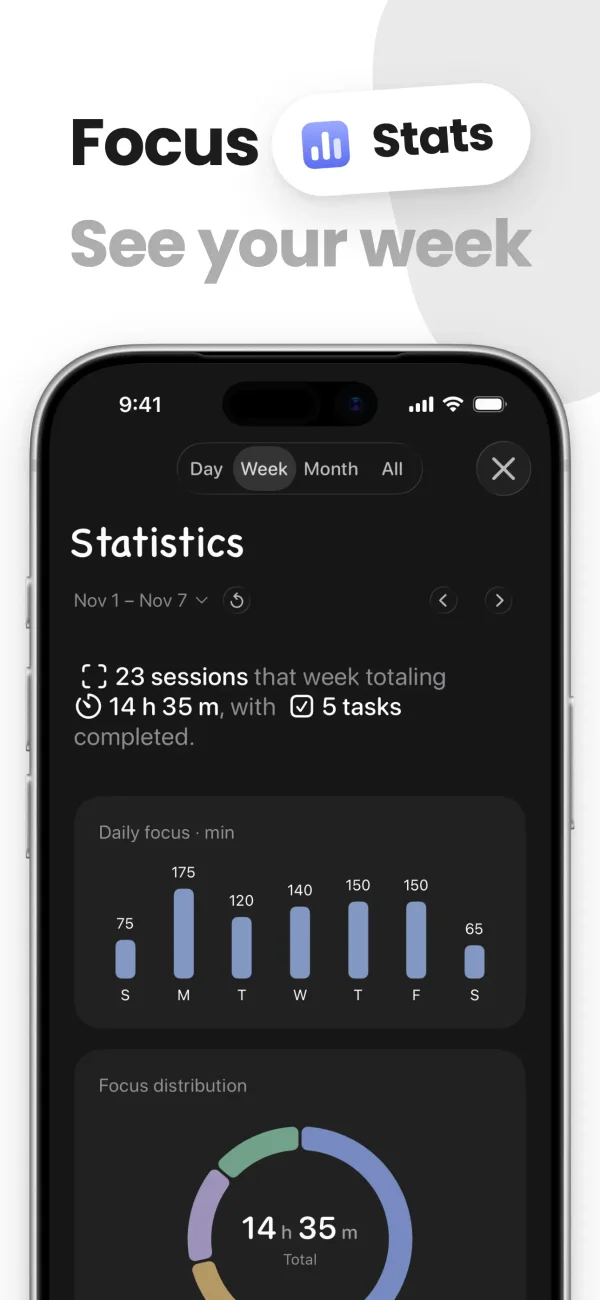
Every timed session is saved. Look back by day, week, month, or all time: how many sessions, how long you focused, how many tasks you finished. Pro adds the charts: daily timeline, focus per day, monthly heatmap and trend, and how your time splits across headings.
【A minimal list: write it down, do it, cross it out】
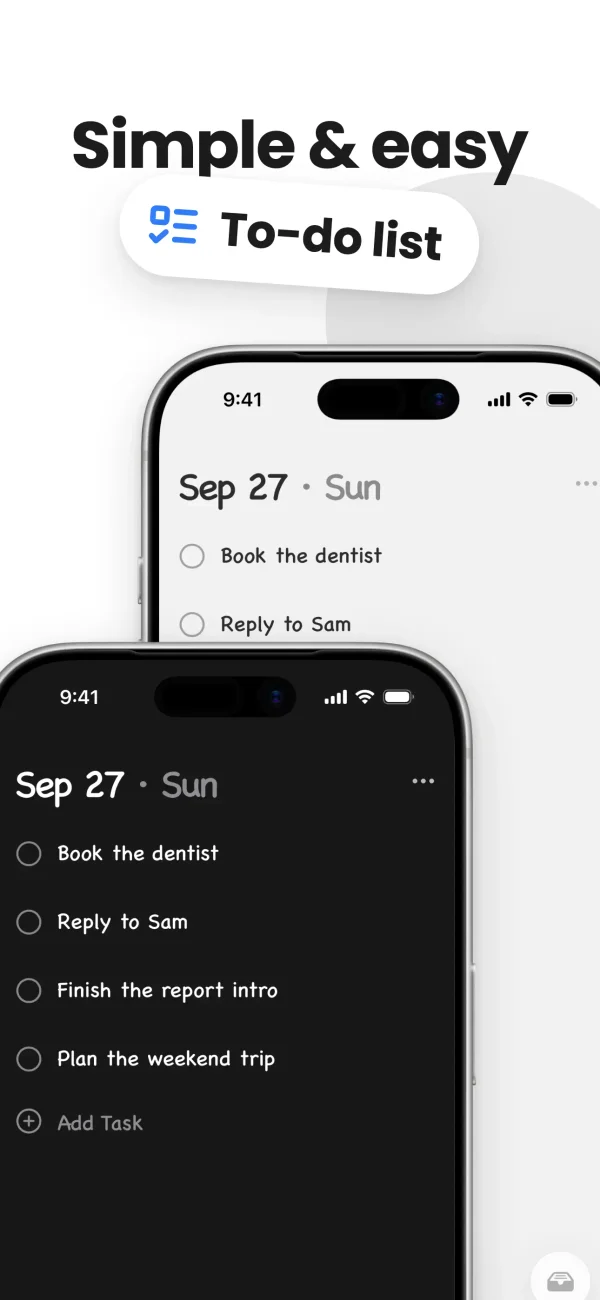
No folders, no tags, no priority levels. A black-and-white, hand-drawn notepad.
• Auto-archive: tasks move to Archive after a day or a week, so your list only shows what's in front of you. Nothing is deleted.
• Repeating tasks: daily, weekdays, weekly, monthly, or custom dates. Repeat a heading and its whole group repeats.
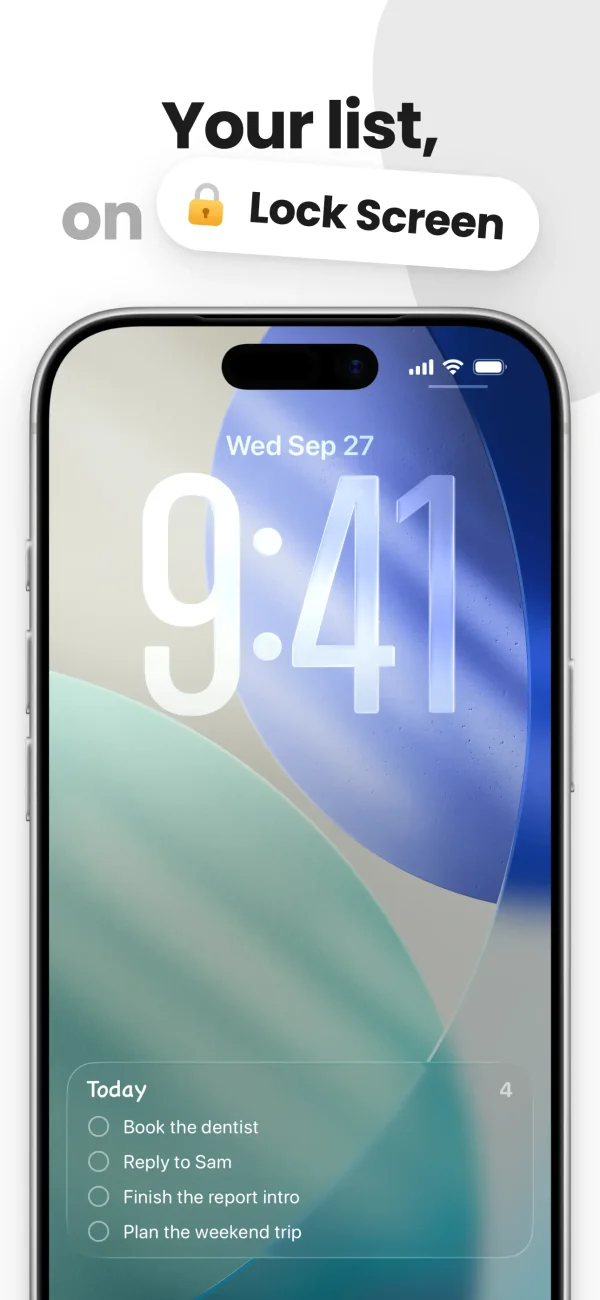
• Lock Screen To-Do: your list stays on the Lock Screen; check things off right there.
More
• Reminders for individual tasks
• Section headings with icons: tasks under a heading form a group you can collapse, move as a whole, or focus on
• Home Screen and Lock Screen widgets, including the Focus Wheel widget that shows one task at a time
• Black and White themes, hand-drawn or system font, three sizes
• iPad supported, iCloud sync across your devices (Pro)
FocusDo Pro
Pro unlocks Focus Stats charts, Lock Screen To-Do, repeating tasks, the Focus Wheel and large list widgets, iCloud sync, custom reminder intervals, and unlimited section headings with custom icon colors, plus every premium feature we add in the future. Choose a monthly or yearly subscription, or a one-time lifetime purchase.
• Payment is charged to your Apple Account at confirmation of purchase.
• Subscriptions renew automatically unless auto-renew is turned off at least 24 hours before the end of the current period.
• Manage or cancel any time in Settings → Apple Account → Subscriptions.
Terms of Service: https://honeysuckle-botany-fde.notion.site/Terms-of-Service-3120378c2ce281b8ae84df7359a682ed
Privacy Policy: https://honeysuckle-botany-fde.notion.site/Privacy-Policy-3120378c2ce2811cb695da3cb649b4c2
What’s new
Version 2.0.0 · Nov 18, 2026
FocusDo 2.0 is here!
• Made for iPhone Duo: works great open, closed, or half-folded
• Focus Timer: count up or set a countdown in Focus Mode, and move from one task to the next without stopping the clock. There's also a little surprise waiting when a countdown ends
• Focus Stats: look back by day, week, month, or year, and see every focus session on a timeline
• Pick your own colors for heading icons
• Refreshed icons throughout the app, plus lots of small polish
App privacy
What Nous Studio Ltd declares on the App Store about how this app handles data.
-
Data not linked to you
May be collected but is not linked to your identity.
- Purchases
- Identifiers
- Usage data
Privacy practices may vary, for example with the features you use or your age.
Information
- Seller
- NOUS STUDIO LTD
- Category
- Productivity
- Version
- 2.0.0
- Updated
- Nov 18, 2026
- Released
- Mar 21, 2026
- Size
- 60.9 MB
- Requires
- iOS 17.6 or later
- Age rating
- 4+
- Price
- Free
- In-app purchases
- Yes
- Languages
- English, Japanese, Korean, Simplified Chinese, Traditional Chinese
- Copyright
- © 2026 NOUS STUDIO LTD.
You might also like
-
 Calflow: Planner & TrackerRoutine, Tasks & Goal Planner
-
 Open MinisYour Private On-Device Agent
-
 Cat On Chair: Pomodoro TimerCute ADHD Focus & Study Buddy
-
 ChickFocus: Pomodoro TimerADHD Organizer & Productivity
-
 Cue by Manusconnect, unlock, explore
-
 番茄ToDo-极简高效自律番茄钟Productivity
-
 Focus Traveller - Flow Timerpomodoro timer & study tracker
-
 FocusFlight - Deepfocus TimerTake off into deep focus
-
 Typeless: AI Voice KeyboardEffortless voice dictation
-
 Google AI Edge GalleryPrivate, Fast, Offline AI