
focusedOS: Focus & Screen Time
Control & Block Apps, Websites
Designed for iPhone, Mac
Free · In-app purchases
- Age rating4+
- CategoryProductivity
- DeveloperMichael Tigas
- LanguagesEnglish
- Size112.4 MB
Links to the official App Store page
Download.org hosts no file of focusedOS: Focus & Screen Time. The button opens its official App Store page, published by Michael Tigas. Listing last checked on Nov 12, 2026.
Screenshots
About
Welcome to focusedOS, a super-utility that transforms your devices for productivity.
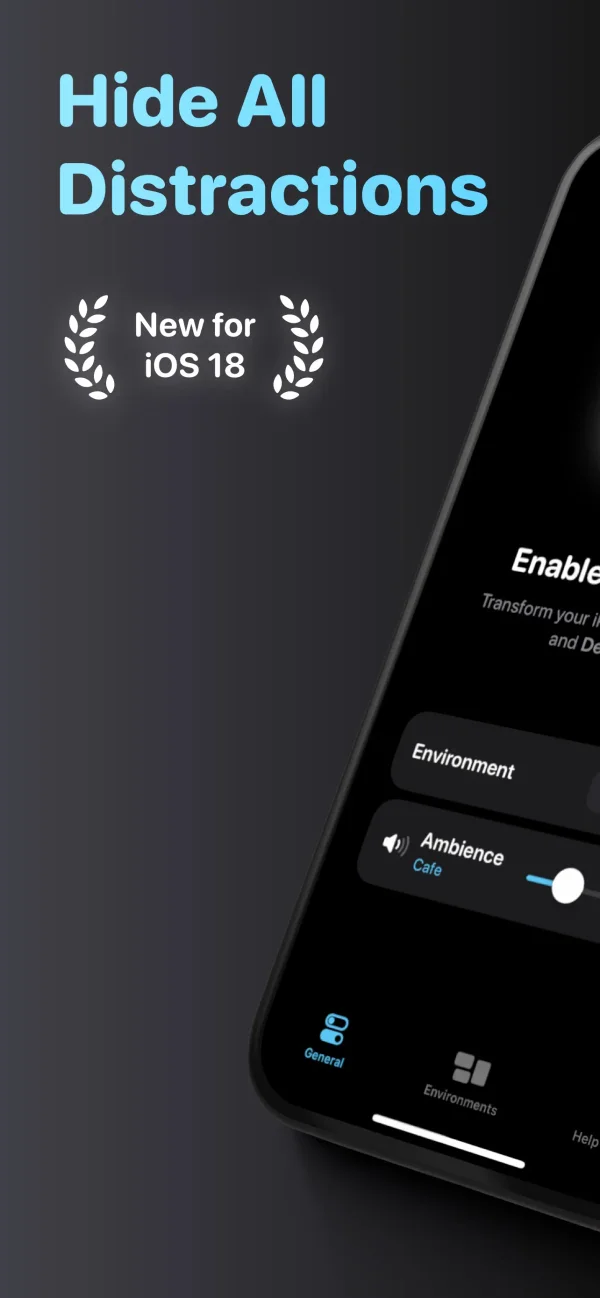
focusedOS helps you manage digital distractions across your devices during a busy work day.
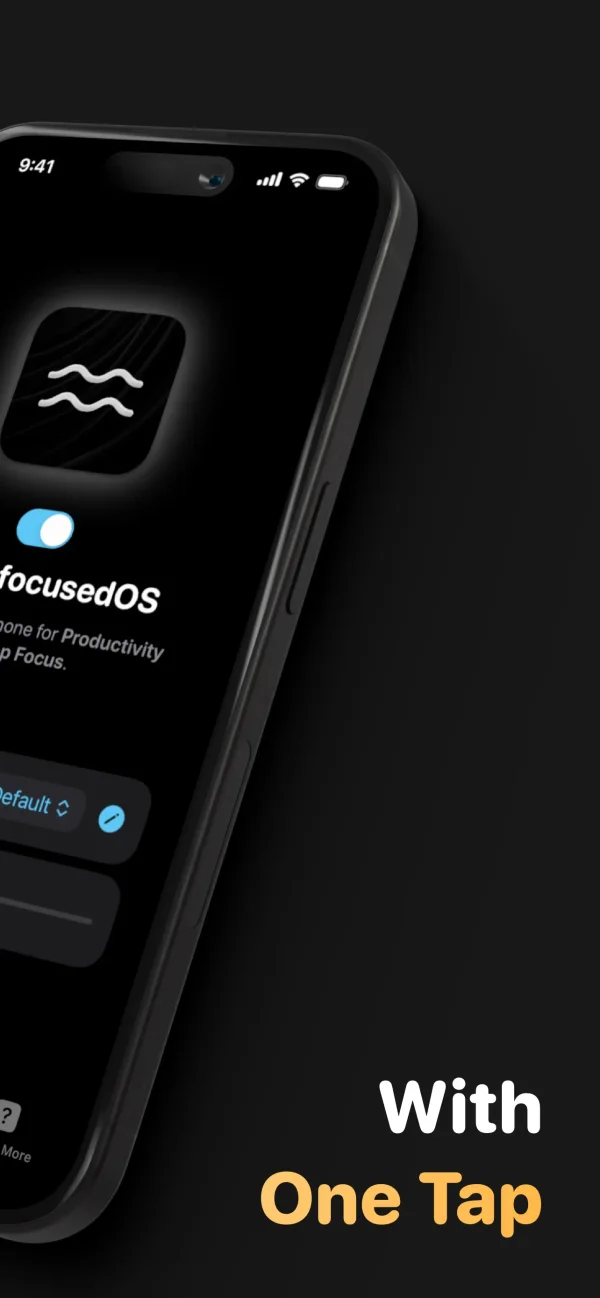
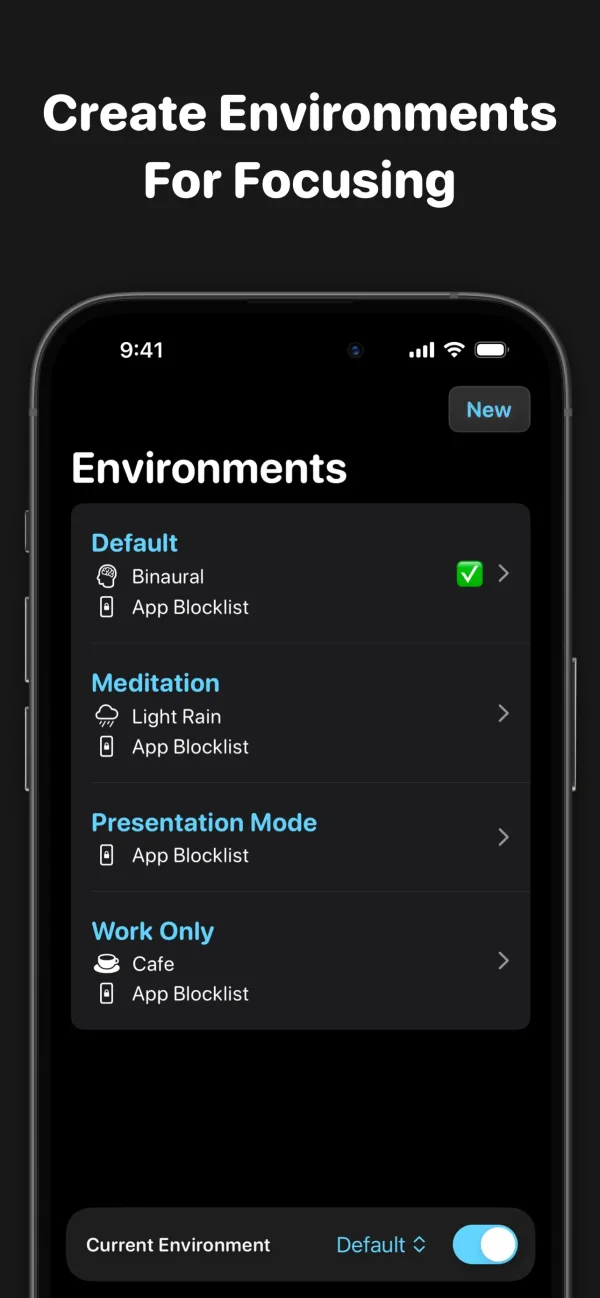
Create environments that adjust how your device behaves if you need to work, study, or take a short mental break, and enable it with one tap.
Key features:
• Supercharge Productivity with one tap
Simply flick the switch when you need to get stuff done.
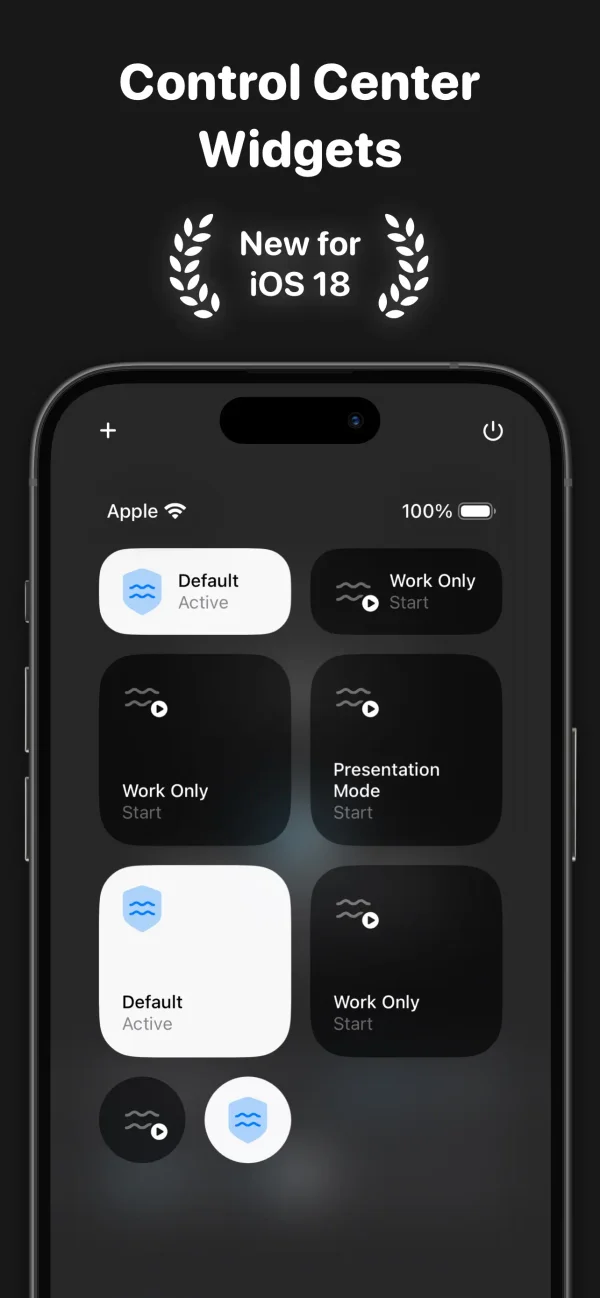
• Adjust your device for work - with Environments
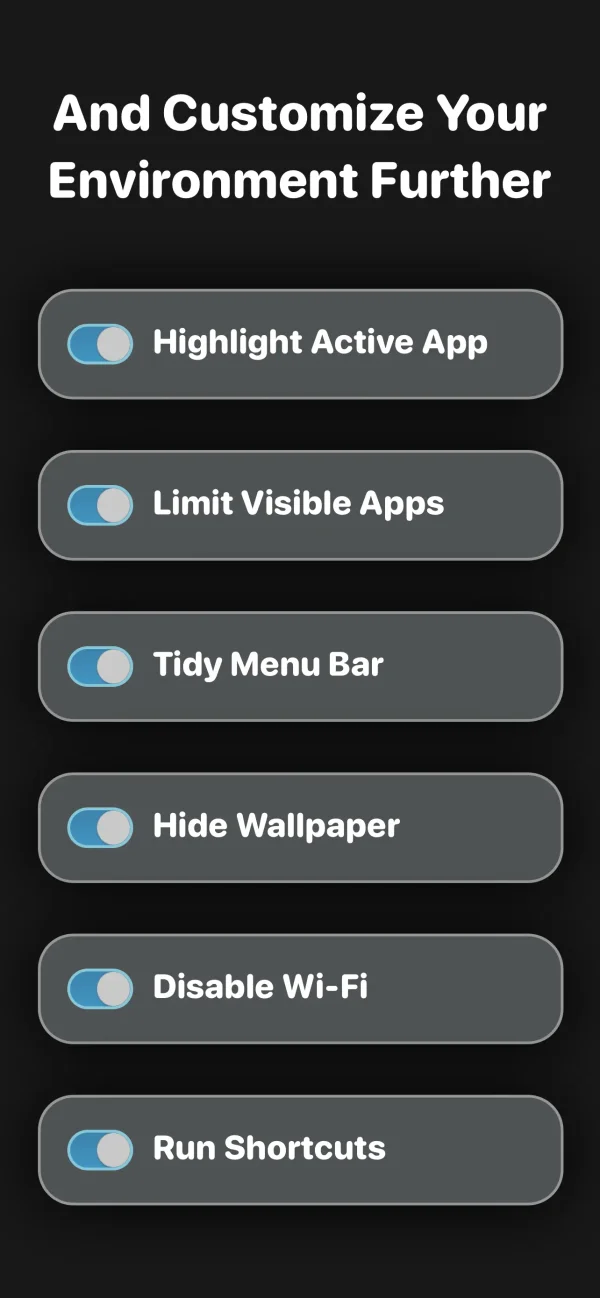
Adjust your iPhone to suit how you want to work. With focusedOS for Mac you can temporarily change macOS behavior, such as; dimming inactive apps to reduce visual clutter, restricting how many apps can be displayed on-screen, hiding the wallpaper, and more.
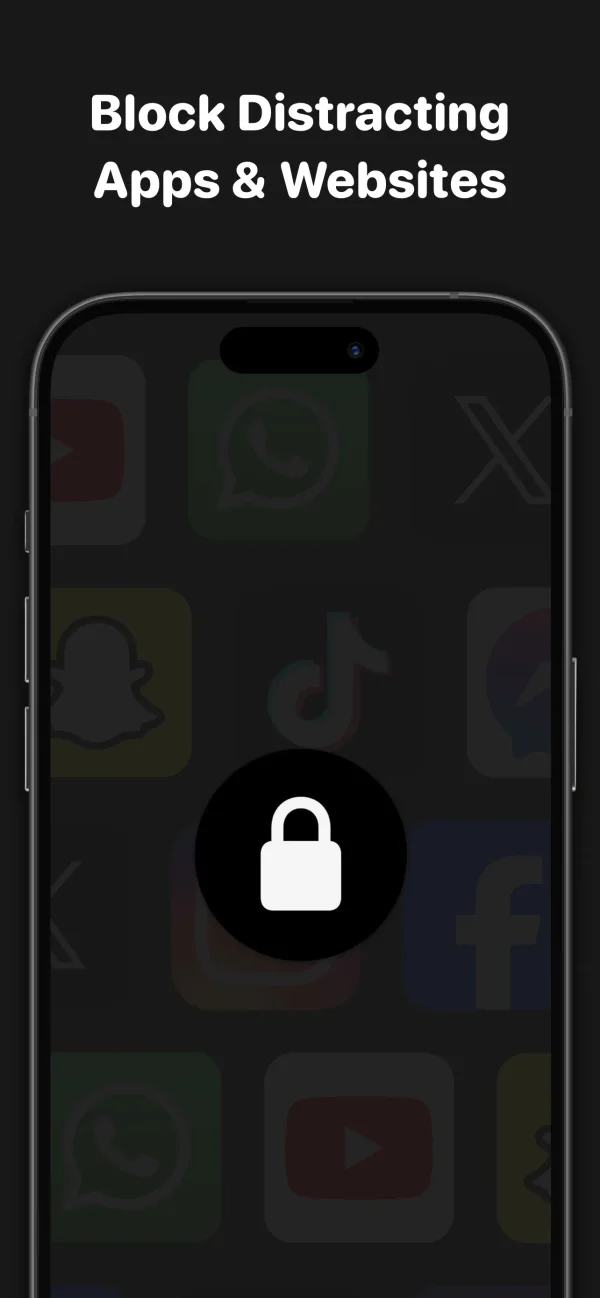
• Powerful Blocking
Easily block access to distracting apps & websites.
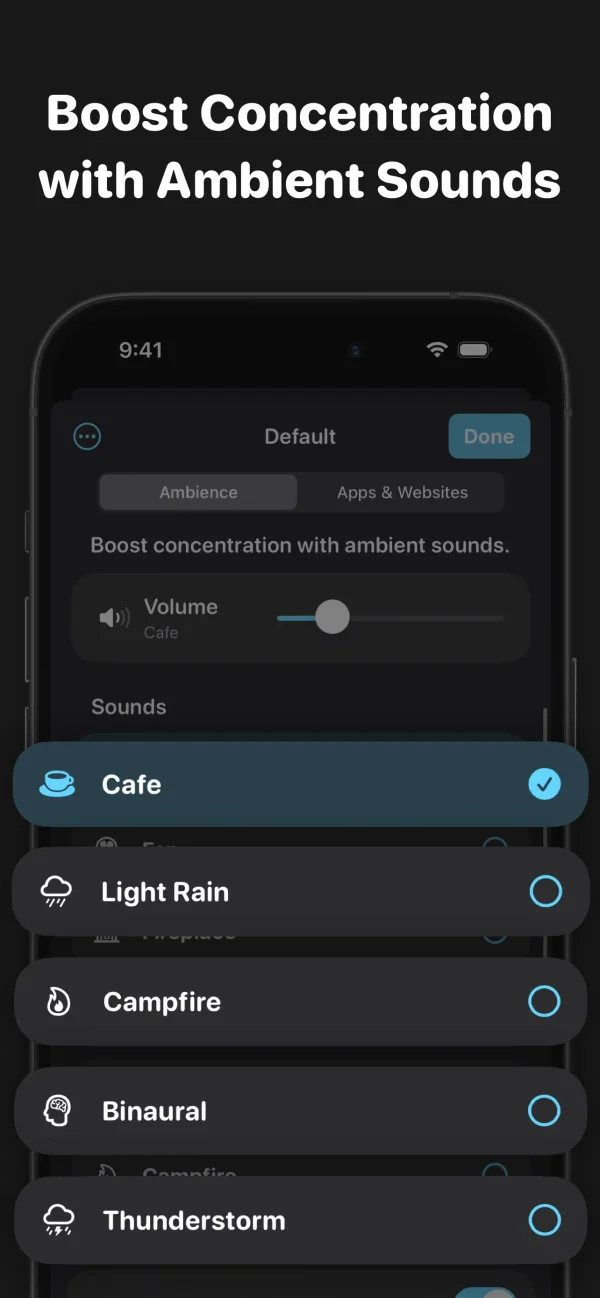
• Play Ambient Sounds
Fade out noisy surroundings with a selection of high-quality ambient sounds that improve concentration. Listen to the sound of light rain falling around you, the cosiness of a campfire, make it feel like you're working from a cafe, or experiment with binaural sounds.
• Automate your Environment with Shortcuts (with focusedOS for Mac)
Automatically run shortcuts in response to starting or stopping an environment, such as turning on Do Not Disturb.
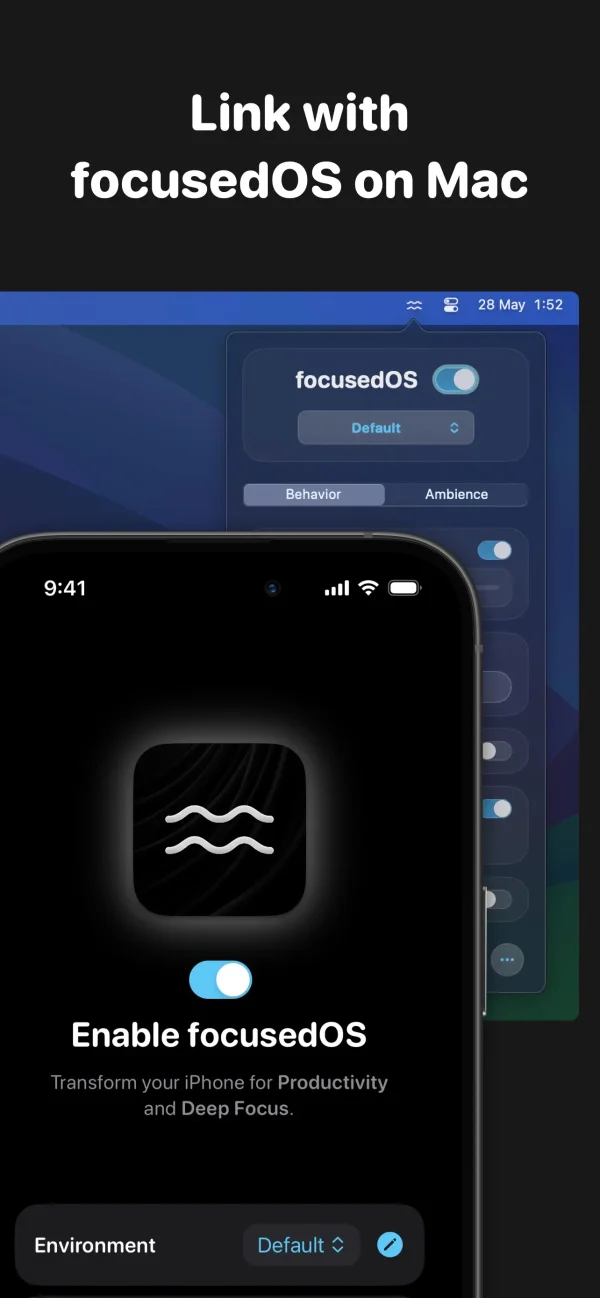
• Link Your Devices
Seamlessly sync environments in real-time between iPhone and Mac.
Download focusedOS today and supercharge your productivity.
View our Privacy & Terms at:
https://focusedOS.com/privacy-policy
https://focusedOS.com/terms
What’s new
Version 1.4 · Jul 19, 2026
Thank you for using focusedOS!
This update adds support for the latest version of iOS and iPadOS, including minor bug fixes.
We hope you find them super helpful for your productivity. Please leave a kind review if you do! :)
App privacy
What Michael Tigas declares on the App Store about how this app handles data.
-
Data linked to you
May be collected and linked to your identity.
- Purchases
- Contact info
- Identifiers
-
Data not linked to you
May be collected but is not linked to your identity.
- Usage data
- Diagnostics
Privacy practices may vary, for example with the features you use or your age.
Information
- Seller
- Tigas Industries Pty Ltd
- Category
- Productivity
- Version
- 1.4
- Updated
- Jul 19, 2026
- Released
- May 7, 2024
- Size
- 112.4 MB
- Requires
- iOS 16.1 or later
- Age rating
- 4+
- Price
- Free
- In-app purchases
- Yes
- Languages
- English
- Copyright
- © Tigas Industries 2026
You might also like
-
 Outliner: ScrollOutline List Nodes & Mind Map
-
 Remind Me FasterQuick-entry for Reminders
-
 minimizit: minimal dumb phoneminimalist launcher checklist
-
 BB - Screen Time & App BlockerControl and limit social media
-
 HyperduckSend links from iOS to a Mac
-
 Funnel - Quick CaptureCapture your thoughts
-
 Thinkdrop: Drop your thoughtsPrivate space, quick thoughts
-
 Timery: Time TrackerEasy time tracking with Toggl
-
 Timestripe: Life Goal PlannerWeekly, Monthly, Yearly Plans
-
 Karo: Tasks, Todo List PlannerDaily Personal, Shared Manager