
FocusLapse: Timer, Video Recap
Study buddy—film your progress
Designed for iPhone
Free · In-app purchases
- Age rating4+
- CategoryProductivity
- DeveloperOsamu Hiraoka
- LanguagesEnglish+ 3 more
- Size8.6 MB
Links to the official App Store page
Download.org hosts no file of FocusLapse: Timer, Video Recap. The button opens its official App Store page, published by Osamu Hiraoka. Listing last checked on Nov 23, 2026.
Screenshots

About
FocusLapse helps you stay focused by capturing your effort on video.
Studying, working, reading, or creating something.
You sit down to get started, but soon reach for your phone.
Sometimes, it’s hard to keep going on your own.
The Focus Family is here to keep you company.
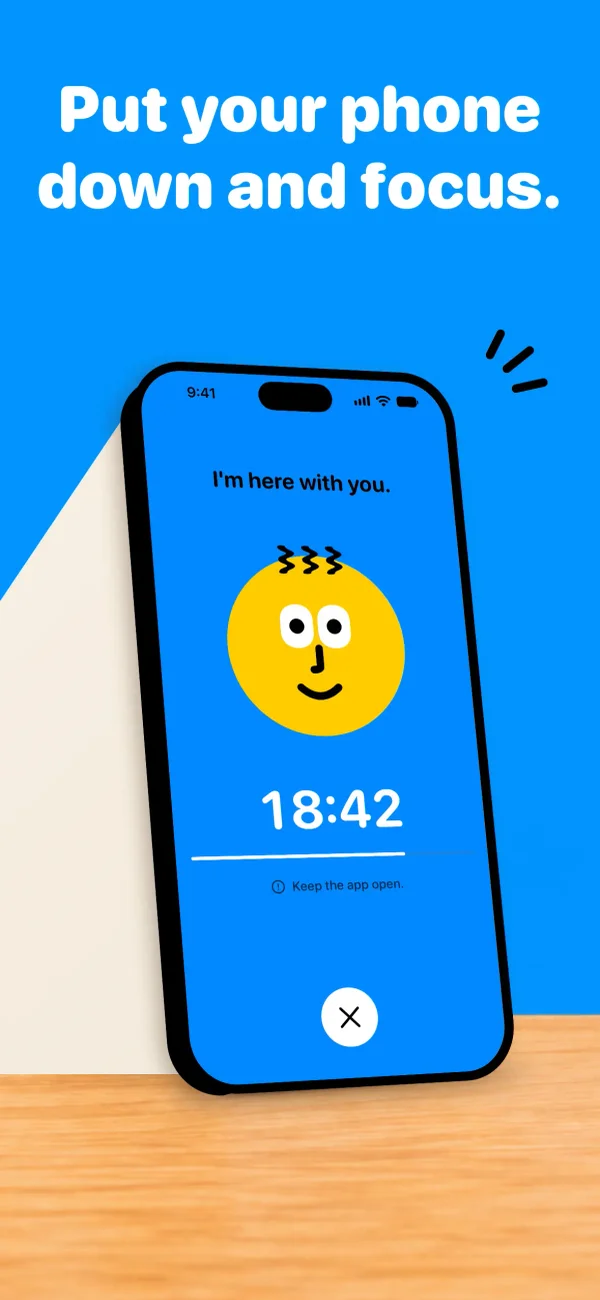
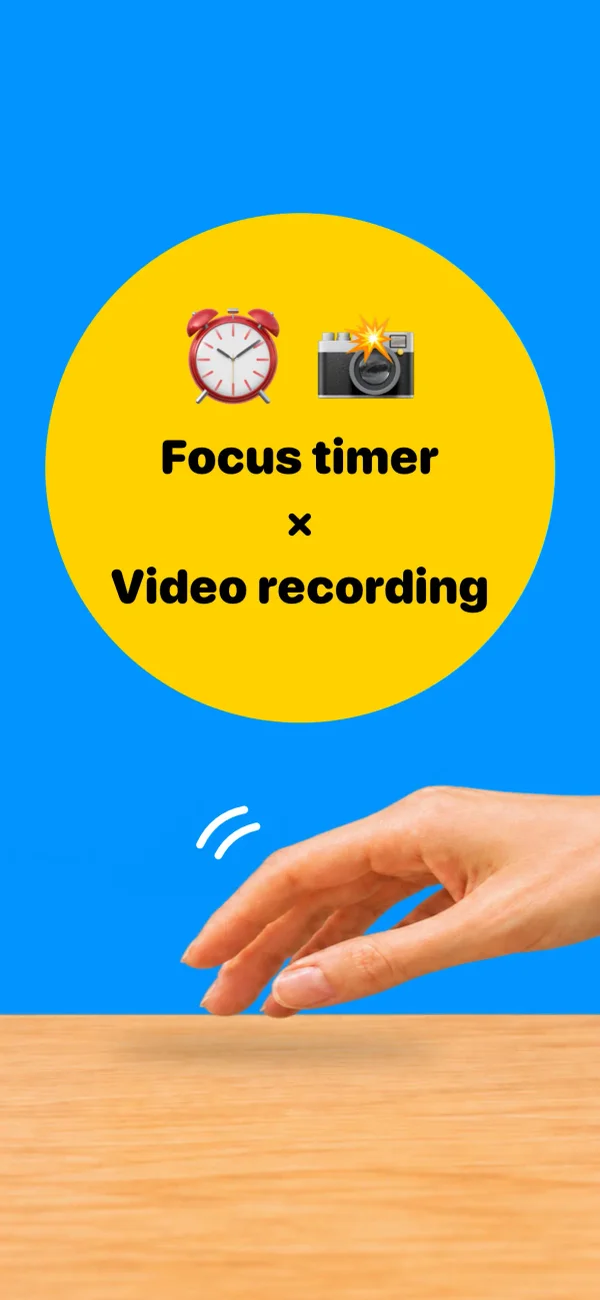
Set your phone down and start the timer. Recording begins with your focus session.
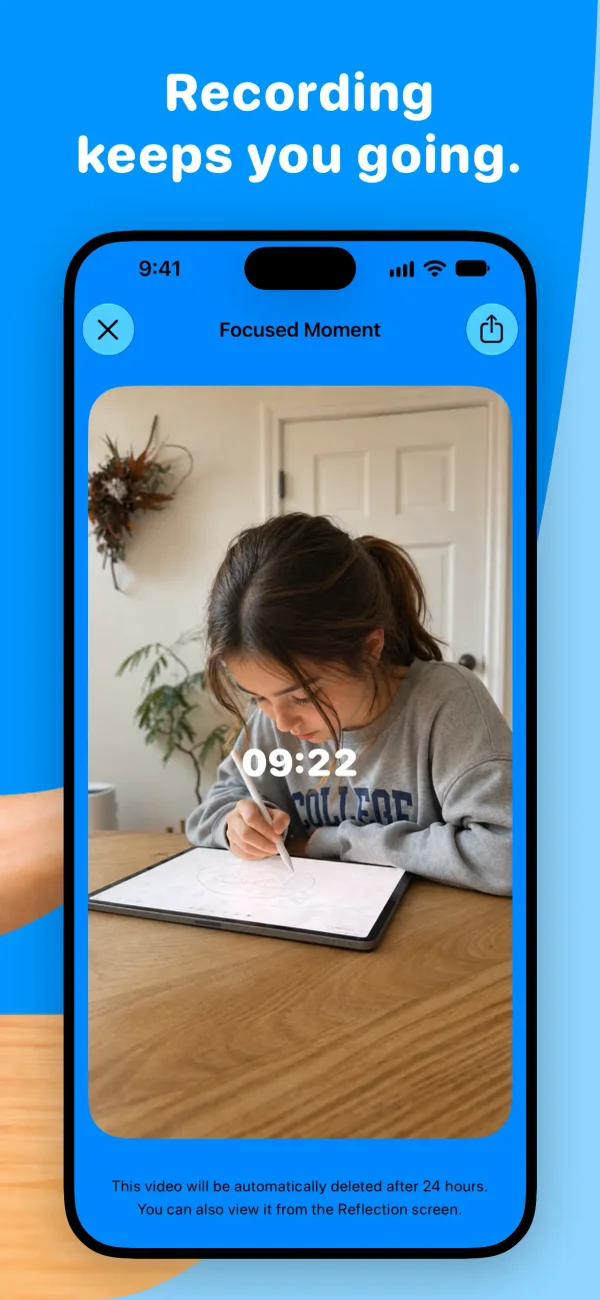
When your phone is busy recording, it’s easier to leave it alone. And knowing your effort is being captured gives you a reason to keep going.
When you’re done, you’ll have a video of the time and effort you put in.
--
■ Give your phone a job
Keep finding yourself scrolling instead of focusing?
Try putting your phone to work as your camera.
Place it where it can capture you working, choose your focus time, and start the timer.
Keeping the app open while it records helps you leave your phone in place and give your attention to the task in front of you.
“Just for this session, I’ll give it a try.”
FocusLapse helps you take that first step.
--
■ A reason to keep going
If you’re going to record yourself, you want to capture yourself making an effort. You want to look back and think, “I really did put the work in.”
Knowing the camera is rolling can give you a little extra motivation when you feel like stopping.
The pages you filled. The work you moved forward.
Your effort becomes something you can see and feel good about.
Choose from Time-Lapse, Recap, or Full Video recording. Save or share your favorite videos using the sharing feature.
Note: Videos are kept in the app for a limited time. To keep a video, save it using the sharing feature before it expires.
--
■ Meet the Focus Family
A little unusual. Hard to look away from.
That’s the Focus Family.
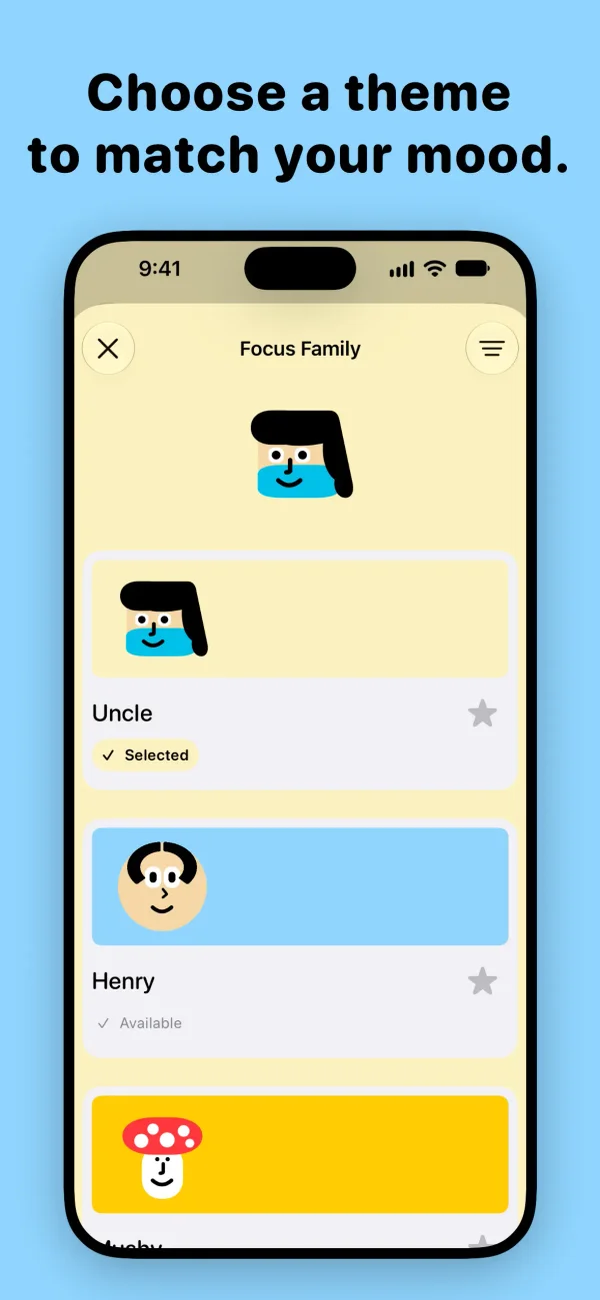
Their eyes follow your face, making it feel like you have a little company while you work.
A glance from your companion might be just the nudge you need to keep going.
More companions become available as you complete sessions and build up your focus time. Find a favorite, or choose someone to match your mood.
Meeting your next companion is one more thing to look forward to.
--
■ See your effort add up
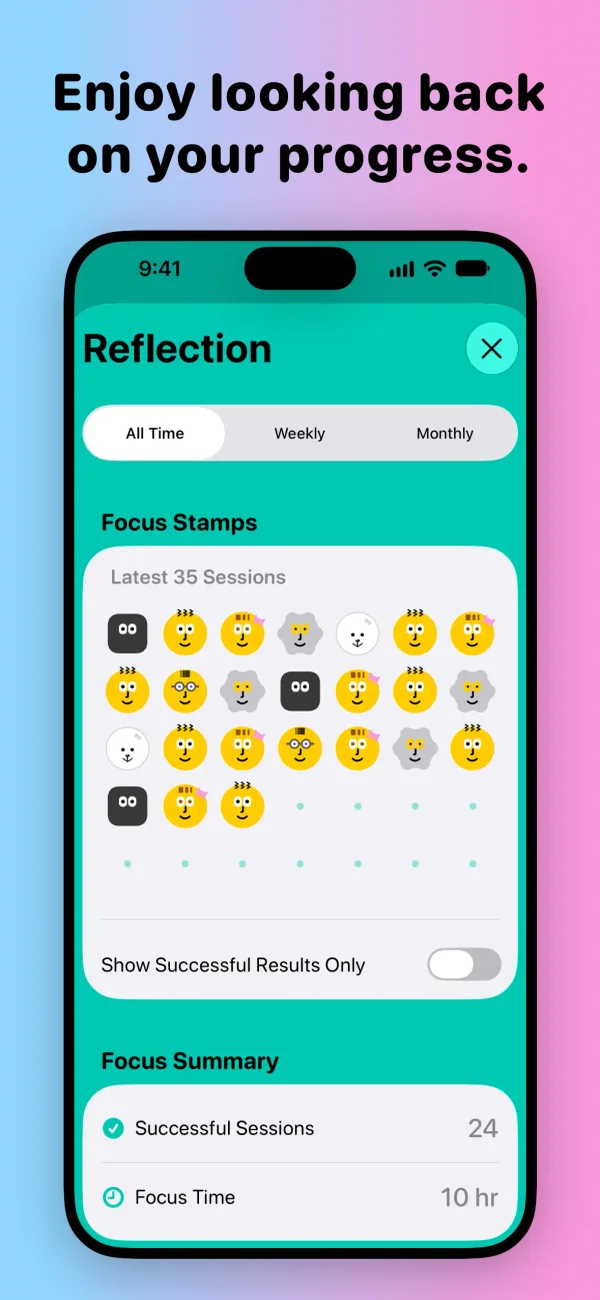
Your focus sessions become stamps featuring the Focus Family.
Look back at your focus time, completed sessions, and streaks. See which companions you’ve spent the most time focusing with.
As your stamps add up, your everyday effort becomes easier to see.
“Maybe I’ll add one more today.”
That could be the start of your next session.
Add a widget to see your recent sessions and current streak on your Home Screen—a small reminder of what you’ve done, and encouragement to begin again.
--
■ Your effort stays on your device
Your videos and focus history are stored on your device. They are not automatically sent to the developer’s servers.
Record for yourself. Look back on your effort.
Share a video when you feel like it.
You choose what to share and when.
Some days, it’s hard to get started.
Other days, you can’t stop reaching for your phone.
Start by placing your phone where it can capture you working.
One task at a time, with a little company along the way.
Make time to focus. The Focus Family is here to keep you company.
FocusLapse’s core features are free to use.
Upgrade to FocusLapse Plus for Plus-exclusive companions, random companion selection, and weekly and monthly reflections.
Plus is available as a monthly or annual subscription. You can cancel at any time.
Questions or feedback? Contact us at miteruyo_support@icloud.com.
Privacy Policy
https://odd-bone-e2f.notion.site/Privacy-Policy-4068875f0e858013a337f00af426ca34
Terms of Use
https://odd-bone-e2f.notion.site/Terms-of-Use-4068875f0e85804293a0e78451f2d953
What’s new
Version 1.2.0 · Nov 20, 2026
FocusLapse now supports Traditional Chinese, so more people can use the app in their preferred language.
App privacy
What Osamu Hiraoka declares on the App Store about how this app handles data.
-
Data not collected
The developer does not collect any data from this app.
Privacy practices may vary, for example with the features you use or your age.
Information
- Seller
- Osamu Hiraoka
- Category
- Productivity
- Version
- 1.2.0
- Updated
- Nov 20, 2026
- Released
- Nov 9, 2026
- Size
- 8.6 MB
- Requires
- iOS 26.0 or later
- Age rating
- 4+
- Price
- Free
- In-app purchases
- Yes
- Languages
- English, Japanese, Korean, Traditional Chinese
- Copyright
- ©︎ 2026 Lil Ossa
You might also like
-
 App Blocker & Focus - IsshinScreen time limits that stick
-
 Focus Labs: Study TimelapsePomodoro Timer & Goal Tracker
-
 PasteSync: AI Snippet KeyboardClipboard sync & text expander
-
 Dora-Gong Presentation TimerGong Presentation Timer
-
 B.Notes/Chat-style NotepadNotepad for Solo-Brainstorming
-
 SwingCat - Focus TimerProductivity
-
 yatta! To-Do List & WidgetNever forget tasks & groceries
-
 VISIBLE TIME | See Time FlowVisual Timer to See Time
-
 物理計算機Productivity
-
 TimeAlign: Plan Track AlignTime Blocking for What Matters