FocusLatch: Lock & Hide Apps
Block Apps, Stay Focused
Designed for iPhone, iPad
In-app purchases
- Age rating4+
- CategoryUtilities
- DeveloperYongzi Che
- LanguagesEnglish+ 13 more
- Size8.2 MB
Links to the official App Store page
Download.org hosts no file of FocusLatch: Lock & Hide Apps. The button opens its official App Store page, published by Yongzi Che. Listing last checked on Nov 17, 2026.
Screenshots


About
FocusLatch — Fewer Distractions. Better Habits.
Make room for what matters. FocusLatch helps you lock distracting apps, set daily limits, and build healthier phone habits with tools powered by Apple’s Screen Time framework.
Whether you’re studying, working, or winding down for bed, create boundaries that fit your day—and make them easier to follow.
LOCK & HIDE APPS
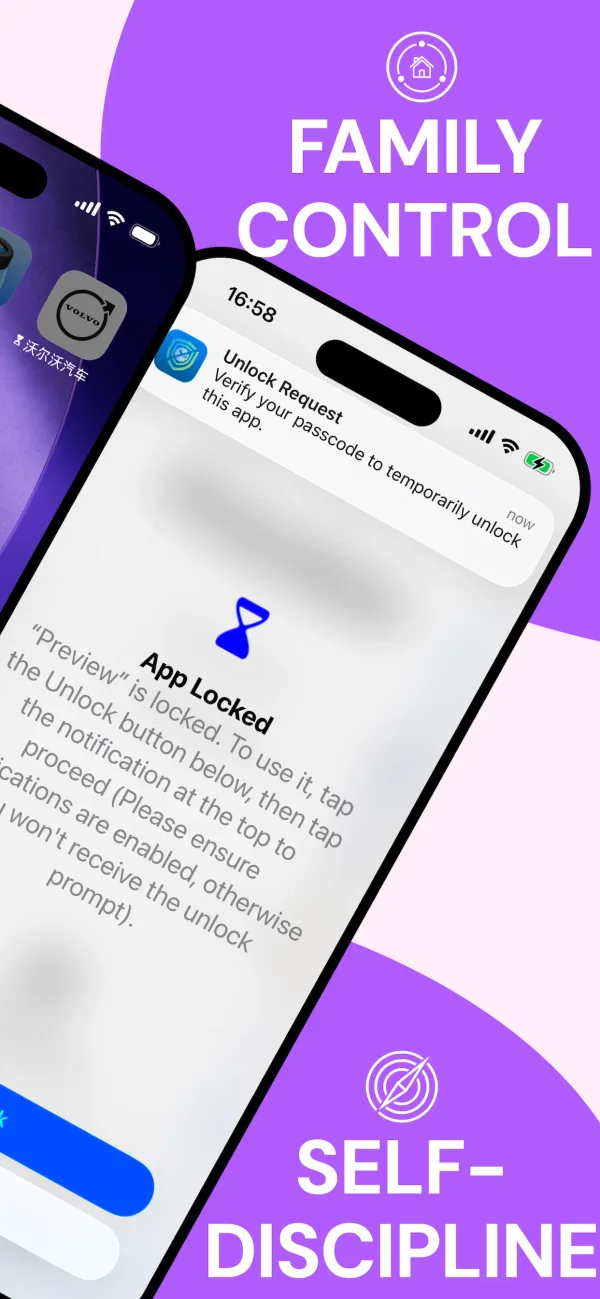
• Restrict access to selected apps when you need to focus.
• Hide locked apps to keep tempting icons out of sight.
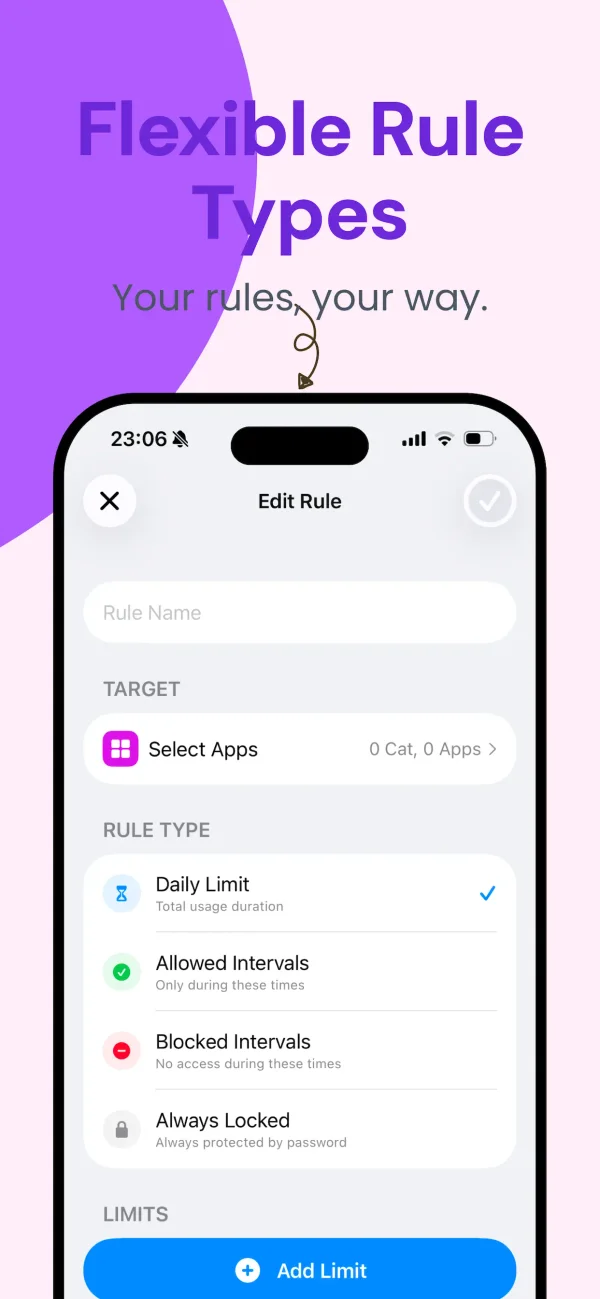
• Create different rules for your routines and goals.
SET LIMITS & SCHEDULES
• Set daily usage limits for selected apps and categories.
• Block distractions during work, study, or bedtime.
• Choose when apps are available with flexible schedules.
BUILD ROUTINES THAT STICK
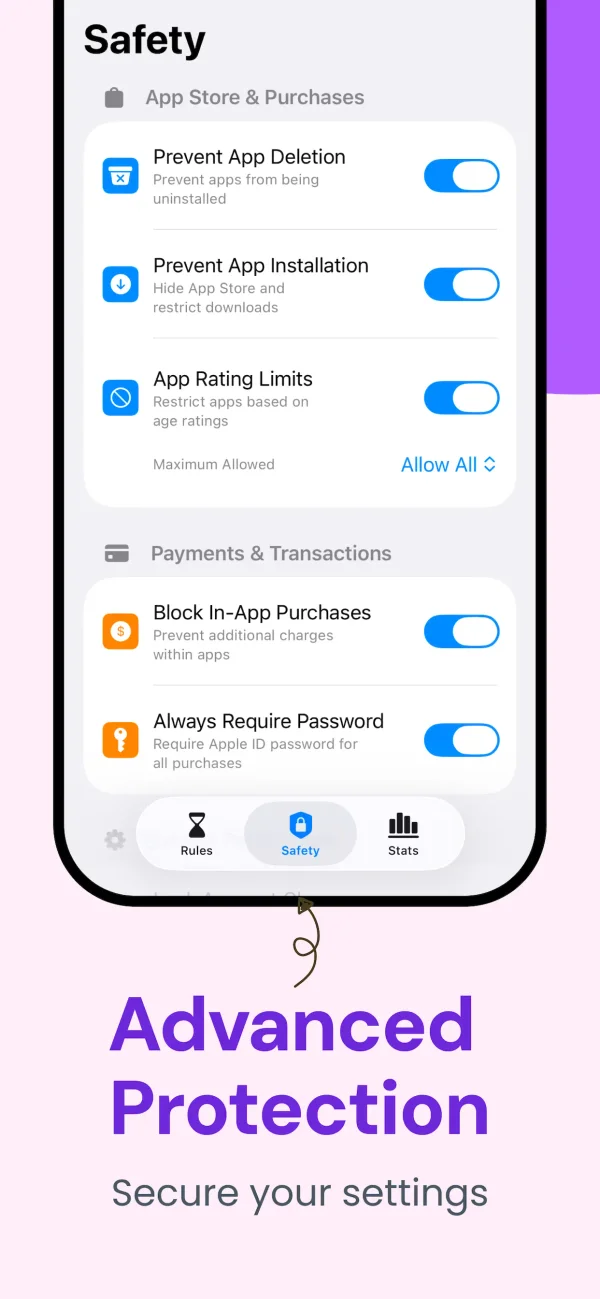
• Restrict app deletion to help you stay committed to your rules.
• Use location-based automation to activate or pause rules when you enter or leave saved places.
• Spend less time adjusting settings and more time following your routine.
KEEP YOUR ENTRY DISCREET
• Enable an optional calculator interface for discreet access to FocusLatch.
• Use basic calculator functions, then enter your configured code to access the app.
MANAGE DEVICE RESTRICTIONS
• Configure supported app installation, purchase, and account restrictions.
• Set age-rating limits and restrictions for selected media content.
• Keep supported device controls together in one place.
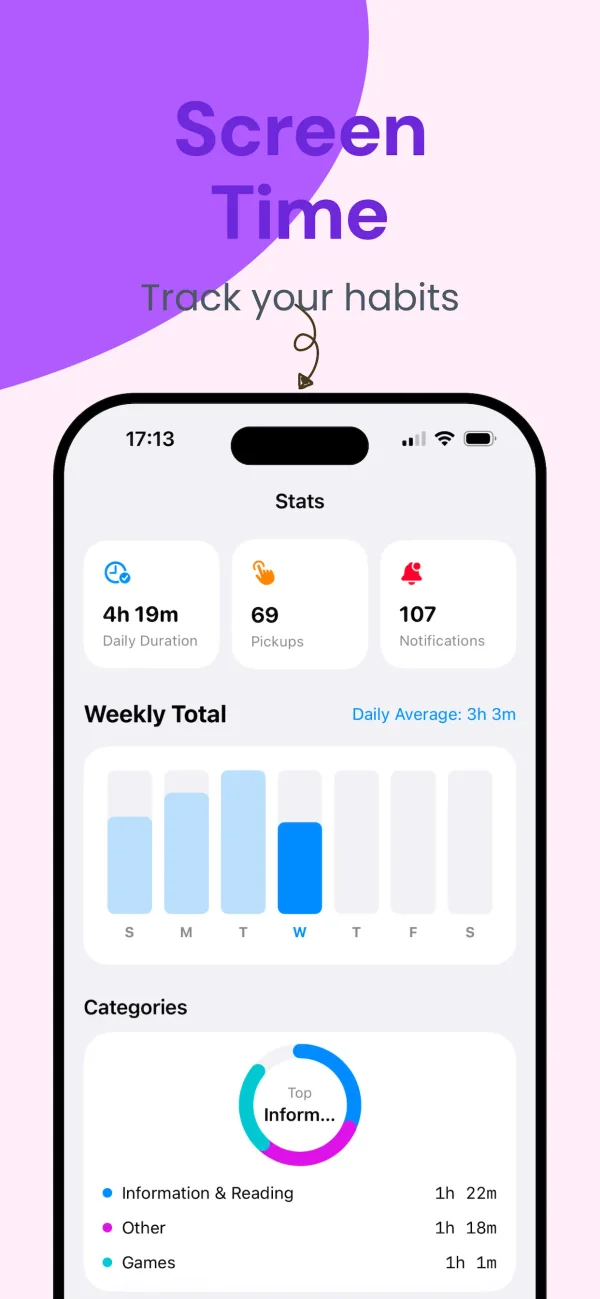
UNDERSTAND YOUR SCREEN TIME
• Review app usage and activity reports.
• See which apps take up your attention.
• Use what you learn to adjust your limits and routines.
BUILT ON APPLE’S SCREEN TIME FRAMEWORK
FocusLatch uses Apple’s Family Controls, Managed Settings, and Device Activity frameworks to apply supported restrictions. These tools do not give FocusLatch access to your messages or the content you view inside other apps.
Start with one app, one limit, or one focused session. Build a routine you can keep.
Some features require a membership. Available controls may vary by iOS version and device settings.
Privacy Policy:
https://app.tysurvey.com/AppLock/privacyPolicy.html
Terms of Use:
https://app.tysurvey.com/AppLock/agreement.html
What’s new
Version 1.0.7 · Oct 19, 2026
Fixed some bugs and improved app stability.
App privacy
What Yongzi Che declares on the App Store about how this app handles data.
-
Data not collected
The developer does not collect any data from this app.
Privacy practices may vary, for example with the features you use or your age.
Information
- Seller
- Yongzi Che
- Category
- Utilities
- Version
- 1.0.7
- Updated
- Oct 19, 2026
- Released
- Feb 3, 2026
- Size
- 8.2 MB
- Requires
- iOS 16.0 or later
- Age rating
- 4+
- In-app purchases
- Yes
- Languages
- English, Arabic, French, German, Italian, Japanese, Korean, Portuguese, Russian, Simplified Chinese, Spanish, Thai + 2 more
- Copyright
- © 2026 Yongzi Che
You might also like
-
 TTLockerSecure Apps, Photos & Notes
-
 AppLockBox:Lock & Hidden AppsLock And Hide Apps photo
-
 App Lock: Secret photo VaultLock Apps, Calculator Disguise
-
 无痕应用锁Utilities
-
 Nbox _ 软件应用加密-隐私保护App加密-计算器应用锁Utilities
-
 Xzs 安全锁-隐私应用加密-App加密-隐私计算器隐藏器Utilities
-
 App Guardian: Privacy&SecuritySoftware Lock, App Lock
-
 Private Browser & Hide PhotosSecret Album & Video Vault
-
 Locky - Parental ControlBlock Apps, Adult Sites & IAP
-
 Apporta - App LockSuper Locker , Block Hide Apps