Focussimo: Focus & App Blocker
Pomodoro timer for deep work
Designed for iPhone
In-app purchases
- Age rating4+
- CategoryProductivity
- DeveloperAnton Borries
- LanguagesSpanish+ 4 more
- Size21.2 MB
Links to the official App Store page
Download.org hosts no file of Focussimo: Focus & App Blocker. The button opens its official App Store page, published by Anton Borries. Listing last checked on Nov 13, 2026.
Screenshots


About
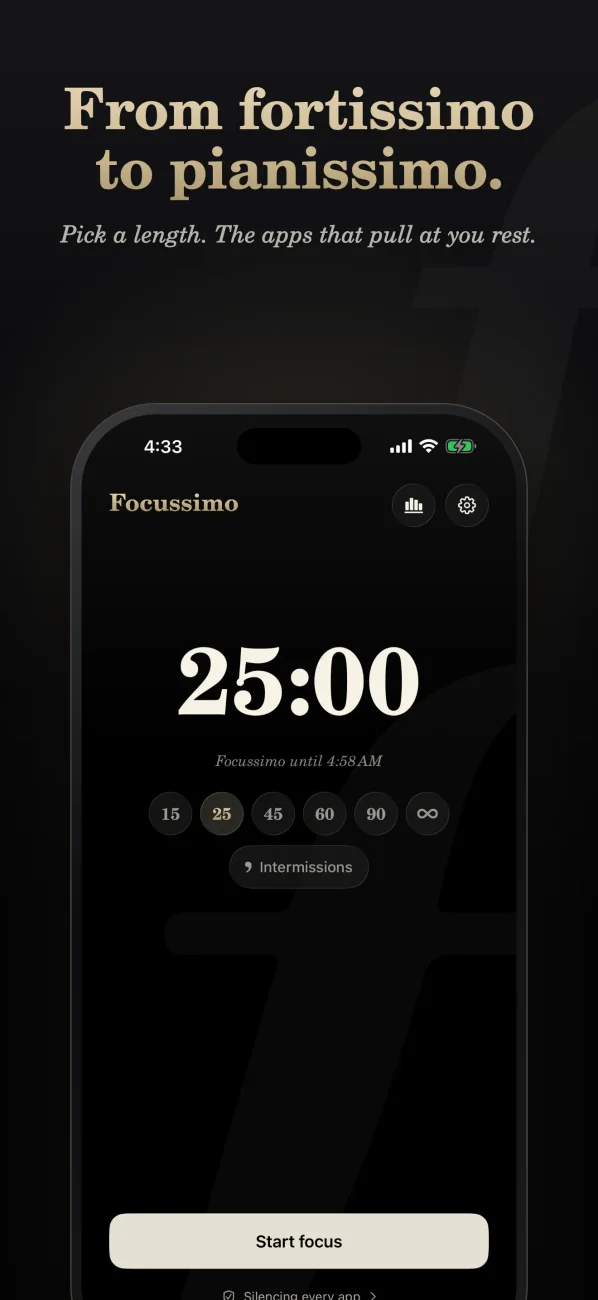
From fortissimo to pianissimo.
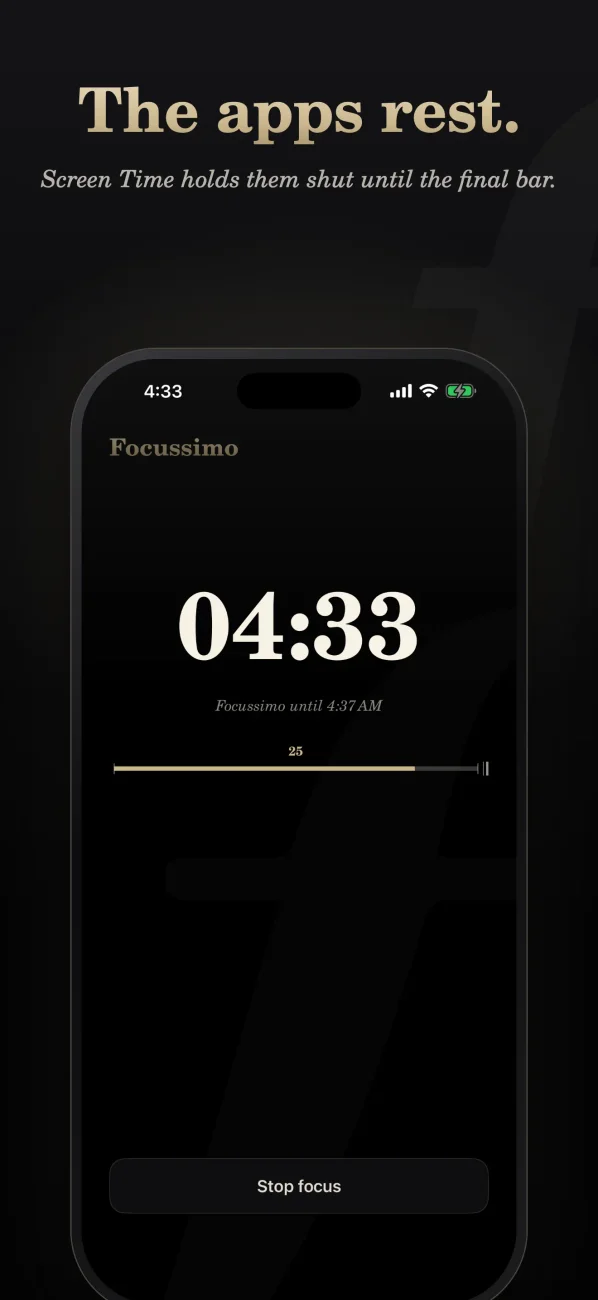
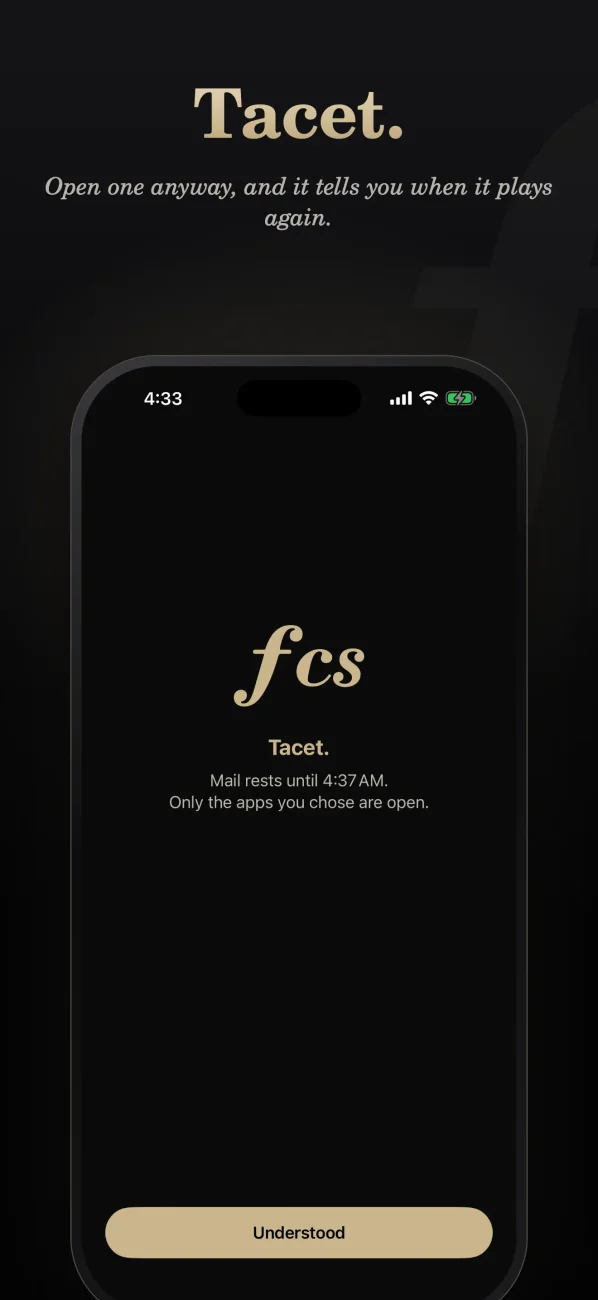
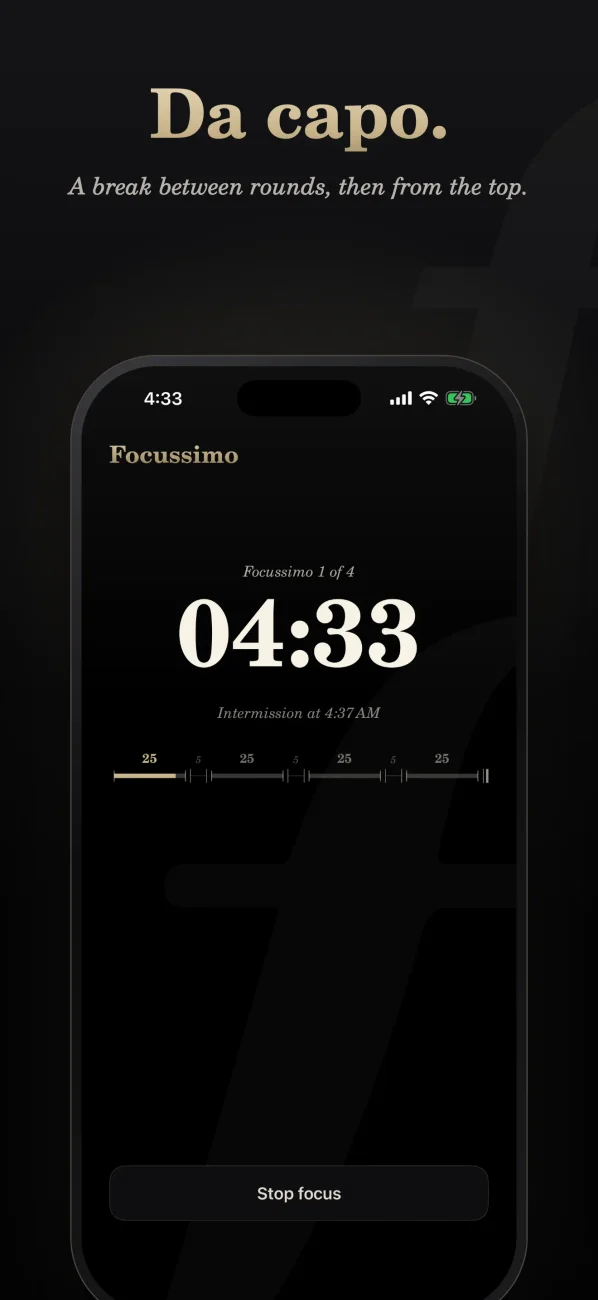
Focussimo silences the apps that pull at you, so you can finish what you started. Pick a length, tap Start focus, and your distracting apps go quiet through Screen Time until the final bar. Open one anyway and a calm piano-black screen reminds you: Tacet.
SILENCE A FEW, OR ALLOW A FEW
• Silence a few: only the apps you pick go quiet.
• Allow a few: everything goes quiet except the apps you need. Phone and essentials always stay reachable.
FOCUS IN MOVEMENTS
• Sessions of 15, 25, 45, 60 or 90 minutes, or open-ended.
• Intermissions: Pomodoro-style breaks between rounds. Your apps are back for the break, then da capo.
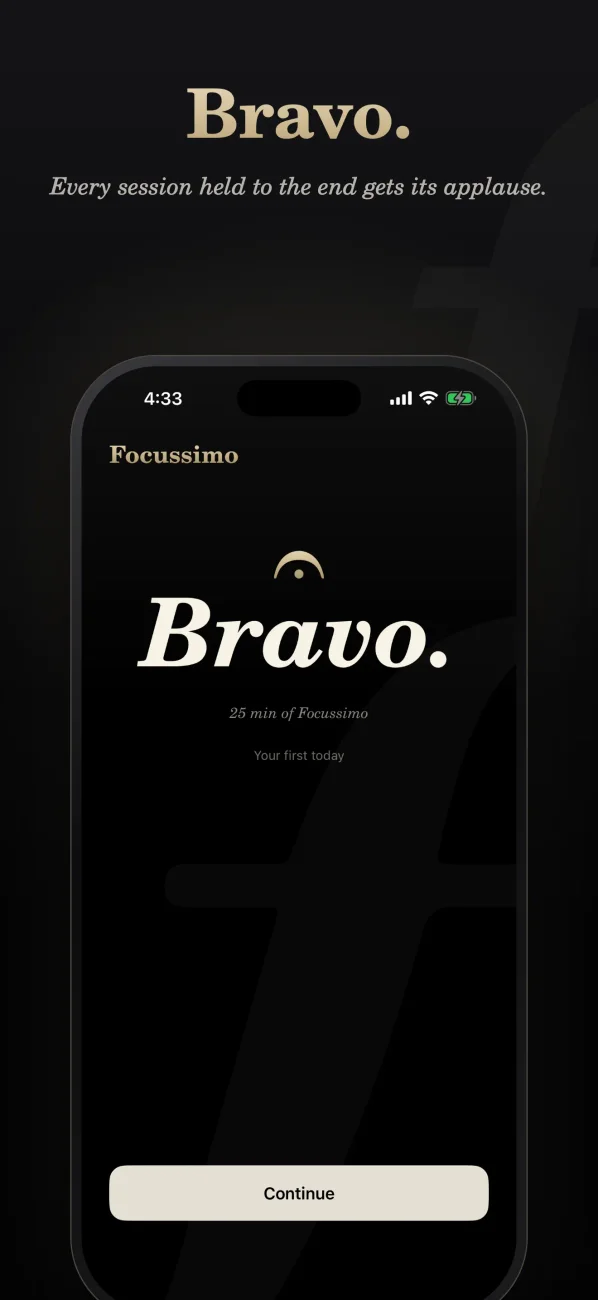
• "Bravo." when you hold a session to the end.
• An alarm at the end and at each Intermission if you want one, with or without sound.
FOCUSSIMO PRO
Focus is free, always. Pro weaves it into the rest of your iPhone:
• Home and Lock Screen widgets with live focus time and one-tap start
• A Control Centre, Lock Screen and Action button toggle
• A countdown in the Dynamic Island and on the Lock Screen
• Shortcuts and Siri, and Focus filters: silence apps whenever your Work Focus is on
• History: your week and month of focus, streaks and completion rate
Pro is available monthly, yearly or as a one-time Lifetime purchase. Subscriptions renew automatically until cancelled in your App Store settings.
PRIVATE BY DESIGN
No account, no ads, no tracking. Your app selections never leave your iPhone; Screen Time keeps them private even from Focussimo. Anonymous usage statistics are hosted in the EU.
Privacy: https://focussimo.app/privacy
Terms: https://www.apple.com/legal/internet-services/itunes/dev/stdeula/
What’s new
Version 1.2 · Nov 2, 2026
Setting up Screen Time is now more reliable.
• While iOS is asking for access, Focussimo waits for your answer instead of asking again.
• If iOS takes a while, or something stands in the way, like an iPhone without a passcode, Focussimo tells you what to do, right where you asked.
App privacy
What Anton Borries declares on the App Store about how this app handles data.
-
Data linked to you
May be collected and linked to your identity.
- Purchases
- Identifiers
- Usage data
- Diagnostics
Privacy practices may vary, for example with the features you use or your age.
Information
- Seller
- Anton Borries
- Category
- Productivity
- Version
- 1.2
- Updated
- Nov 2, 2026
- Released
- Oct 2, 2026
- Size
- 21.2 MB
- Requires
- iOS 26.0 or later
- Age rating
- 4+
- In-app purchases
- Yes
- Languages
- Spanish, German, French, English, Italian
- Copyright
- © 2026 Anton Borries
You might also like
-
 ScrollNinja: Screen Time GameBlock Apps, Stop Doomscrolling
-
 Nod: Phone Pickup TrackerStudy Focus & Deep Work Timer
-
 GRUVAProductivity
-
 FocusoroNext gen pomodoro timer
-
 nextappconBuild Whats Next
-
 Oodrive AuthenticatorProductivity
-
 BlockIt - Pushups Screen TimeEarn screen time with pushups
-
 VoiceInk: AI DictationQuick Notes & Transcription
-
 Speech Jammer°Speech Jammer Tongue Twister
-
 BedOut Now - Wake Up EarlyWake up early, stop snoozing