
- Age rating4+
- CategoryProductivity
- DeveloperMICHAEL FRANCIS MCGOVERN
- LanguagesEnglish
- Size27.0 MB
Links to the official App Store page
Download.org hosts no file of FocusStack: Signal Over Noise. The button opens its official App Store page, published by MICHAEL FRANCIS MCGOVERN. Listing last checked on Nov 18, 2026.
Screenshots


About
What made Steve Jobs so successful? It comes down to one principle: clearly distinguishing between signal and noise.
When the Apple team was designing the iPod, the table was full of feature ideas: "Should it have an FM radio? A voice recorder?" Steve Jobs recognized those additions for what they were: noise. They added complexity without strengthening the product's core value. He removed them. The signal was clear and uncompromised: a device that plays music beautifully.
The signal is the three to five non-negotiable tasks that drive real results in the near term and move the mission forward. The noise is everything else: unnecessary emails, unproductive meetings, social media, minor fluctuations, and even "opportunities" that don't align with the primary objective.
FocusStack helps you identify the signal—your top 3 tasks—and cut the distractions. It's a simple framework for ranking and prioritizing what actually matters.
**Pick Your Top 3 (The Signal)**
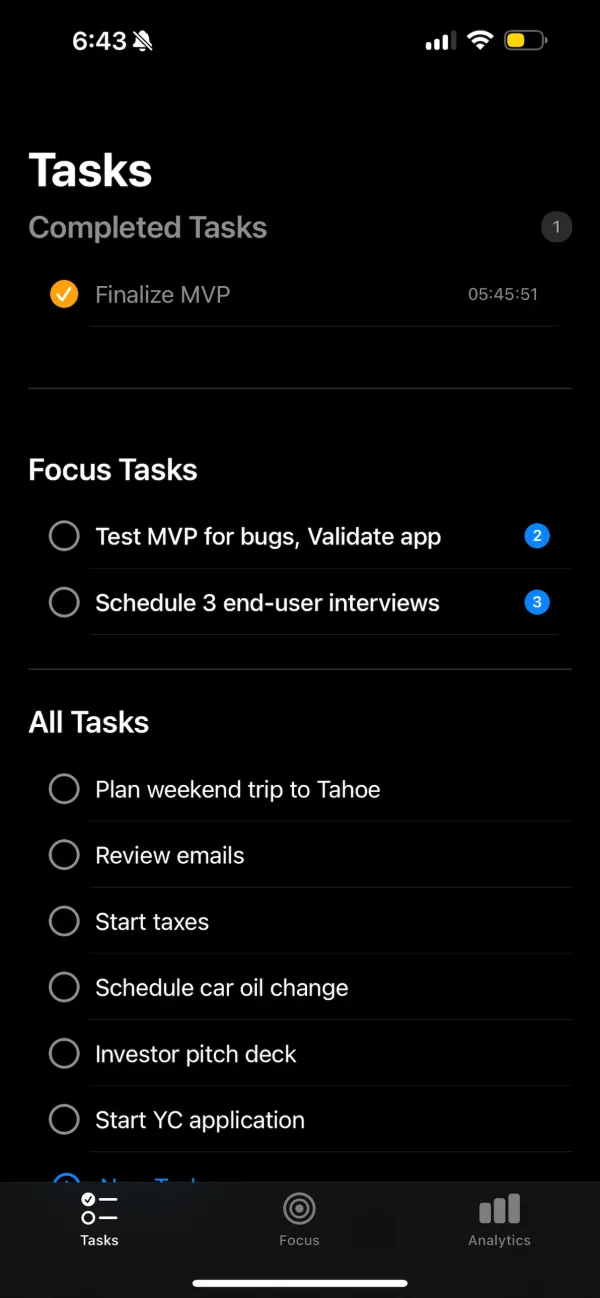
Enter your tasks for the day. Then, review the task list and choose three tasks that actually move the needle. These are your signal—the non-negotiables. Drag them to the top of your tasks to prioritize. Everything else goes in your backlog (the noise). Each task tracks time automatically so you know how long you've been working on what matters.
**Music While You Work**
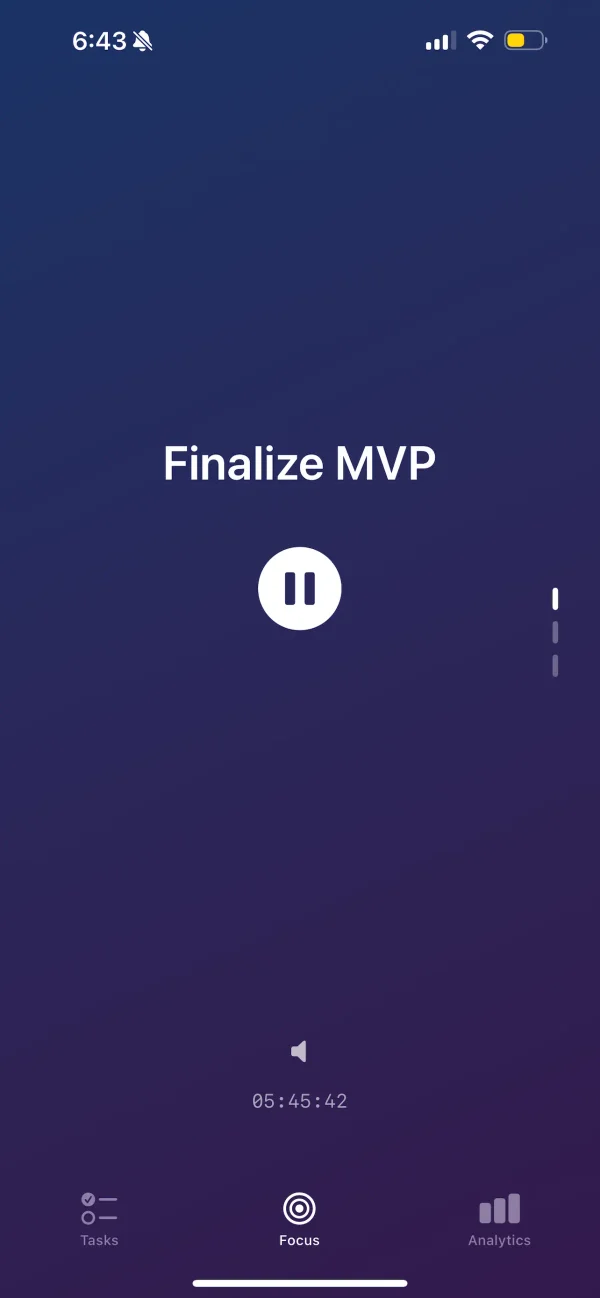
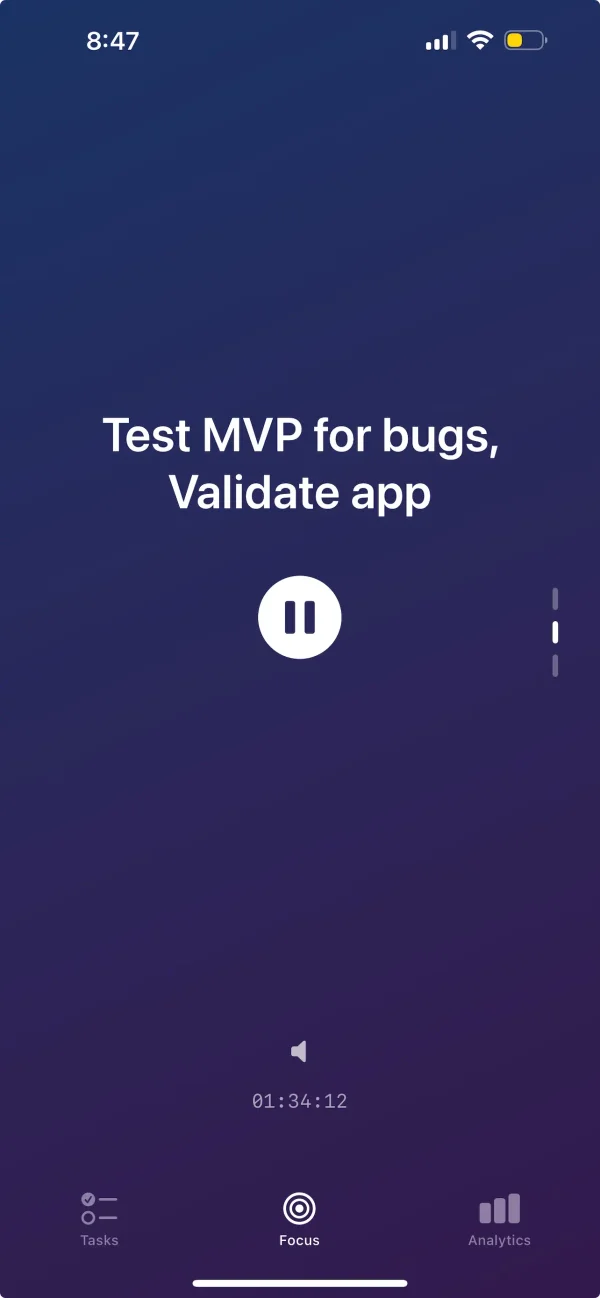
Enable do not disturb and move to the focus tab of the app. Ambient lofi music loops and your time is tracked while you focus on each task. Swipe left or right to switch songs—each one changes the background colors. Or just mute it if you prefer silence. Swipe up or down to change the task you are focusing on. Stay on this page as focus time accumulates, preventing mindless checking of other apps.
**See What You've Done**
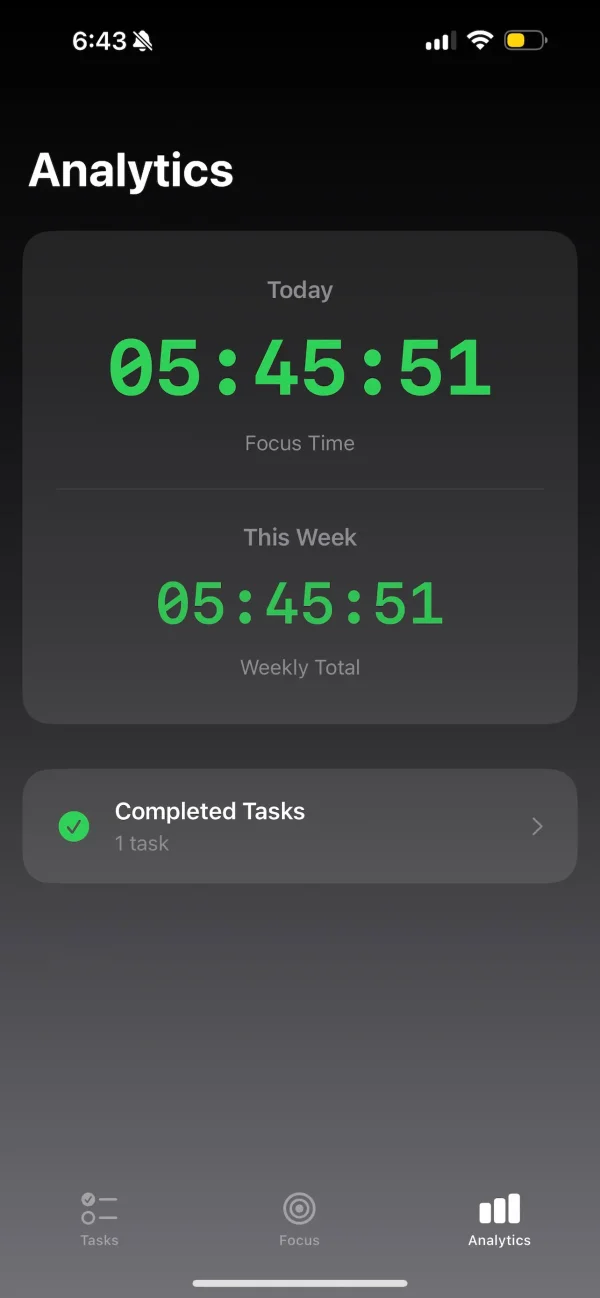
Check out the analytics tab to see how much time you've spent focusing today and this week. Look back at completed tasks to see what you actually finished.
**Widget**
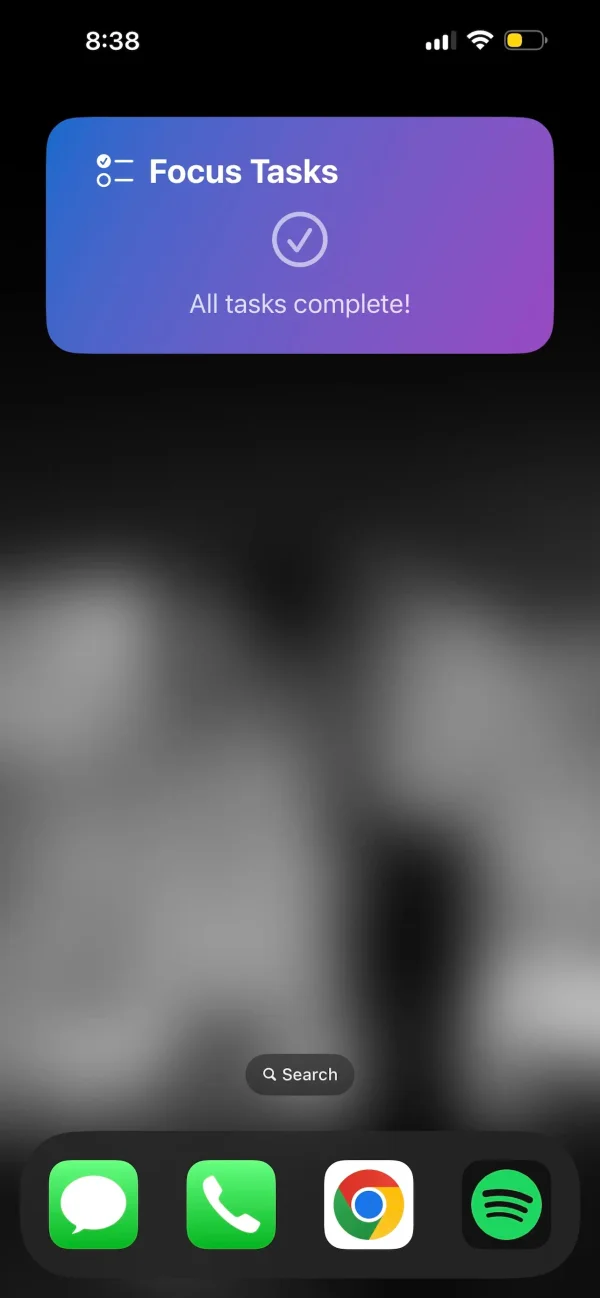
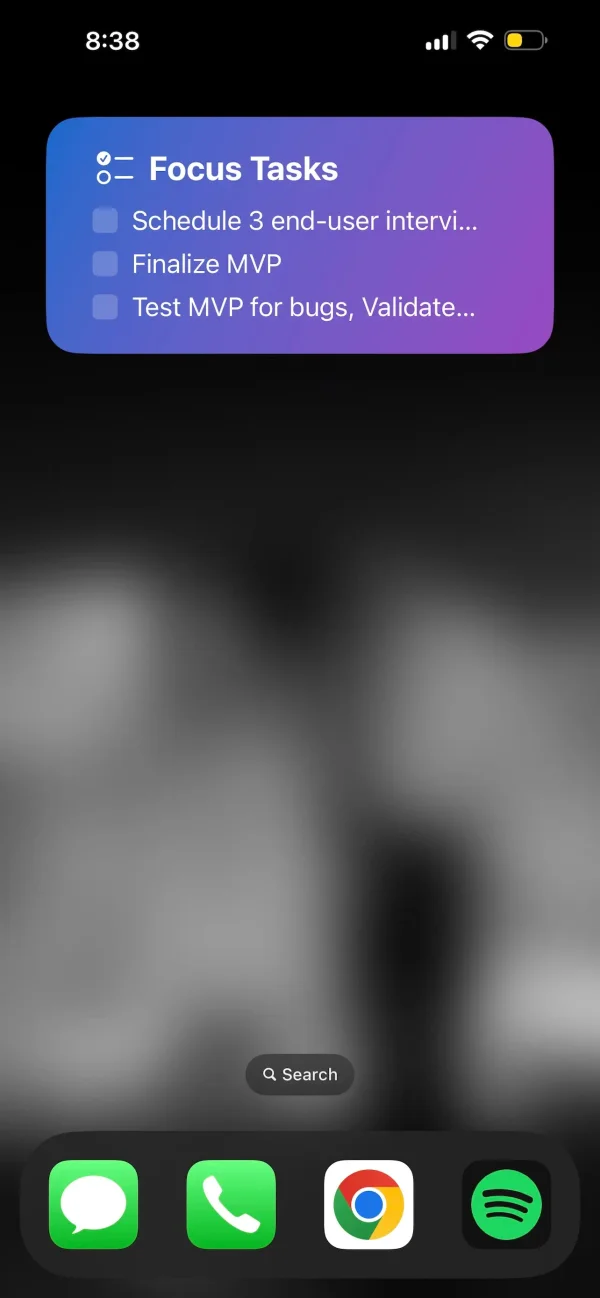
There's a home screen widget that shows your top 3 focus tasks. Handy when you don't want to open the app and keeps your tasks for the day visible on your home screen. After all focus tasks are completed, widget displays a gratifying checkmark.
**What It Does:**
• Keep track of your top 3 focus tasks
• Unlimited tasks in your backlog
• Drag and drop to organize
• Automatic time tracking per task
• Ambient music with visual themes
• Home screen widget
• Basic analytics (today's time, weekly total)
• Lock screen music controls
• Swipe to navigate between tasks and songs
The goal isn't to be busy; it's to be effective. When you consistently distinguish signal from noise, your energy is directed toward what actually produces tangible outcomes. Identify the signal, cut the distractions, and put your weight behind what truly moves the needle.
I built this because I needed something simple. Just tasks and focus time. If that sounds useful to you, give it a try.
App privacy
What MICHAEL FRANCIS MCGOVERN declares on the App Store about how this app handles data.
-
Data not collected
The developer does not collect any data from this app.
Privacy practices may vary, for example with the features you use or your age.
Information
- Seller
- MICHAEL FRANCIS MCGOVERN
- Category
- Productivity
- Version
- 1.0
- Updated
- Dec 9, 2025
- Released
- Dec 9, 2025
- Size
- 27.0 MB
- Requires
- iOS 17.0 or later
- Age rating
- 4+
- Price
- Free
- Languages
- English
- Copyright
- © Mike McGovern 2025
You might also like
-
 PaperPipA little less on your mind
-
 Daily Agenda: Deep WorkDeep-work day planner
-
 12 Week Year AI Planner12 Week Year Goal Tracker
-
 MailbuxFull-Featured Business Email
-
 Priorities: To Do List PlannerSimple daily to-do list
-
 ADHD AI Daily Planner: DootVoice brain dump & routines
-
 Elevate by LongfellowConnects you to your building
-
 Vellum AssistantYour personal intelligence
-
 AI Podcasts by SpeechifyCreate our own AI podcast
-
 Plan Calendar -Make a ScheduleLet's make a schedule!