FocusTime: App Blocker
Screen Time Limits & Focus
Designed for iPhone
Free · In-app purchases
- Age rating4+
- CategoryProductivity
- DeveloperMark van der Linden
- LanguagesEnglish+ 16 more
- Size78.6 MB
Links to the official App Store page
Download.org hosts no file of FocusTime: App Blocker. The button opens its official App Store page, published by Mark van der Linden. Listing last checked on Nov 25, 2026.
Screenshots

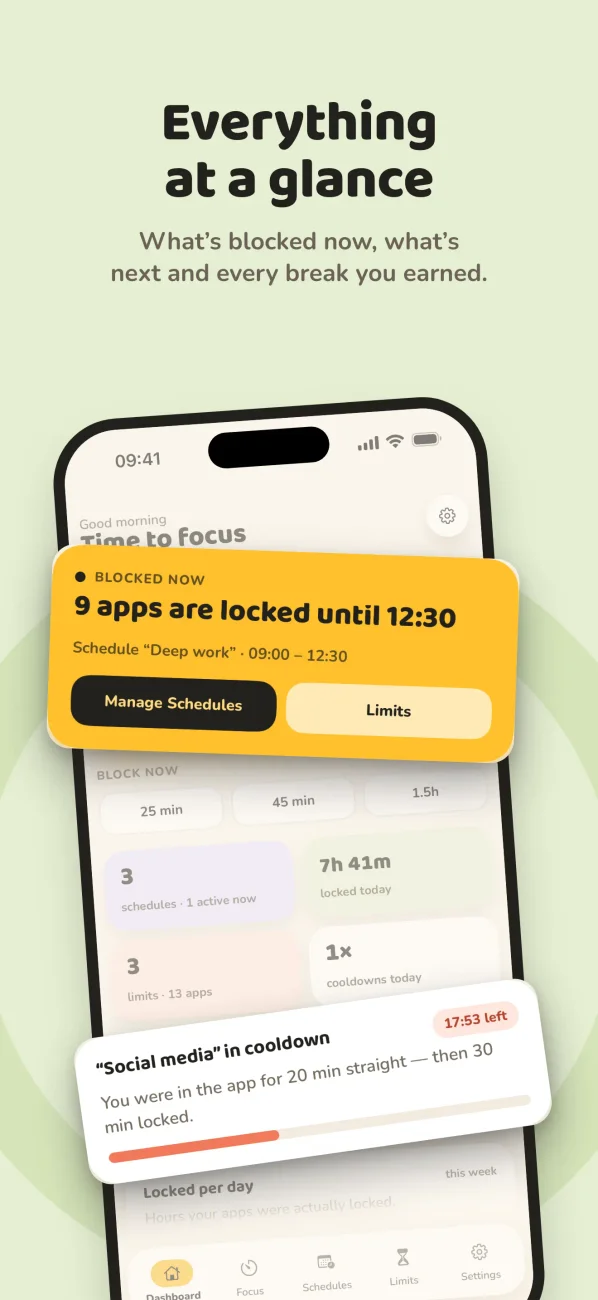
About
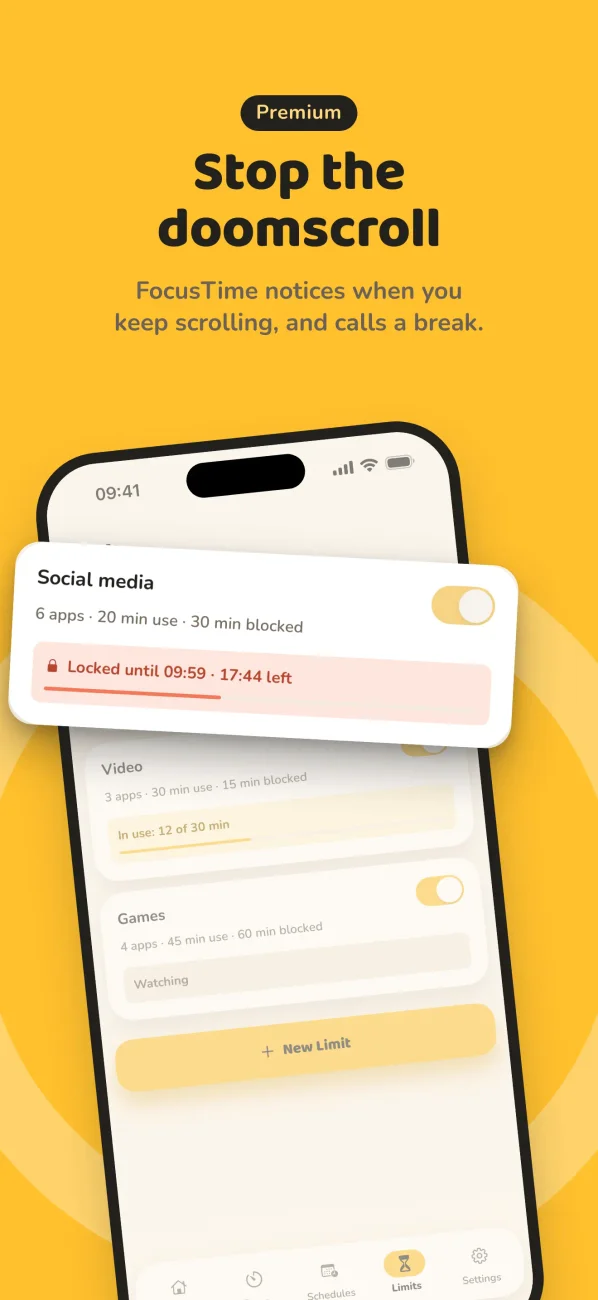
Stop doomscrolling without giving up your phone. FocusTime notices when you keep scrolling without a break and locks the app until you’ve had a real pause. A quick look is always fine.
You can also block apps with a focus session or on a schedule, now from your Apple Watch too. Free to download, with a free Premium trial.
APP LIMITS: STOP THE DOOMSCROLL
Use your apps as usual. FocusTime keeps track of how long you scroll without a break; reach your limit and the app locks for a while. You choose the minutes of continuous use, how long the block lasts and how long a pause has to be to reset the count. Every limit has its own apps, and if you like, you get a heads-up just before the block starts.
FOCUS SESSIONS
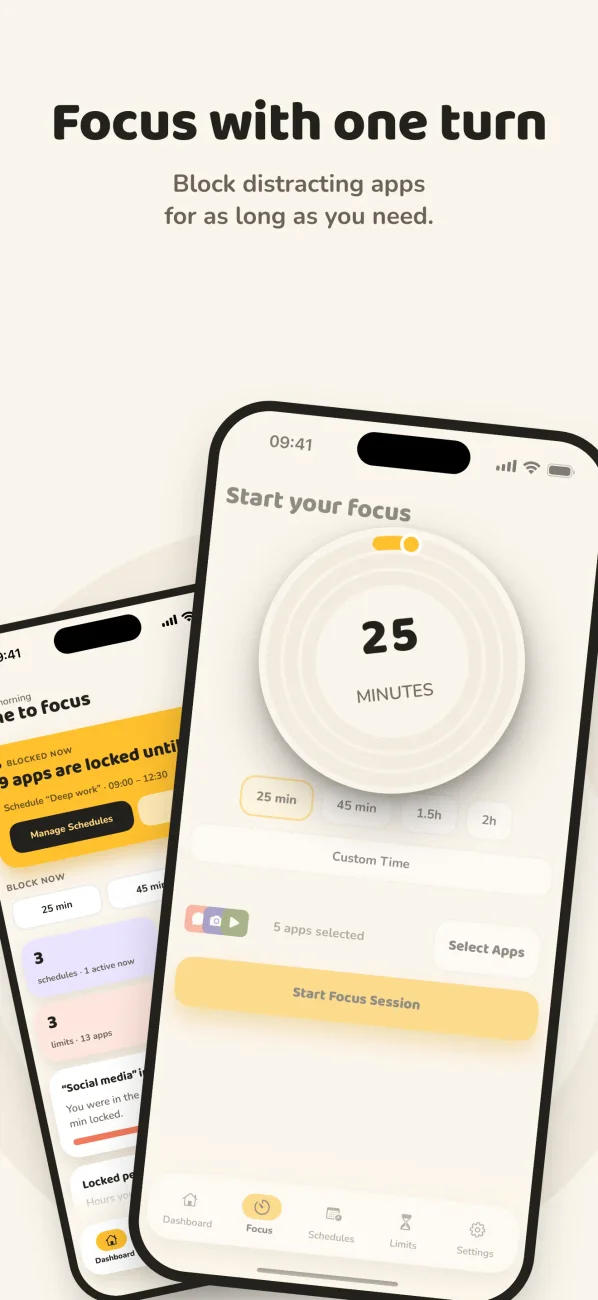
Pick the apps that distract you, turn the dial and start. They stay blocked until your session ends, anywhere from a few minutes up to 12 hours.
SCHEDULES
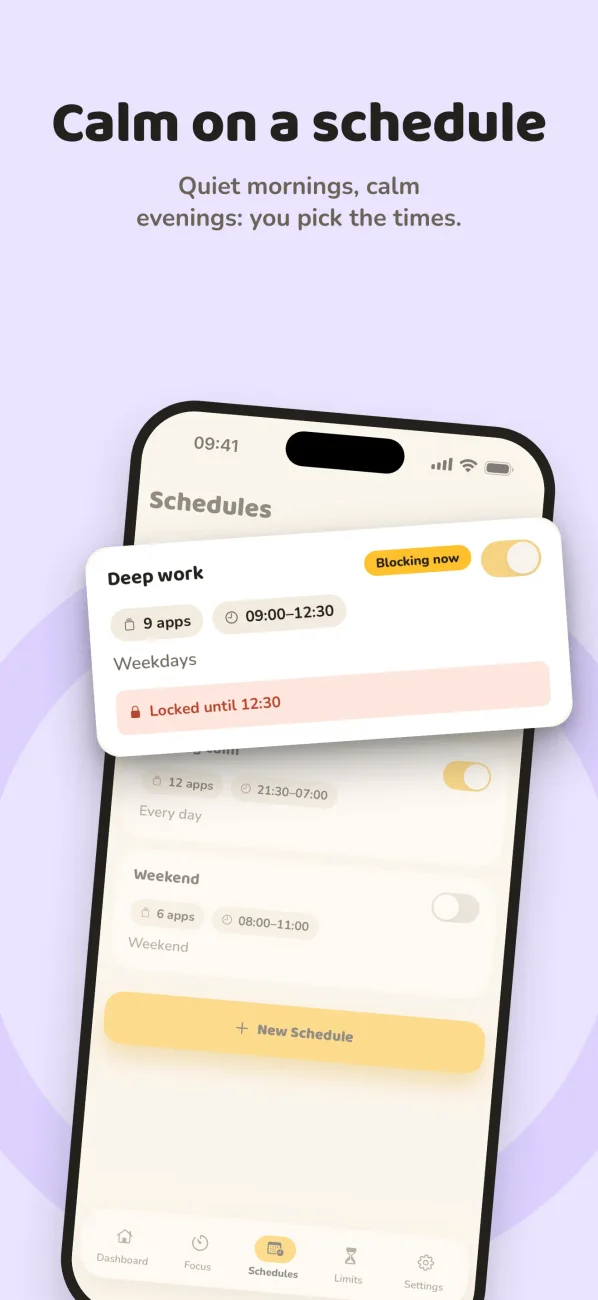
Mornings without social media, evenings without games, a quiet bedtime. Set the days and times once, and your apps lock themselves.
A BLOCK IS A BLOCK
No “just five more minutes” button. Once an app is blocked, it stays blocked until the time is up. That’s the point.
YOUR WEEK AT A GLANCE
The dashboard shows what’s blocked right now, what’s coming up next and how much time your blocks covered this week.
ON YOUR APPLE WATCH
Start a focus session from your wrist, see the time left on your watch face and check your week at a glance. On Apple Watch Ultra, one press of the Action button is enough. Part of Premium.
BUILT ON APPLE’S SCREEN TIME
FocusTime blocks apps through Apple’s Screen Time. You choose the apps in Apple’s own app picker, and you can turn access off at any time in Settings.
FREE AND PREMIUM
Free: focus sessions up to 115 minutes, one schedule and up to 5 apps per selection.
Premium adds App Limits, unlimited schedules, up to 49 apps, focus sessions up to 12 hours and saved app selections.
Try Premium for free, then continue with a monthly or yearly subscription. Your subscription renews automatically unless you cancel at least 24 hours before the end of the current period. Manage or cancel it in your App Store account settings.
Terms of use: https://markmaakt.online/focustime/terms_and_conditions.html
Privacy policy: https://markmaakt.online/focustime/privacy_policy.html
What’s new
Version 3.3 · Nov 24, 2026
FocusTime 3.3 makes Premium clearer.
• The yearly plan now shows how much you save compared to paying monthly
• If a payment doesn’t go through, FocusTime tells you how to fix it, so your limits keep working
• Cancelled Premium? FocusTime shows exactly which limits and schedules switch off, and when
• New here? A tip helps you set up your first limit
• Apple Watch: a session no longer starts when FocusTime has no Screen Time access on your iPhone
App privacy
What Mark van der Linden declares on the App Store about how this app handles data.
-
Data not collected
The developer does not collect any data from this app.
Privacy practices may vary, for example with the features you use or your age.
Information
- Seller
- Mark van der Linden
- Category
- Productivity
- Version
- 3.3
- Updated
- Nov 24, 2026
- Released
- Feb 16, 2024
- Size
- 78.6 MB
- Requires
- iOS 17.4 or later
- Age rating
- 4+
- Price
- Free
- In-app purchases
- Yes
- Languages
- English, Arabic, Bengali, Danish, Dutch, Finnish, French, German, Hindi, Italian, Japanese, Korean + 5 more
- Copyright
- © 2026 MarkMaaktOnline
You might also like
-
 FocusTime: Time TrackerSmart Time Management
-
 RedPill: Screen Time App BlockLock Apps & Websites for Focus
-
 Blocker App: Block app, FocusScreen time control Stay focus
-
 FlowBuddy: App Blocker & FocusBlock Sites, Limit Screen Time
-
 Ochi: Block Websites & AppsLimit Screen Time Control
-
 Screen Time Blocker: FocusApp & Website Limit, Blocker
-
 Block Apps, Sites & FocusApp Blocker, Website Limit
-
 LockMe: Applock for Lock Appsblock & lockdown privacy apps
-
 Jomo - App Blocker & FocusScreen Time Control & Limits
-
 Pomodoro - Focus TimerImprove your productivity