
FocusTimer: Work Hours Tracker
Pomodoro, Timesheet & Focus
Designed for iPhone, iPad
Free · In-app purchases
- Age rating4+
- CategoryProductivity
- DeveloperEMRE KOTUN
- LanguagesEnglish+ 9 more
- Size14.9 MB
Links to the official App Store page
Download.org hosts no file of FocusTimer: Work Hours Tracker. The button opens its official App Store page, published by EMRE KOTUN. Listing last checked on Nov 14, 2026.
Screenshots




About
Know exactly where your hours go.
FocusTimer turns your workday into clear, honest numbers. Clock in with one tap, run deep-work Pomodoro sessions, and see weekly and monthly timesheets you can export in seconds.
ONE-TAP TIME TRACKING
• Clock in and out from the Today screen, no setup
• Live progress ring against your daily target
• Predicted check-out time, updated as you work
• Breaks tracked separately so totals stay honest
• Manual entries, notes and color tags for clients, projects or subjects
DEEP FOCUS WITH POMODORO
• 25-minute focus sprints with short and long breaks
• A long break after every fourth session
INSIGHTS THAT MOTIVATE
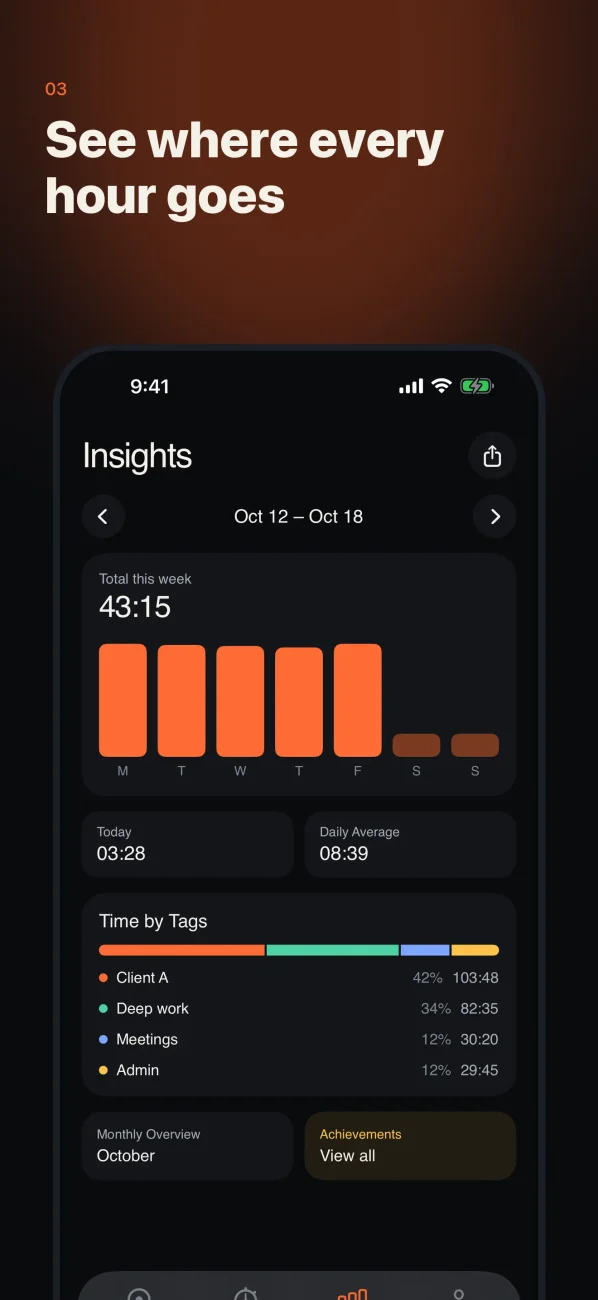
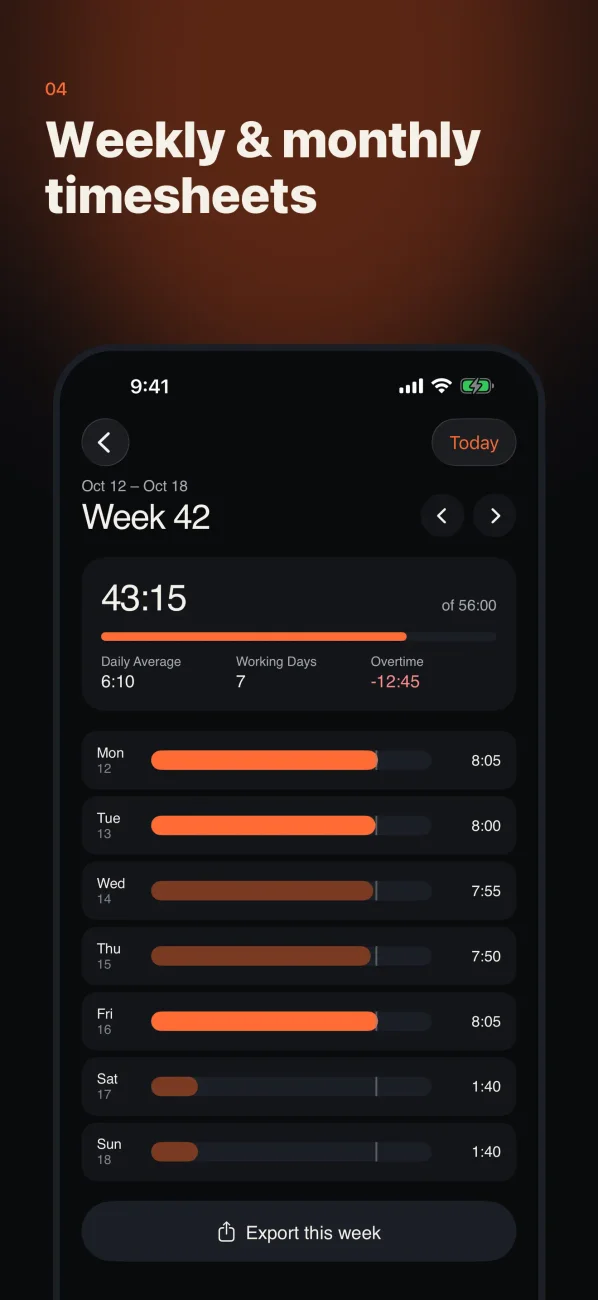
• Weekly and monthly overviews with overtime
• Time by tag and daily average
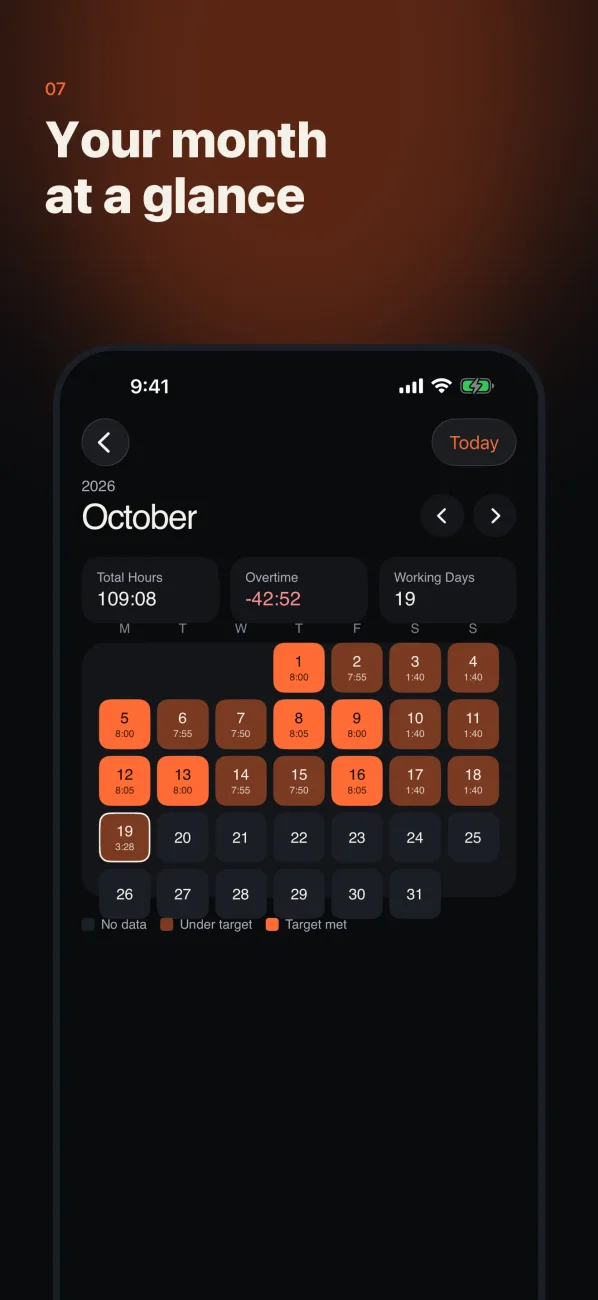
• Month heatmap: see which days hit your target
• Streaks and achievement badges keep momentum going
REPORTS IN SECONDS
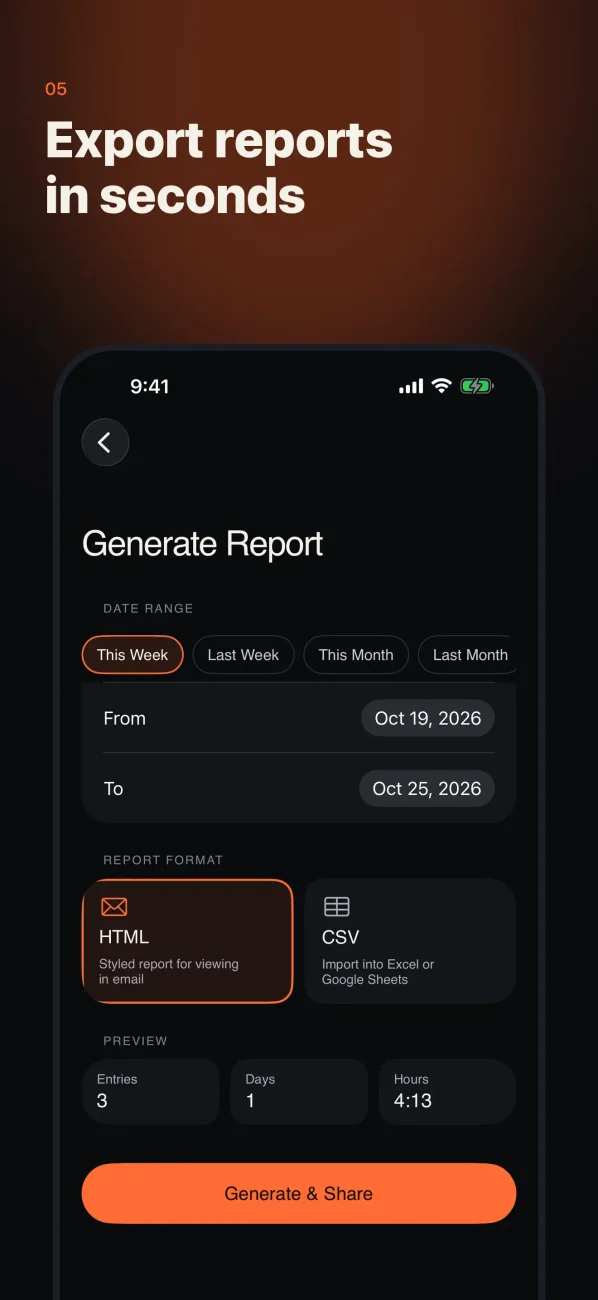
• Export HTML (email ready) or CSV (spreadsheet)
• Any date range, plus backup and restore
NEVER FORGET TO CLOCK OUT
• Optional check-out reminder at the time you choose
PRIVATE BY DESIGN
• Works fully offline, no account needed
• Your data stays on your device
FOCUSTIMER PRO
Unlock advanced statistics, the Pomodoro timer, achievements, reports and backups with a weekly or yearly subscription. The yearly plan includes a free trial for eligible new users. Payment is charged to your Apple ID at confirmation. Subscriptions renew automatically unless cancelled at least 24 hours before the end of the current period. Manage or cancel anytime in your App Store account settings.
Terms of Use: https://www.apple.com/legal/internet-services/itunes/dev/stdeula/
Privacy Policy: https://emrekotun.github.io/time-wise-privacy-policy/
What’s new
Version 1.6.0 · Oct 27, 2026
Ready for iPhone Duo. The tab bar now moves into the side column next to the status bar, so your timer and stats get the full screen.
Fixed: in the Monthly Overview, the last week of the calendar could overlap the legend.
App privacy
What EMRE KOTUN declares on the App Store about how this app handles data.
-
Data not collected
The developer does not collect any data from this app.
Privacy practices may vary, for example with the features you use or your age.
Information
- Seller
- EMRE KOTUN
- Category
- Productivity
- Version
- 1.6.0
- Updated
- Oct 27, 2026
- Released
- Dec 8, 2025
- Size
- 14.9 MB
- Requires
- iOS 17.0 or later
- Age rating
- 4+
- Price
- Free
- In-app purchases
- Yes
- Languages
- English, Arabic, French, German, Italian, Japanese, Korean, Portuguese, Russian, Spanish
- Copyright
- © 2026 Emre Kotun
You might also like
-
 AttendanceElfTap in/out for your staff
-
 Advanced Calculator. HIgh-Tech5-in-1 Advanced Calculator
-
 CalculatorX - smart,customizeLightweight, Fast Calculation
-
 Habit HeatmapYet another habit tracker
-
 MindNote - Mind Map&NotesMind Map Notes
-
 RealSoul: 3D AI CompanionPrivate Offline Voice Chat
-
 SoundFocus - pomodoroFocus with immersive sounds
-
 Sticky Tasks: Snap it, Do itPhoto reminders that stick
-
 Rich Life - Goal TrackerLife Planner& Daily Planner
-
 Animation PocketEasy Portable Animation