Fold Protractor: Angle Finder
Spirit Level & Measuring Tool
Designed for iPhone
$2.99
- Age rating4+
- CategoryUtilities
- DeveloperSpecial Glasses LLC
- LanguagesEnglish+ 11 more
- Size6.2 MB
Links to the official App Store page
Download.org hosts no file of Fold Protractor: Angle Finder. The button opens its official App Store page, published by Special Glasses LLC. Listing last checked on Nov 12, 2026.
Screenshots

About
Fold Protractor turns iPhone Duo into a bevel gauge. Open the phone, set it into a corner or against two edges, and read the hinge angle in big numbers.
• Inside or outside angle
• Hold to freeze the reading
• Calibrate at flat (180°) or at 90°
• Haptic ticks every 45°
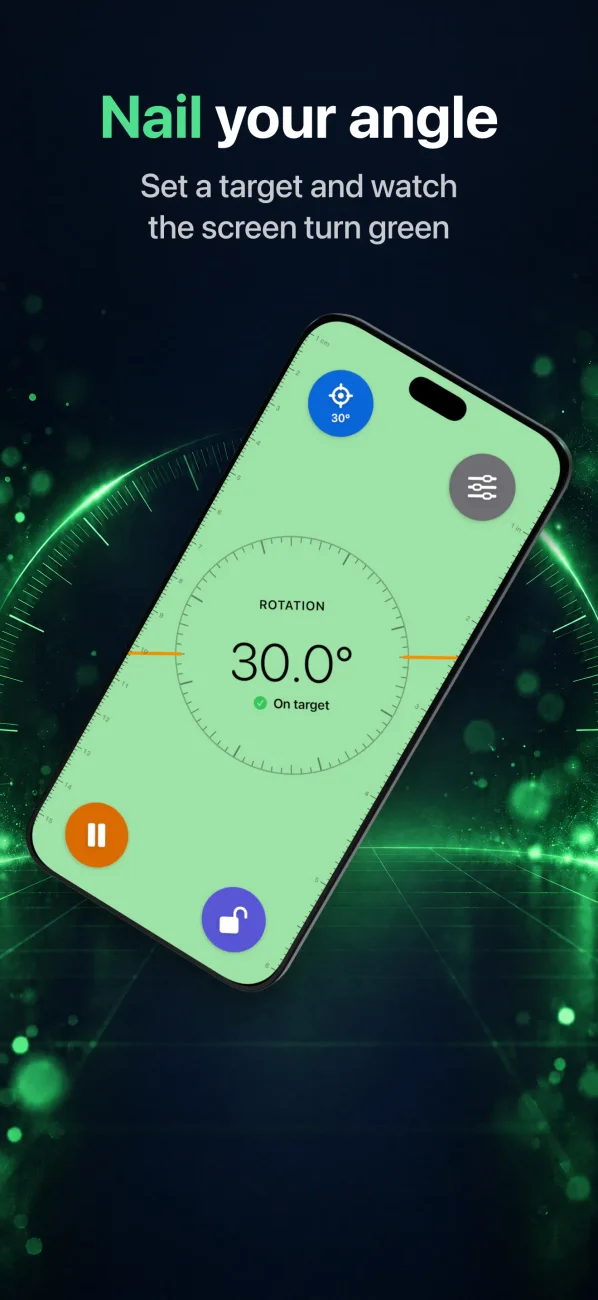
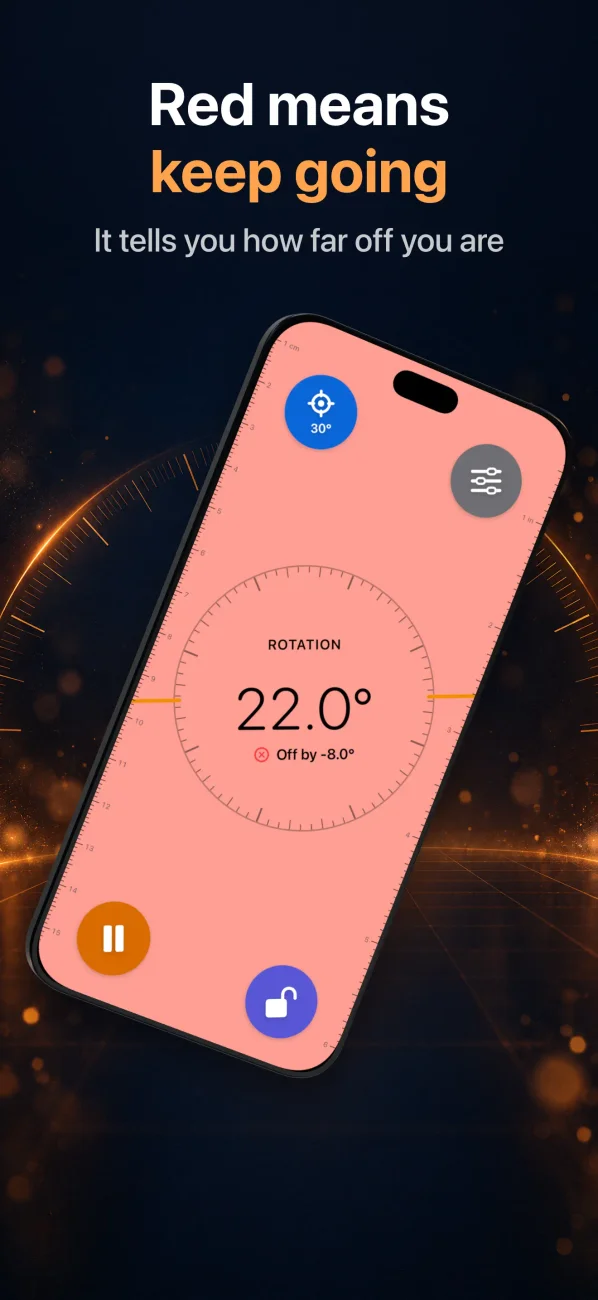
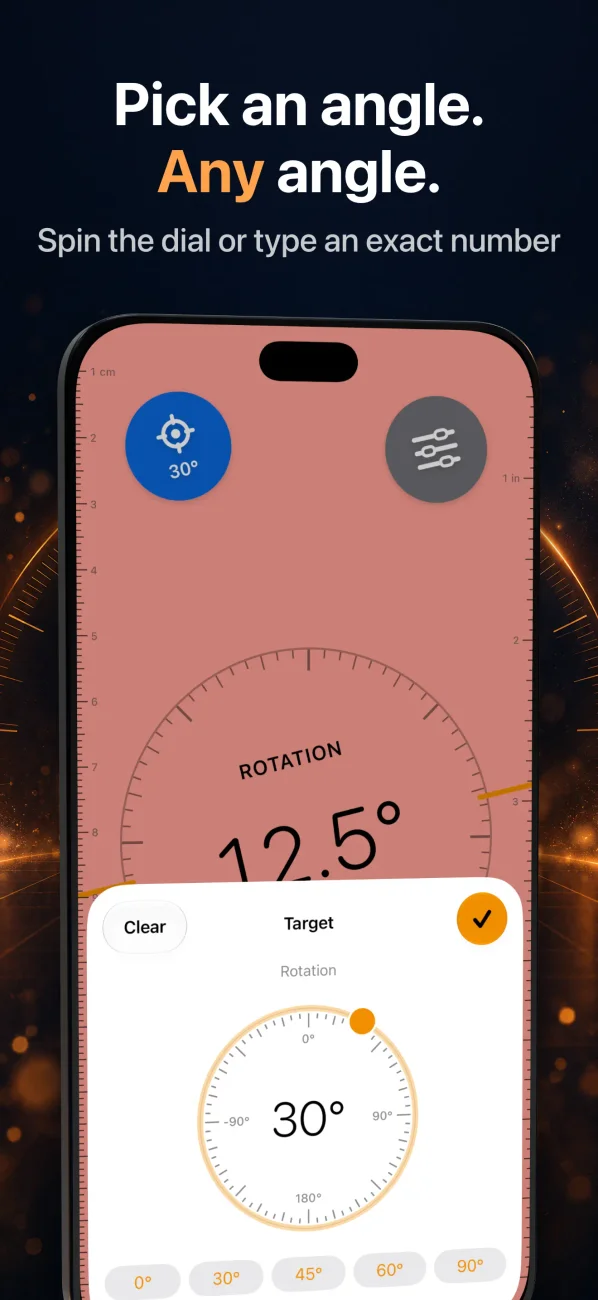
• Target: pick an angle. The screen is red until you reach it, then green.
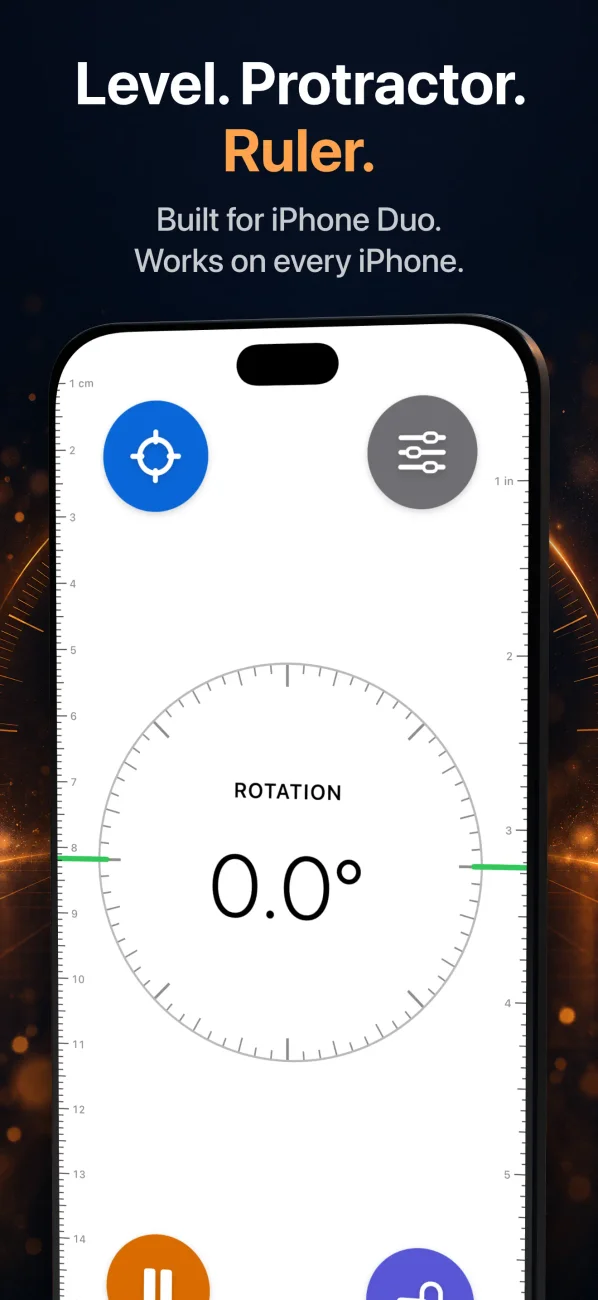
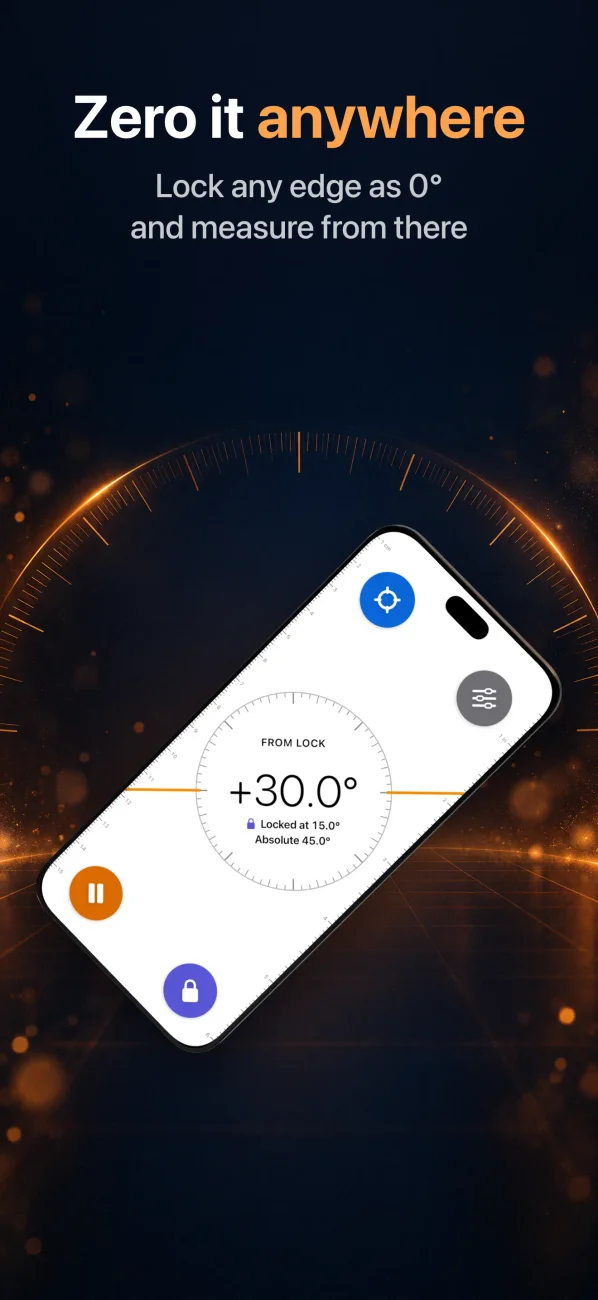
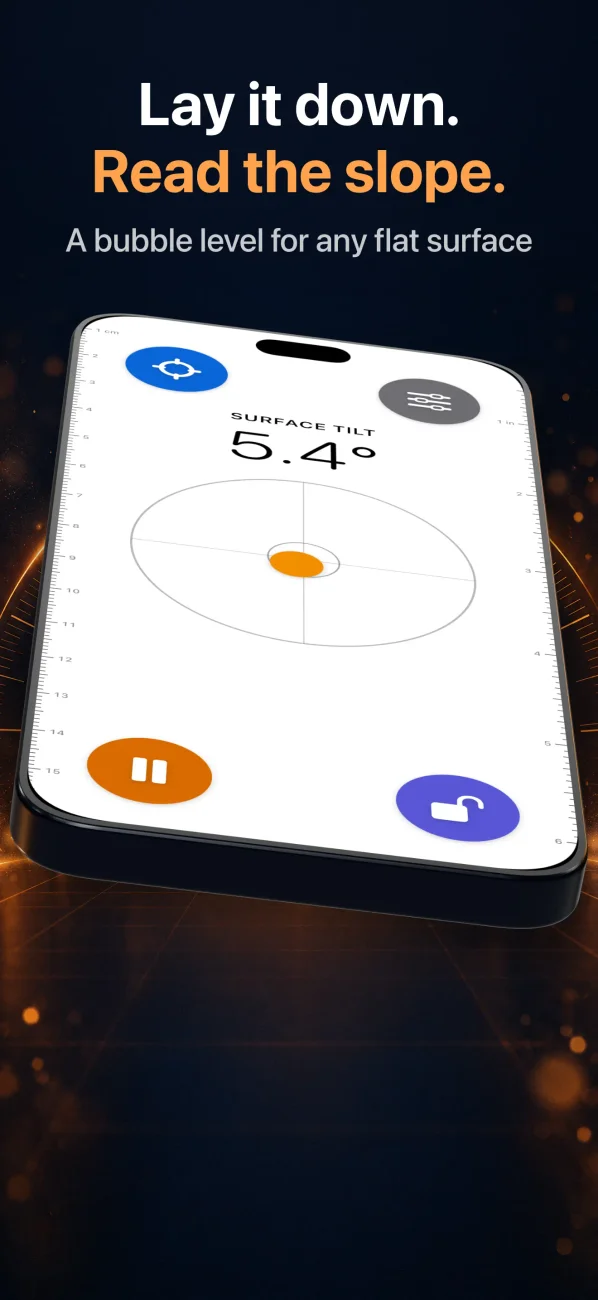
On every other iPhone, and on a folded Duo, it works as a level. Stand the phone on an edge to read its rotation, or lay it flat to see the surface tilt with a bubble. Lock sets the current angle as zero, so you can measure from any edge.
In level mode, rulers run down both long edges: centimeters on the left, inches on the right. They count from the top of the phone itself, not the screen, and are set for each iPhone model from Apple's published measurements. On iPhone Duo, open the phone and rulers also run along the long edges of the inner display: inches on top, centimeters below.
• Turn off Lock Ruler to Edge in Settings, hold a finger on a ruler, and slide the phone to measure things longer than the phone.
• Adjust Rulers lines the marks up with a real ruler or tape, for a case or a small error. Touch and hold for a magnifier.
Readings and ruler marks are approximate. Phones and cases vary. For work that must be exact, check against a real tool.
Pay once. No ads. No subscription. No account. Nothing leaves your phone.
Built for iPhone Duo. Works on every iPhone.
App privacy
What Special Glasses LLC declares on the App Store about how this app handles data.
-
Data not collected
The developer does not collect any data from this app.
Privacy practices may vary, for example with the features you use or your age.
Information
- Seller
- Special Glasses LLC
- Category
- Utilities
- Version
- 1.0
- Updated
- Oct 15, 2026
- Released
- Oct 15, 2026
- Size
- 6.2 MB
- Requires
- iOS 26.0 or later
- Age rating
- 4+
- Price
- $2.99
- Languages
- English, Arabic, Dutch, French, German, Italian, Japanese, Korean, Portuguese, Simplified Chinese, Spanish, Traditional Chinese
- Copyright
- © 2026 Special Glasses LLC
You might also like
-
 Hinge ProtractorRead your physical hinge angle
-
 Angle GaugeHinge protractor and level
-
 AngleDuo – ProtractorInclination, level and miter
-
 Digital Protractor & LevelAngles, level, tape & ruler
-
 KAXFREEUtilities
-
 MemoMindAI Glasses
-
 iDegresBubble Level
-
 Moje FortumUtilities
-
 GraywindBeyond Shading
-
 WhyNot WidgetsOne-tap apps & premium widgets