
Foldered: File Manager
Media Player & Documents
Designed for iPhone, iPad, iPod touch
Free · In-app purchases
- Age rating4+
- CategoryProductivity
- DeveloperUmair Baig
- LanguagesEnglish
- Size95.5 MB
Links to the official App Store page
Download.org hosts no file of Foldered: File Manager. The button opens its official App Store page, published by Umair Baig. Listing last checked on Nov 16, 2026.
Screenshots



About
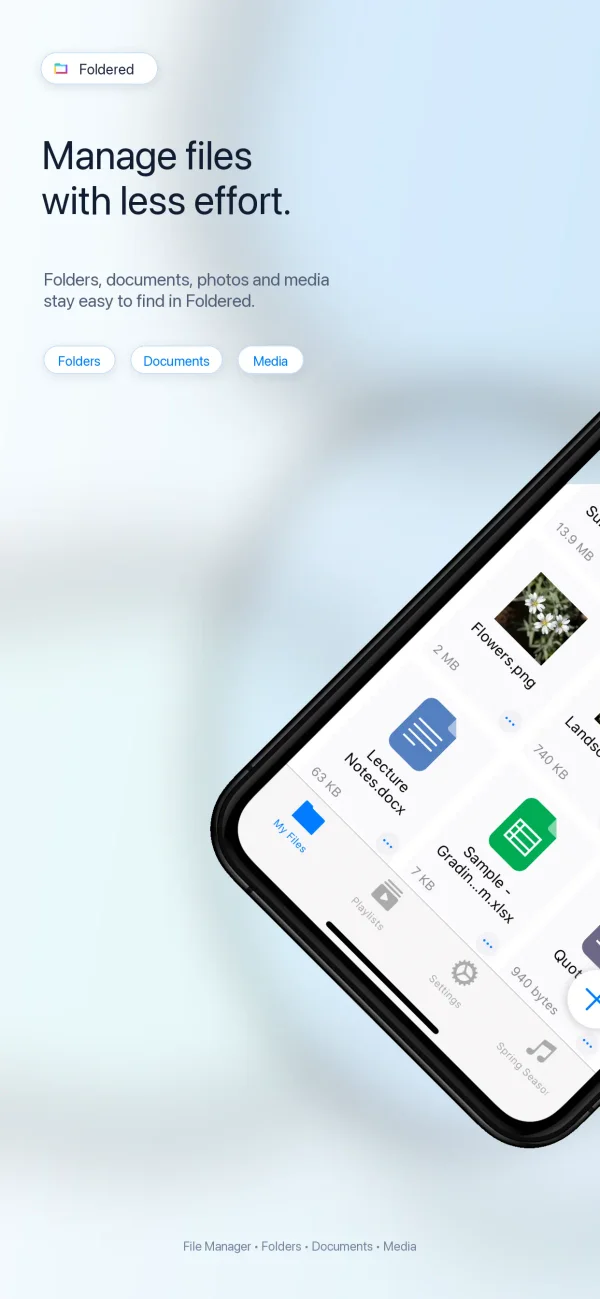
Foldered is a file manager, document viewer, media player, editor, and voice recorder for iPhone and iPad. Keep files, videos, music, photos, documents, archives, notes, and recordings organized in one place.
Import files from the Files app, Photos, camera, your computer, and supported cloud services. Transfer files over Wi-Fi from a Mac or PC, manage folders, preview common document types, edit images and text, compress archives, and play your saved media.
MAIN FEATURES
File Manager
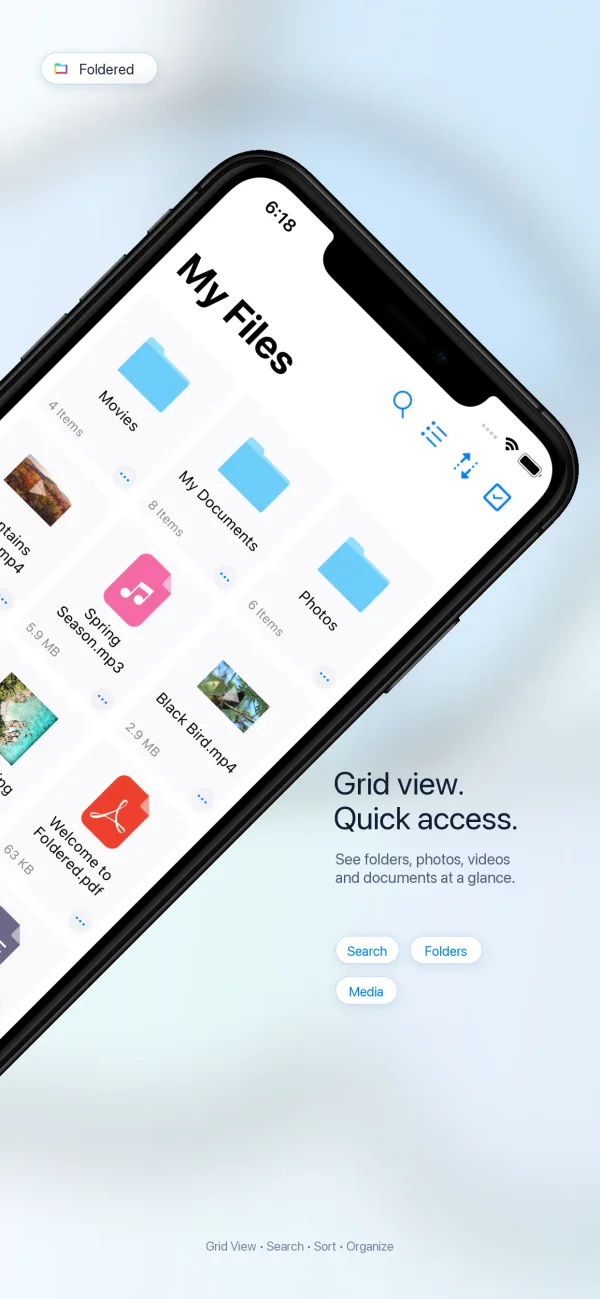
- Create folders and organize your files
- Copy, move, rename, duplicate, delete, and share files
- Sort and search your folders
- View file details and manage multiple selected items
- Compress files into ZIP archives and extract ZIP files
- Share files with other apps or send by email
Import & Transfer
- Import from the iOS Files app
- Import photos and videos from your photo library
- Capture photos with the camera
- Transfer files from a Mac or PC over Wi-Fi
- Import through Finder/iTunes file sharing
- Connect supported cloud accounts including Dropbox, Google Drive, and Box
Document Viewer
- Open PDFs, Word documents, Excel spreadsheets, PowerPoint files, images, text files, and more
- Preview common image formats including JPG, PNG, GIF, TIFF, BMP, and HEIC
- Open text, code, HTML, JSON, XML, and subtitle files
Editors
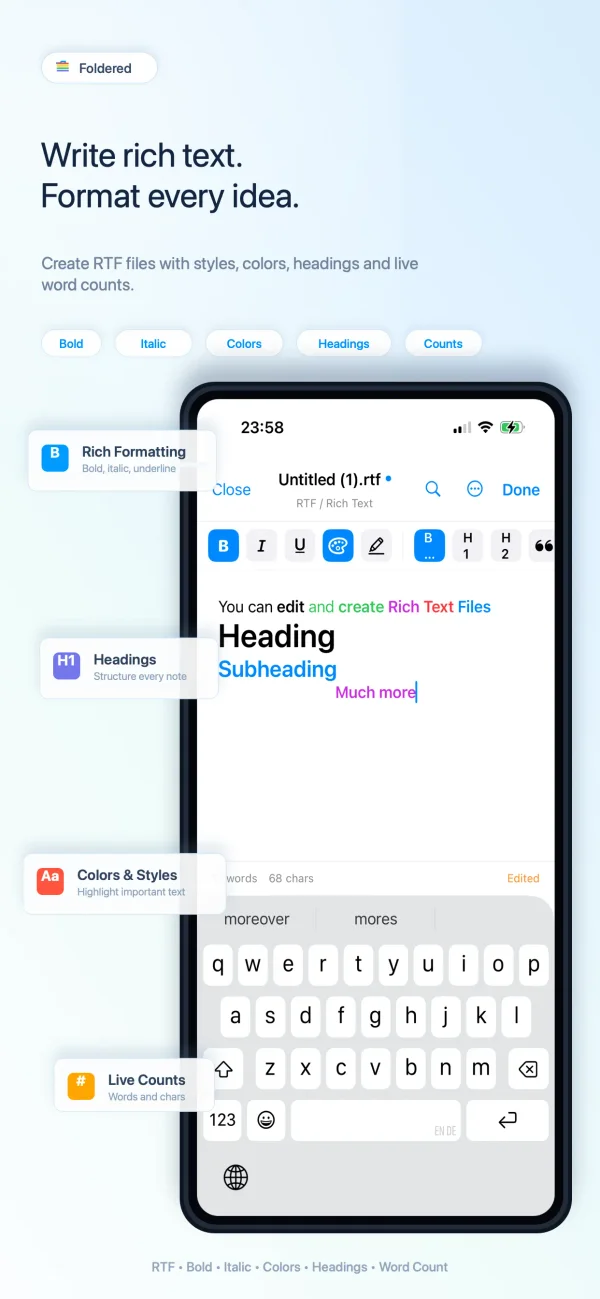
- Create and edit rich text documents for formatted notes
- Create and edit plain text files for quick notes, lists, code, and captions
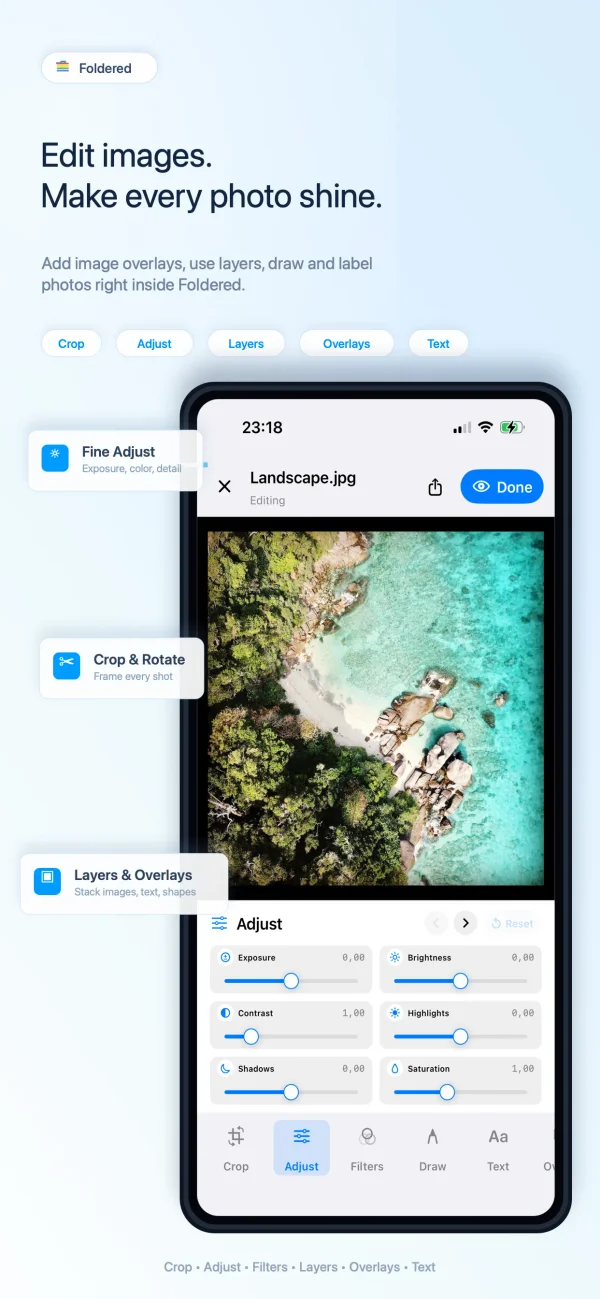
- Edit images and save them back into your organized file library
Media Player
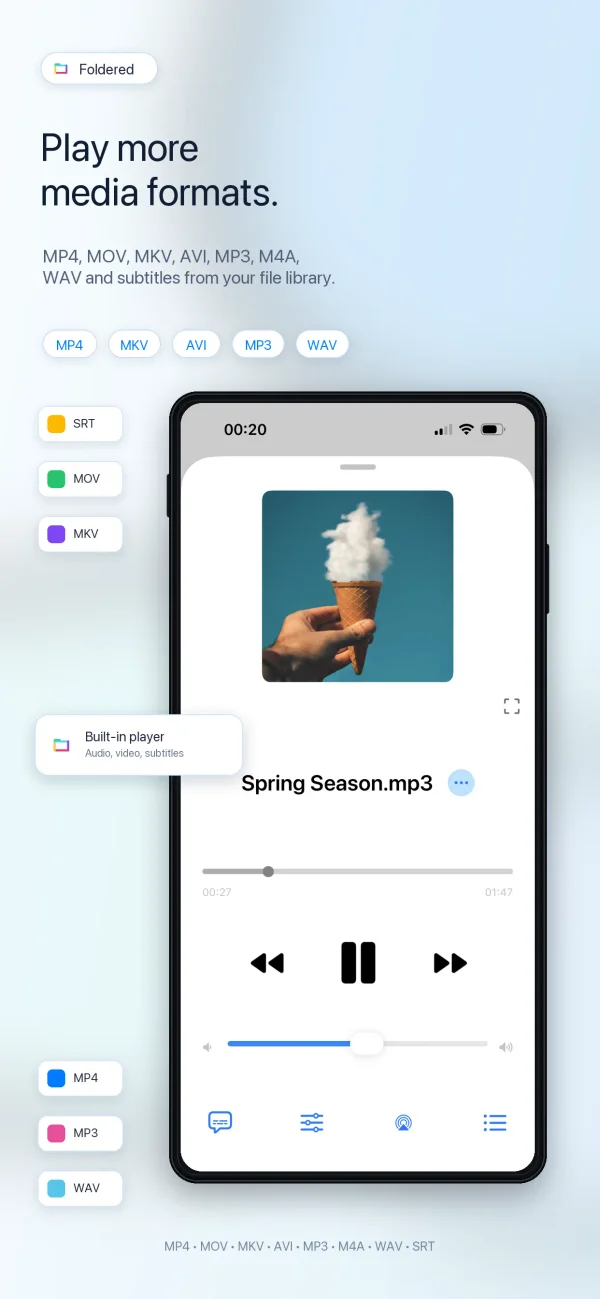
- Play many common video and audio formats, including MP4, MOV, MKV, AVI, MP3, M4A, WAV, and more
- Background audio playback support
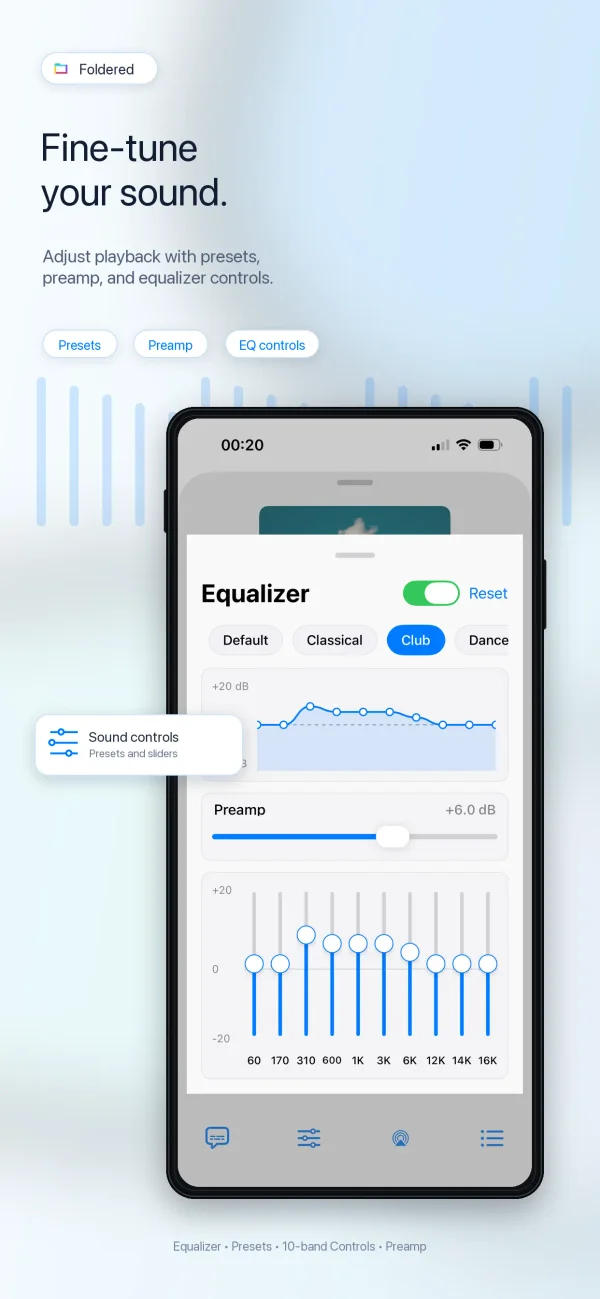
- Equalizer controls for audio playback
- Manage music and videos with playlists
- Add SRT subtitles to supported videos
Voice Recorder
- Record audio notes
- Save recordings inside your file library
- Share recordings when needed
Privacy & Access
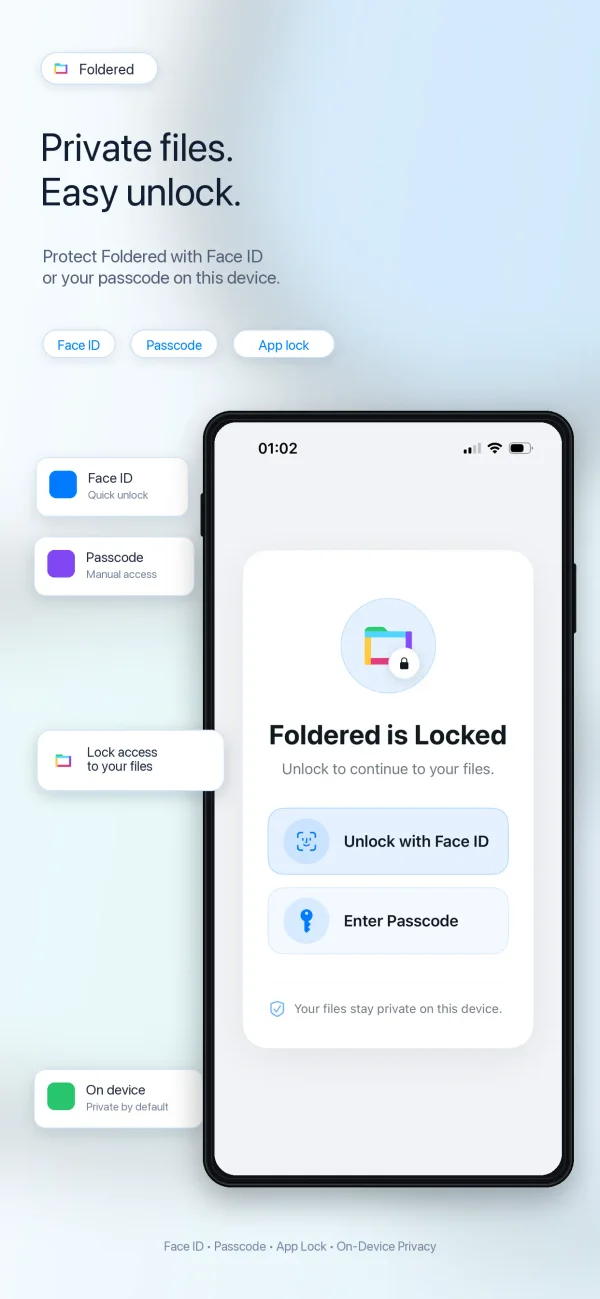
- Protect app access with a local passcode
- Unlock with Face ID or Touch ID where available
PRO VERSION
Foldered Pro is available as an optional in-app purchase and includes:
- Playlists
- Subtitles
- Remove ads
Foldered helps you keep important files, media, documents, and recordings organized without switching between multiple apps.
What’s new
Version 2.1 · Jul 22, 2026
Thanks for using Foldered.
This update adds new editing tools, including an image editor, a rich text editor, and a plain text editor for notes, captions, lists, and documents. It also includes improvements to the file manager, media playback, Wi-Fi transfer, voice recorder, interface polish, stability, and overall reliability.
App privacy
What Umair Baig declares on the App Store about how this app handles data.
-
Data linked to you
May be collected and linked to your identity.
- Purchases
-
Data not linked to you
May be collected but is not linked to your identity.
- Identifiers
- Usage data
- Diagnostics
Privacy practices may vary, for example with the features you use or your age.
Information
- Seller
- Umair Baig
- Category
- Productivity
- Version
- 2.1
- Updated
- Jul 22, 2026
- Released
- Aug 9, 2020
- Size
- 95.5 MB
- Requires
- iOS 15.0 or later
- Age rating
- 4+
- Price
- Free
- In-app purchases
- Yes
- Languages
- English
- Copyright
- © Integers Inc.
You might also like
-
 My Files:File Manager&BrowserConverter. Downloader. Reader.
-
 Doc Vault - File ManagerPrivate offline document vault
-
 RelogglyAI notes, voice and photos
-
 Mobile File Manager & ConvertComprimir y convertir archivos
-
 Novoteka: Files & BrowserLocal Storage & Media Editor
-
 Loata: AI Notes & File SearchInstant Insights with AI
-
 TidyCue: Cleaning ScheduleRoom-by-Room Checklists
-
 Prompt Keyboard: AI PasteTemplates & Quick Replies
-
 MarkerShelf: AI Video NotesTranscript, summary, bookmarks
-
 S3 File ManagerSleek S3 Compatible client