
FolksMedia - Streaming Guide
Includes built-in remote
Designed for iPhone, iPad, iPod touch
Free
- Age rating4+
- CategoryEntertainment
- DeveloperAdcuratio Media Inc
- LanguagesEnglish
- Size109.6 MB
Links to the official App Store page
Download.org hosts no file of FolksMedia - Streaming Guide. The button opens its official App Store page, published by Adcuratio Media Inc. Listing last checked on Nov 16, 2026.
Screenshots

About
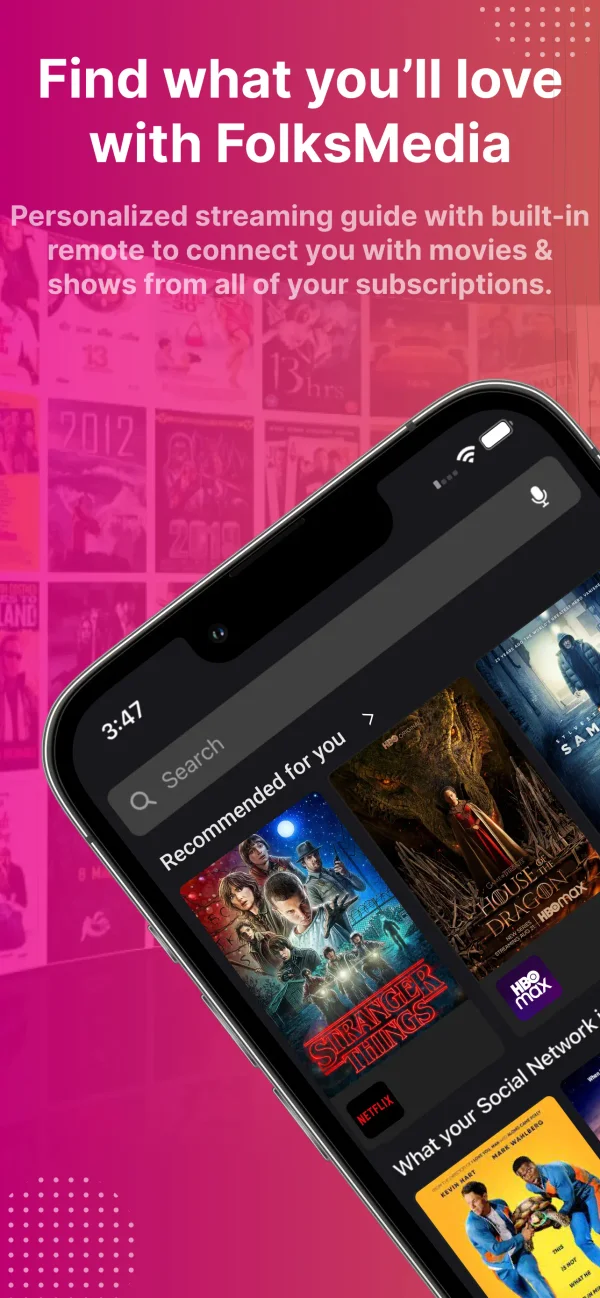
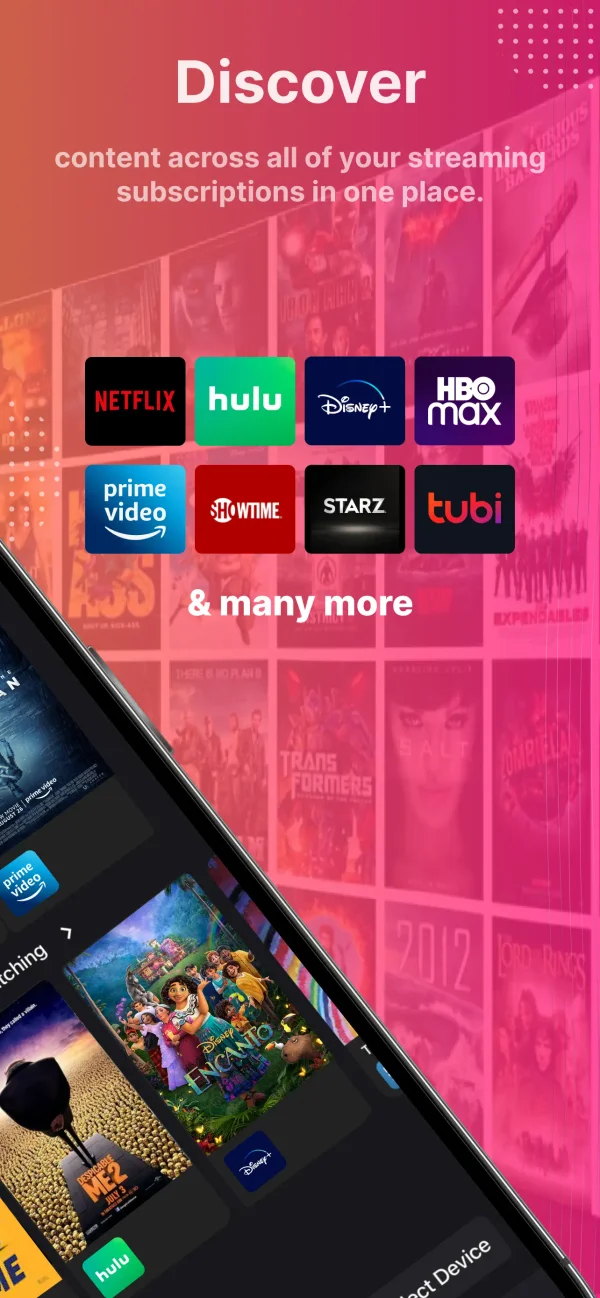
We connect you to your content directly on your smart phone or use the built-in remote control for your TV/streaming device. Discover movies & TV shows on Netflix, Amazon Prime Video, Disney+, HBOMax, Hulu, Showtime, Starz, Paramount+, and more. Find free movies & TV shows from Tubi, Pluto, Vudu, and others. Use our remote control feature now with Roku TV, Fire TV, AndroidSmart TVs, and Samsung Smart TVs. Plus you’ll earn rewards for being part of the FolksMedia Community.
Discover the best movies and shows for you:
> Select your streaming subscriptions and FolksMedia goes to work finding titles just for you
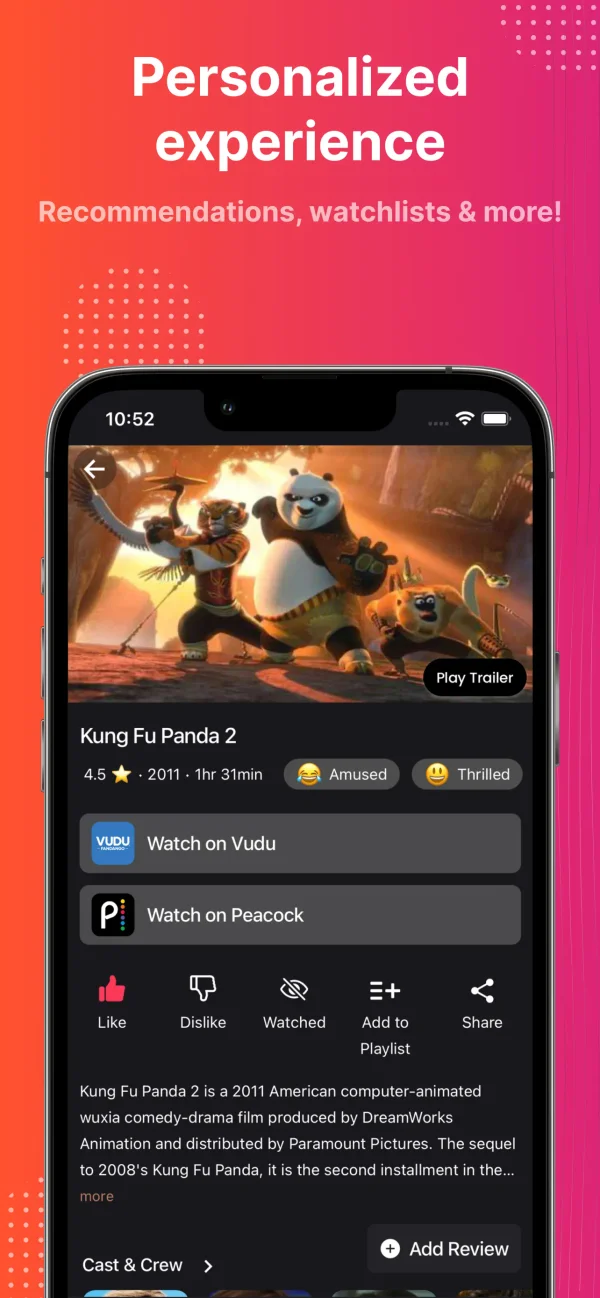
> Personalized movies & TV show recommendations across all of your streaming services in one place
> Search for titles across all popular streaming services
> Long press on any title to watch on your phone or connect to smart TV/device
> Get organized by creating Playlists
> Use built-in remote to navigate streaming services directly from the app
Built-in remote control:
Supports Roku, Fire TV, Samsung Smart TV, and Android Smart TVs
Press to Play:
Long press on any FolksMedia title icon connects you directly to content either on your phone or with your selected streaming device/TV
Missing your remote? Now you can control streaming on your smart TV from your smartphone.
TV Brands Supported by FolksMedia Universal Remote control:
> Smart TV Remote for Samsung TV
> TV Remote for Fire TV
> TV Remote for Sony TV
> TV Remote for Philips TV
> TV Remote for TCL TV
> TV Remote for Panasonic TV
> Smart TV Remote for Roku TV
> TV Remote for Xiaomi TV
> TV Remote for Toshiba TV
> TV Remote for Android TV
> TV Remote for Google TV
How to Use Universal Smart TV Remote Control App:
> Install Folksmedia app
> TV and phone should be connected to same wifi
> Open Remote Tab in app
> Click on Connect Device
> Choose the TV/device to connect
> Follow steps in connection guide
> Click on Connect
> Now your remote is ready to use.
Smart Remote functionalities
> Play / Stop / Reverse / Fast Forward.
> Up / Down / Left / Right Navigation.
> Back
> Home
> Power off button (only for Samsung TV)
> Mute / Volume Control.( Not all brands/models)
> Change inputs (Not all brands/models)
> Simple UI with visually appealing design.
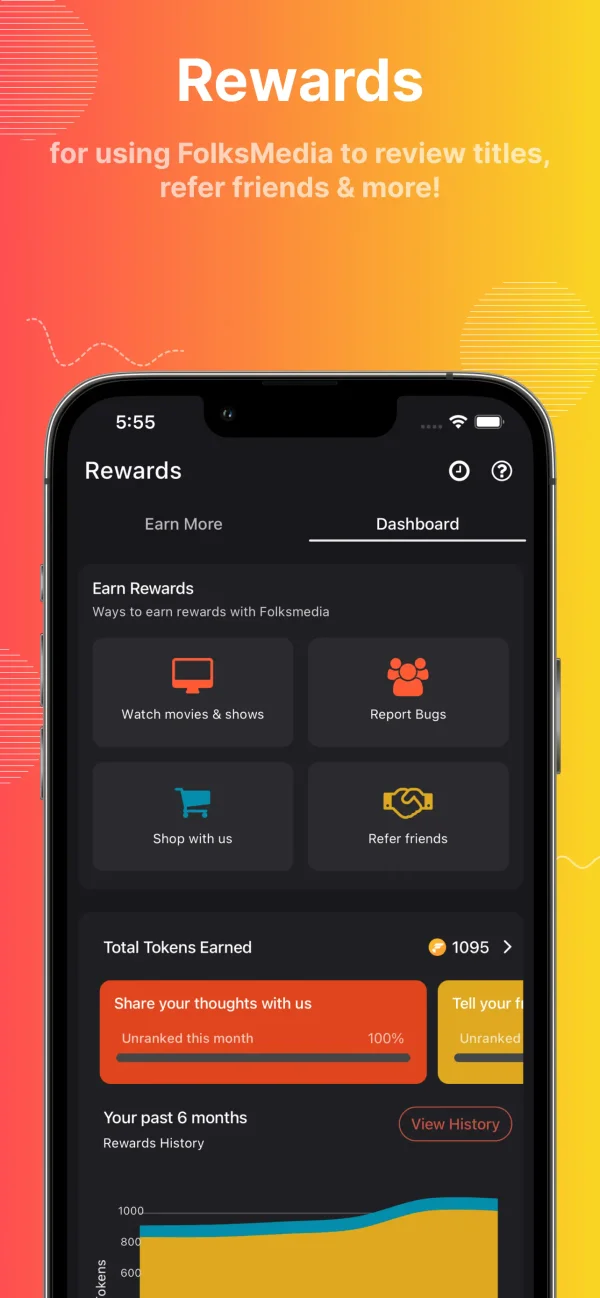
Earn rewards with FolksMedia:
There are many ways to earn rewards by doing things like:
> Using FolksMedia daily to find what you’ll love
> Reviewing movies and shows to let Folks know how you feel
> Building watchlists and sharing with friends and other FolksMedia users
> Referring friends to grow the FolksMedia Community
> Reporting bugs to help us provide the best experience for you and FolksMedia users everywhere
Get started:
> Download the FolksMedia App
> Create a secure account using your email address
> Connect with your supported TV streaming device/smart TV
> Start watching your favorites and discover new ones
Reach out to us:
We’re glad you’re here and hope that you’ll join the FolksMedia App. For more information check us out at www.folksmedia.com, and feel free to drop us a line at support@folksmedia.com, we’d love to hear from you.
Note:
> For Smart TVs / devices, both the smartTV device and user's mobile device must be connected to the same network.
> This app is compatible with (Samsung TV, Fire TV, Sony TV,Philips TV, TCL TV, Panasonic TV, Roku TV, Xiaomi TV, Toshiba TV, Google TV). This is an unofficial TV remote application for these TV brands.
> Support for more TV brands coming soon
What’s new
Version 2406.7.0 · Jun 27, 2024
bug fixes & enhancements
App privacy
What Adcuratio Media Inc declares on the App Store about how this app handles data.
-
Data used to track you
May be used to track you across apps and websites owned by other companies.
- Usage data
-
Data linked to you
May be collected and linked to your identity.
- Contact info
- Contacts
- Usage data
-
Data not linked to you
May be collected but is not linked to your identity.
- Usage data
- Diagnostics
Privacy practices may vary, for example with the features you use or your age.
Information
- Seller
- Adcuratio Media Inc
- Category
- Entertainment
- Version
- 2406.7.0
- Updated
- Jun 27, 2024
- Released
- Dec 27, 2021
- Size
- 109.6 MB
- Requires
- iOS 13.4 or later
- Age rating
- 4+
- Price
- Free
- Languages
- English
- Copyright
- © Folksmedia Inc
You might also like
-
 Younify TV - Streaming GuidePersonalized. Unified. Smart.
-
 MoSho: Movies & Tv ShowsEntertainment
-
 Peek - Movies & TV ShowsShare Movies & TV Shows
-
 telev8All your favourite tv programs
-
 Nex-Tech TV NowAn awesome way to watch TV!
-
 Watchmood: Movie & TV FinderSwipe & Discover What to Watch
-
 TV Show News: Series & RecapsStreaming, Casting & Premieres
-
 Shows+ Discover & Track SeriesJust Where To Watch TV
-
 WatchmodeFind where to stream anything
-
 Limelight: Find What to WatchMovie & TV Tracker, Watchlist