
Fonts Keyboard - Copy & Paste
Stylish Text & Font Generator
Designed for iPhone, iPad
Free · In-app purchases
- Age rating4+
- CategoryUtilities
- DeveloperShivam Kumar Singh
- LanguagesEnglish
- Size10.4 MB
Links to the official App Store page
Download.org hosts no file of Fonts Keyboard - Copy & Paste. The button opens its official App Store page, published by Shivam Kumar Singh. Listing last checked on Nov 17, 2026.
Screenshots
About
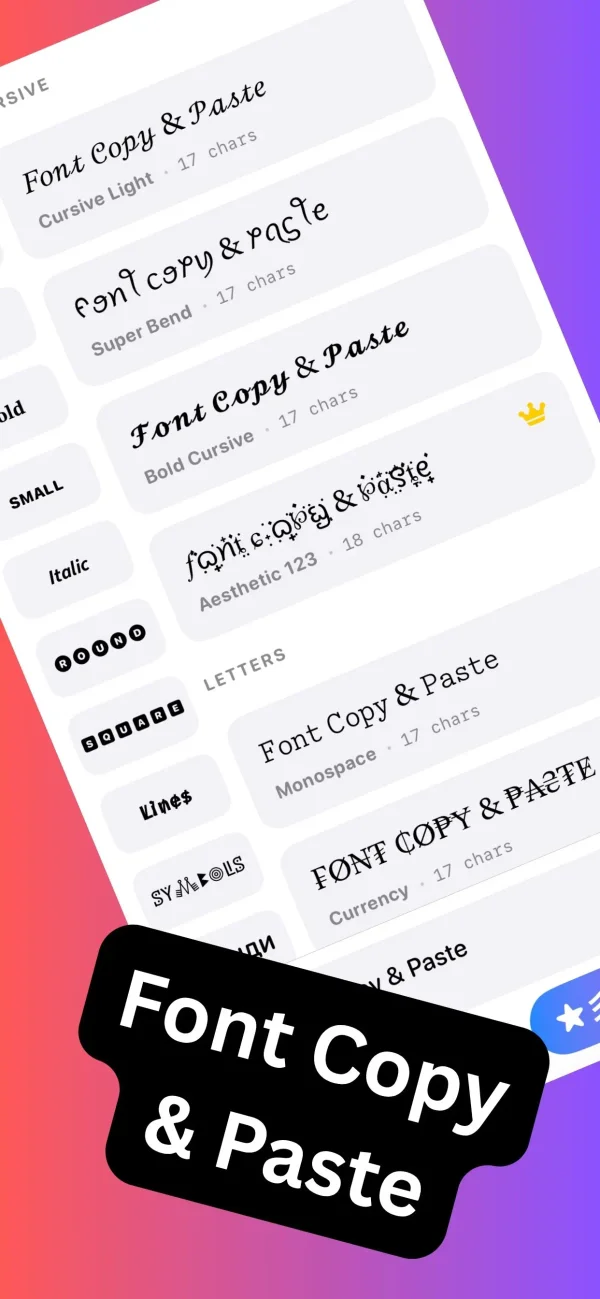
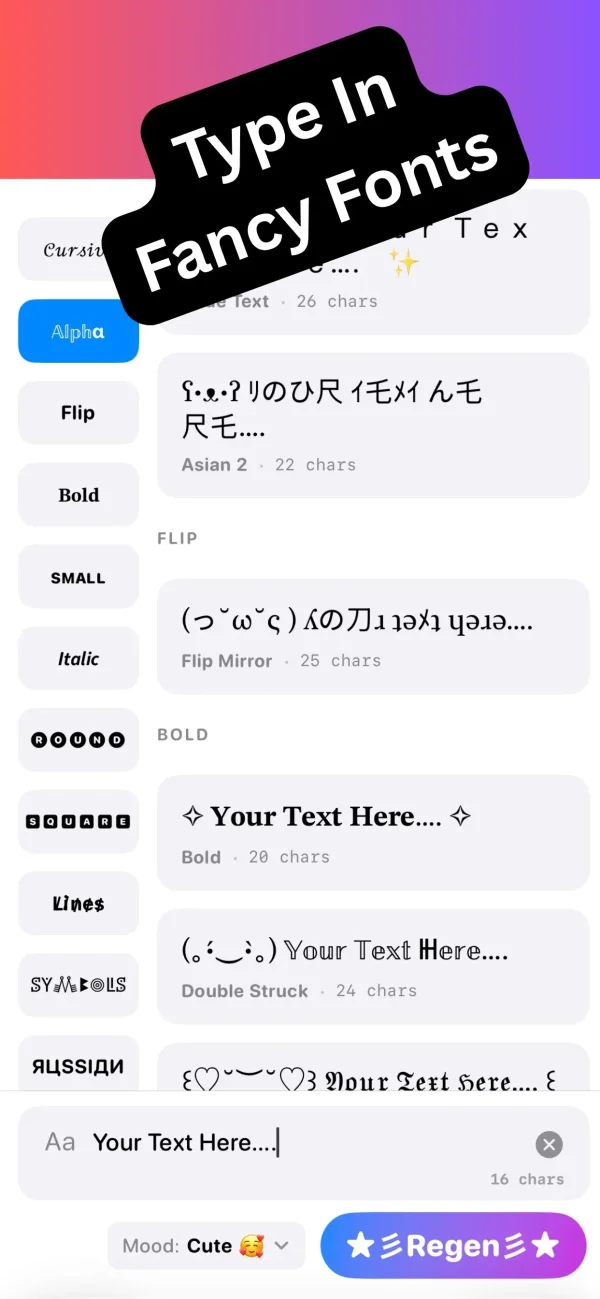
Turn plain text into 710+ fancy font styles — then copy it with one tap or type it straight from your keyboard. Free, no sign-up, no paywall.
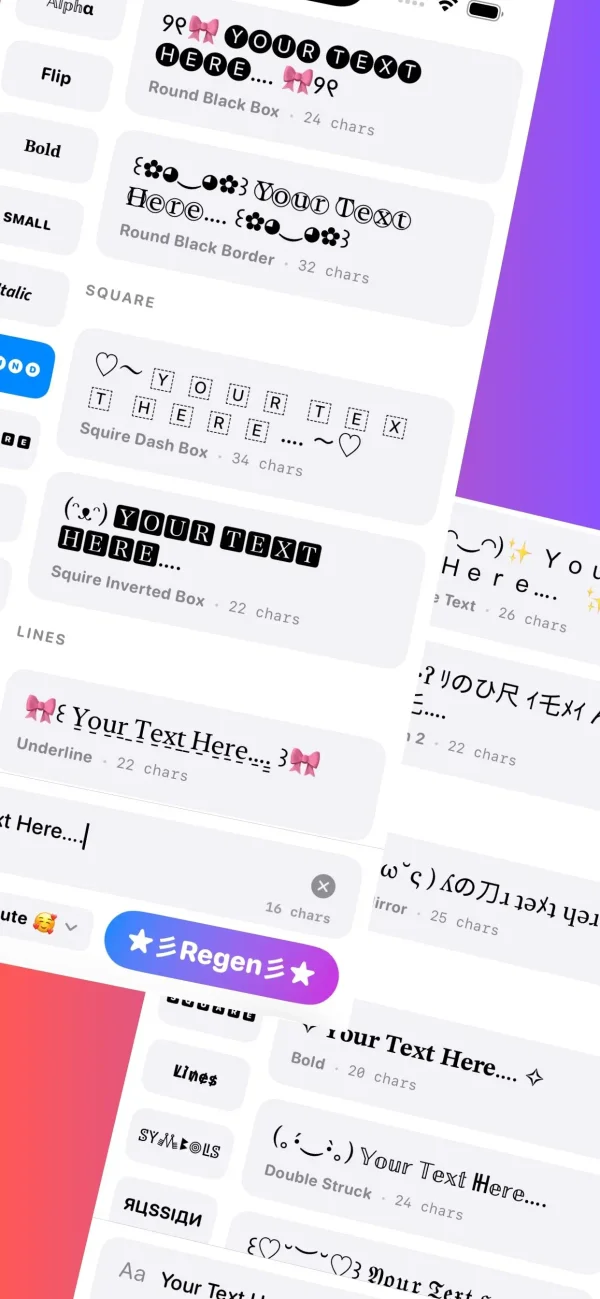
Your Instagram bio, TikTok name, Discord tag or group chat, in cursive, bold, aesthetic, glitch, small caps, upside-down, square, round or symbols. Type it once, pick a style, paste it anywhere.
WHAT YOU GET
• 710+ font and text styles, updated regularly
• One-tap copy — no selecting, no dragging handles
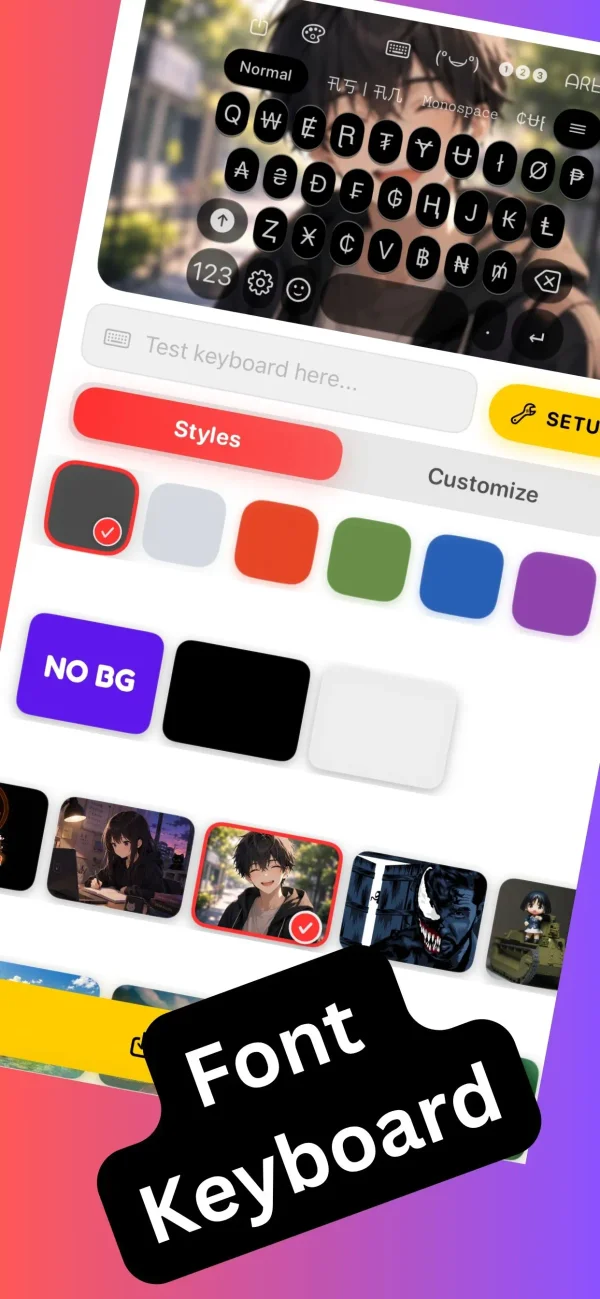
• Font Keyboard: type fancy text directly inside any app, no copy-paste at all
• Symbols, emoticons and decorative characters library
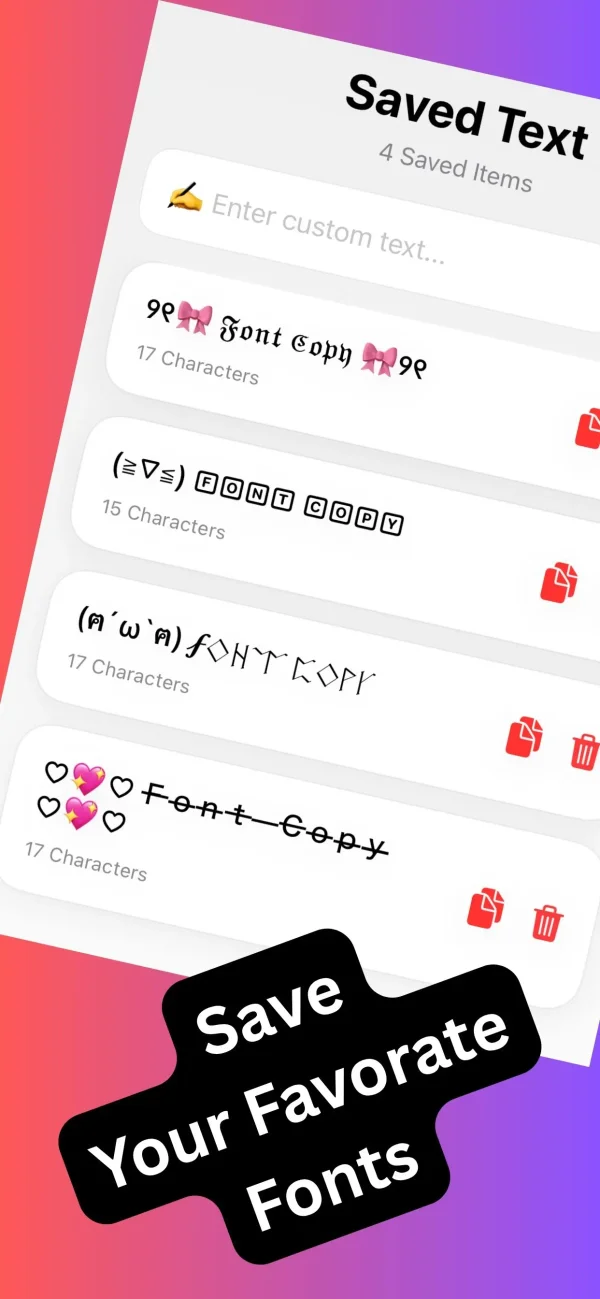
• Favorites: save the styles you actually use and reach them in one tap
• Browse by category: Cursive, Bold, Italic, Small, Round, Square, Lines, Flip (upside down text), Symbols, Russian and more
• Custom keyboard colors and wallpapers
SET UP THE FONT KEYBOARD IN 30 SECONDS
1. Open Settings → General → Keyboard → Keyboards
2. Tap "Add New Keyboard" and choose Font Copy Paste
3. Tap it again and turn on "Allow Full Access"
Full Access is what lets the keyboard render styled characters. Nothing you type is collected, stored or sent anywhere.
WHERE PEOPLE USE IT
Instagram bios and captions. TikTok display names. Discord usernames and server tags. WhatsApp and iMessage. Twitter/X posts. Roblox and gaming handles. YouTube comments. Notes, invitations, birthday messages — anywhere text goes.
FREE, AND ACTUALLY FREE
No account. No trial. No style locked behind a paywall.
Questions or a style you want added? Get in touch — this app is built and updated by one developer, and requests get read.
Privacy Policy: https://cdn.rankarhub.com/iOS/Font-Copy-Paste-Privacy-Policy.html
Terms of Use: https://cdn.rankarhub.com/iOS/Font-Copy-Paste-Terms-of-Use.html
What’s new
Version 1.4 · Oct 6, 2026
• Faster, smoother font rendering across all styles
• Improved Font Keyboard setup on first launch
• Small fixes and polish throughout
Got a style you want added? Send it over — requests get read.
App privacy
What Shivam Kumar Singh declares on the App Store about how this app handles data.
-
Data used to track you
May be used to track you across apps and websites owned by other companies.
- Identifiers
- Usage data
-
Data linked to you
May be collected and linked to your identity.
- Identifiers
- Usage data
Privacy practices may vary, for example with the features you use or your age.
Information
- Seller
- Shivam Kumar Singh
- Category
- Utilities
- Version
- 1.4
- Updated
- Oct 6, 2026
- Released
- Jun 17, 2026
- Size
- 10.4 MB
- Requires
- iOS 17.6 or later
- Age rating
- 4+
- Price
- Free
- In-app purchases
- Yes
- Languages
- English
- Copyright
- © 2026 RankarHub.
You might also like
-
 Cool Fonts: Stylish TextUnicode fonts for bios
-
 Fonts Keyboard: Emoji Text ArtAesthetic Fancy Text Symbols
-
 Fonts Keyboard: Emoji & FontsFonts, Fancy Text & Symbols
-
 Fonts StudioYour custom keyboard
-
 Fontessa - Fonts KeyboardText styles, symbols, themes
-
 Fonts Keyboard - Cool TextSymbols, Combos, Kaomoji Art
-
 Fontify: Cool Fonts KeyboardFancy Text, Symbols & Themes
-
 FontKey: Stylish Font KeyboardFancy Fonts for Every App
-
 Keyboard Fonts: Design – FontyFont Art, Symbols, Text Themes
-
 Neon LED Keyboard: Cute ThemesMake Your Own Custom Keyboard