FontStudio: Create & Edit Font
Turn handwriting into fonts
Designed for iPhone, iPad
Free · In-app purchases
- Age rating4+
- CategoryGraphics & Design
- DeveloperLife Utility Apps, LLC
- LanguagesEnglish+ 45 more
- Size23.0 MB
Links to the official App Store page
Download.org hosts no file of FontStudio: Create & Edit Font. The button opens its official App Store page, published by Life Utility Apps, LLC. Listing last checked on Nov 20, 2026.
Screenshots
About
Turn your handwriting into a font you can actually use. FontStudio is a complete type design studio for iPhone and iPad: draw every letter, perfect the curves, tune spacing and kerning, then export a real TTF, OTF, or WOFF file. Everything is made and stored on your device.
DRAW EVERY LETTER
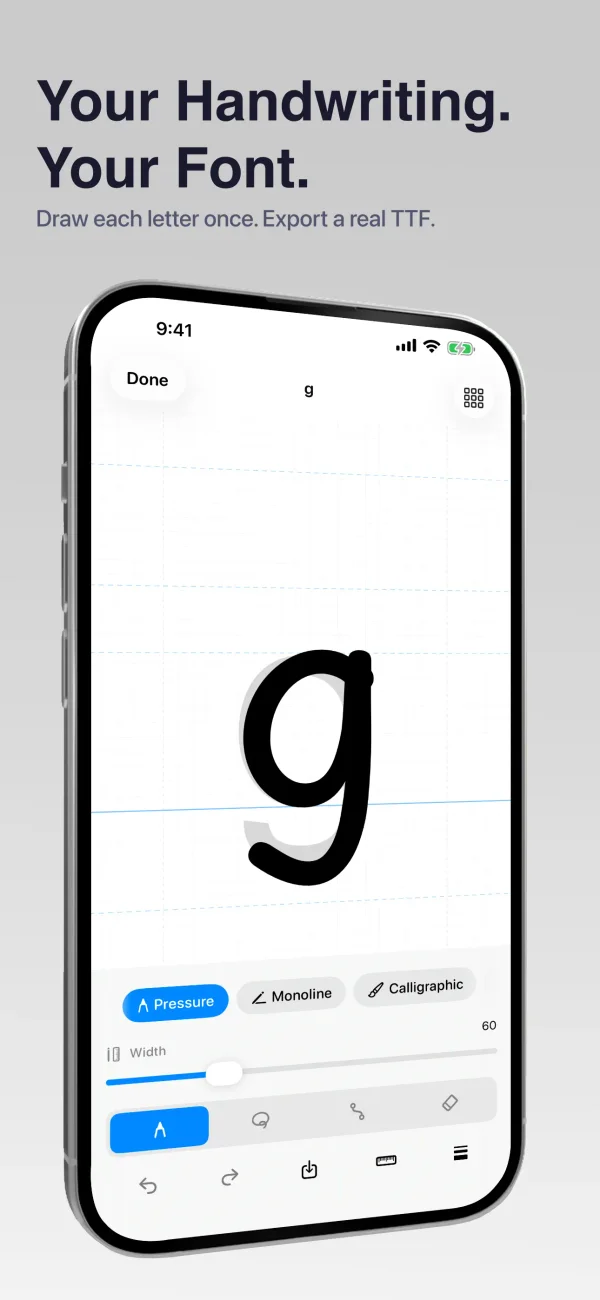
• Sketch each character with Apple Pencil or your finger on a pressure-sensitive canvas
• Four nib profiles: Pressure, Monoline, Calligraphic with a pen angle dial, and Tapered
• Guides for baseline, x-height, cap height, ascender, and descender, plus an adjustable grid
• Trace or compare against a ghost reference letter shown in any font on your device
• Pencil-only mode lets fingers pan and zoom while only Apple Pencil draws
• Double-tap or squeeze your Apple Pencil to switch between drawing and erasing
• Deep per-letter undo and redo that survives switching characters
PRINT A SHEET, SCAN A WHOLE ALPHABET
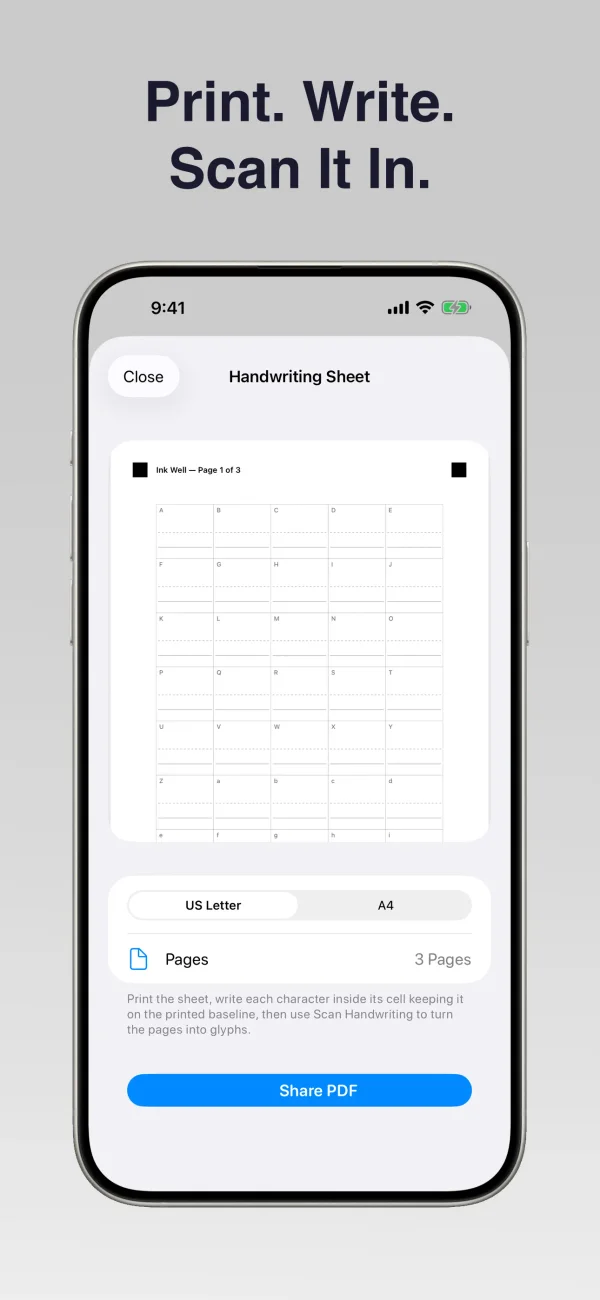
• Generate a printable handwriting sheet on US Letter or A4, ruled with your font's own metrics
• Write your letters in the printed cells, then scan the pages with your camera
• Registration marks align each page automatically, with manual adjustment if one is missed
• Review every cell, exclude the ones you want to redo, and import a full alphabet at once
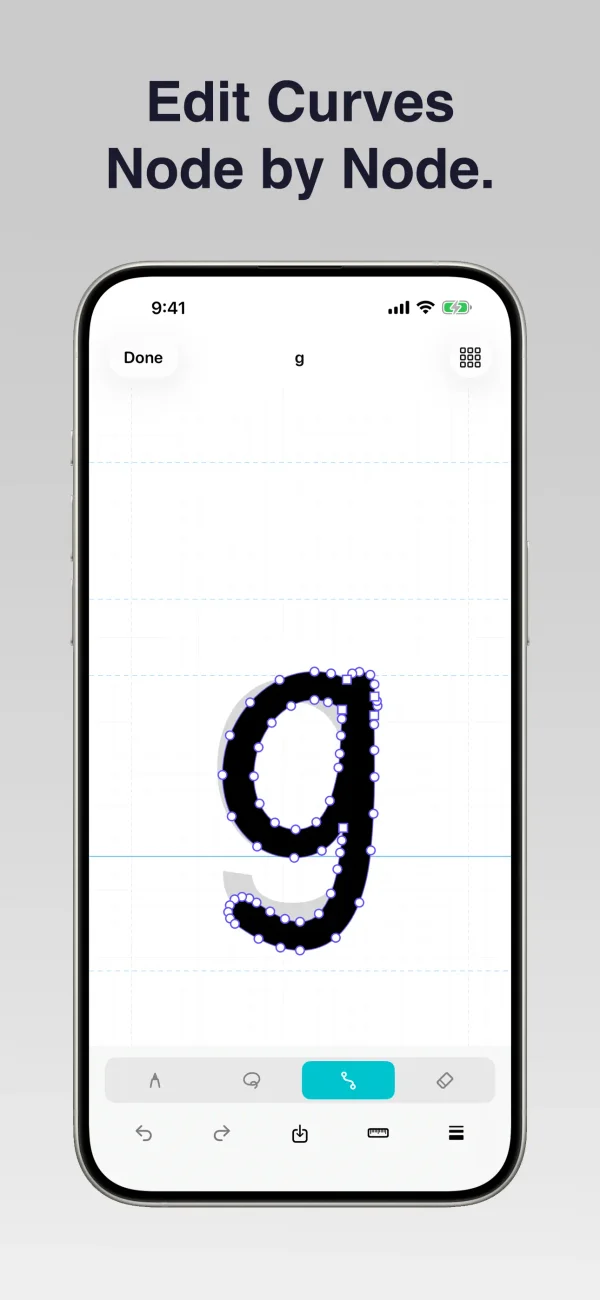
PERFECT EVERY CURVE WITH VECTOR NODES
• Edit true outlines with anchor points and bezier handles
• Switch nodes between corner and smooth, add or delete points
• Move, scale, and rotate selections with an on-canvas gizmo or lasso select
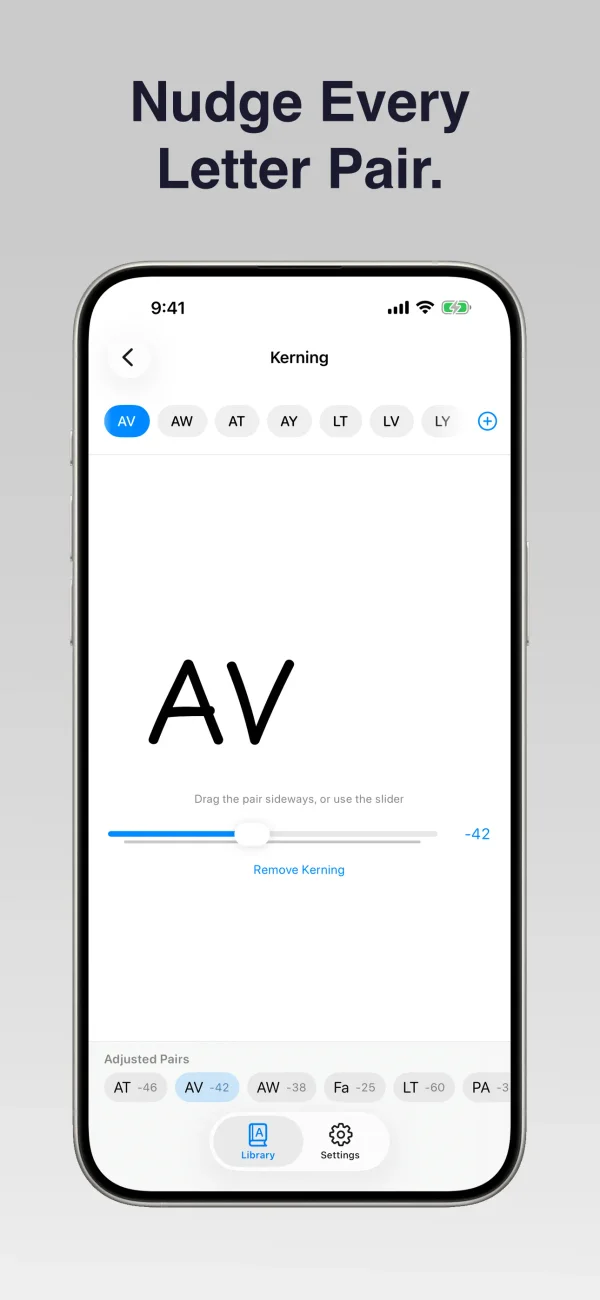
WEIGHT, SPACING, AND KERNING
• One slider makes the whole font lighter or bolder — your strokes stay intact, and reset is one tap away
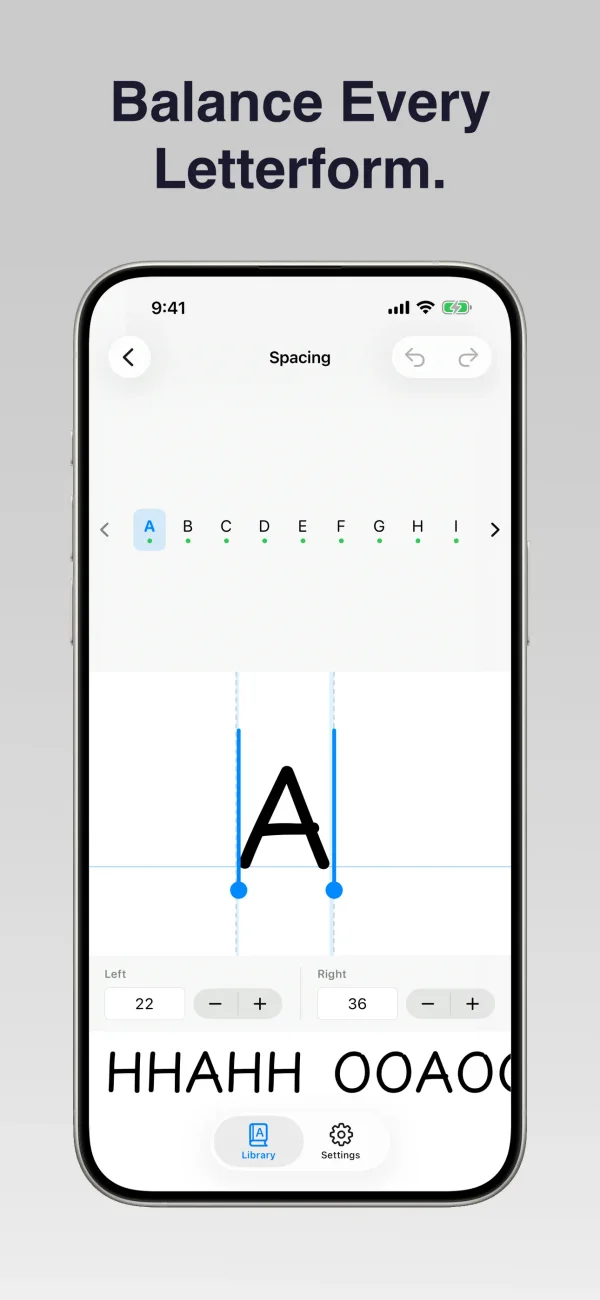
• Set left and right side bearings per letter with a live proof of its neighbors
• Kern pairs by dragging letters closer or apart, with suggestions like AV, To, and LT
TEST IT BEFORE YOU SHIP IT
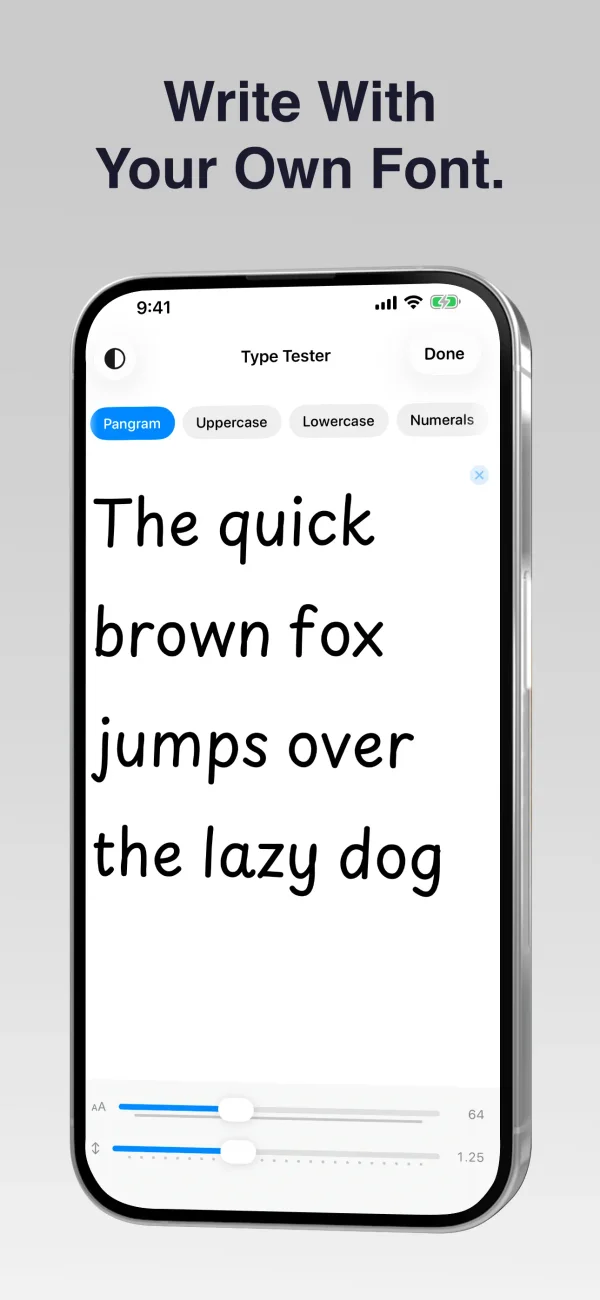
• The type tester compiles your font and renders live text in it
• Type your own sample or use built-in specimens for pangrams, capitals, numerals, punctuation, and kerning
• Adjust size and line height, and preview in light or dark
IMPORT ARTWORK, OR OPEN A FONT YOU ALREADY HAVE
• Bring in PNG or SVG artwork from Photos, Files, the clipboard, or by dragging it onto a letter
• Tune ink detection and smoothing to control how artwork is traced
• Open TTF, OTF, WOFF, and WOFF2 files to edit, straight from Files, AirDrop, or the share sheet
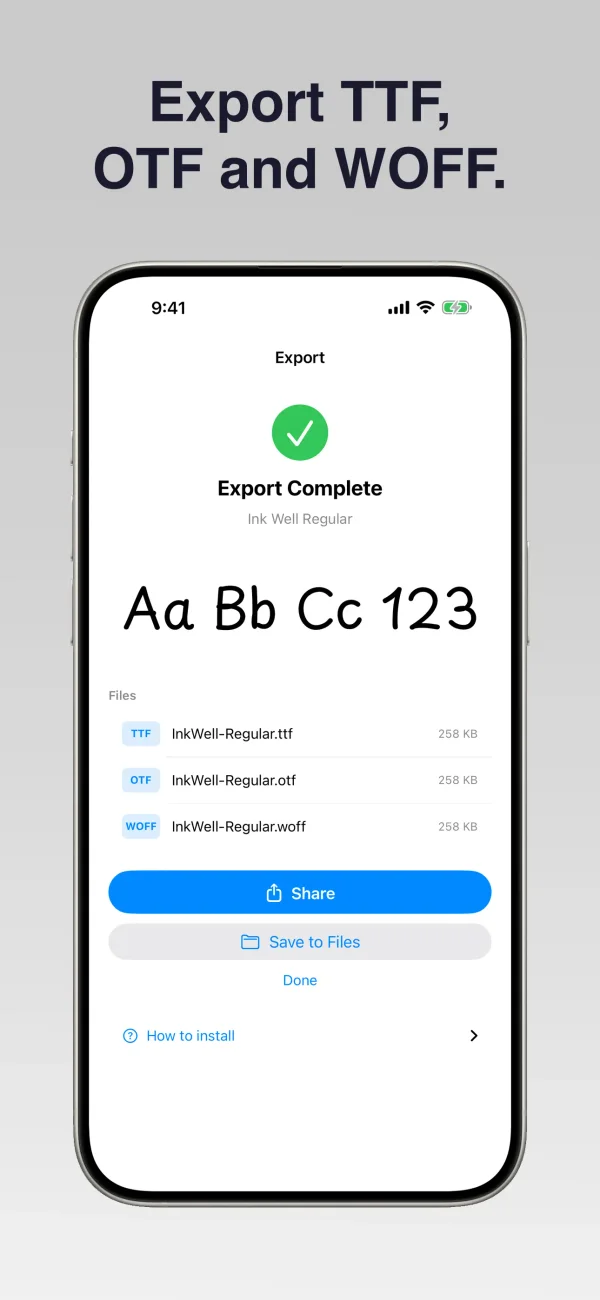
EXPORT REAL FONT FILES
• TrueType (.ttf) — the one file most people need; installs on iPhone, iPad, Mac, and Windows
• OpenType CFF (.otf) — for design applications
• WOFF — for @font-face on your website
• Per-letter SVG files and a printable specimen PDF
• Real kerning tables are compiled into the exported font
• Export checks catch empty letters, unclosed outlines, and name conflicts, then jump you straight to the fix
• Send your font with the share sheet or save it to Files
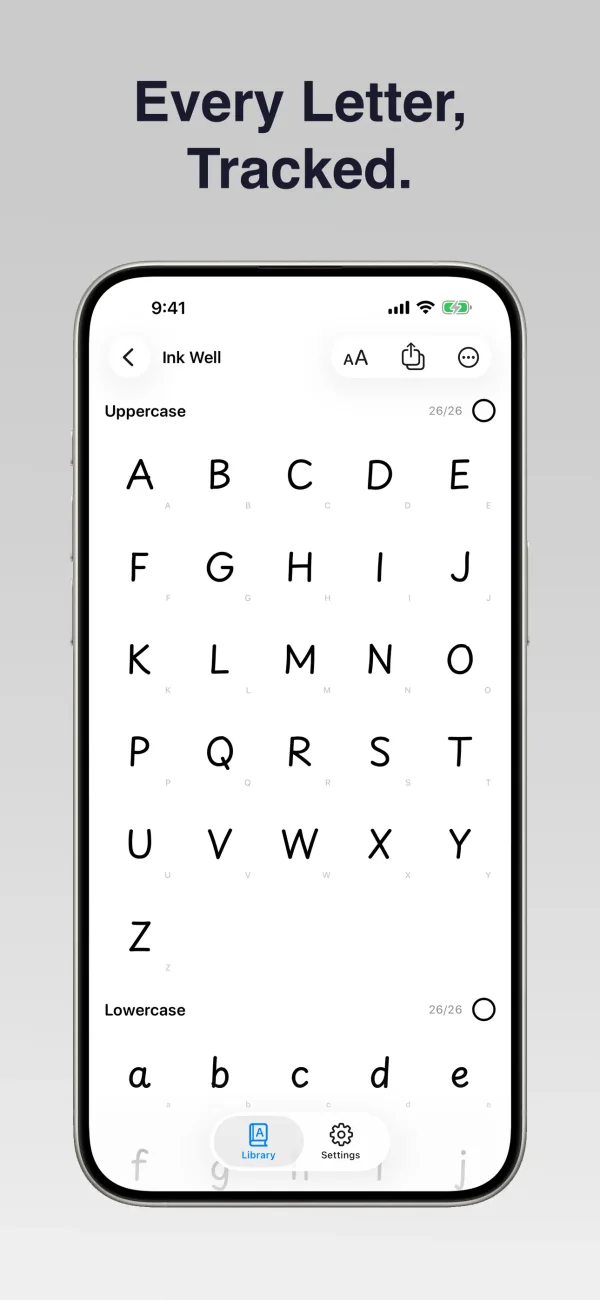
YOUR FONT LIBRARY
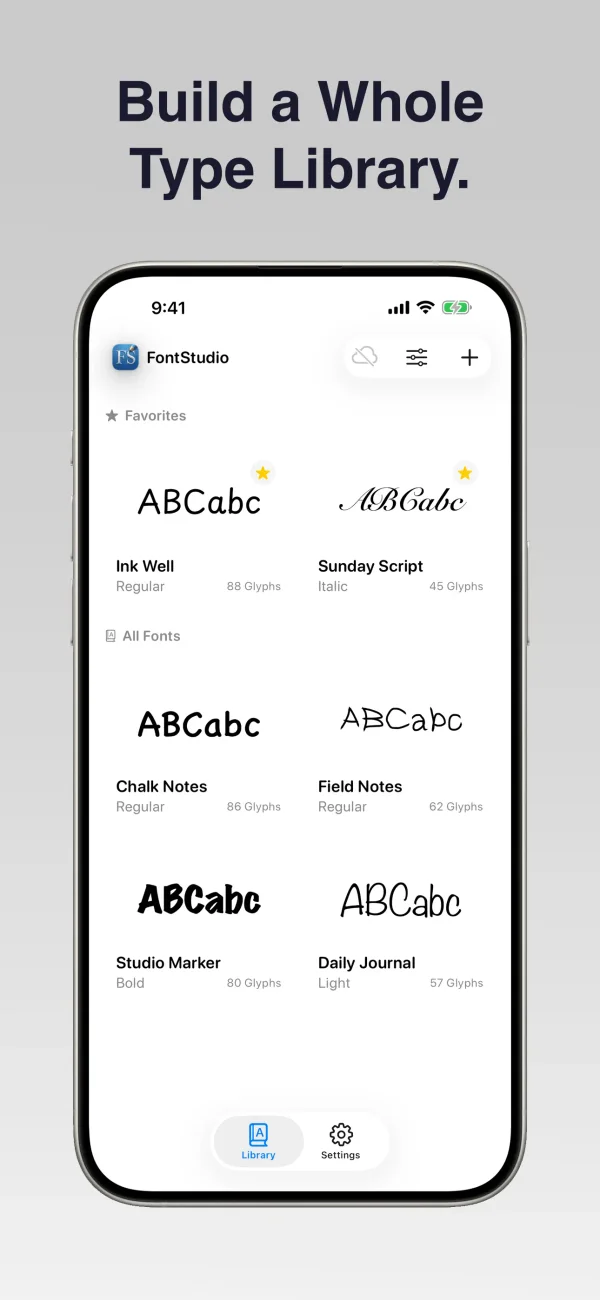
• Every font shows a live specimen drawn from your own letters
• Grid, list, compact, and gallery layouts, favorites, and sorting
• Duplicate a font, or duplicate as a variant to build a family
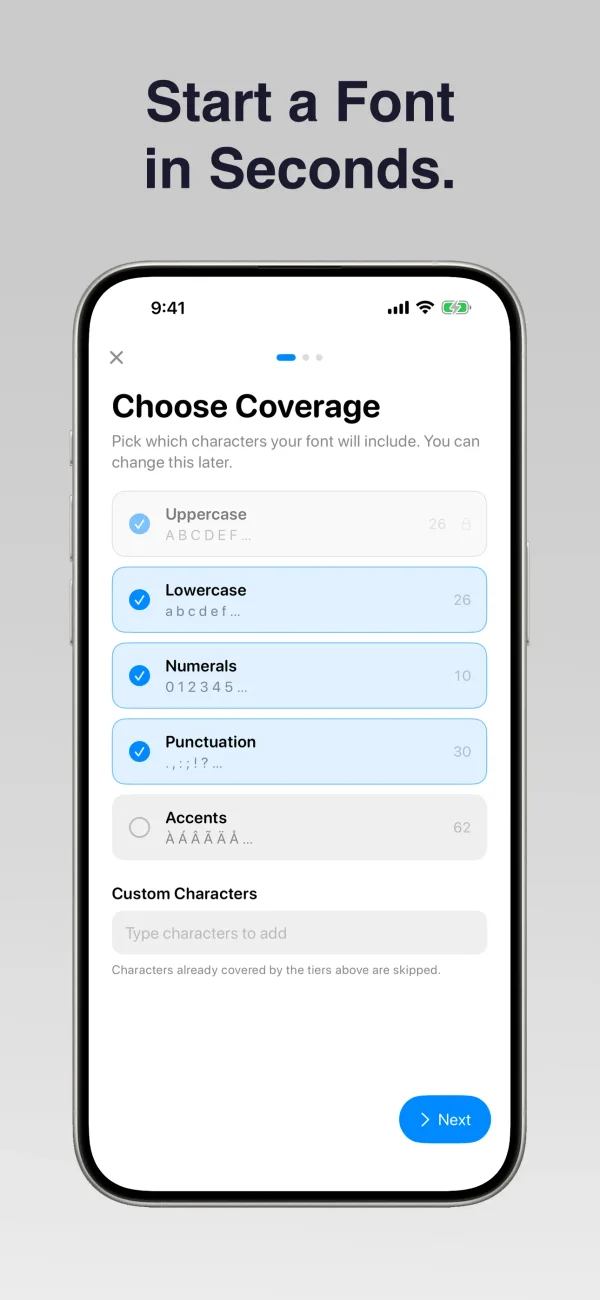
• Choose your coverage: capitals, lowercase, numerals, punctuation, accented Latin, and your own custom characters
• Set family name, style, PostScript name, version, author, copyright, and license — written into the font itself
PRIVATE BY DESIGN
• No account, no sign-in, no upload — fonts are compiled entirely on your device
• Optional iCloud sync keeps your library on all your devices and works offline
• Lock the app with Face ID or Touch ID
• Export and import a full backup of your fonts at any time
FREE AND PRO
Drawing, node editing, importing, weight, spacing, kerning, the type tester, and printing handwriting sheets are free forever. Pro unlocks font export and handwriting scanning, as a monthly subscription or a one-time lifetime purchase.
Terms of Use: https://www.apple.com/legal/internet-services/itunes/dev/stdeula/
App privacy
What Life Utility Apps, LLC declares on the App Store about how this app handles data.
-
Data not collected
The developer does not collect any data from this app.
Privacy practices may vary, for example with the features you use or your age.
Information
- Seller
- Life Utility Apps LLC
- Category
- Graphics & Design
- Version
- 1.0
- Updated
- Aug 26, 2026
- Released
- Aug 25, 2026
- Size
- 23.0 MB
- Requires
- iOS 26.2 or later
- Age rating
- 4+
- Price
- Free
- In-app purchases
- Yes
- Languages
- English, Arabic, Bengali, Bulgarian, Catalan, Croatian, Czech, Danish, Dutch, Finnish, French, German + 34 more
- Copyright
- © 2026 Life Utility Apps, LLC
You might also like
-
 LeFont: Handwriting Font MakerTurn Writing into Type
-
 Font Creator StudioCreate & Export Custom Fonts
-
 FontMaker: Make Your Own FontDraw or scan your handwriting
-
 GlyphSnap AI: Photo to FontDraw letters. Generate fonts.
-
 Font Maker: TypeMineDraw, Type & Export Fonts
-
 MyFont: Font & Keyboard MakerHandwriting, TTF & OTF Export
-
 Font Maker: My HandwritingHandwriting Keyboard & TTF
-
 Font Maker: Custom KeyboardHandwriting & Calligraphy
-
 Quick Font CreatorMake Fonts from Handwriting
-
 Scribbles.inkHandwriting to Font Creator