
Forgot? Routine Planner
Nie wieder Routinen vergessen
Designed for iPhone, iPad
In-app purchases
- Age rating4+
- CategoryProductivity
- DeveloperJustin Khueni
- LanguagesGerman+ 1 more
- Size2.3 MB
Links to the official App Store page
Download.org hosts no file of Forgot? Routine Planner. The button opens its official App Store page, published by Justin Khueni. Listing last checked on Nov 17, 2026.
Screenshots

About
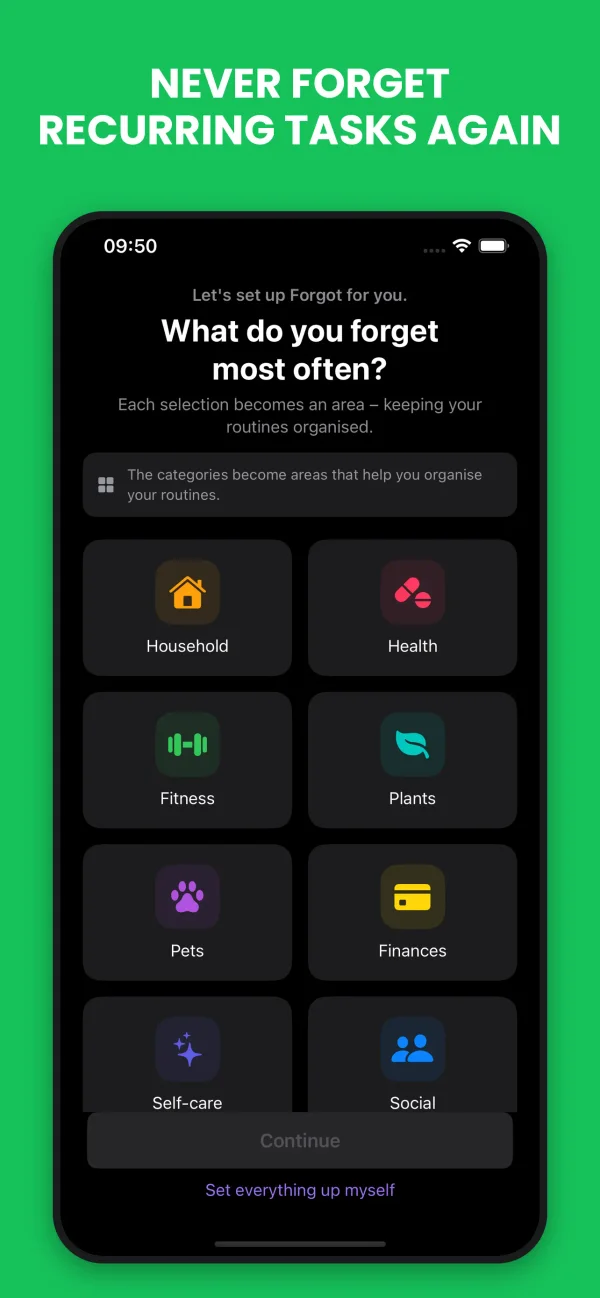
Forgot? helps you stop forgetting the things that matter — from watering plants to paying bills. Create routines and get reminded exactly when it counts.
HOW YOU SCHEDULE
• Fixed times, several times a day, or flexible
• Every few days or weeks
• Specific weekdays (e.g. every Sunday)
• Specific days of the month (e.g. the 1st)
STAY ON TOP
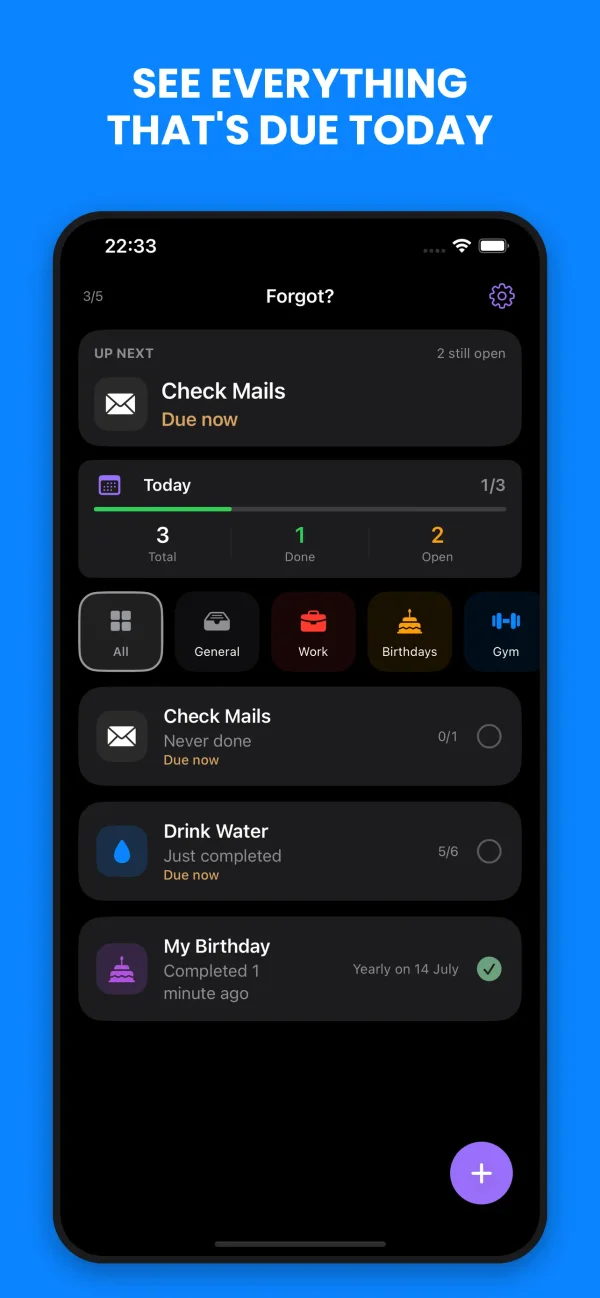
• “Up next” overview and daily progress
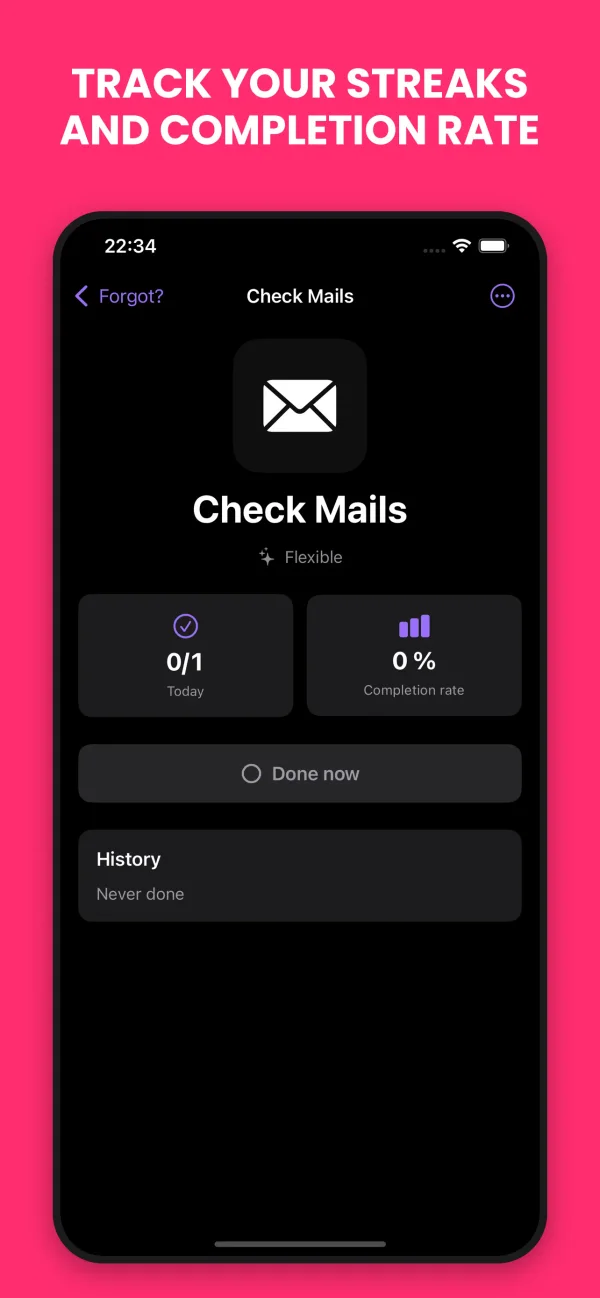
• Completion rate and history
• Quick check-off — even from the notification
• Home Screen and Lock Screen widget
MADE SIMPLE
• Local reminders, no account needed
• iCloud sync across your devices
• English & German, light/dark mode
FORGOT PREMIUM
• Unlimited routines (up to 5 for free)
• Widgets
Premium is available as a yearly subscription or a one-time purchase. A subscription renews automatically unless cancelled at least 24 hours before the end of the period. Manage it in your App Store settings after purchase.
Privacy Policy: https://YOUR-PRIVACY-URL
Terms of Use (EULA): https://www.apple.com/legal/internet-services/itunes/dev/stdeula/
What’s new
Version 1.6 · Jul 19, 2026
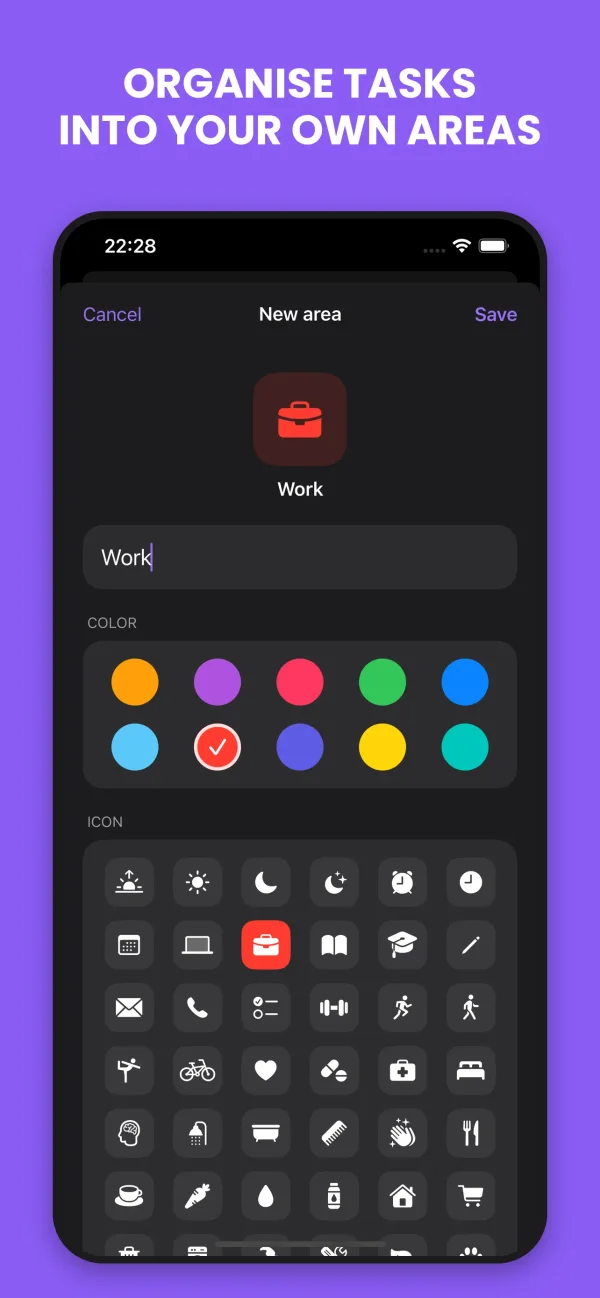
Reorder areas
Areas can now be reordered via drag & drop – just press and hold, then drag to the desired position. Alternatively, use the context menu: press and hold an area chip and choose "Move to Front", "Move Forward", or "Move Backward".
Check-off animation
Completing a routine now triggers a brief green glow on the card – a small, satisfying confirmation.
Notifications
Lead times in the task editor now expand and collapse individually, keeping things tidy when you have multiple reminders.
iCloud status
Settings now show at a glance whether iCloud sync is active.
Bug fixes & improvements
Various minor bugs fixed and general polish throughout the app.
App privacy
What Justin Khueni declares on the App Store about how this app handles data.
-
Data not collected
The developer does not collect any data from this app.
Privacy practices may vary, for example with the features you use or your age.
Information
- Seller
- Justin Khueni
- Category
- Productivity
- Version
- 1.6
- Updated
- Jul 19, 2026
- Released
- Jul 13, 2026
- Size
- 2.3 MB
- Requires
- iOS 17.0 or later
- Age rating
- 4+
- In-app purchases
- Yes
- Languages
- German, English
- Copyright
- © JXSI (2026)
You might also like
-
 Ascension: Life SystemLevel up your real life
-
 ZrowthifyLevel Up Your Life
-
 Routine: Daily Habit TrackerDiscipline, Streaks & Progress
-
 Visual Quick ListProductivity
-
 Quietleaf: Writing SpaceMinimal Notes & Journal
-
 Tasks AnywhereOffline or synced to Vikunja
-
 Routinia: Routine AutomationDaily routines with automation
-
 Focus Pro | Productivity HubHabits, To-Do, Pomodoro, Notes
-
 Wax & PigmentPaint Mixing for Artists
-
 Anythings: To-Do List & TasksKeeps itself in order