Form - for Google Forms
Create Forms & View Responses
Designed for iPhone, iPad
Free · In-app purchases
- Age rating4+
- CategoryProductivity
- DeveloperVelto Rise LLC
- LanguagesEnglish
- Size4.7 MB
Links to the official App Store page
Download.org hosts no file of Form - for Google Forms. The button opens its official App Store page, published by Velto Rise LLC. Listing last checked on Nov 15, 2026.
Screenshots

About
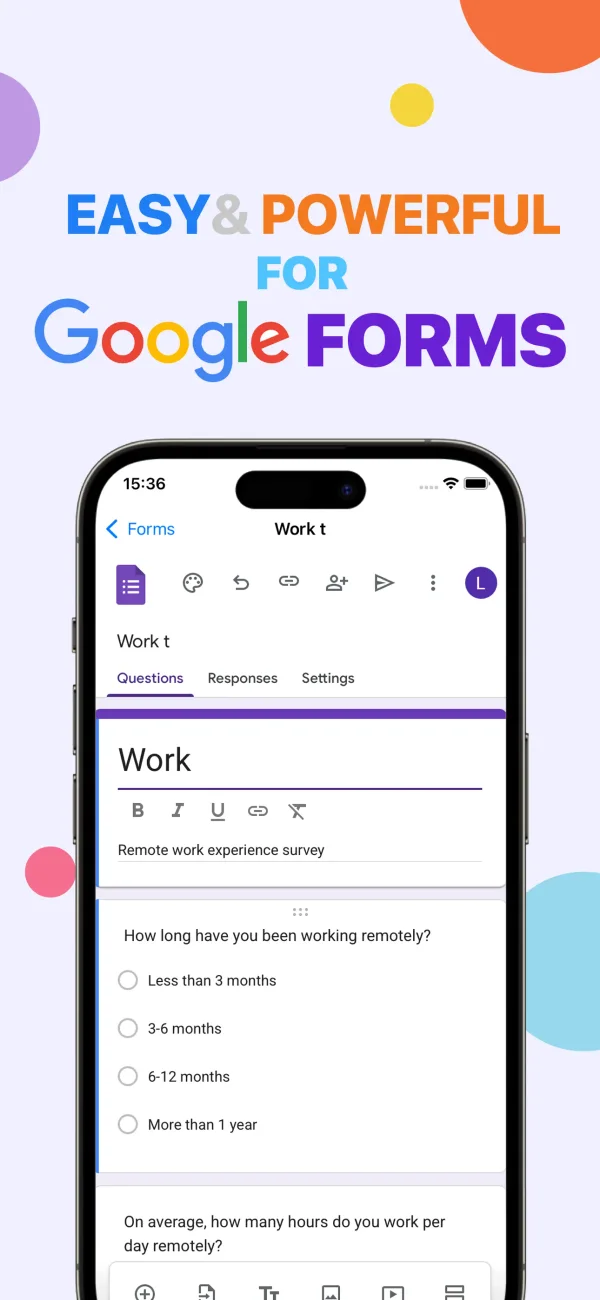
Use form tools on your Mac in a more efficient and focused way. This app delivers a smooth, near-native experience, allowing you to create, edit, and manage your online forms without relying on a browser.
By signing in with your Google account, you can instantly access your existing form data. All content stays fully synchronized in real time, ensuring your work remains consistent and up to date across your Mac and other devices, without interruption.
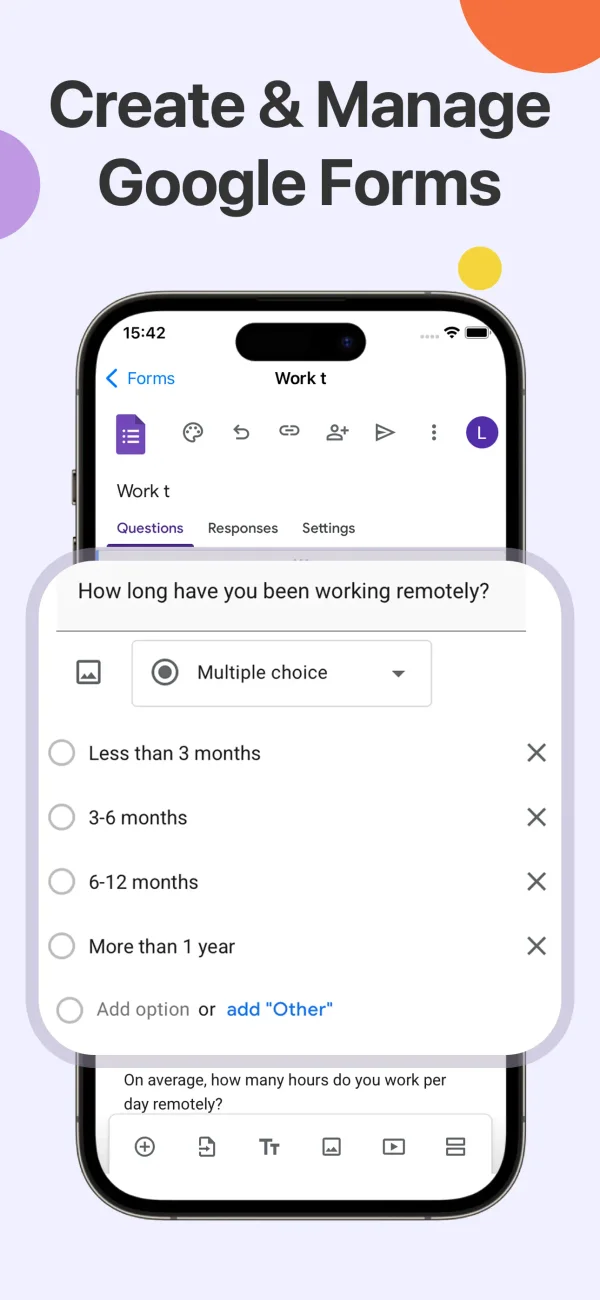
The app features a highly familiar, native-style interface with clear and intuitive interactions. You can quickly create surveys, questionnaires, registration forms, or quizzes—just like using a form tool you already know. Whether for personal use or team collaboration, it’s easy to get started.
For better organization, the app supports folder-based management, allowing you to categorize and structure your forms efficiently. The clean layout makes it simple to find and manage your content.
In addition, you can publish and share forms directly within the app. Generate shareable links instantly to collect responses or conduct research, significantly improving your workflow efficiency.
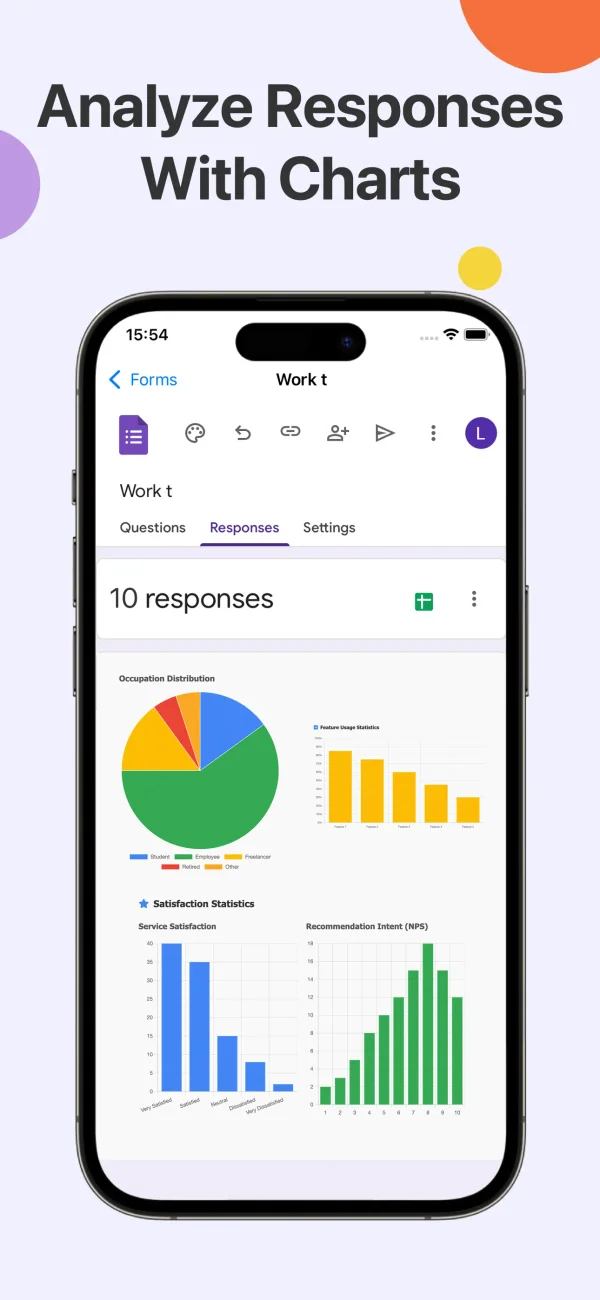
Whether you’re running user research, collecting feedback, or organizing information, this app provides a stable, streamlined, and productive experience.
Key Features:
• Sign in to directly access and manage your form data
• Native-style interface with smooth and intuitive interactions
• Real-time synchronization across devices
• Quickly create and edit various forms and surveys
• One-click publishing and sharing with easy link distribution
• Folder-based organization for clear and structured management
Disclaimer
• This app is a third-party tool designed to improve form creation and management efficiency.
• This app is not affiliated with, endorsed by, or officially associated with Google.
• All form data is accessed based on user authorization, and data handling complies with applicable privacy policies.
• The app does not collect or store user data without explicit user consent.
About Your Subscription:
• Payment will be charged to your iTunes account right after you confirm purchase.
• Unless you turn off auto-renewal at least 24 hours before your current period ends, your subscription will continue automatically.
• You'll be charged for renewal 24 hours before your subscription expires-we'll always show you the price first.
• If you're in a free trial, upgrading to a paid subscription will cancel any unused trial time.
• Want to make changes? You can update or cancel auto-renewal anytime in your iTunes Account Settings.
Terms and Service - https://veltorise.com/terms.html
Privacy Policy - https://veltorise.com/privacy.html
What’s new
Version 1.2.1 · Jul 6, 2026
Bug fixes and performance improvements.
App privacy
What Velto Rise LLC declares on the App Store about how this app handles data.
-
Data not collected
The developer does not collect any data from this app.
Privacy practices may vary, for example with the features you use or your age.
Information
- Seller
- Velto Rise LLC
- Category
- Productivity
- Version
- 1.2.1
- Updated
- Jul 6, 2026
- Released
- Apr 23, 2026
- Size
- 4.7 MB
- Requires
- iOS 16.4 or later
- Age rating
- 4+
- Price
- Free
- In-app purchases
- Yes
- Languages
- English
- Copyright
- © 2025 Velto Rise LLC
You might also like
-
 Search Console ToolSEO Analytics & Rank Tracker
-
 Forms – for Google FormsCreate & Manage Forms
-
 AI Blocker for GoogleHide AI Overviews
-
 FormsCreate Quizzes & Form Surveys
-
 Form Editor for Google FormsCreate your Google Forms
-
 Forms AI+ for Google FormsExcel,Sheet,Sheets,QR,Quiz,CSV
-
 Link to GooglebookLink your iPhone to Googlebook
-
 Sync with Google DriveBackup photos to Google Drive
-
 Scan Boss for Google Drive1 Tap Scan PDF to Google Drive
-
 Google CloudProductivity