Format Conversion
Live, Video, Image, GIF, PDF
Designed for iPhone, iPad, iPod touch
Free · In-app purchases
- Age rating4+
- CategoryUtilities
- Developer月霞 陈
- LanguagesEnglish+ 44 more
- Size26.6 MB
Links to the official App Store page
Download.org hosts no file of Format Conversion. The button opens its official App Store page, published by 月霞 陈. Listing last checked on Nov 20, 2026.
Screenshots

About
Overview:
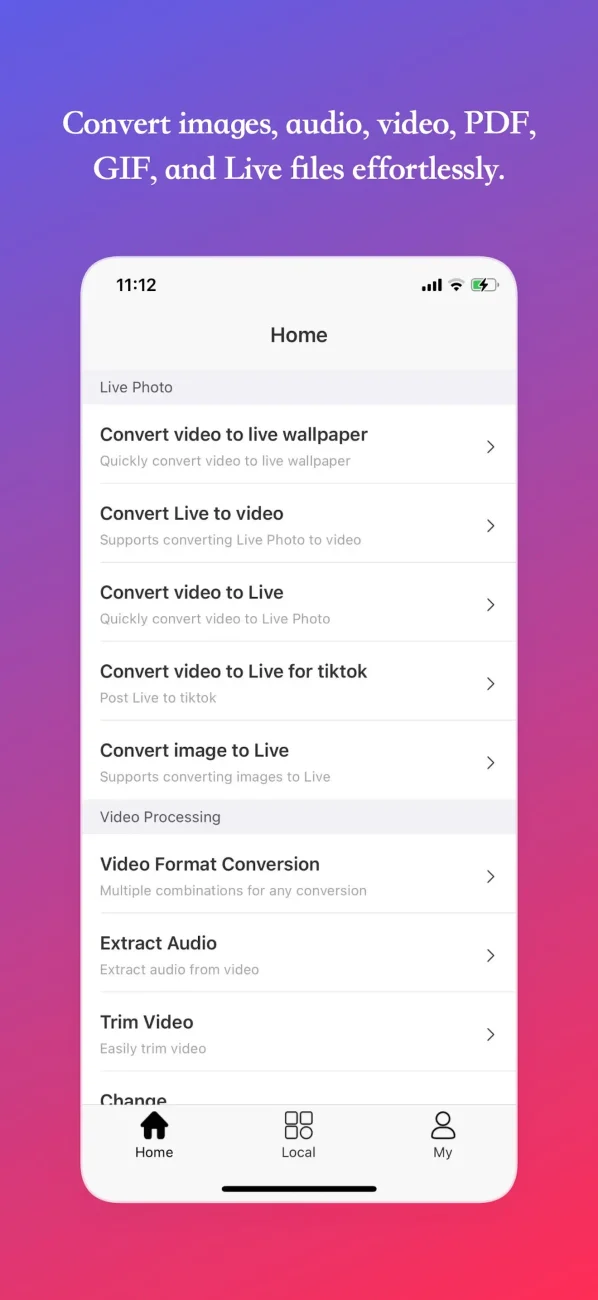
This all-in-one app covers video, Live Photos, photo editing and PDF. Turn videos into live wallpapers, photos into Live Photos, extract audio, convert formats, or merge, split and compress PDFs — all in a flash.
Key Features:
[Live Photos]
Video to Live Wallpaper
Quickly turn your favorite videos into live wallpapers and personalize your screen.
Live Photo to Video
Convert Live Photos to video and save every special moment.
Video to Live Photo
Turn videos into Live Photos in seconds and freshen up your album.
Video to Live Photo for Social
Easily create Live Photos for social media and share your moments.
Photo to Live Photo
Turn still photos into Live Photos and bring them to life.
Mute Live Photo
Remove the sound from Live Photos and save them muted.
[Video Tools]
Video Format Conversion
Fast conversion between many video formats for any platform.
Extract Audio
Extract clean audio from videos and save your favorite music.
Trim Video
Trim videos easily and keep only the best parts.
Video Speed
Freely adjust playback speed, from slow motion to fast.
Video to GIF
Pick a clip and easily create animated GIFs.
[Photo Editing]
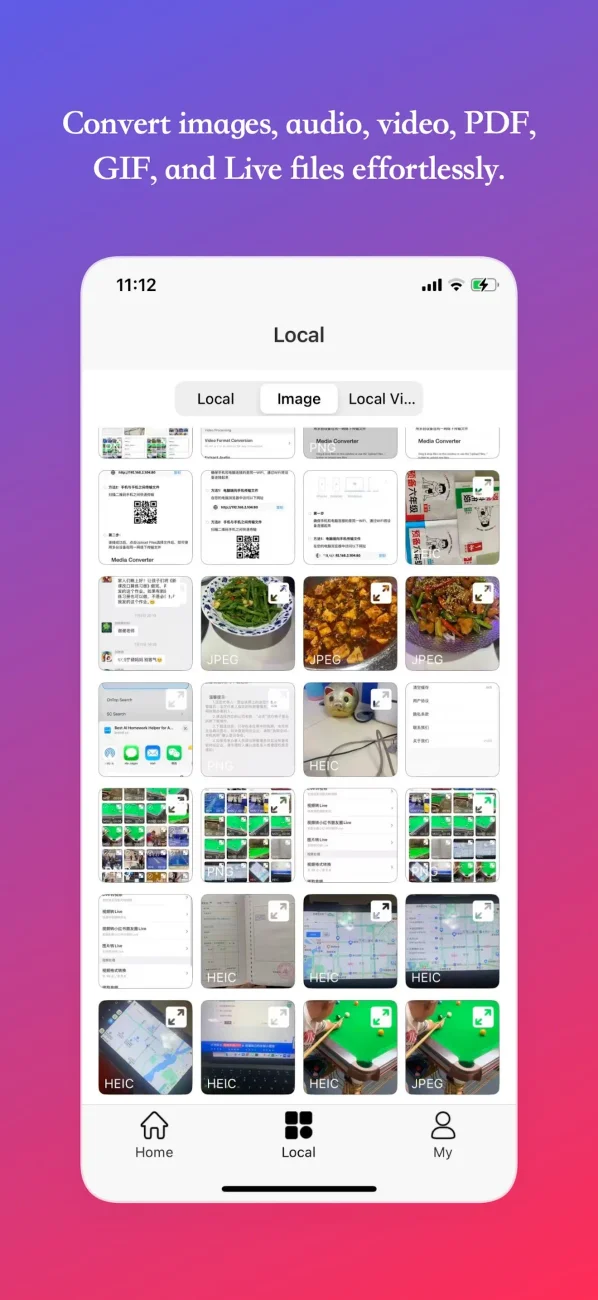
Photo Format Conversion
Convert between various image formats for any purpose.
Compress Photos
Compress photos without losing quality.
Rotate Photos
Rotate photos 360 degrees and fix the angle anytime.
Resize Photos
Set your own size to fit any platform with ease.
Photos to GIF
Turn photos into animated GIFs in a flash.
Remove Location Data
Wipe location and other private data from photos with one tap.
3×3 Grid Crop
Cut one photo into nine 3×3 tiles — better for social feeds.
Mosaic & Pixelate
Multiple mosaic levels for complete privacy.
Partial Blur
Drag the frame to blur just the area you choose.
Black & White Photos
Three styles — classic B/W, noir and tonal — in one tap.
Photo to ASCII Art
Turn photos into copyable ASCII text art.
App Icon Generator
Generate all iOS icon sizes from one square photo.
[PDF Toolkit]
Photos to PDF
Combine multiple photos into one PDF in your chosen order.
Merge PDF
Quickly merge multiple PDF files into one.
Extract PDF Pages
Extract the pages you need by page range.
PDF to Images
Export every page as JPG or PNG in HD quality.
Compress PDF
Smart compression that dramatically shrinks file size.
Rotate PDF
Rotate the whole document by 90, 180 or 270 degrees.
PDF Watermark
Add a text watermark to every page against misuse.
Delete PDF Pages
Remove unneeded pages by page range.
Reorder PDF Pages
Set your own page order and tidy up documents fast.
Add Page Numbers
Add page numbers at the bottom — easier printing and binding.
Scan Effect
Grayscale + contrast makes documents look scanned.
PDF Reader
Read PDFs smoothly with continuous scrolling.
Why choose us:
Fast and simple: video editing, format conversion, photo editing or PDF — always the shortest path.
Feature-rich: video, photos, audio, Live Photos and PDF — every need in one app.
High-quality output: best quality after conversion, with lossless processing support.
PDF all-rounder: merge, split, compress, watermark and page numbers in one place.
Better privacy: mosaic, partial blur and location removal — one tap before sharing.
Video to Live Wallpaper: one tap to turn a video into your phone's live wallpaper.
Video / photo to Live Photo: videos or stills become Live Photos in seconds, ready for your iPhone album.
Merge & split PDF: many files into one or extract selected pages — document handling as easy as a screenshot.
What’s new
Version 1.0.11 · Oct 22, 2026
Experience improvements and bug fixes.
App privacy
What 月霞 陈 declares on the App Store about how this app handles data.
-
Data not collected
The developer does not collect any data from this app.
Privacy practices may vary, for example with the features you use or your age.
Information
- Seller
- 月霞 陈
- Category
- Utilities
- Version
- 1.0.11
- Updated
- Oct 22, 2026
- Released
- Aug 27, 2025
- Size
- 26.6 MB
- Requires
- iOS 15.6 or later
- Age rating
- 4+
- Price
- Free
- In-app purchases
- Yes
- Languages
- English, Amharic, Arabic, Bengali, Burmese, Danish, Dutch, Filipino, French, German, Gujarati, Hausa + 33 more
- Copyright
- Copyright © 2025 Chen Yuexia. All rights reserved.
You might also like
-
 Video to MP3: Extract AudioMP3 Converter, GIF Maker
-
 Music Editor & Cutter StudioExtract Audio & Stems, TTS&STT
-
 Video Converter MP4Convert between video formats
-
 Video Compressor - VidPressCompress Videos: MP4 Converter
-
 JPG Image Converter PNG/JPEGConvert Photo to PDF, Compress
-
 The Video ConverterConvert to MP4, MOV, and MP3
-
 UnRAR - zip,rar,7z file openerunarchiver, archives extractor
-
 قنينةUtilities
-
 CineStream-Effortless ImportQuick Import for HD Enjoyment
-
 Nexus-Privacy FirstPrivacy in Every Click