- Age rating4+
- CategoryPhoto & Video
- DeveloperPou Ieng Che
- LanguagesEnglish+ 8 more
- Size73.2 MB
Links to the official App Store page
Download.org hosts no file of FORME Film Camera. The button opens its official App Store page, published by Pou Ieng Che. Listing last checked on Nov 23, 2026.
Screenshots

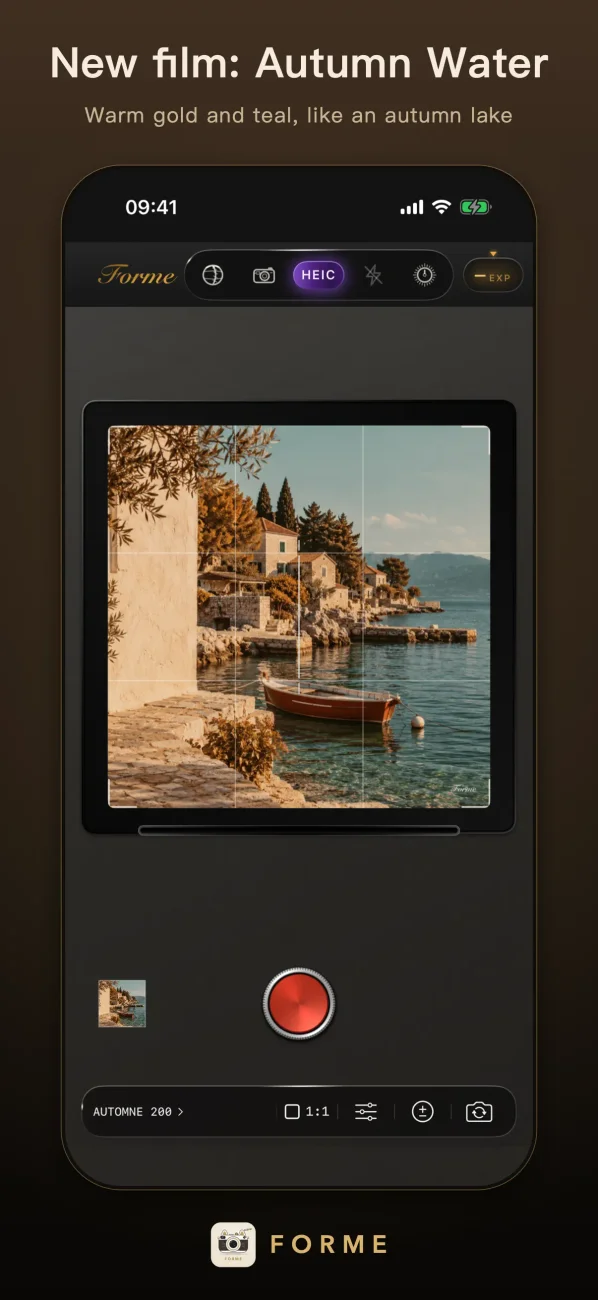
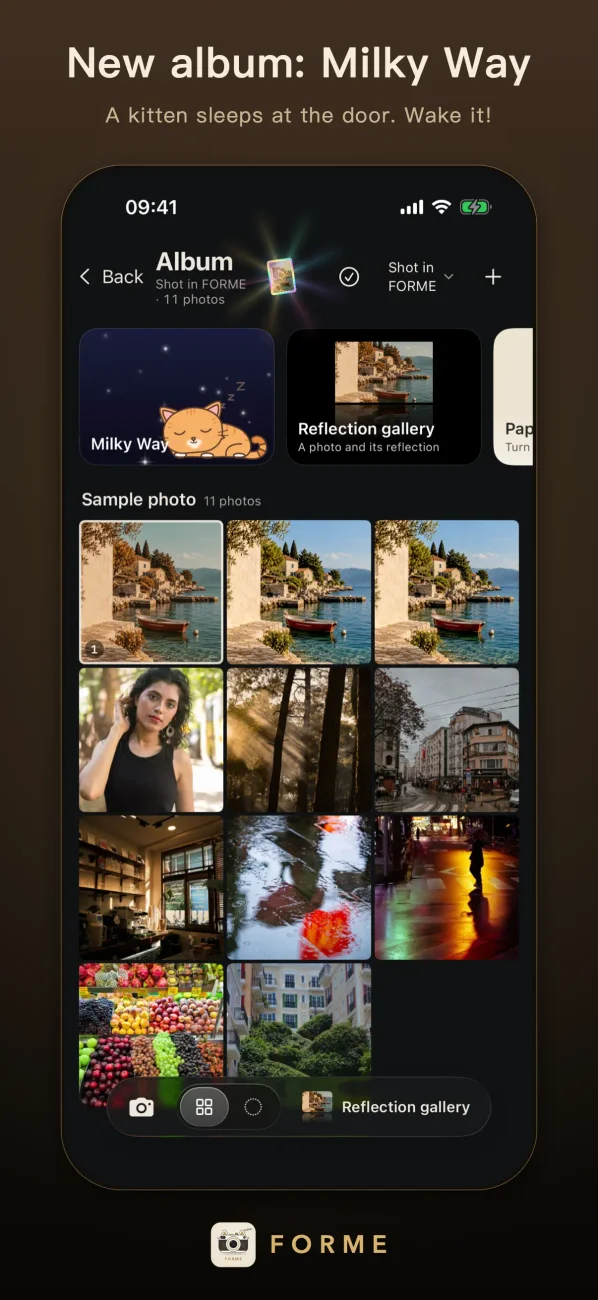
About
FORME Film Camera
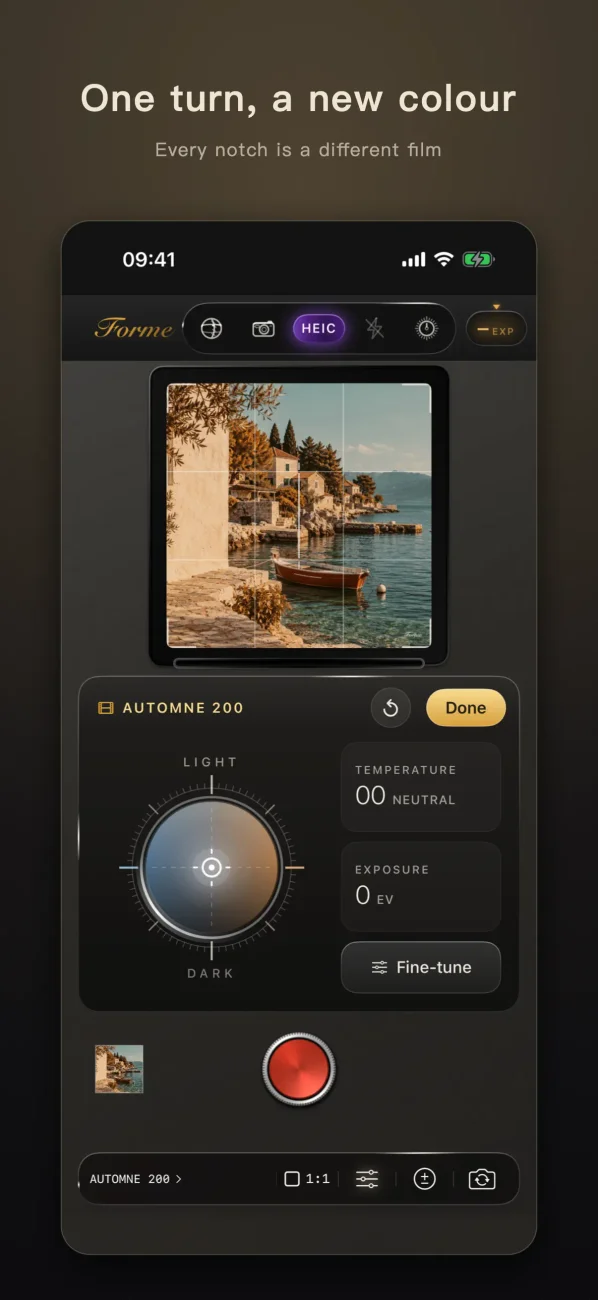
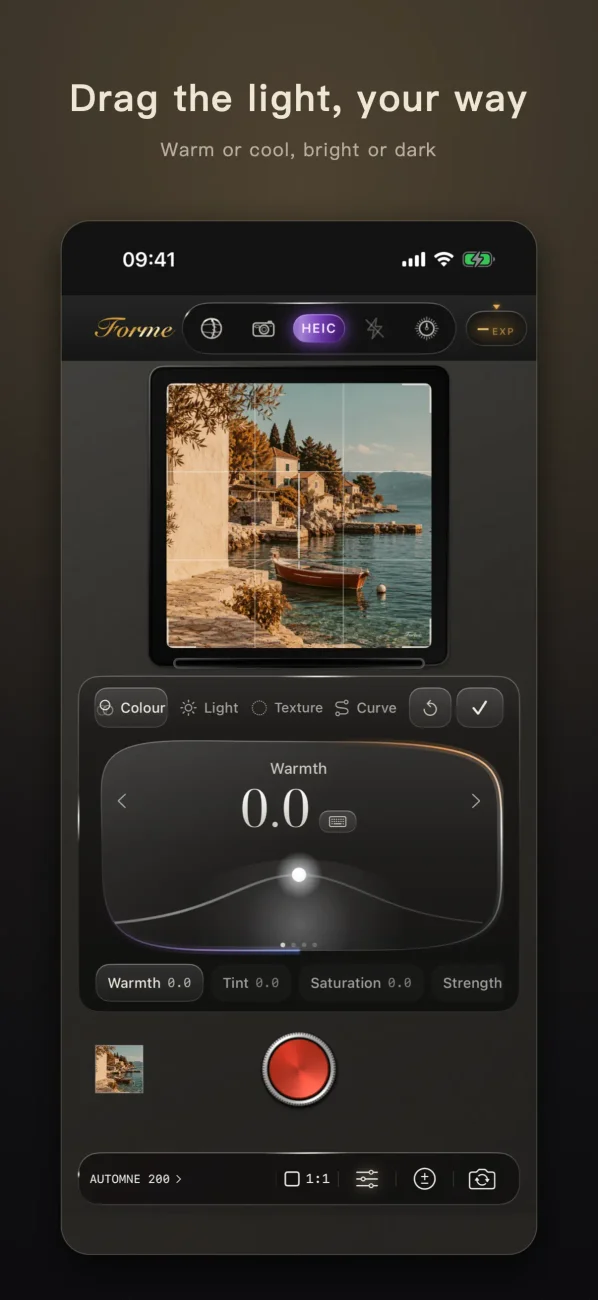
· 28 films, with settings drawn from real film data
· Photos keep their HDR, and the Photos app recognises it
· Nine languages
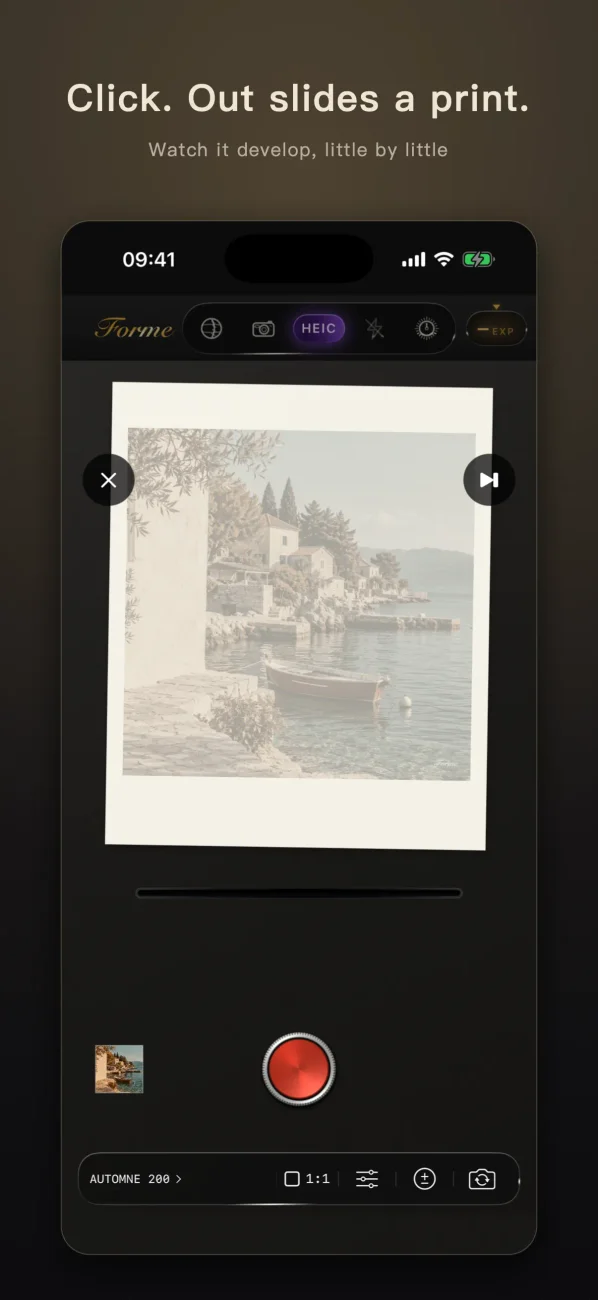
· Prints feed out like an instant camera and slowly develop
· Made for iPhone Duo: half folded, it becomes a waist-level finder
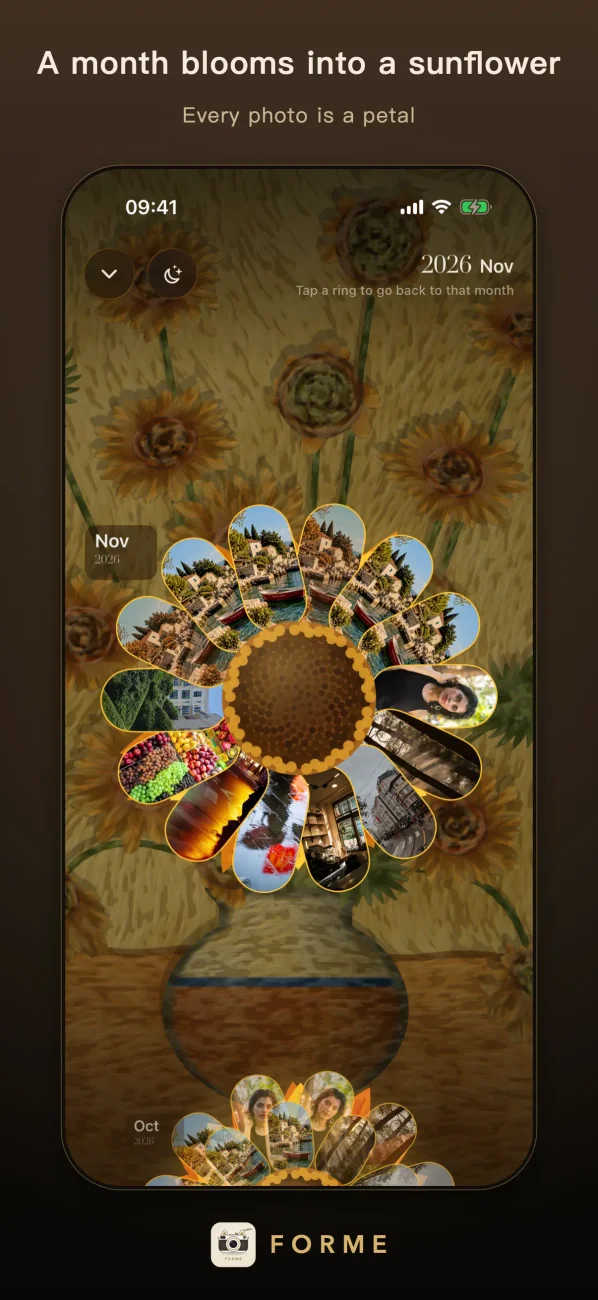
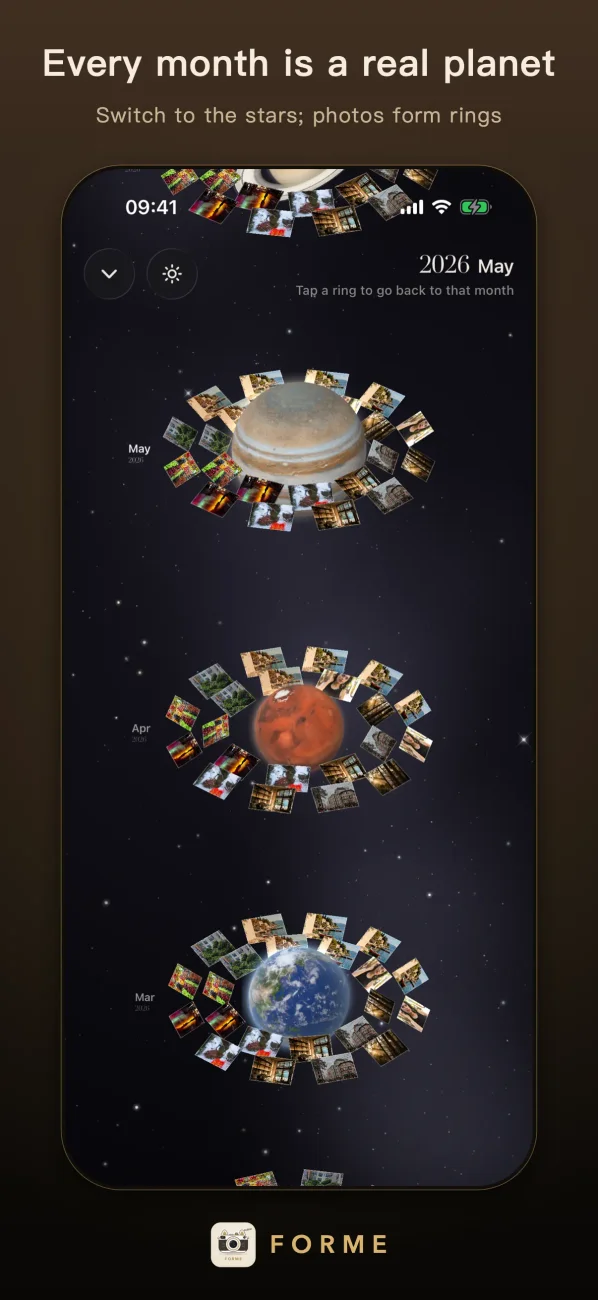
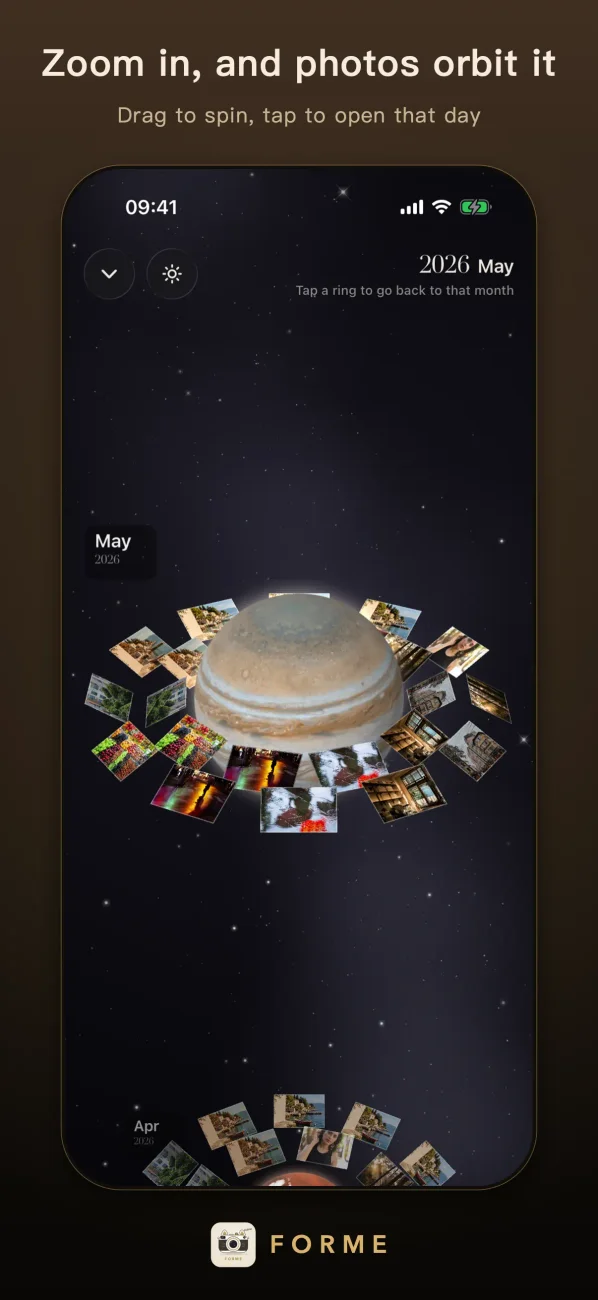
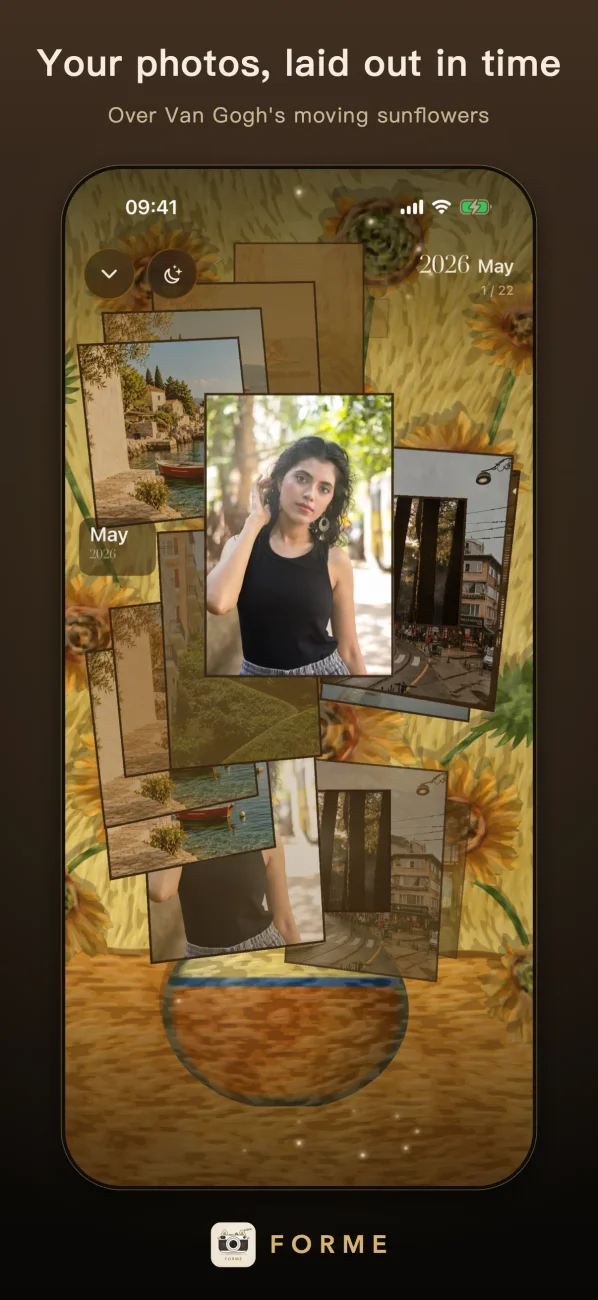
· Several ways to see your photos: a reflection gallery, pop-up paper books, stamps and postcards
(Over a hundred builds later, it's finally here T_T)
Chirp chirp chirp
What’s new
Version 1.3 · Nov 21, 2026
This update mainly improves image quality, smoothing and film looks, plus a few tweaks to how the app feels.
· HDR: no longer harsh in bright light, with more natural highlights.
· Smoothing: fixes the pale, stiff look on faces and looks more natural in every kind of light.
· 3 new films: Hearth for bright food shots, Dark Fragrance for moody dining, and Clear River for landscapes.
· All 28 films tuned: each one was checked under 12 lighting conditions to fix blown-out whites and green, purple or gray shadows. Bygone also loses its yellow-green cast and sallow skin tones (new photos only).
· Viewfinder: smoother when you adjust a film, with no more noticeable dropped frames.
· Focus: Auto macro is now off by default and focus is steadier. If you're too close, you'll see "Too close – move back a little".
· Interface: the Back buttons on the enlarged photo page and the print preview page are now round smoked-glass keys.
· Flip camera: all three camera bodies now keep the Flip camera button in the bottom bar, and the viewfinder flips more smoothly.
· Duo: "Instant print" in Settings is now always shown, so you no longer need to turn on Dual-screen preview first.
· Restore film look: if you tap "Revert" in the Photos app, you can now bring the film look back with "Restore film look" at the top of the FORME album. Settings also has a new "Restore film look" page.
· Location: the "Record location" switch is gone, and photos now record where they were taken by default. To turn it off, go to Settings › Privacy & Security › Location Services › FORME.
We've also added a choice of where your watermark goes.
That's everything in this update. Meow meow meow
App privacy
What Pou Ieng Che declares on the App Store about how this app handles data.
-
Data linked to you
May be collected and linked to your identity.
- Contact info
- User content
- Diagnostics
Privacy practices may vary, for example with the features you use or your age.
Information
- Seller
- Pou Ieng Che
- Category
- Photo & Video
- Version
- 1.3
- Updated
- Nov 21, 2026
- Released
- Nov 16, 2026
- Size
- 73.2 MB
- Requires
- iOS 17.0 or later
- Age rating
- 4+
- Price
- Free
- Languages
- English, French, Japanese, Korean, Malay, Simplified Chinese, Spanish, Thai, Traditional Chinese
- Copyright
- © 2026 FORME
You might also like
-
 PON. — Photos of Nothing.Black & White Camera Editor
-
 pola - Retro Instant CameraVintage photos in white frames
-
 NarraCamUnderstand before you capture
-
 35mm Film Camera ProClassic 35mm Film Camera
-
 Nex Fotos - Pro CameraCamera, Photo Editor, Frames
-
 Camera HD & Pro Raw Photo HDRCinematic Photography & Video
-
 EmulsifyFilm Emulation for iPhone
-
 TiltShift - blur effect cameraMake the photo look as a small
-
 pico cam: Dynamic Island picsTiny camera, photo magic
-
 Colorby: AI Color Editor & CamOwn any look, shape your taste