- Age rating4+
- CategoryLifestyle
- DeveloperKANDK
- Size2.3 MB
Links to the official App Store page
Download.org hosts no file of FormHour. The button opens its official App Store page, published by KANDK. Listing last checked on Nov 13, 2026.
Screenshots



About
FormHour turns your iPhone into a calm, beautifully crafted analog clock for your desk, studio, nightstand, or focused work sessions.
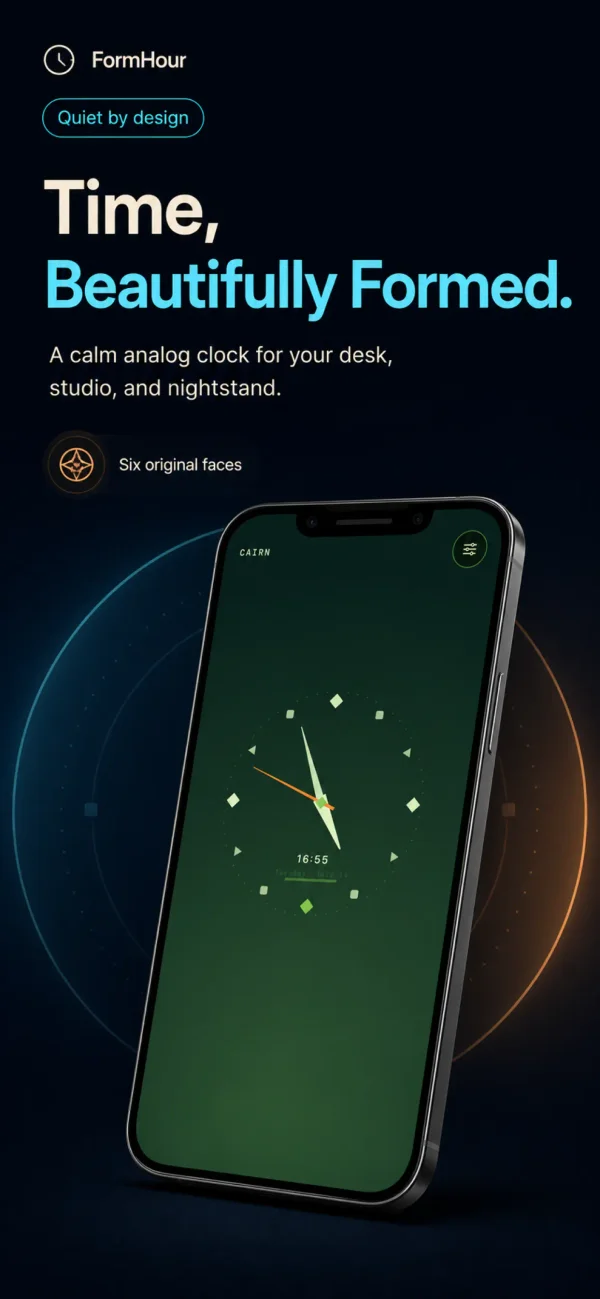
Choose from six distinctive clock faces, each with its own geometry, hands, markers, colors, and visual rhythm. Switch between quartz ticking and smooth sweeping motion, use a minimal display, and adjust the clock for daytime or OLED-friendly nighttime viewing.
Features:
- Six distinctive analog clock faces
- Quartz Tick and Smooth Sweep movements
- Day and Night themes
- Ambient color shifts throughout the day
- Optional seconds, date, and weekday
- 12-hour and 24-hour display
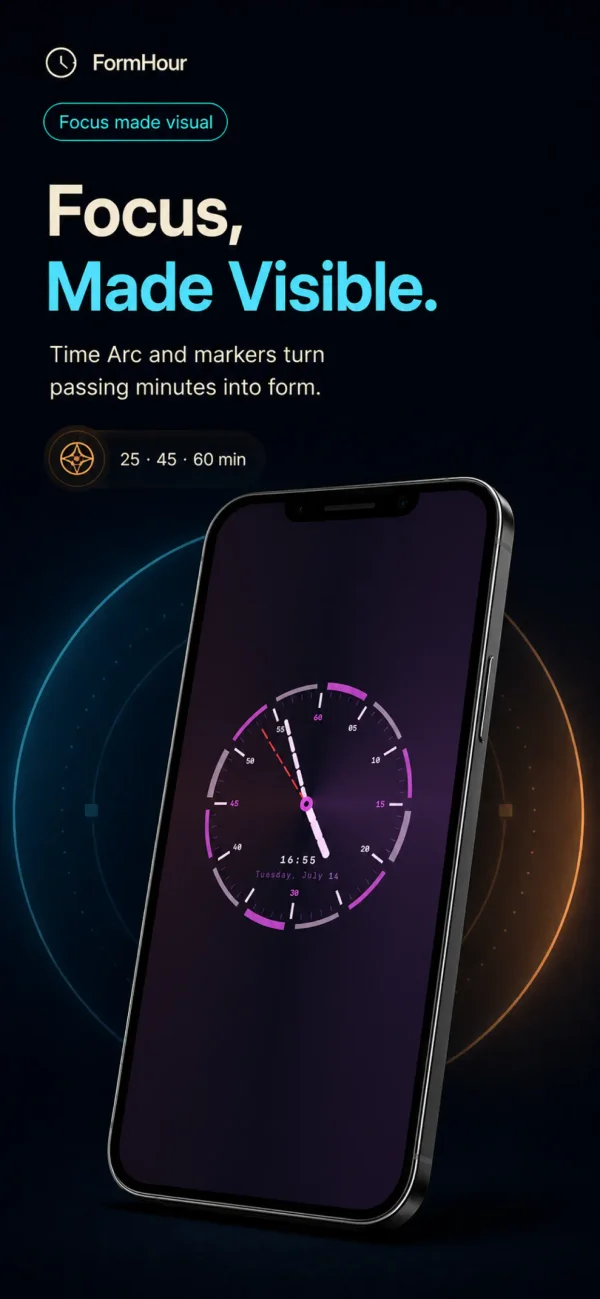
- Time Arc and Focus Markers
- Minimal Mode
- Optional hourly or half-hour Quiet Chime
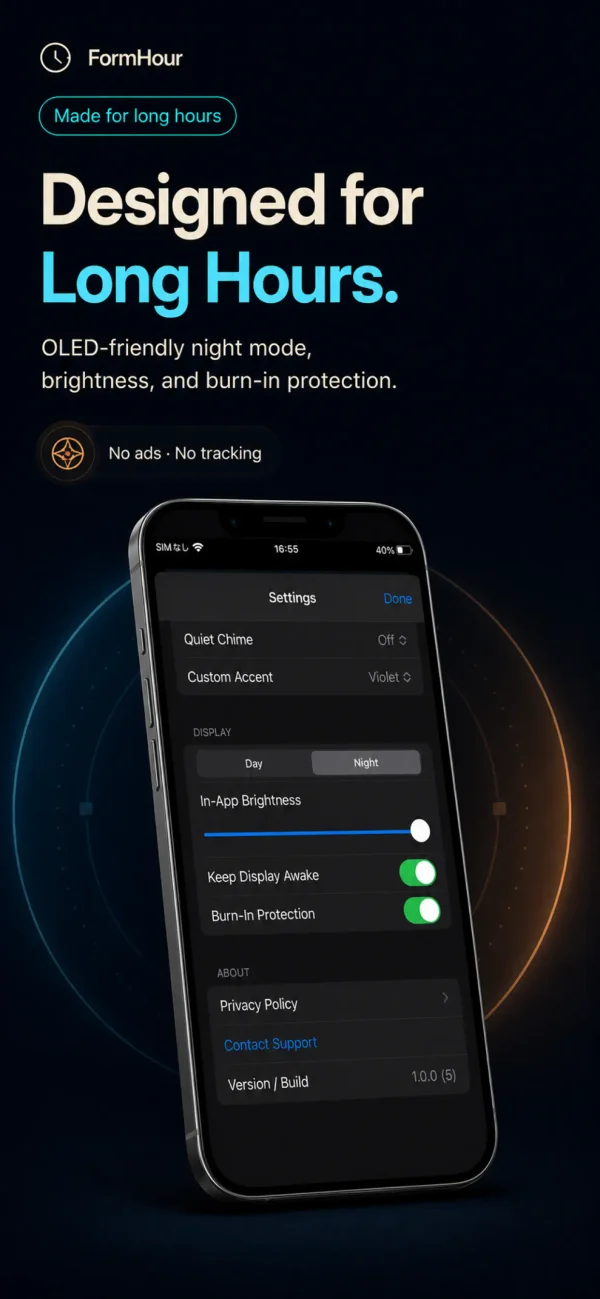
- In-app brightness control
- Screen sleep prevention
- Burn-in reduction for extended display
- Portrait and landscape support
All features are available for free in version 1.0.0.
FormHour includes no subscriptions, in-app purchases, advertisements, accounts, analytics, or tracking. Settings remain locally on the device.
App privacy
What KANDK declares on the App Store about how this app handles data.
-
Data not collected
The developer does not collect any data from this app.
Privacy practices may vary, for example with the features you use or your age.
Information
- Seller
- KANDK
- Category
- Lifestyle
- Version
- 1.0.0
- Updated
- Jul 24, 2026
- Released
- Jul 23, 2026
- Size
- 2.3 MB
- Requires
- iOS 15.0 or later
- Age rating
- 4+
- Copyright
- © 2026 Passmate
You might also like
-
 Terralox: Climate Change3D Earth — Climate Action
-
 QuockTime-telling, text-loving.
-
 Artisan: Bedside Clock GalleryTalking Clock and Watch Faces
-
 Flip Desk Clock - DeskEchoAesthetic clock & mood ticker
-
 Clo-E – Minimal ClockAnalog bedside clock
- Timey: Loud Shareable AlarmsHeavy Sleepers, Snooze Less
-
 24Clock - AtomBoxLifestyle
-
 OLEDX Analog BigClock-PendulumAwesome Analogue WallpaperTime
-
 GoodNight RadioVoice from the world
-
 Flip Clock - Focus TimerFull screen desktop clock