
- Age rating4+
- CategoryProductivity
- DeveloperRahul Kadyan
- LanguagesEnglish
- Size3.4 MB
Links to the official App Store page
Download.org hosts no file of Foveate. The button opens its official App Store page, published by Rahul Kadyan. Listing last checked on Nov 18, 2026.
Screenshots
About
The world moves fast. Foveate helps you keep up.
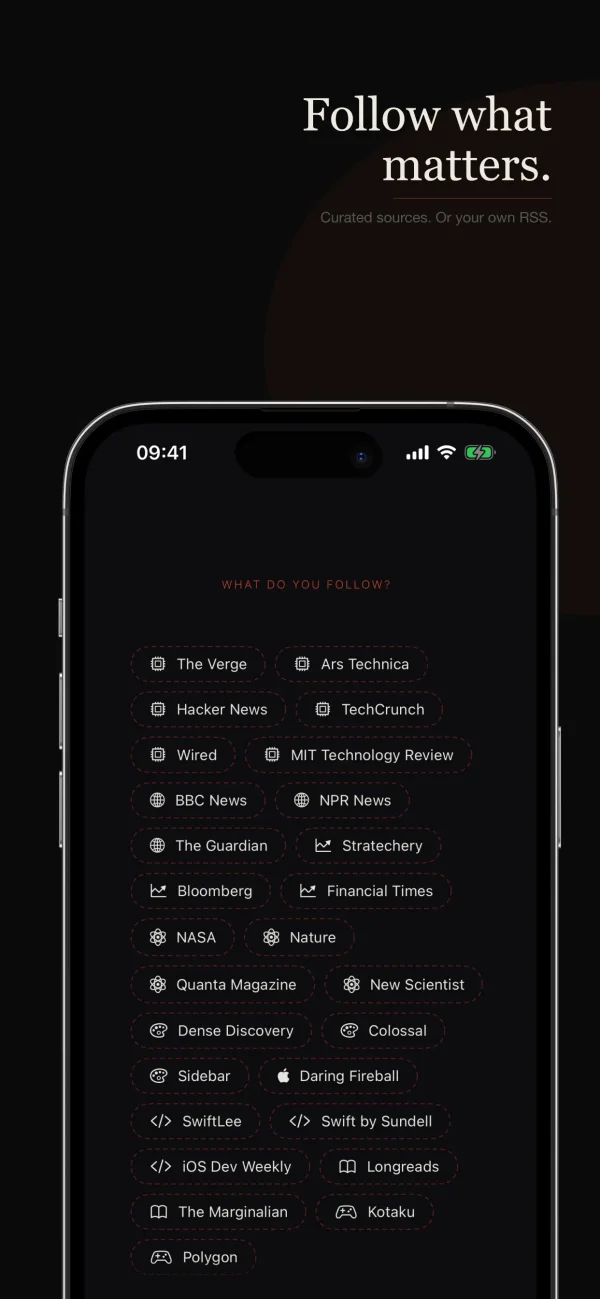
Subscribe to the blogs, news sites, and publications you care about. Foveate fetches your feeds, generates daily and weekly summaries using Apple Intelligence, and lets you speed-read articles using rapid serial visual presentation.
Instead of scanning lines of text, you read one word at a time at a fixed point on the screen. Each word is positioned for quick recognition, and the pacing adapts automatically, slowing down for longer or less common words and pausing at the end of sentences. Most people read at around two hundred and fifty words per minute. With Foveate, you can comfortably reach three hundred to six hundred words per minute while still understanding what you read.
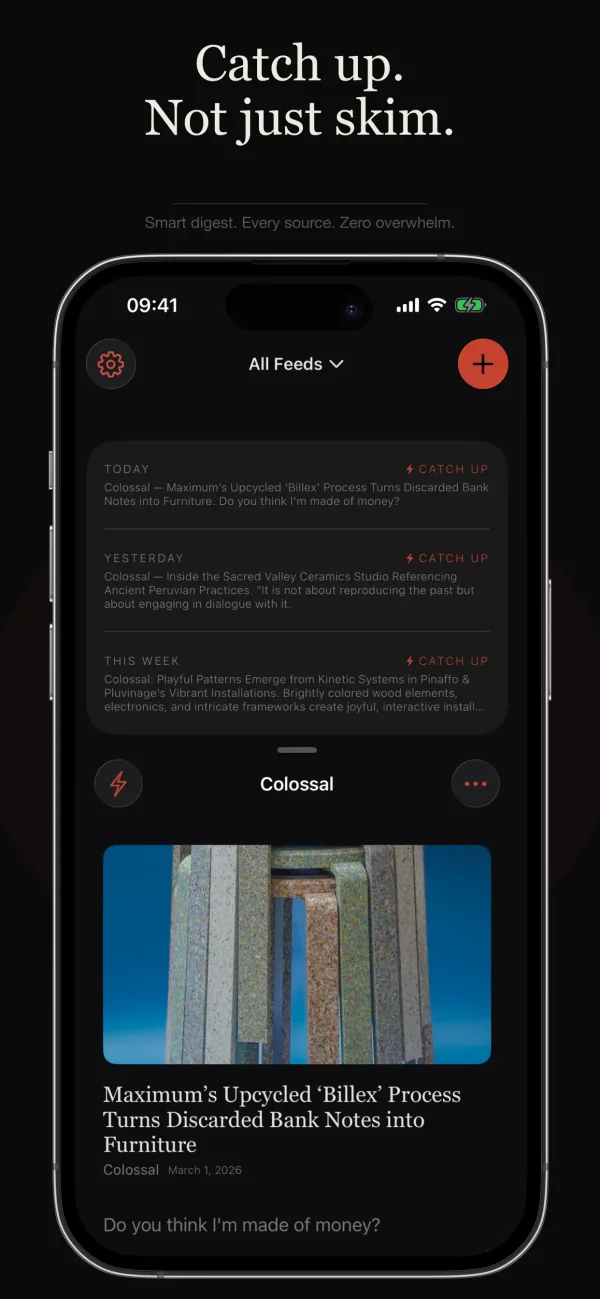
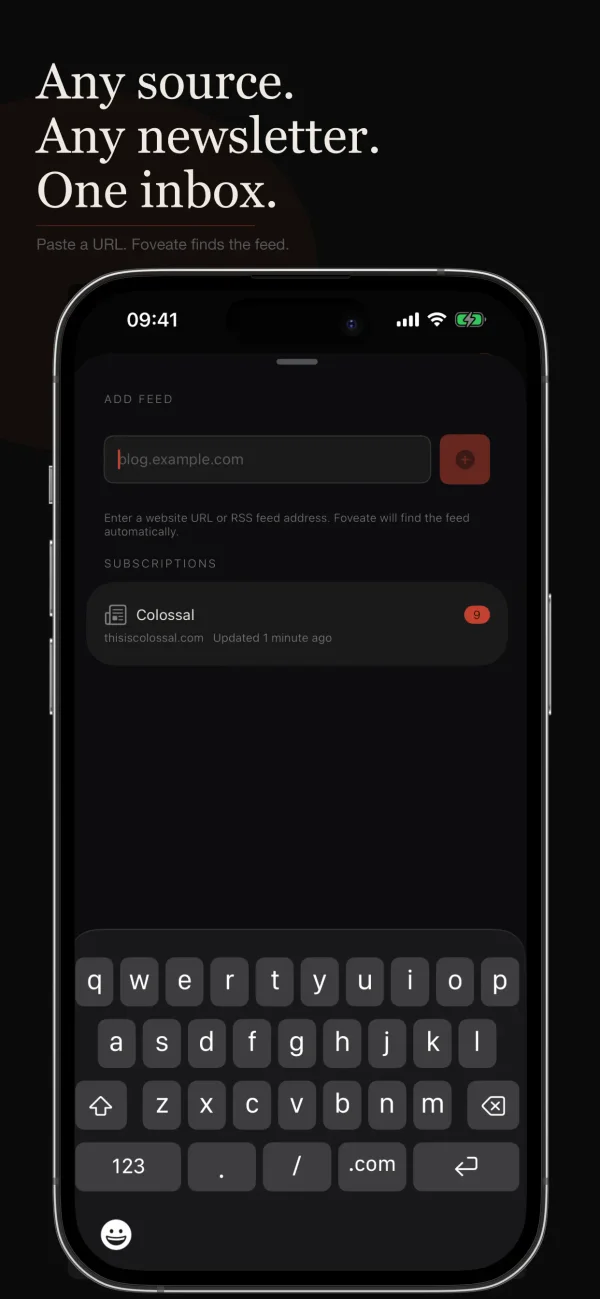
Subscribe to any RSS or Atom feed. Articles appear in a clean timeline grouped by day. Apple Intelligence creates daily and weekly digests so you can catch up fast. You can filter by feed, search across all your articles, pull to refresh, and save articles for offline reading.
The speed reader anchors each word at its optimal recognition point and adjusts timing for punctuation, word length, and word frequency. Choose from three pace profiles. Cruise holds a steady speed. Flow adapts dynamically as you read. Training starts slow and gradually ramps up. Every session opens with a short countdown and ends with your reading statistics. You can turn on haptic feedback at sentence boundaries if you like.
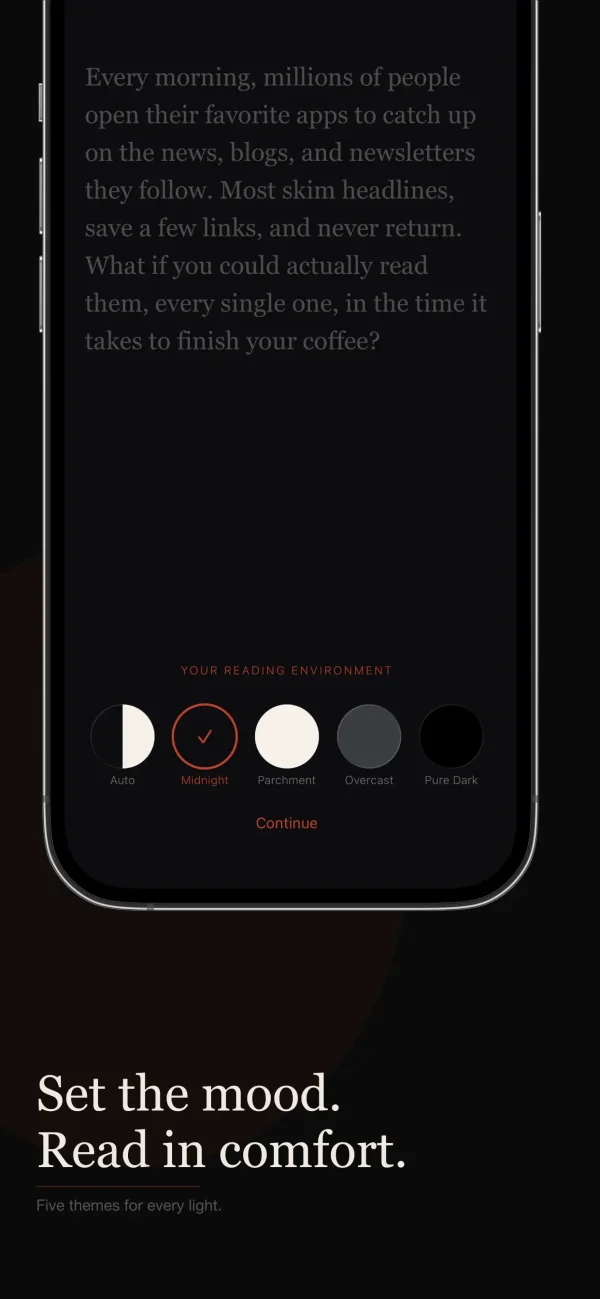
Foveate comes with four reading themes. Midnight is a warm charcoal background with a cinnabar red accent. Parchment uses a cream background with deep brick red. Overcast is a cool gray with soft scarlet. Pure Dark is true black for OLED screens. You can also set it to follow your system appearance automatically.
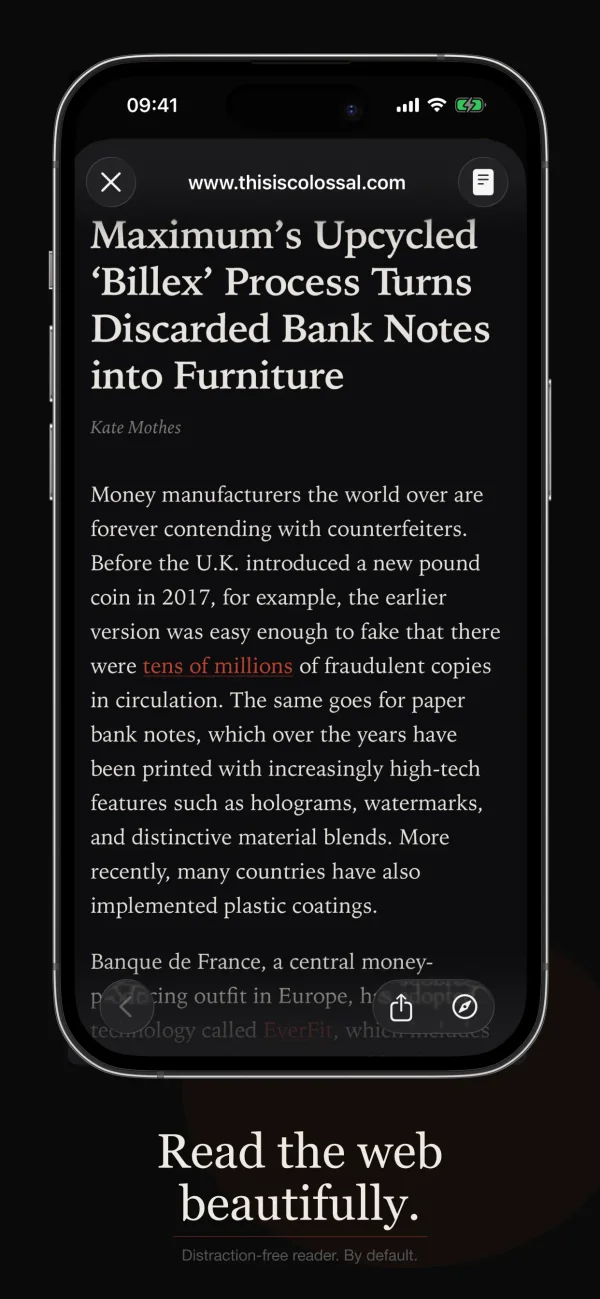
There is a built-in article reader that strips away ads, navigation, and clutter so you see just the text. You can adjust the font size, and it matches whichever theme you have selected.
There are no ads, no tracking, and no analytics. There are no subscriptions. You pay once and get full access. Your data syncs across iPhone and iPad with iCloud, and Apple Intelligence processes everything on your device.
The world moves fast. Read faster. One purchase. Full access. No compromises.
What’s new
Version 1.1 · Mar 17, 2026
iPad Split-Column Layout: Foveate now adapts to iPad with a two-column layout in landscape that collapses to single-column in slide-over and compact windows.
Speed Read on iPhone and iPad: The RSVP speed reader is no longer Mac-only. Tap the bolt icon on any article to launch it on any device.
Smarter Catch-Up Summaries: Daily and weekly AI summaries are more concise and use your reading budget more efficiently.
Swipe to Dismiss: Clear catch-up cards (Today, Yesterday, This Week) with a quick swipe to keep your feed tidy.
App privacy
What Rahul Kadyan declares on the App Store about how this app handles data.
-
Data not collected
The developer does not collect any data from this app.
Privacy practices may vary, for example with the features you use or your age.
Information
- Seller
- Rahul Kadyan
- Category
- Productivity
- Version
- 1.1
- Updated
- Mar 17, 2026
- Released
- Mar 11, 2026
- Size
- 3.4 MB
- Requires
- iOS 26.2 or later
- Age rating
- 4+
- Price
- Free
- Languages
- English
- Copyright
- © 2026 Rahul Kadyan. All rights reserved.
You might also like
-
 Type - WPM Typing TestTyping Test & WPM Tracker
-
 HyperReadRead 3x Faster
-
 LinkClip - Save links easilySave links easily by category
-
 Science ExplorerSmartest way to master science
-
 Wiki LLMYour own linked knowledge wiki
-
 OpenFile - Preview any FilePreview 100+ File Formats
-
 keyboard typing test PracticeKeyboard Trainer WPM Tracker
-
 Preside emailReal email for mobile.
-
 Jeejee: Markdown, LaTeX & InkTake notes your way
-
 Klok AIProductivity