
Fox Issue & Project Tracking
Plan, track, and release.
Designed for iPhone, iPad, Mac
Free · In-app purchases
- Age rating4+
- CategoryDeveloper Tools
- DeveloperDaniel Griffin
- LanguagesEnglish+ 2 more
- Size50.1 MB
Links to the official App Store page
Download.org hosts no file of Fox Issue & Project Tracking. The button opens its official App Store page, published by Daniel Griffin. Listing last checked on Nov 20, 2026.
Screenshots
About
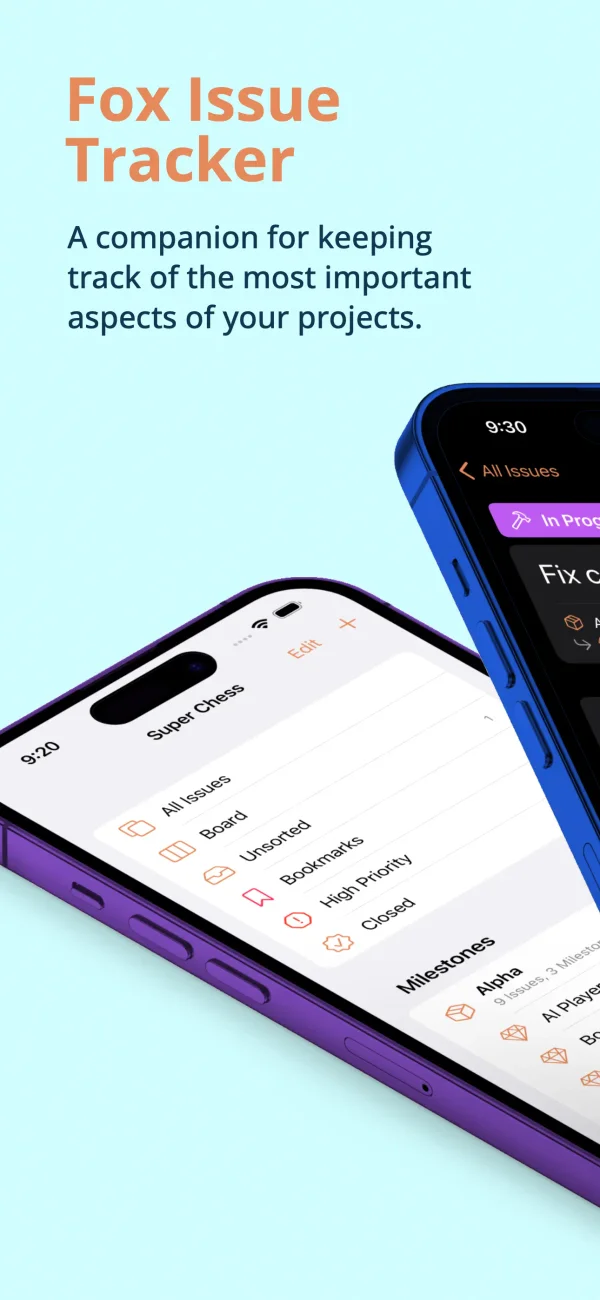
Fox gives your work a structured place to live. Built for solo developers and small teams, it organizes everything around the versions you're shipping and the milestones that get you there—turning scattered tasks into a clear path to delivery and helping to ensure nothing is left behind.
Fox offers several ways to buy: a lower-cost subscription, or a one-time lifetime purchase. Your purchase grants universal access on Mac, iPad, and iPhone.
# Stay Focused on What Matters
Fox helps you organize work that's outgrown todo apps and notes. Break down your projects into clear, actionable issues. Group them into milestones and versions to track goals and align releases. Track progress on a flexible Kanban board. It's everything you need to focus on your work.
# Keep Your Projects On Track
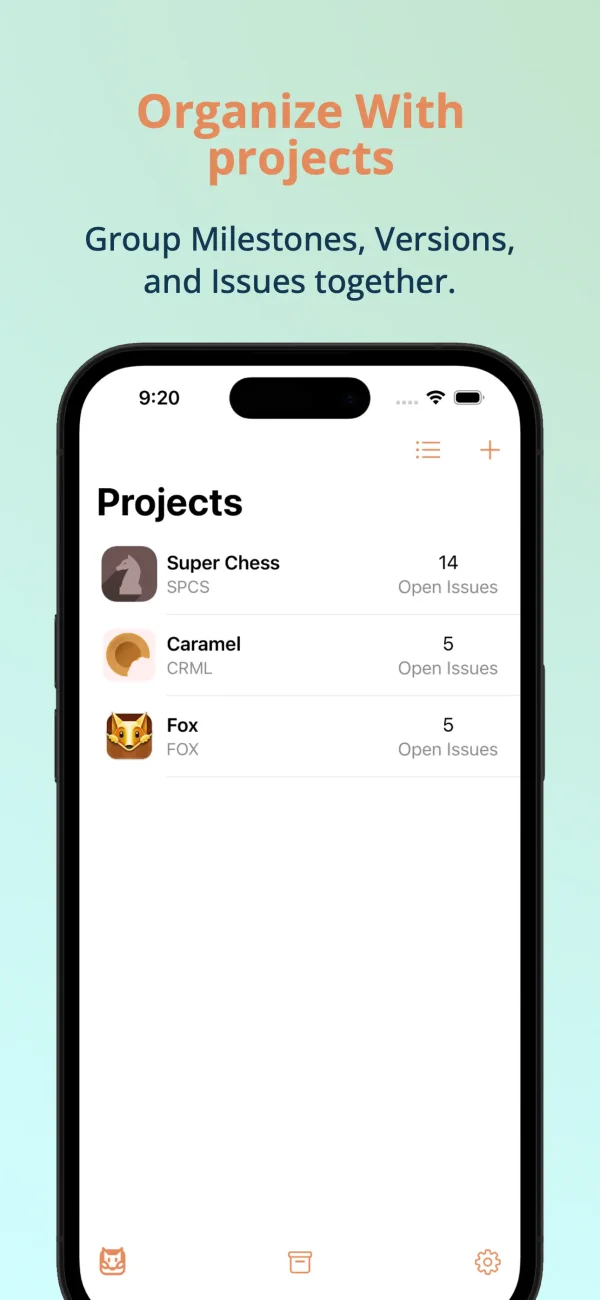
- A simple concept: Projects to organize your work, Milestones for goals, and Versions to deliver – Organize issues into a hierarchy that matches how you think and work
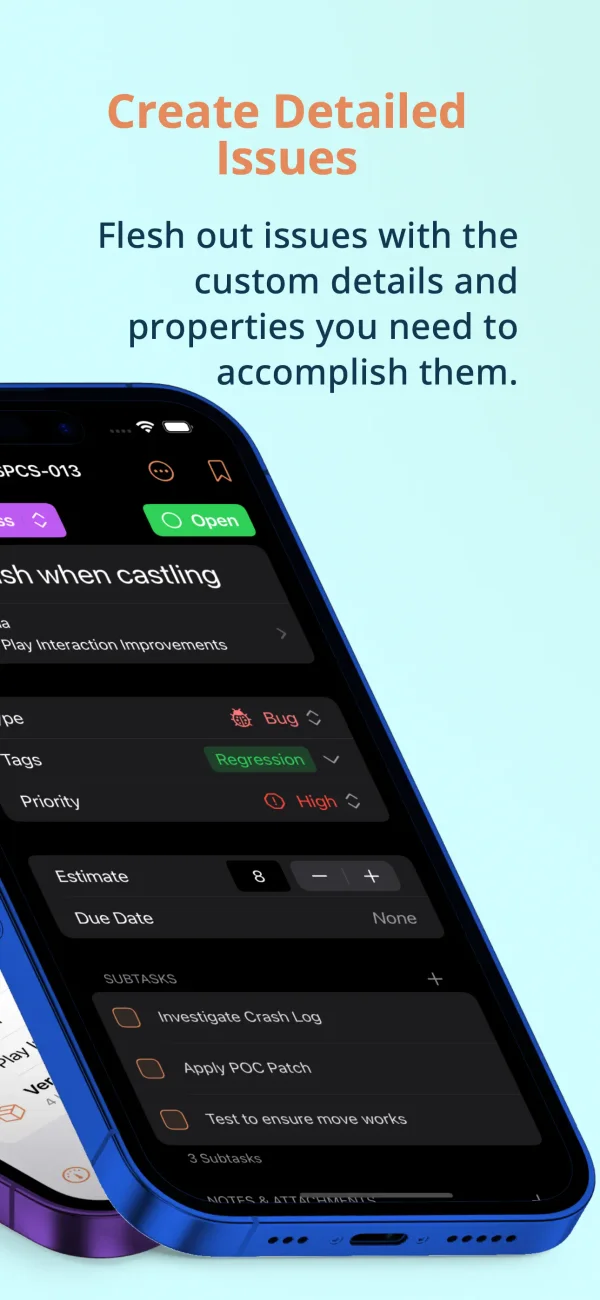
- Comprehensive Issues – Track everything from simple tasks to complex features with subtasks, estimates, actual effort, due dates, links, and even more. Comprehensive history shows how Issues have developed over time
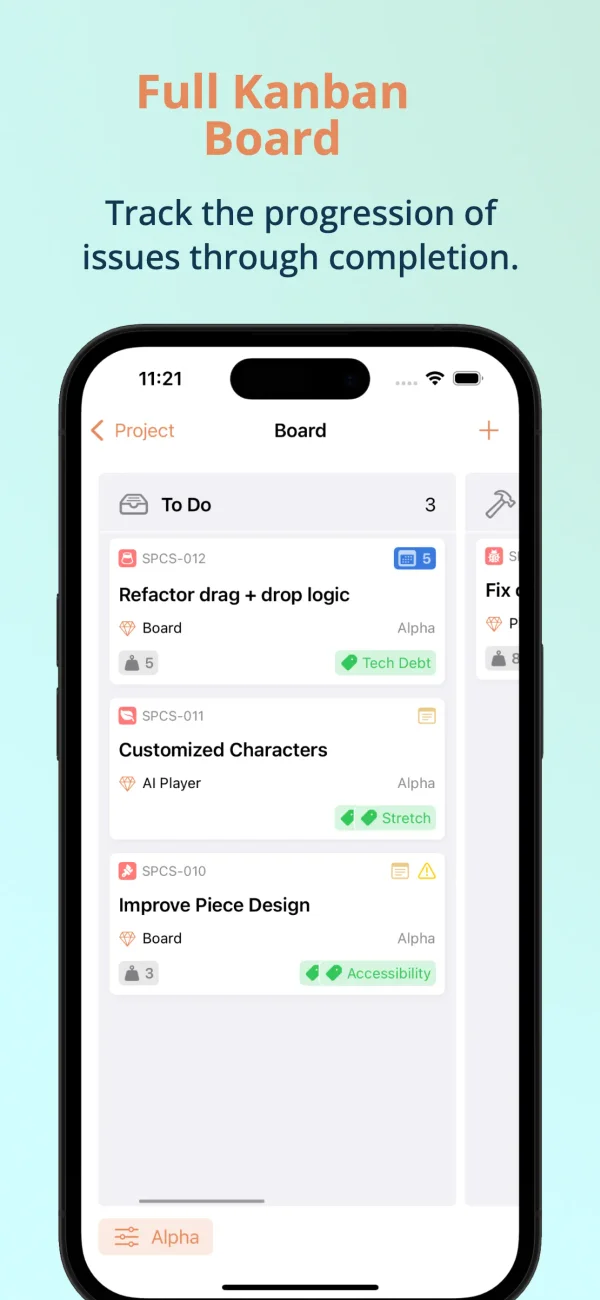
- Flexible Kanban Board and Outline View – See your work the way you need to — boards for flow, outlines for the bigger map.
- Rich Markdown Notes – Write detailed descriptions with code blocks, inline images, and links between issues
- Resolution Tracking – Mark completed work with resolution status and notes for future reference
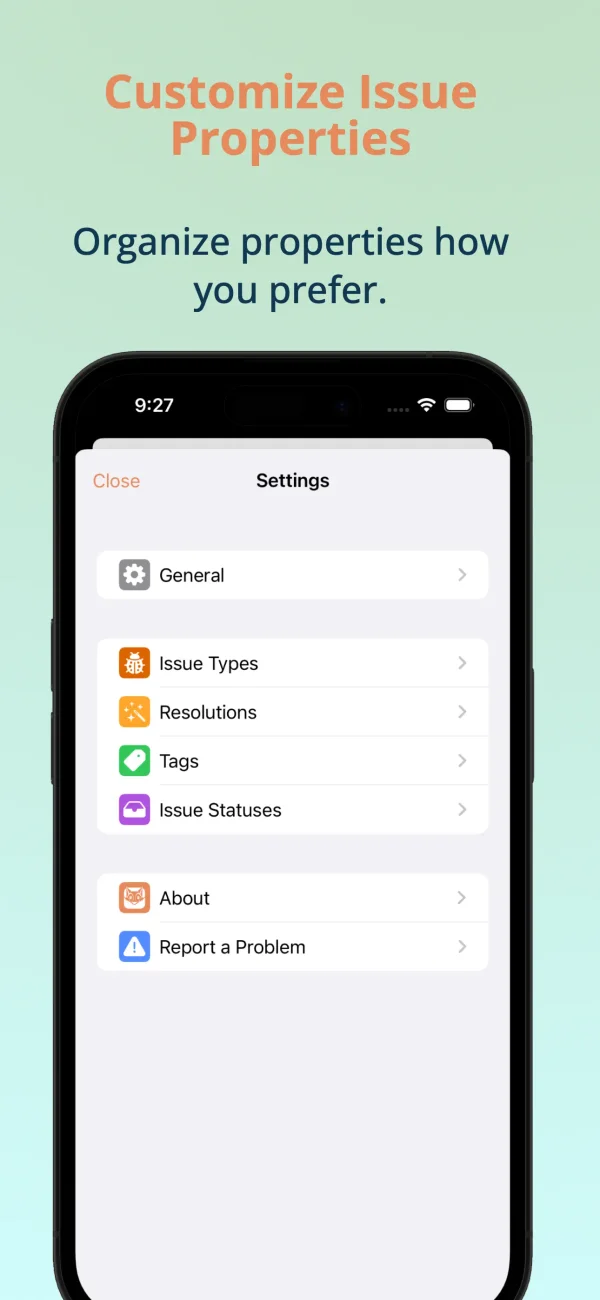
- Smart Organization – Customizable issue types, tags, statuses, and priorities that adapt to your workflow and can be customized per project
# Working in a team? Collaboration tools to support.
- Unlimited collaborative project sharing
- Get access to additional tools like history attributions and issue assignment
# MCP Support for LLM Integration (macOS only)
- Integrate with Claude Code, Cursor, any other HTTP-streamed, MCP-supported tools
- Plan, track, and update issues, versions, and milestones
- Use Fox as an overhead client to work with LLMs
# Work Anywhere, Stay in Sync
- Robust iCloud Sync – Seamless sync across all your devices keeps your work accessible everywhere
- Native on Mac & iOS – Full-featured apps built specifically for each platform, including a desktop-class and full-freatured iPad app
# Even More to Explore
- CSV Import & Export – Migrate from other tools or bulk-create issues effortlessly
- Bookmarks – Mark important issues for quick access
- Issue History – Track every change made to issues over time
- Archive System – Keep completed versions and milestones accessible without cluttering your workspace
- Powerful Search & Filters – Find exactly what you need, when you need it
- Shortcuts Integration – Automate workflows and create issues from anywhere on iOS
———
Fox is a labor of love and we hope you’ll love it, too. You can learn more at https://contagious.dev/fox
———
* Fox for single users is available through a subscription ($3.99 USD per month, special saving on yearly subscription) or one-time purchase. Users who purchased prior to 3.0.0 gain access to all features for free.
* A one-time free trial of 14 days is offered free of cost with first subscription selection, after which the subscription-tier selected will be renewed. Subscriptions automatically renew unless explicitly canceled. Subscriptions may be managed and auto-renewal can be turned off in your system’s Settings.
* Any prices shown are in USD and may vary by region.
———
Privacy Policy: https://contagious.dev/privacy-policy/fox/
Terms of Use: https://contagious.dev/terms-of-use/fox/
What’s new
Version 4.3 · Nov 18, 2026
- Added Syntax Highlighting to code blocks with a neat lil language picker
- Redesigned the code blocks in the text editor so they look better
- Added setting to automatically add a language when creating a code block
- Added a new Editor section in Setting to configuring code block style and behavior
- Code lines type like a code editor: indent, Return, and no substitutions or spellcheck
- Table keyboard handling improvements: ⌘C, ⌘X, typing, Backspace, paste, Escape, arrows, Return/Tab and ⌘A all work on selected cells, and the handle menu enables only valid commands
- Added a delay when closing columns in the board because they are empty
- Fixed a crash when moving an issue during an animation on the board (Mac)
App privacy
What Daniel Griffin declares on the App Store about how this app handles data.
-
Data not linked to you
May be collected but is not linked to your identity.
- Purchases
- Identifiers
- Usage data
- Diagnostics
Privacy practices may vary, for example with the features you use or your age.
Information
- Seller
- Daniel Griffin
- Category
- Developer Tools
- Version
- 4.3
- Updated
- Nov 18, 2026
- Released
- Jan 7, 2023
- Size
- 50.1 MB
- Requires
- iOS 18.0 or later
- Age rating
- 4+
- Price
- Free
- In-app purchases
- Yes
- Languages
- English, Hindi, Simplified Chinese
- Copyright
- © 2026, Daniel Griffin
You might also like
-
 Rafter Homelab ConsoleSSH, Docker, Tailscale
-
 Adrix: Search Ads ManagerBids, keywords & app installs
-
 Bug Report RecorderQA Issue Tracker for Testing
-
 SSH Command WidgetExec SSH commands with one tap
-
 Grass: Code Agent ComputerRun Agents, Laptop Closed
-
 KeelportShip apps. Track everything.
-
 JSON, JWT & Dev Tools: DeclipDecode, format & hash offline
-
 Claw CommandManage Your OpenClaw Agents
-
 Five Stars: Reviews & RatingsReply to App Reviews
-
 URL ScissorsEdit URL parameters