
FrameDump: Photo Collage Maker
Seamless Carousel & Grid Post
Designed for iPhone, iPad, iPod touch
Free · In-app purchases
- Age rating4+
- CategoryPhoto & Video
- DeveloperAyca Badem Ergin
- LanguagesEnglish+ 24 more
- Size97.6 MB
Links to the official App Store page
Download.org hosts no file of FrameDump: Photo Collage Maker. The button opens its official App Store page, published by Ayca Badem Ergin. Listing last checked on Nov 25, 2026.
Screenshots
About
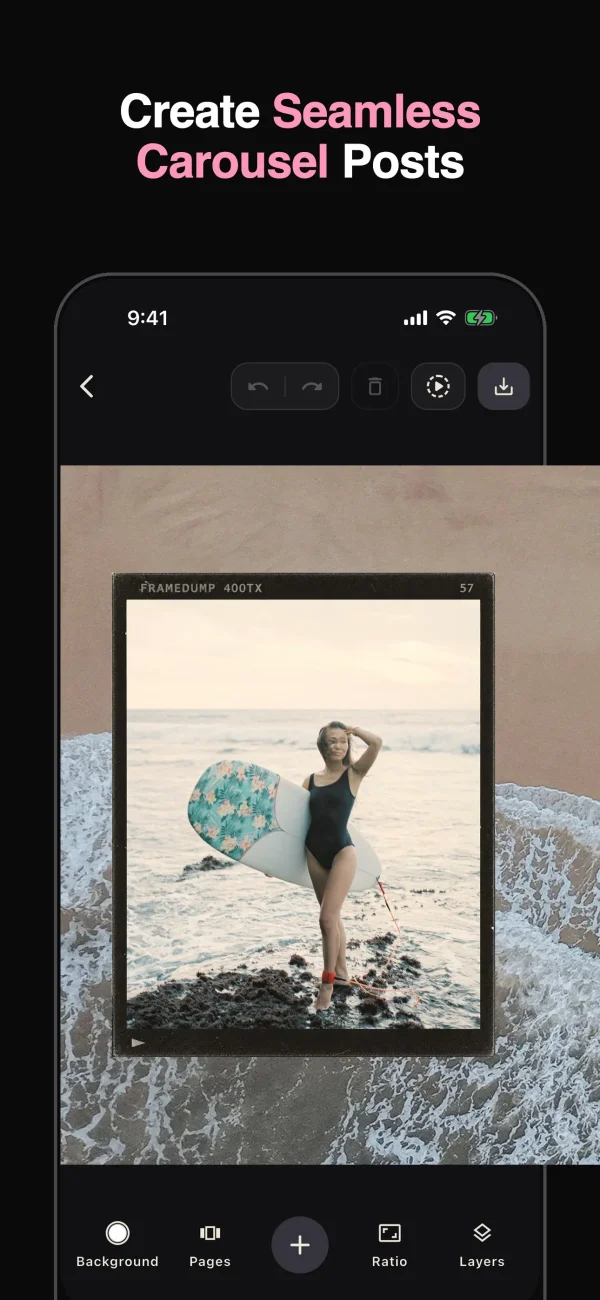
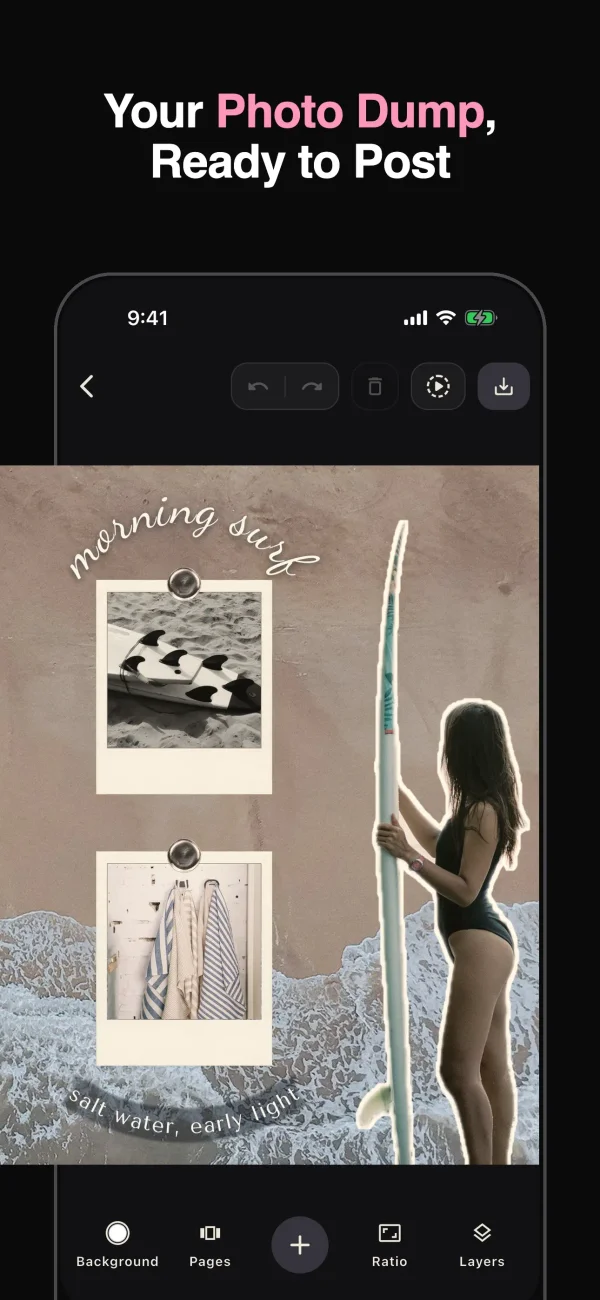
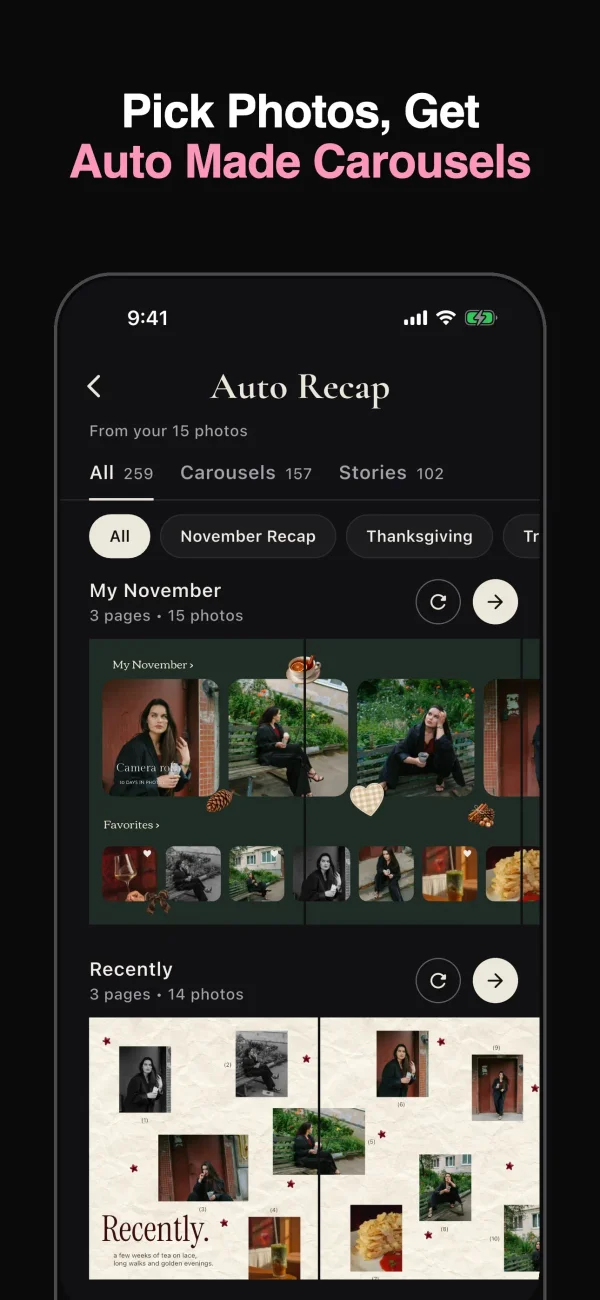
FrameDump is a carousel collage maker that turns your camera roll into seamless carousels, photo dumps, story templates and photo collages that people actually swipe through.
Pick a ready-made carousel or template, drop in your photos and post in minutes. Or start from a blank canvas and build your own with grids, frames, cutouts, stickers and text.
SEAMLESS CAROUSELS
• Ready-made carousel designs where photos flow across every swipe
• Photos, frames and stickers can cross the seams between pages
• Preview the post before you share it
• Export every page at once, in order, ready to post
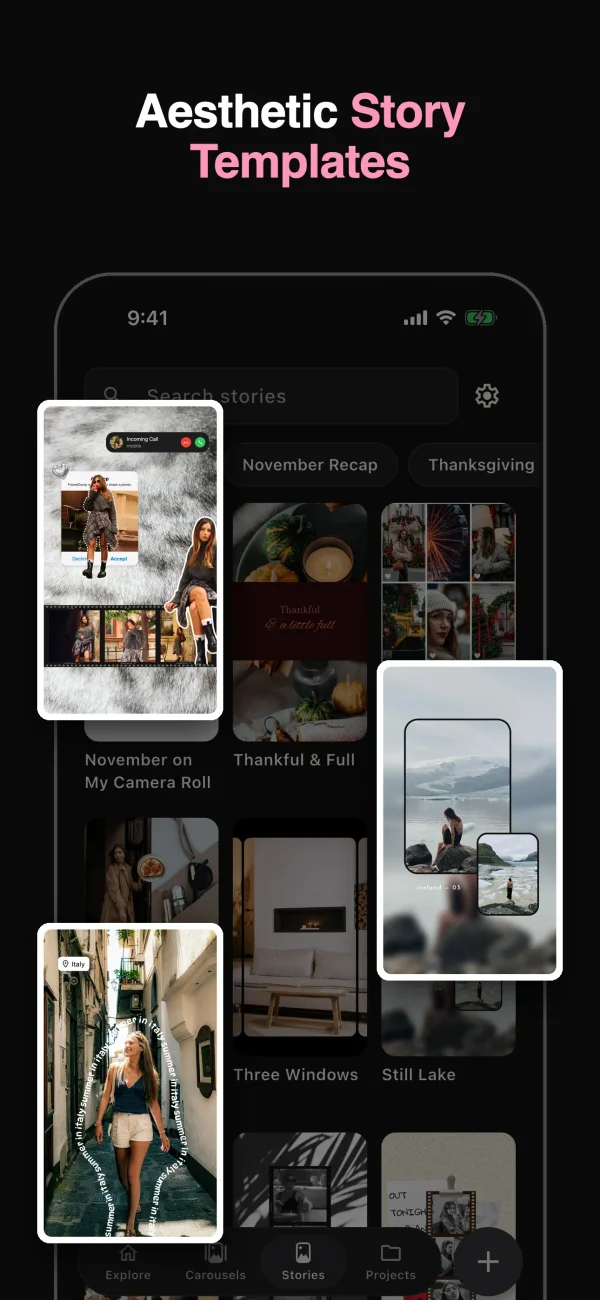
STORY TEMPLATES
• Templates for stories and posts: film, scrapbook, travel, city and more
• Swap in your photos and the design stays
• Tap the heart on the ones you love and find them in Favorites
• Save your own designs as templates
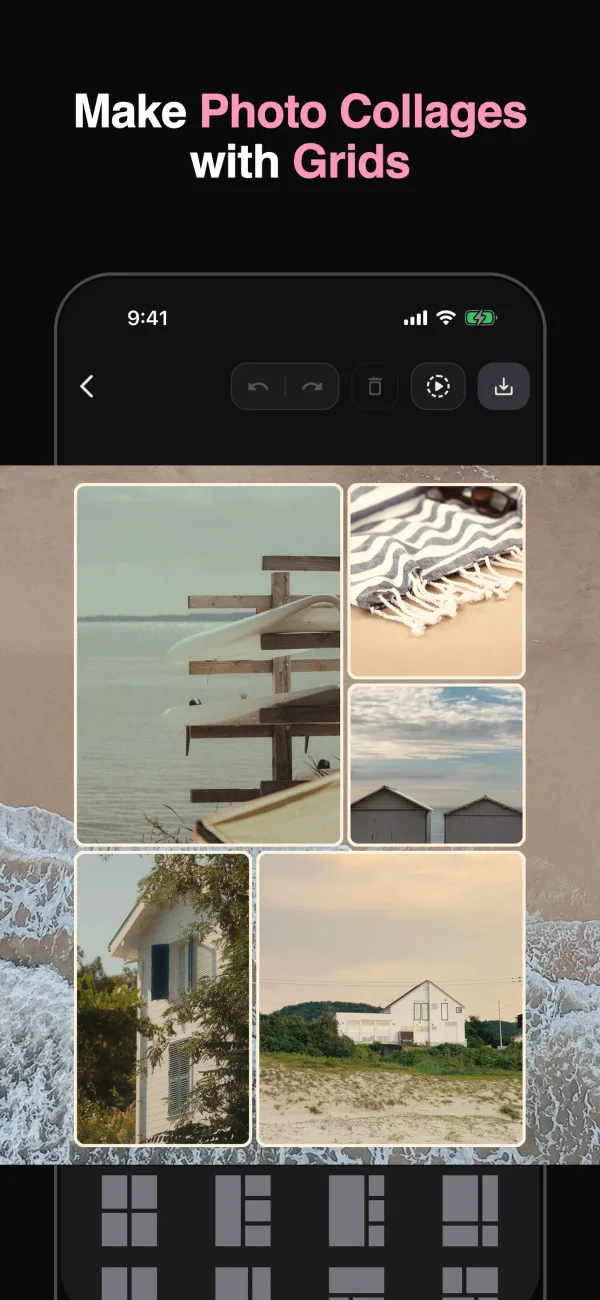
PHOTO COLLAGES & GRIDS
• Grids from classic layouts to creative slanted designs
• Drag the lines to resize every photo box
• Square, portrait, story and wide ratios
CUTOUTS
• Remove the background from a photo in one tap
• Add a solid or dashed outline around the cutout
• Let photos pop out of their frames
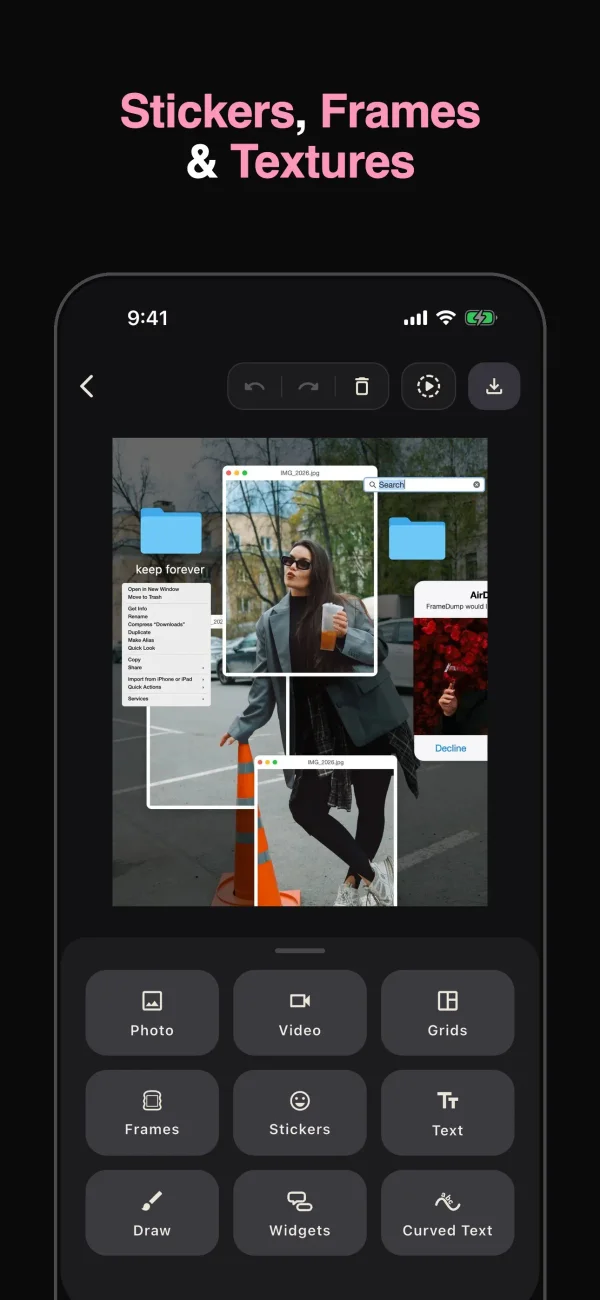
FRAMES, STICKERS & BACKGROUNDS
• Frames: polaroids, film strips, digital cameras, phone screens, torn paper and more
• Stickers: tapes, paper, dividers, cutout letters, flowers, drinks and more
• Backgrounds with colors, gradients and textures
TEXT, DRAWING & FILTERS
• Write text along any curve you draw
• Fonts, text backgrounds and ready-made text shapes
• Draw and write by hand
• Filters, presets, grain, exposure and contrast
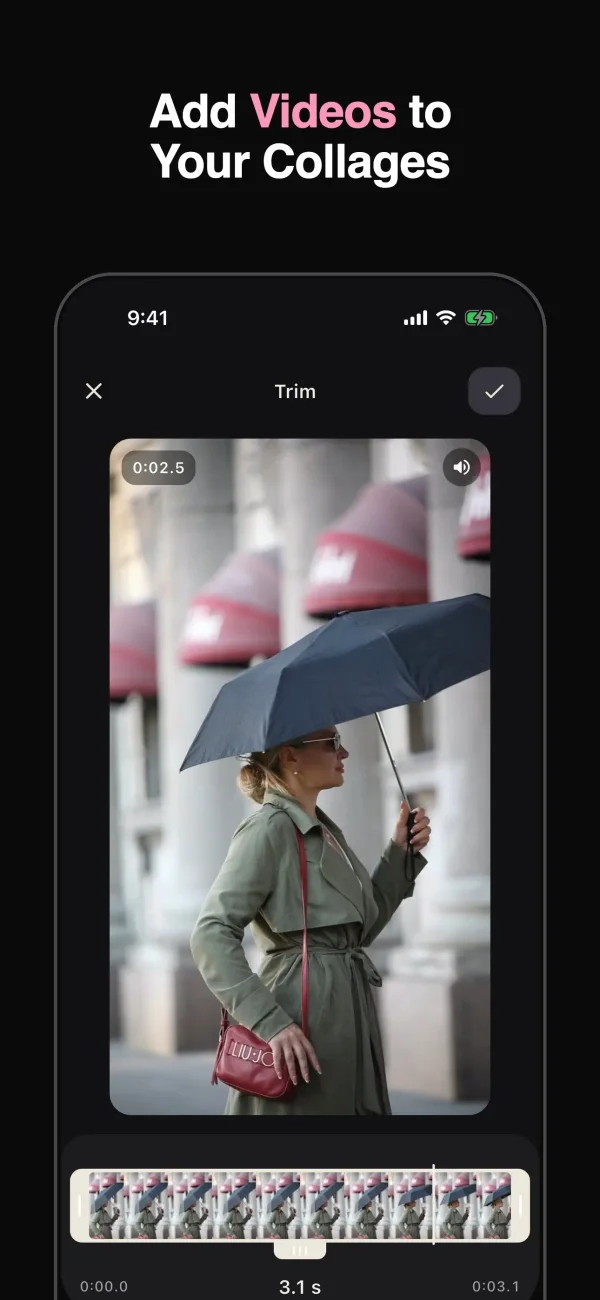
VIDEOS
• Add videos to collages and carousels and trim them
HIGH-QUALITY EXPORT
• Standard, High or Ultra resolution
• Save to Photos or share instantly
Terms of Use: https://www.apple.com/legal/internet-services/itunes/dev/stdeula/
What’s new
Version 2.2.7 · Nov 23, 2026
Bug fixes and performance improvements.
App privacy
What Ayca Badem Ergin declares on the App Store about how this app handles data.
-
Data not linked to you
May be collected but is not linked to your identity.
- Usage data
- Diagnostics
Privacy practices may vary, for example with the features you use or your age.
Information
- Seller
- Ayca Badem Ergin
- Category
- Photo & Video
- Version
- 2.2.7
- Updated
- Nov 23, 2026
- Released
- Nov 12, 2025
- Size
- 97.6 MB
- Requires
- iOS 15.0 or later
- Age rating
- 4+
- Price
- Free
- In-app purchases
- Yes
- Languages
- English, Arabic, Czech, Danish, Dutch, Finnish, French, German, Greek, Hebrew, Indonesian, Italian + 13 more
- Copyright
- © 2025 Ayca Badem Ergin
You might also like
-
 Photo Grid: Collage MakerPicture Layout & Frame Editor
-
 CollageVibe Easy Photo CollagePic Grid Maker, Picture Layout
-
 Photo Collage Art – TemplatesStickers, Backgrounds & Fonts
-
 Collage Maker- PhotoCollageAppCollage maker with photo frame
-
 Grid Photo Collage Post Maker100+ Layouts,AI Tools,Filters
-
 InsMix: Collage Maker & ScrollPhoto Carousel Maker
-
 Picture Collage Maker - PixuvaPhoto Layouts, Grids & Frames
-
 Pic Collage Maker - Photo GridPicture, Layout, collageable
-
 PicCollage:photo Collage Makerphoto layout &grid
-
 Photo Collage Maker: CollagifyEditor,Layout,Eraser,Retouch