FreeCubeSolver
No ads, no limits, offline
Designed for iPhone, iPad
Free · In-app purchases
- Age rating4+
- CategoryUtilities
- DeveloperPim van Dijk
- LanguagesEnglish+ 43 more
- Size3.0 MB
Links to the official App Store page
Download.org hosts no file of FreeCubeSolver. The button opens its official App Store page, published by Pim van Dijk. Listing last checked on Nov 18, 2026.
Screenshots

About
Solve your 3x3 or 2x2 cube in minutes, without paying, without ads and without an internet connection.
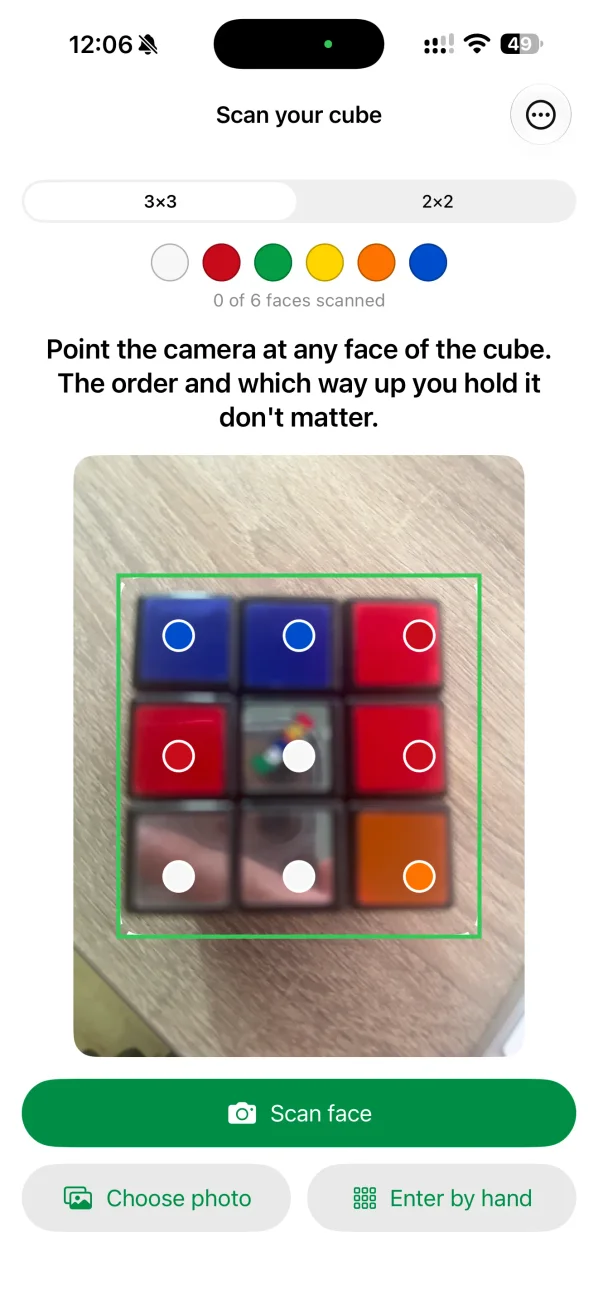
SCAN YOUR CUBE
Photograph each face with the camera or pick photos from your library. FreeCubeSolver reads the colors, checks that the cube is valid and shows which stickers to fix if something was misread. You can also enter the colors by hand.
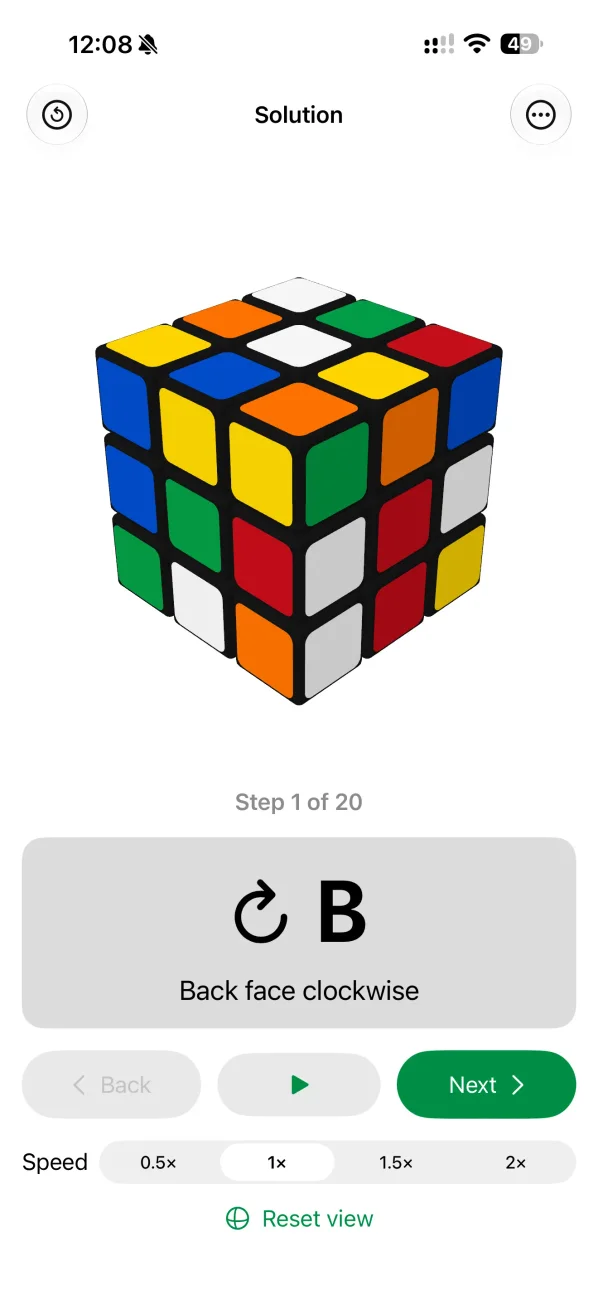
FOLLOW THE SOLUTION
The 3x3 is solved in 20 moves or fewer, the 2x2 in the shortest possible number of moves. Each move is animated on a 3D cube with clear notation and a description. Step forward, step back, or let it play at your own speed.
LEARN TO SOLVE IT YOURSELF
Learn mode teaches the beginner method step by step, with an animated 3D demo of every algorithm.
PRACTICE
Generate a random scramble, apply it to your cube and solve it, or let the app solve it for you.
SPEEDCUBING TIMER
Time your solves with a 15-second WCA-style inspection, touch-and-hold start, and +2 and DNF penalties. See your best time and your averages of 5 and 12, with separate sessions for the 3x3 and 2x2. Your times stay on your device.
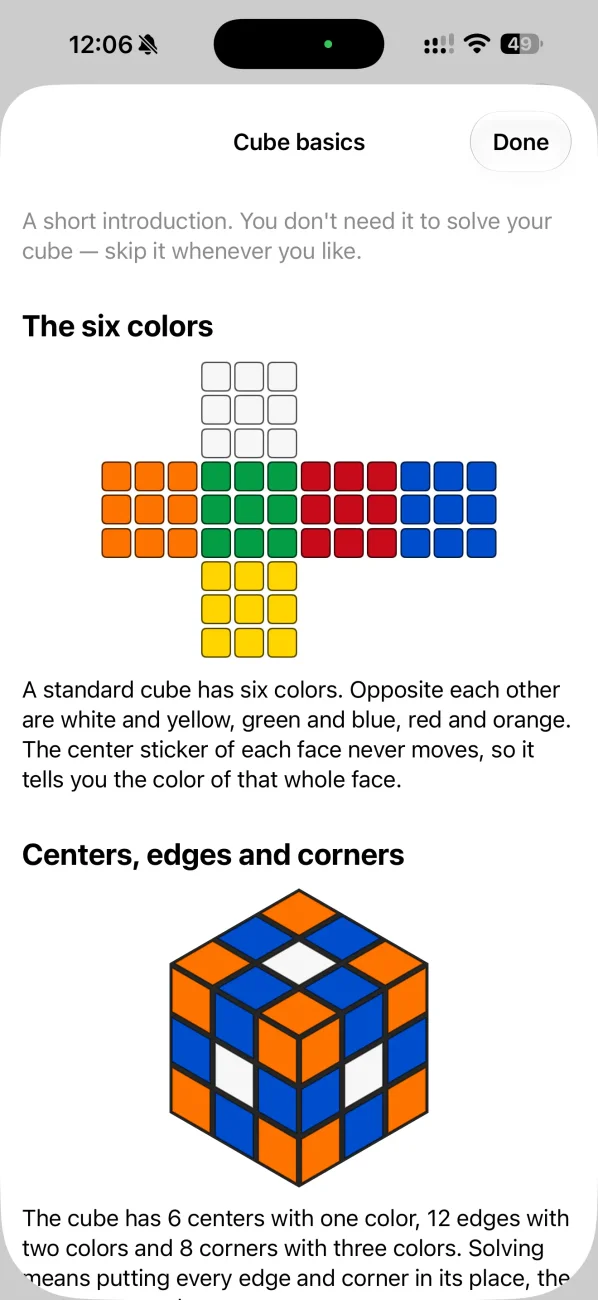
CUBE BASICS
A short introduction to the colors, pieces, layers and move notation.
FREE AND PRIVATE
- No ads, no subscription, no limits: nothing to buy or unlock
- Optional tips to support the developer, which unlock nothing
- No account and no tracking: no data is collected
- Works completely offline
- Available in 45 languages
FreeCubeSolver works with standard cubes in the classic color scheme: white opposite yellow, green opposite blue, red opposite orange.
What’s new
Version 2.1 · Nov 3, 2026
New in 2.1:
- Ready for iPhone Duo: the app adapts to any window size
- iPhone now also works in landscape
- The step controls and the scan screen always fit on screen
App privacy
What Pim van Dijk declares on the App Store about how this app handles data.
-
Data not collected
The developer does not collect any data from this app.
Privacy practices may vary, for example with the features you use or your age.
Information
- Seller
- Pim van Dijk
- Category
- Utilities
- Version
- 2.1
- Updated
- Nov 3, 2026
- Released
- Oct 7, 2026
- Size
- 3.0 MB
- Requires
- iOS 17.0 or later
- Age rating
- 4+
- Price
- Free
- In-app purchases
- Yes
- Languages
- English, Arabic, Bengali, Catalan, Croatian, Czech, Danish, Dutch, Finnish, French, German, Greek + 32 more
- Copyright
- © 2026 Pim van Dijk
You might also like
-
 Cube Solver | Solve My CubeCamera scan & solve 3x3 & 2x2
-
 Cube Solver AICamera scanner: 3x3, 4x4, 5x5
-
 CubeSolver - 3x3 Cube SolverScan, Solve & Learn the Cube
-
 CubeSnap: Rubik's Cube SolverSnap two photos. Solved.
-
 CubeLens - Cube Solver3x3 Scanner & 3D Tutorials
-
 CubeFlow - Cube SolverScan, solve, learn 3x3
-
 Rubik's SolverPaint your cube, get the moves
-
 ccSolver - Camera Cube SolverVoice guide auto solve 3D
-
 Magic Cube: Rubik SolverCamera Solve and 3D Guide
-
 Rubik Solver: Live 3D GuidePoint your camera at the cube!