
FreeSpace: Storage Cleaner
Swipe to Delete Photos Fast
Designed for iPhone
In-app purchases
- Age rating4+
- CategoryUtilities
- DeveloperCarlos Lovera
- LanguagesEnglish
- Size9.8 MB
Links to the official App Store page
Download.org hosts no file of FreeSpace: Storage Cleaner. The button opens its official App Store page, published by Carlos Lovera. Listing last checked on Nov 18, 2026.
Screenshots
About
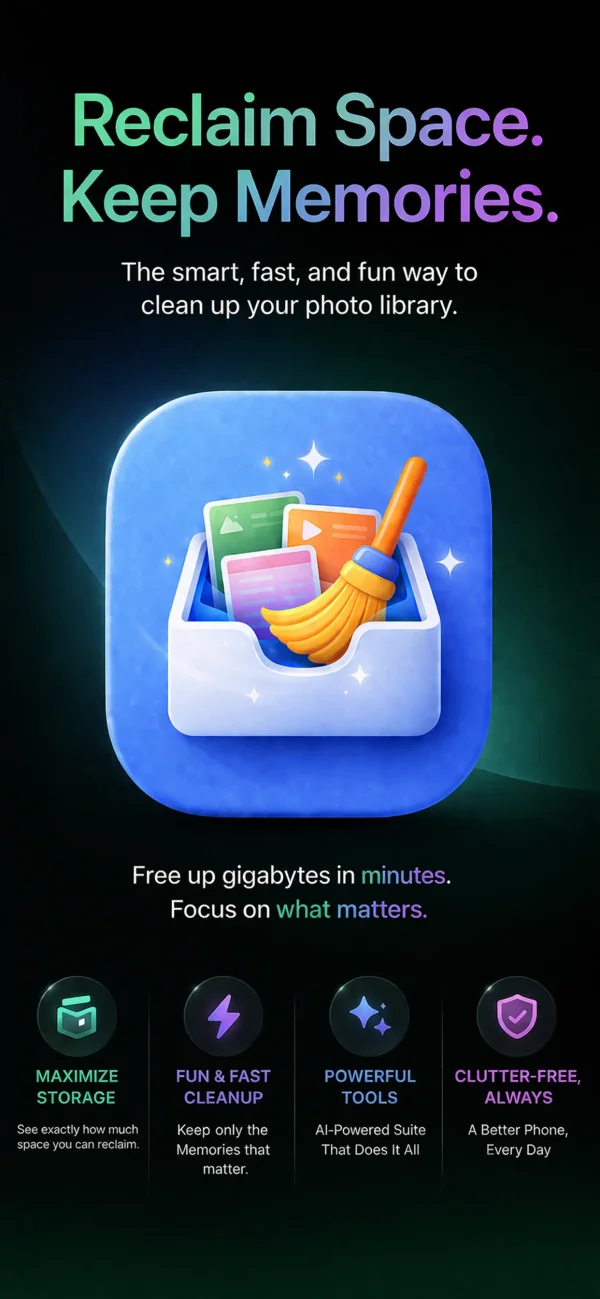
Your photo library is full. You know you need to clean it up, but scrolling through thousands of photos deciding what to delete? Nobody has time for that.
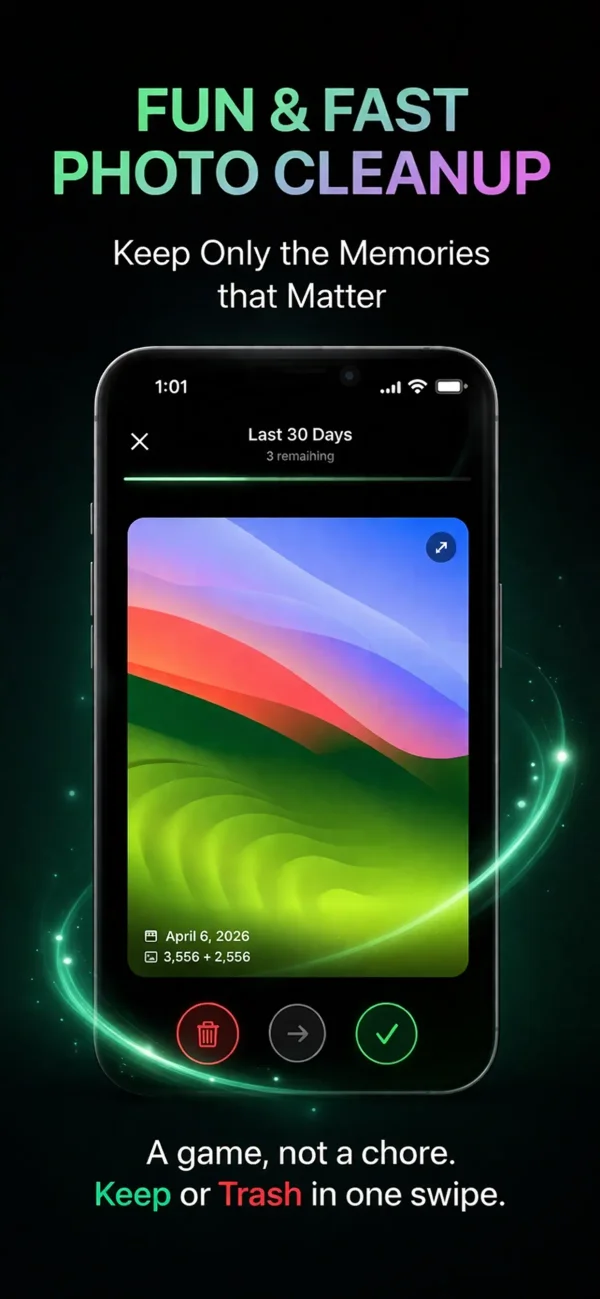
FreeSpace makes it dead simple: swipe left to trash, swipe right to keep. One photo at a time, no overwhelm. Most users free up several gigabytes in their first session.
SWIPE TO CLEAN
The fastest way to review your photos. See each photo full-screen, swipe left to send it to trash, swipe right to keep it. Watch your freed storage grow in real time. Start with recent photos or jump to any year — you're in control.
AI-POWERED TOOLS
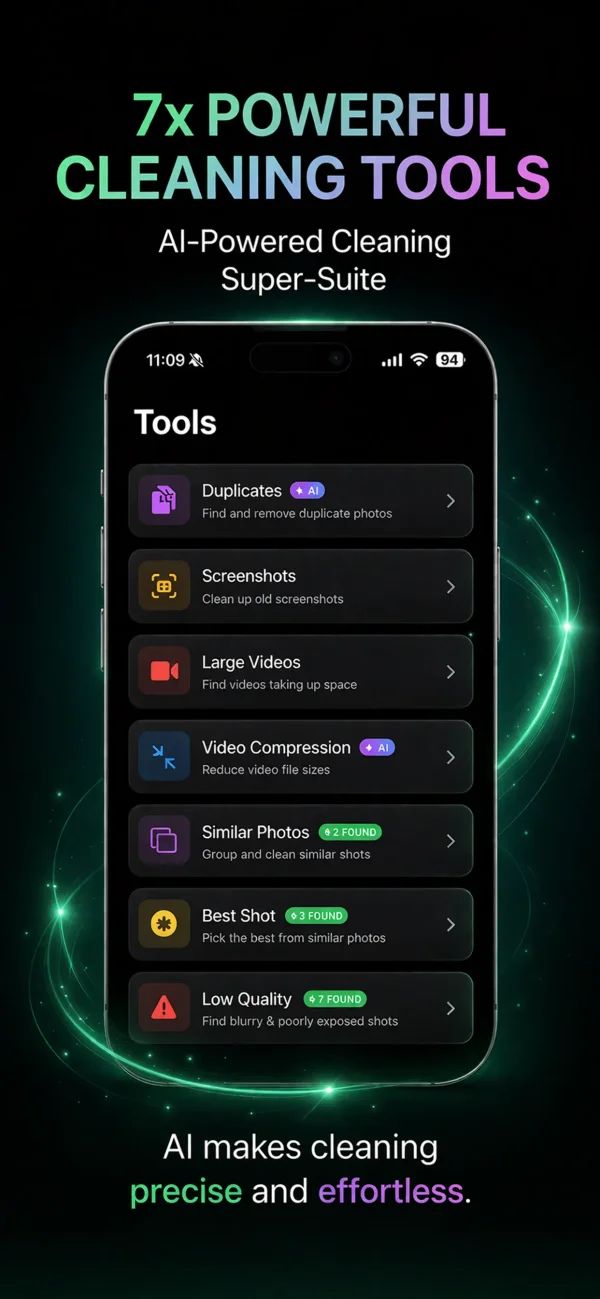
Go beyond swiping with smart cleanup tools:
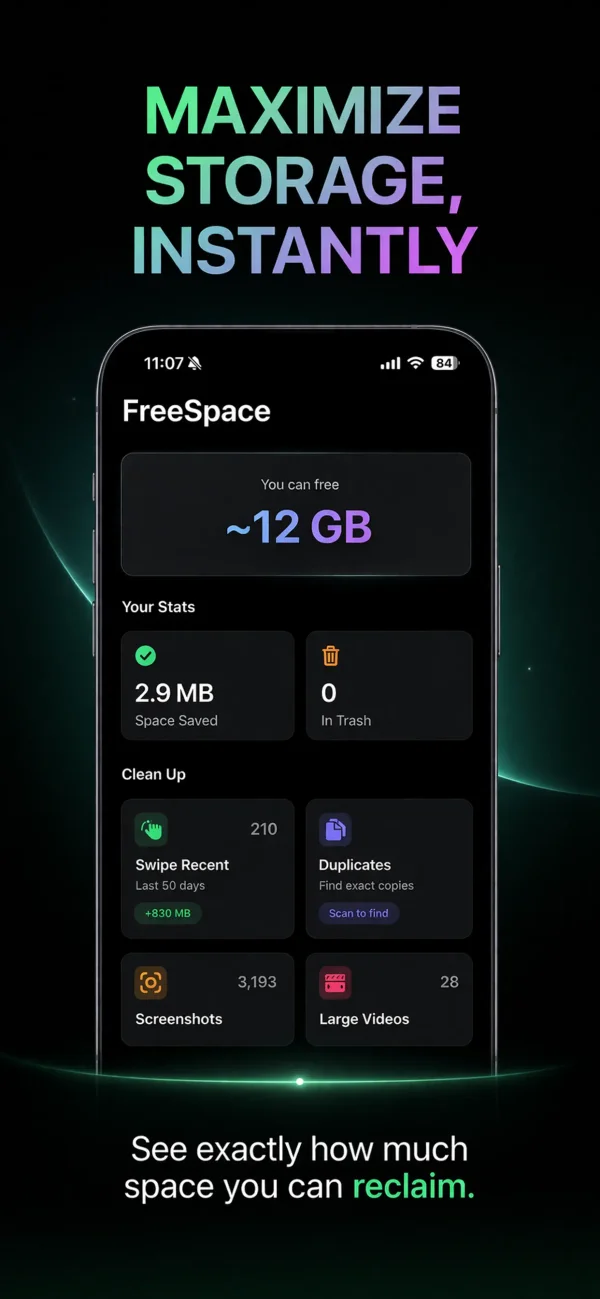
• Duplicates — Find exact copies wasting your storage
• Similar Photos — Group near-identical shots and pick the best
• Best Shot — AI selects the sharpest, best-exposed photo from each group
• Low Quality — Automatically find blurry and poorly exposed photos
• Video Compression — Shrink large videos without losing quality
• Screenshots — Bulk-review and delete old screenshots
• Large Videos — Find the biggest files eating your storage
NOTHING IS PERMANENT (UNTIL YOU SAY SO)
Every photo you swipe goes to a review queue first. Look through everything before confirming any deletions.
Changed your mind? Restore with one tap. Even after deletion, photos stay in your Recently Deleted album for 30 days.
YOUR PHOTOS STAY ON YOUR DEVICE
All processing happens on your iPhone. Your photos are never uploaded, shared, or sent anywhere. FreeSpace only requests photo library access — nothing else.
BUILT FOR LARGE LIBRARIES
Whether you have 1,000 photos or 100,000+, FreeSpace handles it smoothly. Pre-loaded cards, background scanning, and optimized performance mean no lag, no crashes, no lost progress.
FLEXIBLE PREMIUM
Try every tool free before committing. When you're ready:
• Monthly — $4.99/mo
• Annual — $29.99/yr (save 50%)
• Lifetime — $49.99 one-time, never pay again
Swipe, screenshots, and large video tools are always free. No ads. No tricks. Cancel anytime.
Start cleaning in under 30 seconds. Your storage will thank you.
Terms of Use: https://www.apple.com/legal/internet-services/itunes/dev/stdeula/
App privacy
What Carlos Lovera declares on the App Store about how this app handles data.
-
Data not collected
The developer does not collect any data from this app.
Privacy practices may vary, for example with the features you use or your age.
Information
- Seller
- Carlos Lovera
- Category
- Utilities
- Version
- 1.0
- Updated
- Apr 8, 2026
- Released
- Apr 8, 2026
- Size
- 9.8 MB
- Requires
- iOS 26.1 or later
- Age rating
- 4+
- In-app purchases
- Yes
- Languages
- English
- Copyright
- © FreeSpace App - 2026
You might also like
-
 TrustGuard IQ: Scam DetectorPause. Analyze. Stay Protected
-
 Super Cleaner: Cleanup KitDelete Duplicate Photos
-
 Easy CleanerClean Storage & Free Up Space
-
 Storage Cleaner: FastCleanerrrClean Photos, Similar, Videos
-
 ScanLab:Measure.Read.ProtectMeasure. Read. Protect.
-
 Phone Photo Cleaner - Clean UpDuplicates, Storage Cleaner
-
 Sign AI - Signature Maker PdfDocument Signer: Esign Creator
-
 Photo Vault: Hide Pics VideoSecret Album Locker, Face ID
-
 Lan Scanner || Wifi MonitorNetwork || WIFI Analyser