FreeStyle LibreLink - US
Abbott Diabetes Care
Designed for iPhone, iPod touch
Free
- Age rating4+
- CategoryMedical
- DeveloperAbbott Labs
- LanguagesEnglish+ 25 more
- Size57.6 MB
Links to the official App Store page
Download.org hosts no file of FreeStyle LibreLink - US. The button opens its official App Store page, published by Abbott Labs. Listing last checked on Nov 21, 2026.
Screenshots



About
The FreeStyle LibreLink app allows you to monitor your glucose with your phone. [1]
Check your glucose by holding your phone near your FreeStyle Libre Sensor. The App is compatible with both 10-day and 14-day Sensors.
You can use the App to:
* Check your glucose with a painless scan, instead of a routine fingerstick [1]
* View your current glucose reading, trend arrow, and glucose history
* Add notes to track your food, insulin use, and exercise
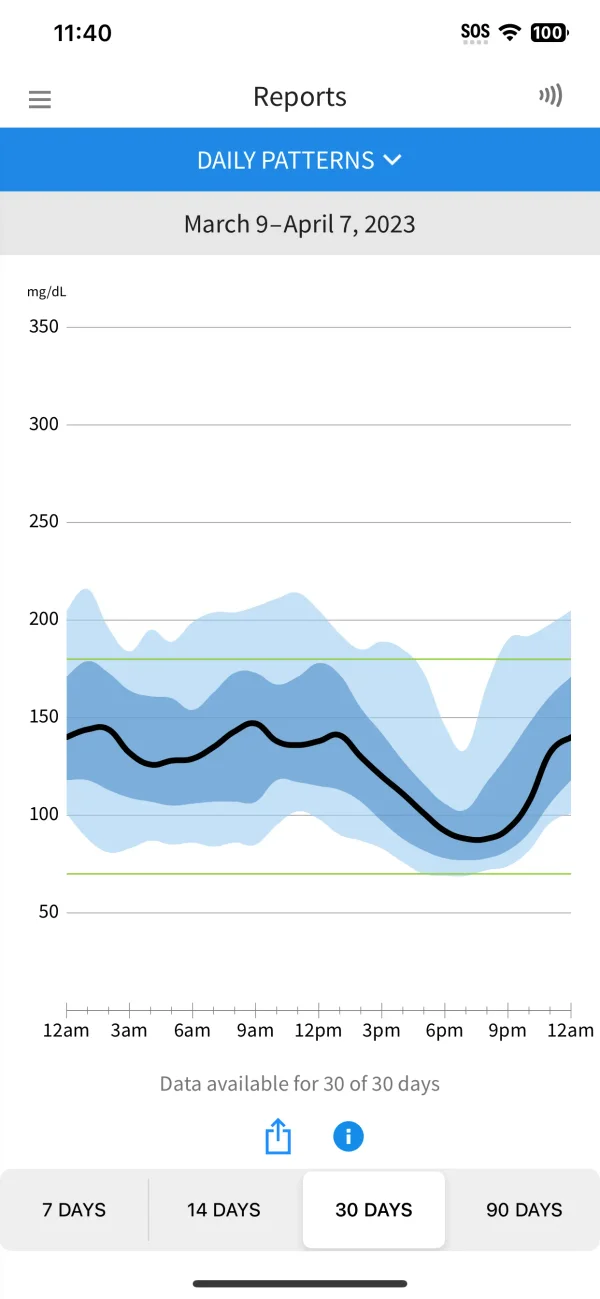
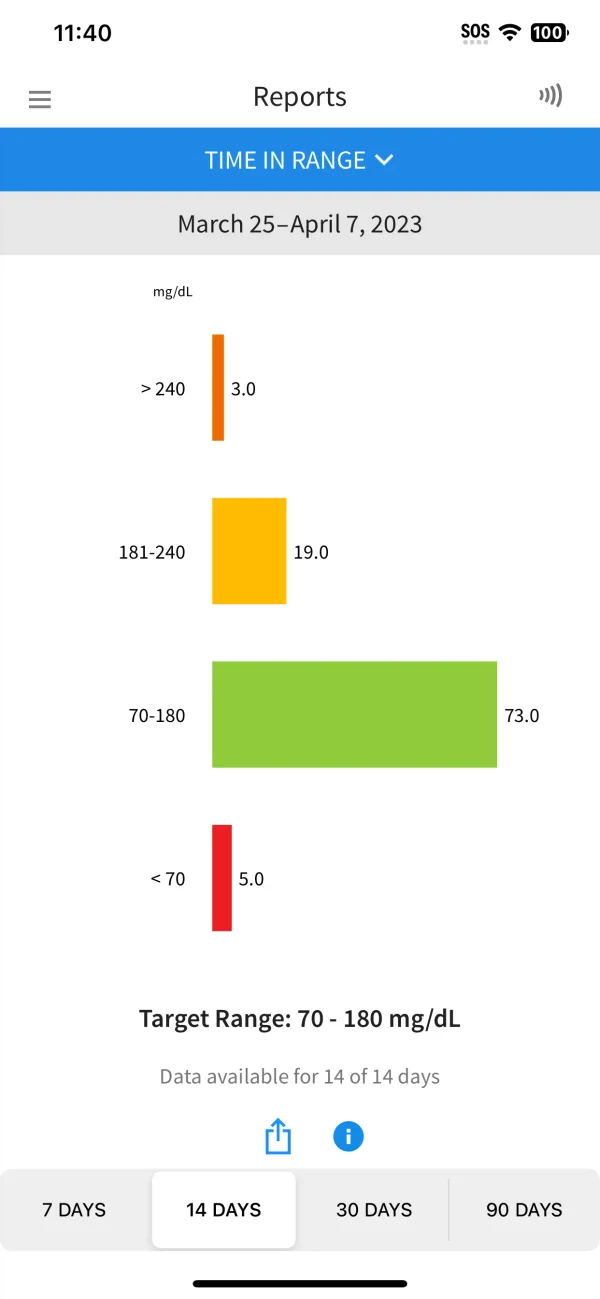
* See glucose reports, including your Ambulatory Glucose Profile
* Connect to healthcare professionals with LibreView [2]
SMARTPHONE COMPATIBILITY
Compatibility may vary between phones and operating systems. Learn more about compatible phones at http://FreeStyleLibre.us.
◆◆◆◆◆◆
USING YOUR APP AND READER WITH THE SAME SENSOR
If you would like to use both the FreeStyle Libre Reader and the App with the same Sensor, you need to start the Sensor with the Reader first and then scan with your phone. Note that FreeStyle LibreLink and Readers do not share data with each other. For complete information on a device, scan your Sensor every 8 hours with that device; otherwise, your reports will not include all your data. You can upload and view data from all of your devices on LibreView.com.
APP INFORMATION
FreeStyle LibreLink is intended for measuring glucose levels in people with diabetes when used with a Sensor. For more information on how to use FreeStyle LibreLink, refer to the User’s Manual, which can be accessed through the app. If you require a printed User’s Manual, contact Abbott Diabetes Care Customer Support.
Learn more about FreeStyle LibreLink at http://FreeStyleLibre.us.
[1] If you are using the FreeStyle LibreLink app, you must also have access to a blood glucose monitoring system as the App does not provide one. Fingersticks are required for treatment decisions when you see the Check Blood Glucose symbol, when symptoms do not match system readings, when you suspect readings may be inaccurate, or when you experience symptoms that may be due to high or low blood glucose.
[2] Use of FreeStyle LibreLink requires registration with LibreView.
The sensor housing, FreeStyle, Libre, and related brand marks are marks of Abbott. Other trademarks are the property of their respective owners.
For additional legal notices and terms of use, go to http://FreeStyleLibre.us.
Before using the App, review product labeling and the interactive tutorial at https://www.freestyle.abbott/us-en/support/overview.html#app
What’s new
Version 2.13.1 · Apr 14, 2026
Bug fixes and performance improvements.
App privacy
What Abbott Labs declares on the App Store about how this app handles data.
-
Data linked to you
May be collected and linked to your identity.
- Health and fitness
- Contact info
- User content
- Identifiers
-
Data not linked to you
May be collected but is not linked to your identity.
- Location
- Identifiers
- Usage data
- Diagnostics
Privacy practices may vary, for example with the features you use or your age.
Information
- Seller
- Abbott Diabetes Care Inc
- Category
- Medical
- Version
- 2.13.1
- Updated
- Apr 14, 2026
- Released
- Nov 6, 2018
- Size
- 57.6 MB
- Requires
- iOS 15.5 or later
- Age rating
- 4+
- Price
- Free
- Languages
- English, Arabic, Croatian, Czech, Danish, Dutch, Finnish, French, German, Greek, Hebrew, Italian + 14 more
- Copyright
- © 2018-2026 Abbott
You might also like
-
 LibreLinkUpMedical
-
 Glucose | Blood Sugar TrackerInsulin, Carbs & Diabetes Log
-
 Dexcom ClarityMedical
-
 Dexcom G7Continuous Glucose Monitoring
-
 Dexcom G6Continuous Glucose Monitoring
-
 Gluroo Diabetes LoggerSimplify Diabetes. Together.
-
 Stelo by DexcomHealth & Fitness
-
 Lingo by AbbottEat what’s right for you.
-
 Nutrisense: Glucose TrackerCGM App with Expert Dietitians
-
 ZOE Health: AI Meal TrackerHealthy Eating Tracker & Coach