
- Age rating17+
- CategoryUtilities
- Developermewt account private limited
- LanguagesEnglish
- Size49.2 MB
Links to the official App Store page
Download.org hosts no file of Fret Browser. The button opens its official App Store page, published by mewt account private limited. Listing last checked on Nov 23, 2026.
Screenshots


About
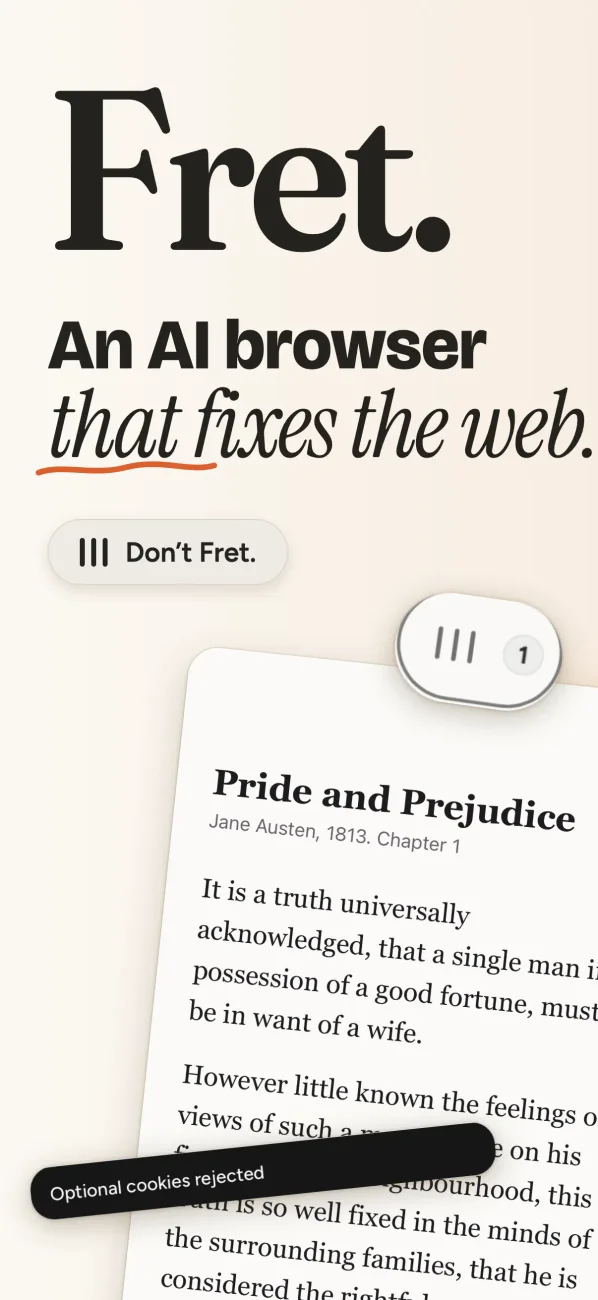
Fret is an AI browser that fixes the web. Bad pages become good ones. Pop-ups disappear.
Brief gives a few short points about the page you are on, on your iPhone where supported. Translate turns a page into your language (iOS 18 and later).
Block ads, trackers and cookie banners, share a page as a short link with a preview image, and browse with one thumb.
Bad pages become good ones
Some pages are built badly: a gallery that reloads for every photo, an article split over many pages, a table wider than your screen. Fret can show the same content in its own view: a photo gallery, a one-page article or a readable table. A pill at the Fret offers it, and nothing changes until you tap. Use original is always one tap away.
AI that stays on your iPhone, where supported
Brief gives a few short points about the page, each able to show its place on the page. Fret Deep adds key points, quotes and an outline for a text page. Both run on the phone where your iPhone supports it, and the page never leaves it. A phone that cannot write one says so and sends nothing.
Pop-ups disappear
Cookie banners are answered with the choice you saved (the minimum by default) and then closed. Pop-ups, sign-up boxes, sticky bars and nag messages stay out of the way. Autoplay with sound waits until you tap. Ads and trackers are blocked by default. If a site breaks, one sheet lists each change Fret made and lets you undo it for that site.
Smart Share
Share a page as a short link with a preview image. Smart Share turns on at your first share, with a notice, and one switch in Settings turns it off; then Fret shares the plain address. Private tabs and sensitive pages are never read.
One thumb, nothing in the way
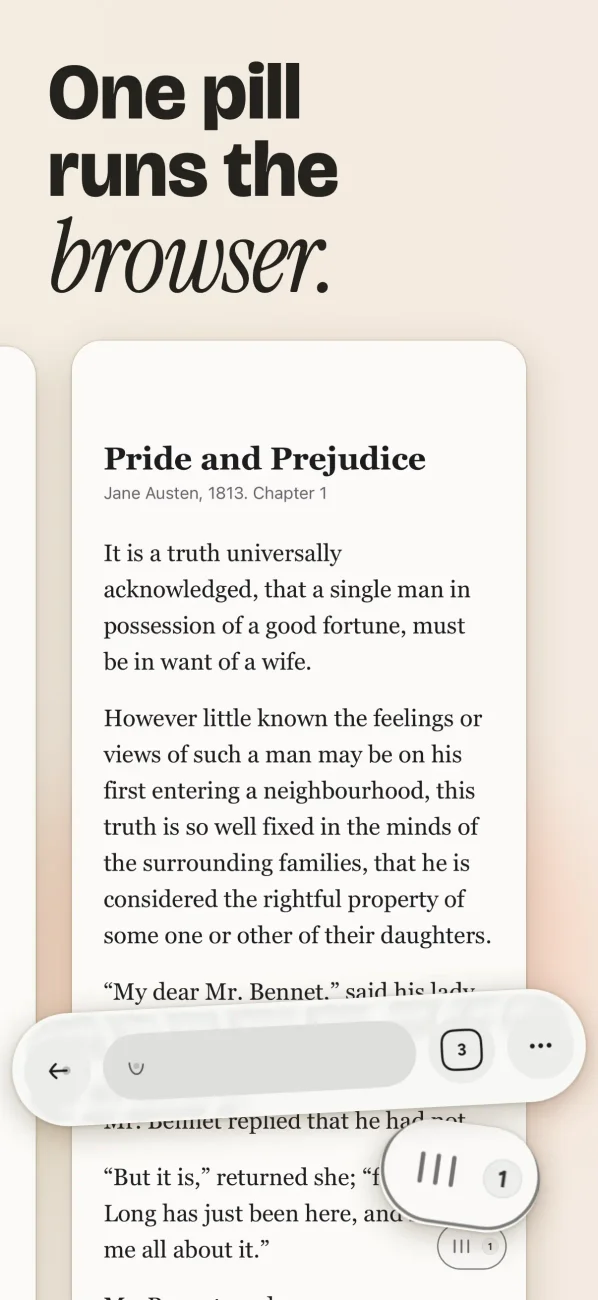
There is no address bar and no status bar. One small glass pill in a bottom corner, the Fret, runs the browser, and its fine lines count your tabs. Tap it for the bar: back, forward, search or address, tabs and a menu. Drag it toward a corner and let go for a quick action; the preview shows the real sheet before you let go. Everything you touch sits at the bottom, and sheets open from the bottom.
Tabs that tidy themselves
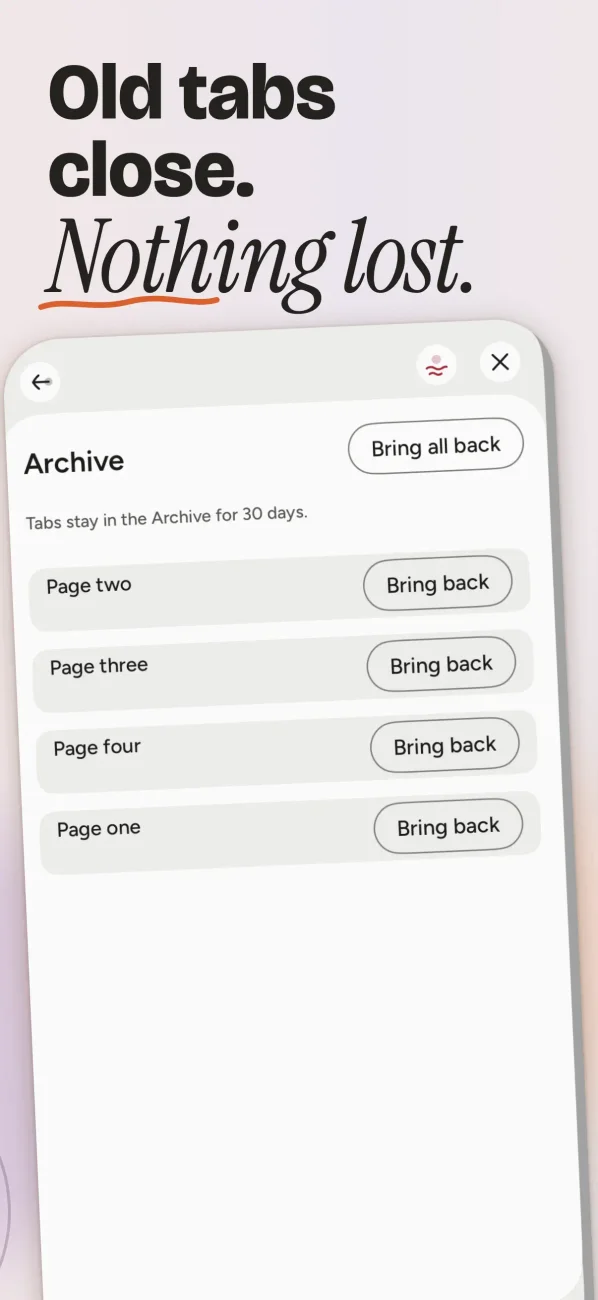
Spaces keep parts of your life apart. Flip through open pages as a deck and swipe one up to close it. Auto cleanup closes tabs you have not opened in a while, and closed tabs wait in the Archive for 30 days.
Private browsing
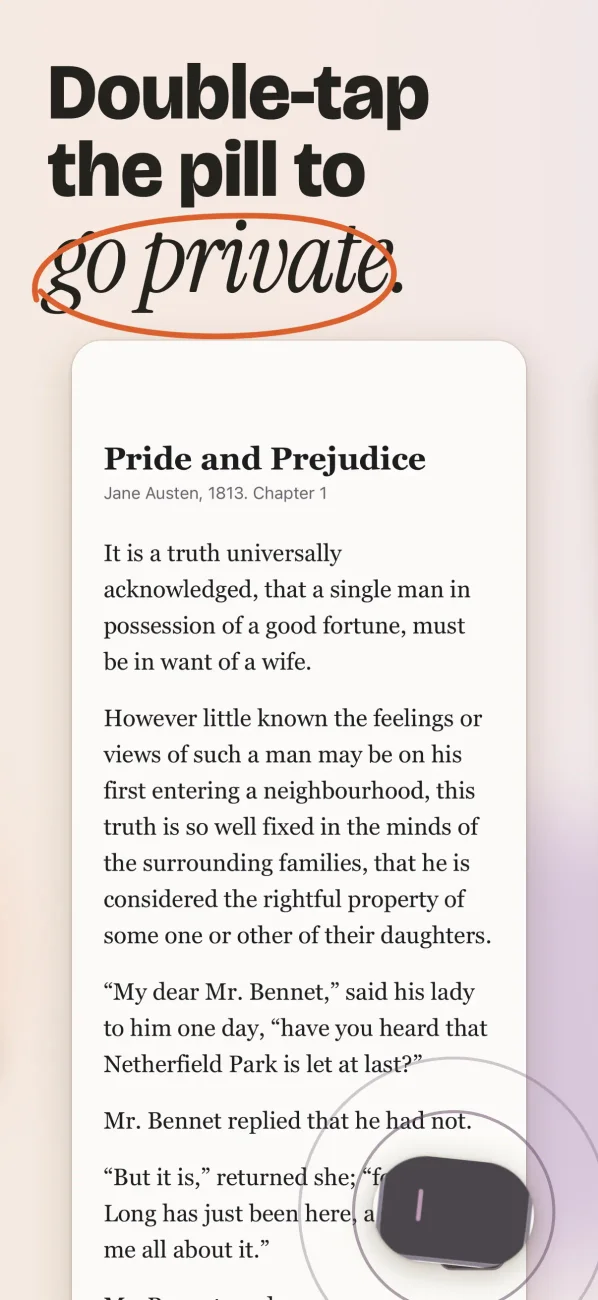
Double-tap the Fret and the page carries on in a private tab. Visits to that site from the last 15 minutes are removed from your history. Private tabs lock behind Face ID, Touch ID or your passcode and are never synced.
Sync, reading and more
Sync is optional and off until you turn it on. It is sealed on your phone before it leaves, so Fret's server never has the key. Save pages to your reading list. Choose a theme pack, add widgets, change the app icon. Settings is grouped into categories. Make Fret your default browser from Settings. Find on page, History, Downloads in Files, text size for each site. Fret runs on iPhone Duo.
Your account, if you want one
Sign in with Apple is optional. Choose Not now and the whole browser works. With an account, Fret's server keeps your Apple Account and email, and your phone keeps your first name. Fret never sees your Apple password.
Fret Browser shows no ads and does not track you. Requires iOS or iPadOS 17 or later.
What’s new
Version 1.6.1 · Nov 21, 2026
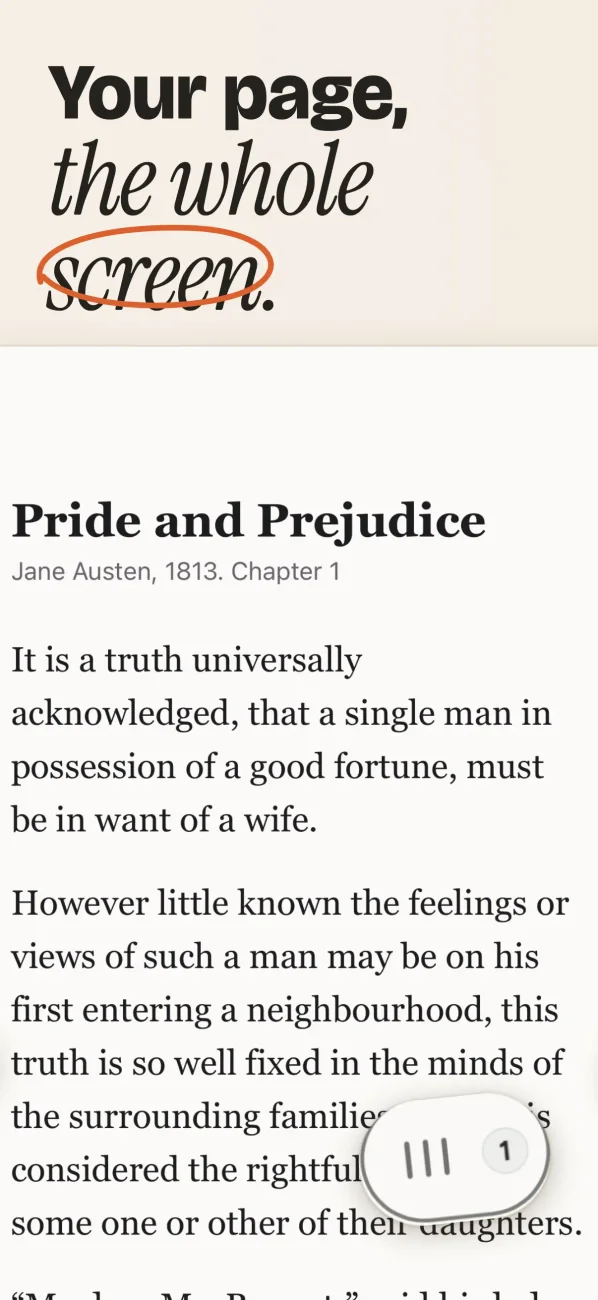
Pages fill the Duo's screen.
- On the Duo held upright and closed, pages now use the full width of the screen, including the strip beside the camera. The eye button above the Fret can put a page back to the site's own narrower layout.
- On the closed Duo, after switching a page to the site's own navigation bar, the eye button now stays, so Fret's version can be turned back on.
App privacy
What mewt account private limited declares on the App Store about how this app handles data.
-
Data linked to you
May be collected and linked to your identity.
- Contact info
- User content
- Browsing history
- Identifiers
-
Data not linked to you
May be collected but is not linked to your identity.
- Usage data
Privacy practices may vary, for example with the features you use or your age.
Information
- Seller
- Mewt Account Private Limited
- Category
- Utilities
- Version
- 1.6.1
- Updated
- Nov 21, 2026
- Released
- Nov 13, 2026
- Size
- 49.2 MB
- Requires
- iOS 17.0 or later
- Age rating
- 17+
- Price
- Free
- Languages
- English
- Copyright
- © 2026 Superpay Inc.
You might also like
-
 SwatBrowser: Browse in PeaceStop scams, pop-ups & trackers
-
 Speedora BrowserUtilities
-
 Plop BrowserFull screen. Less distraction.
-
 Webbie4thUtilities
-
 Grom BrowserFast privacy-minded browser
-
 Parawz - Split BrowserTwo browsers on one screen.
-
 Koga BrowserSimple browsing and bookmarks
-
 Penguin BrowserWeb Explorer
-
 Cove Browser - Video SaverDownloader & Ad Blocker
-
 Side Browser: Content HubAd blocker for clean reading