Fretboard Trainer Pro
Learn Guitar Notes & Scales
Designed for iPhone, iPad
Free · In-app purchases
- Age rating4+
- CategoryMusic
- DeveloperEar & Pitch Training Studios LLC
- LanguagesEnglish
- Size94.7 MB
Links to the official App Store page
Download.org hosts no file of Fretboard Trainer Pro. The button opens its official App Store page, published by Ear & Pitch Training Studios LLC. Listing last checked on Nov 27, 2026.
Screenshots

About
Fretboard Trainer Pro helps you know every note on your guitar or bass without counting frets. Find notes instantly, see intervals, build triads and arpeggios, and play scales anywhere on the neck. Step-by-step lessons plus one short session a day mean you always know what to practice next, and the notes you miss come back until they stick.
Works without your instrument in hand.
What you'll learn:
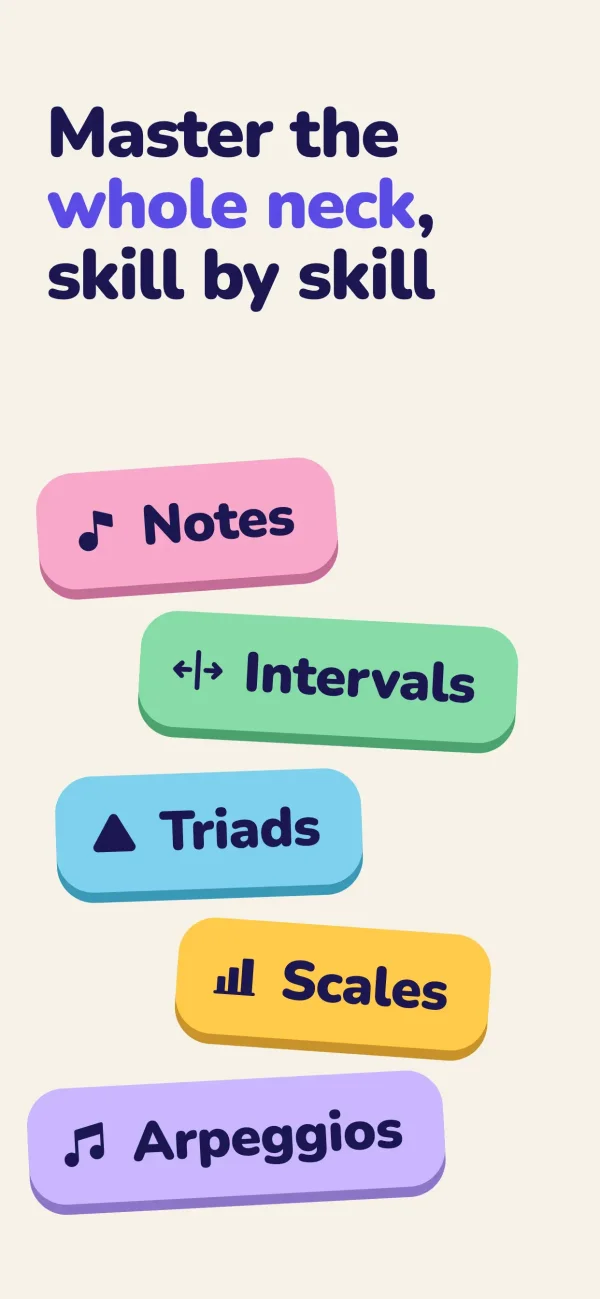
Notes
Learn every note on the neck, starting from the string names.
Find the note: tap where a named note lives on the board
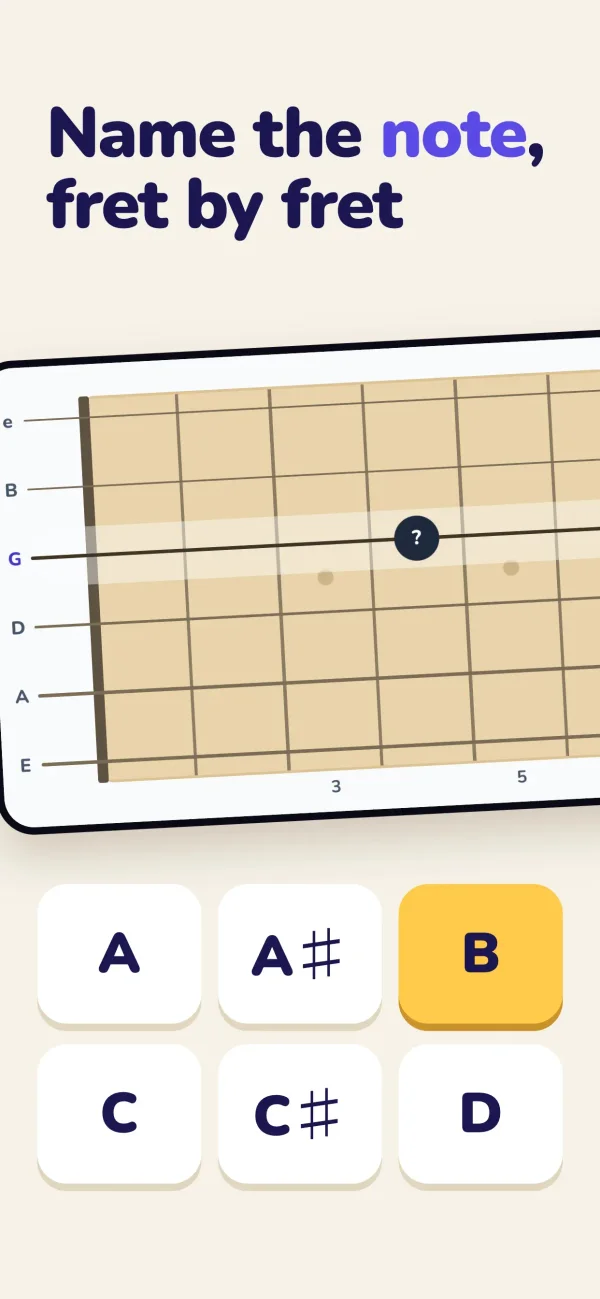
Name the note: identify a marked spot on the board
Use octave shapes to find any note all over the neck
Sharps, flats, and the frets past 12
Intervals
Learn how far apart two notes are, on the fretboard.
Every interval from the half step to the octave, including the tritone
Find the interval on the neck, or name the one shown
See and hear the shapes that make intervals easy to find anywhere
Triads
Learn the three notes that make a chord.
Major, minor, diminished, and augmented triads
Build the triad on the board, or name the triad shown
Practice inversions, not just root position
Find the same chord in three places up the neck
Scales
Learn the notes a song is built from.
Major, natural minor, major pentatonic, minor pentatonic, and blues scales
Play scales in positions your hand can actually reach
Move each shape anywhere on the neck by its root
Arpeggios
Learn chords played one note at a time.
Major and minor arpeggios
Dominant 7, major 7, and minor 7 chords
Practice that sticks:
Over 60 step-by-step lessons take you from the string names to arpeggios
Each lesson shows you the idea, lets you try it with hints, then checks what you know
A two-minute level check skips what you already know, and you can test out of any lesson
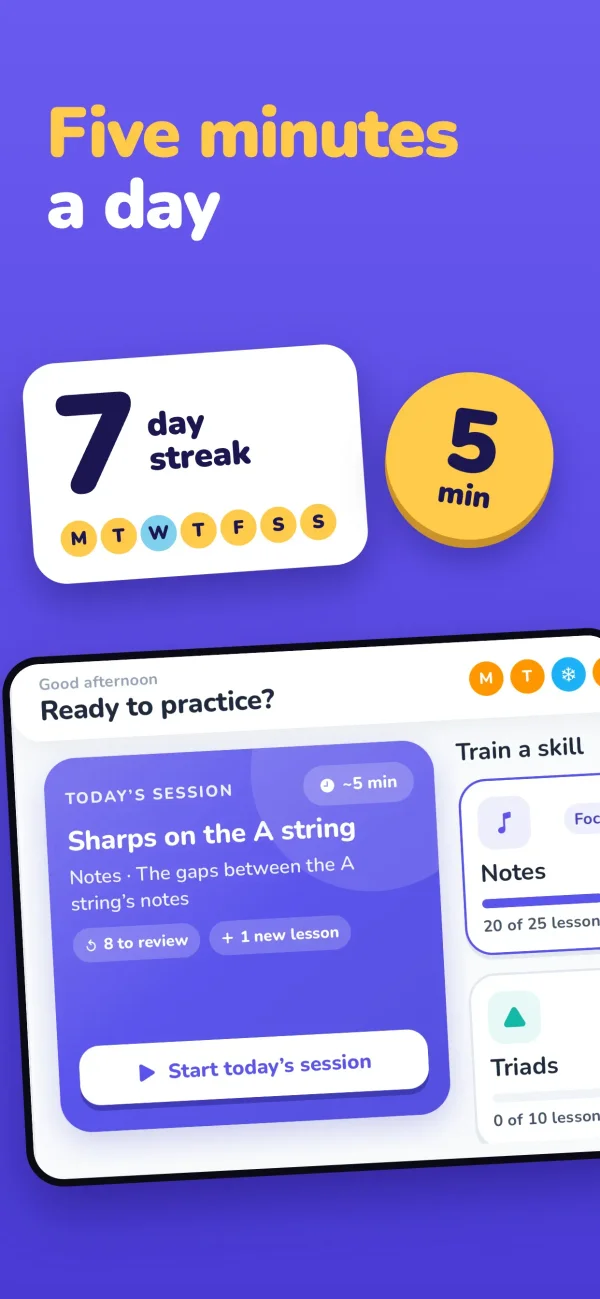
One short session a day, sized to the 2, 5, or 10 minutes you have
Notes you miss come back just before you'd forget them, until you know them
Hear every note, interval, and chord as you learn it
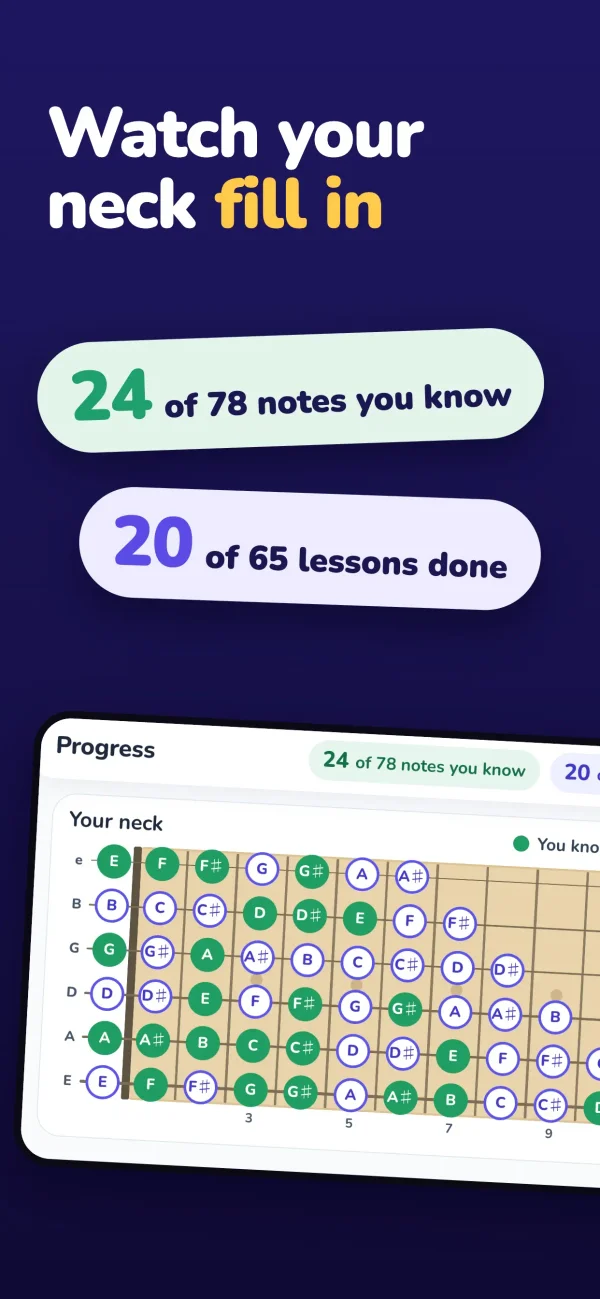
Watch your neck fill in as every note you know lights up
Track the notes you know, your progress in each skill, and your daily streak
Optional daily practice reminders at a time you choose
Practice your way:
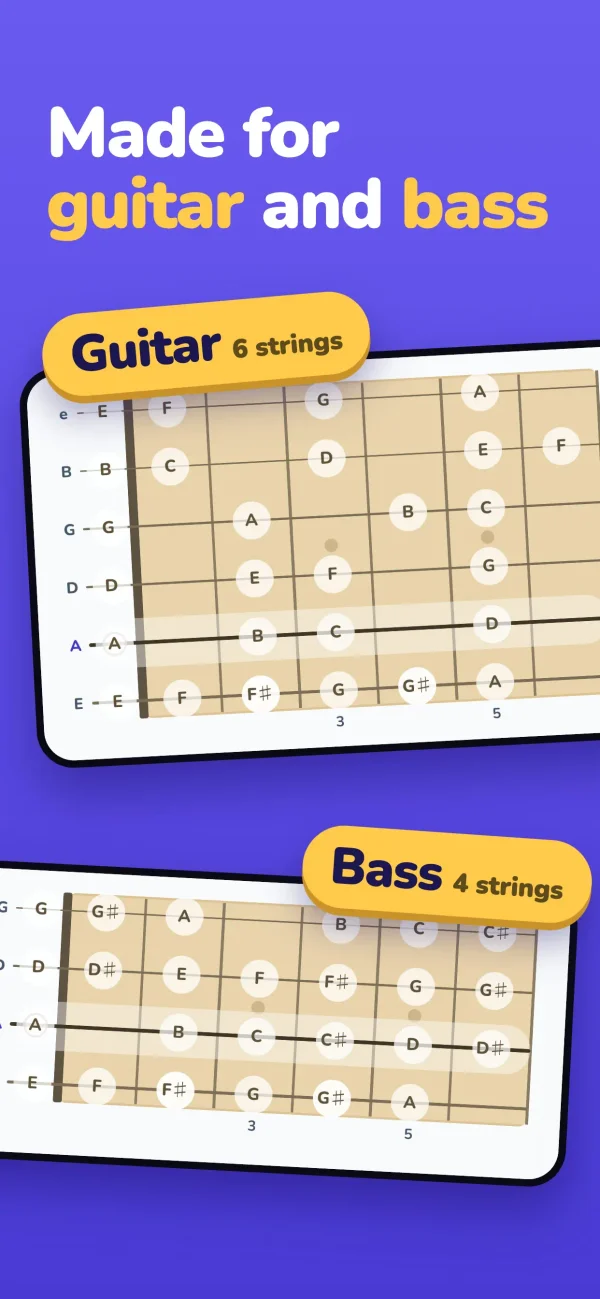
6-string guitar, or 4- or 5-string bass
Left-handed mode mirrors the neck
Show notes as sharps or flats
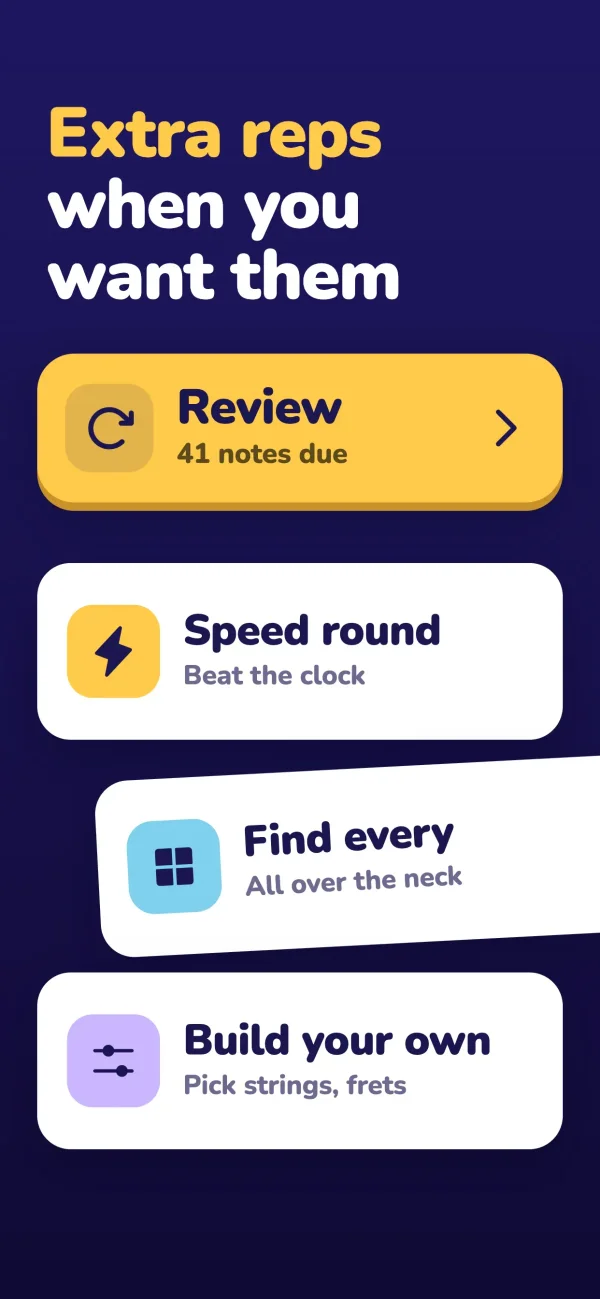
Find Every: tap every place a single note lives on the neck
Speed Round: name and find notes against the clock
Build and save your own drills: choose the drill, strings, fret range, naturals or sharps and flats, direction, timer, and length
Drill in alternate tunings, including Drop D, Half Step Down, DADGAD, and Open G
Add Dorian and Mixolydian scales to your own drills
A subscription is required to use Fretboard Trainer Pro. New subscribers may be eligible for a free trial.
Subscription details: Payment will be charged to your App Store account once your purchase is confirmed. You can manage or cancel your subscription in Account Settings; if canceled, access will continue until the end of the current billing period. Subscriptions automatically renew 24 hours before the period ends, and your account will be charged within that 24-hour window. Auto-renewal can be turned off at any time in Account Settings. Any unused portion of a free trial, if available, will be forfeited when a subscription is purchased.
Privacy Policy: https://trypitchtrainer.app/privacy
Terms of Service: https://trypitchtrainer.app/tos
Contact Us: hello@trypitchtrainer.app
What’s new
Version 2.0 · Nov 23, 2026
You can now sign in with Apple or Google to save your progress and pick up where you left off on any device. We also added a feedback board where you can suggest ideas and vote on what we build next, and notes now play even when your phone is on silent.
App privacy
What Ear & Pitch Training Studios LLC declares on the App Store about how this app handles data.
-
Data used to track you
May be used to track you across apps and websites owned by other companies.
- Purchases
- Contact info
- Identifiers
- Usage data
-
Data linked to you
May be collected and linked to your identity.
- Purchases
- Contact info
- Identifiers
-
Data not linked to you
May be collected but is not linked to your identity.
- Identifiers
- Usage data
Privacy practices may vary, for example with the features you use or your age.
Information
- Seller
- Ear & Pitch Training Studios LLC
- Category
- Music
- Version
- 2.0
- Updated
- Nov 23, 2026
- Released
- Sep 22, 2026
- Size
- 94.7 MB
- Requires
- iOS 16.4 or later
- Age rating
- 4+
- Price
- Free
- In-app purchases
- Yes
- Languages
- English
- Copyright
- © 2026 Ear & Pitch Training Studios LLC
You might also like
-
 Chord Club: Daily Jam SessionsLearn Progressions, Play Solos
-
 Guitar VisualizerScales, Chords, Modes & CAGED
-
 GuitarMaxx - Guitar RatingRate and level up your playing
-
 Guitar Mentor: Chords & LessonYouTube Songs, AI Coach
-
 StrumForge: Guitar PracticeChord Progressions & Riffs
-
 Guitar Triad Trainer: ChordsMaster CAGED triads on guitar
-
 Detune: Learn Music TheoryChords, scales & ear training
-
 Fret & KeyScales and chords
-
 Fretkit: Guitar Scales & TunerChords & Circle of Fifths
-
 Pitch Hero: Ear TrainingPerfect Pitch & Chord Trainer