
- Age rating4+
- CategoryMusic
- DeveloperSean Tollefsen Sinclair
- LanguagesEnglish
- Size143.5 MB
Links to the official App Store page
Download.org hosts no file of Fretlight. The button opens its official App Store page, published by Sean Tollefsen Sinclair. Listing last checked on Nov 17, 2026.
Screenshots



About
Learn the guitar fretboard with focused drills, interactive theory, and practical tools for understanding notes, intervals, chords, modes, progressions, rhythm, and ear training.
Fretlight is built for guitarists who want real fretboard fluency: knowing where the notes are, how music theory maps onto the neck, and why the shapes you play actually work. Instead of a video course or a subscription library, Fretlight gives you a clean practice space for building the skills you use every time you pick up the guitar.
Practice with targeted drills:
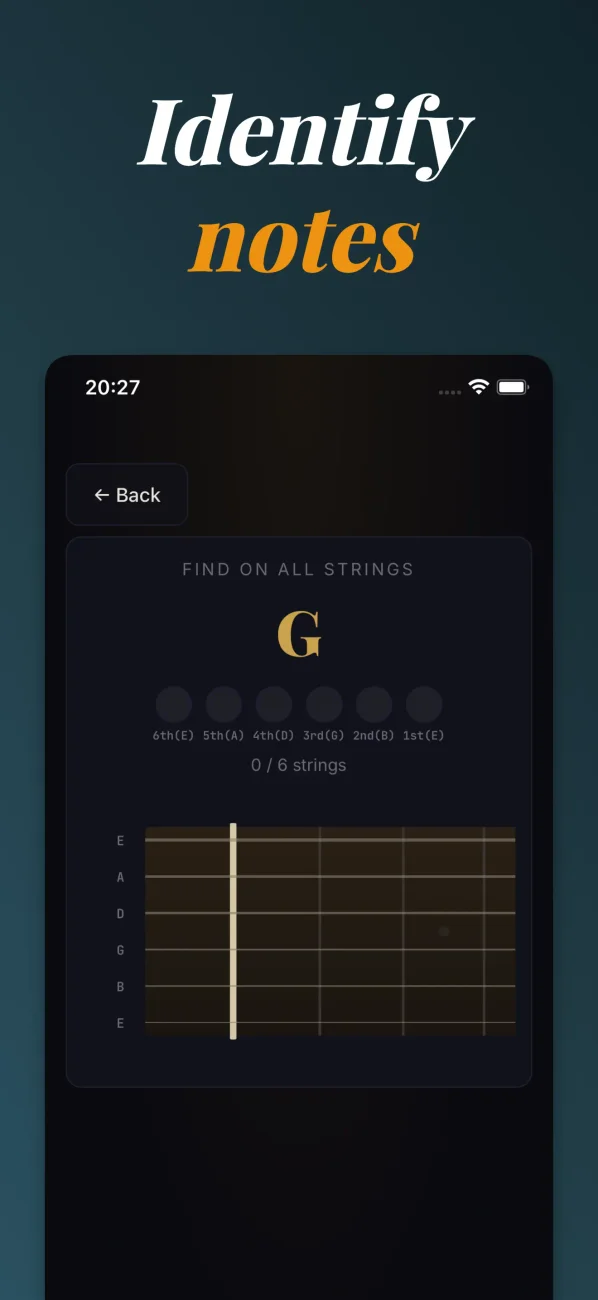
- Note Finder: learn every note on every string
- Intervals: identify the distance between notes
- Chord Builder: build chords from their interval formulas
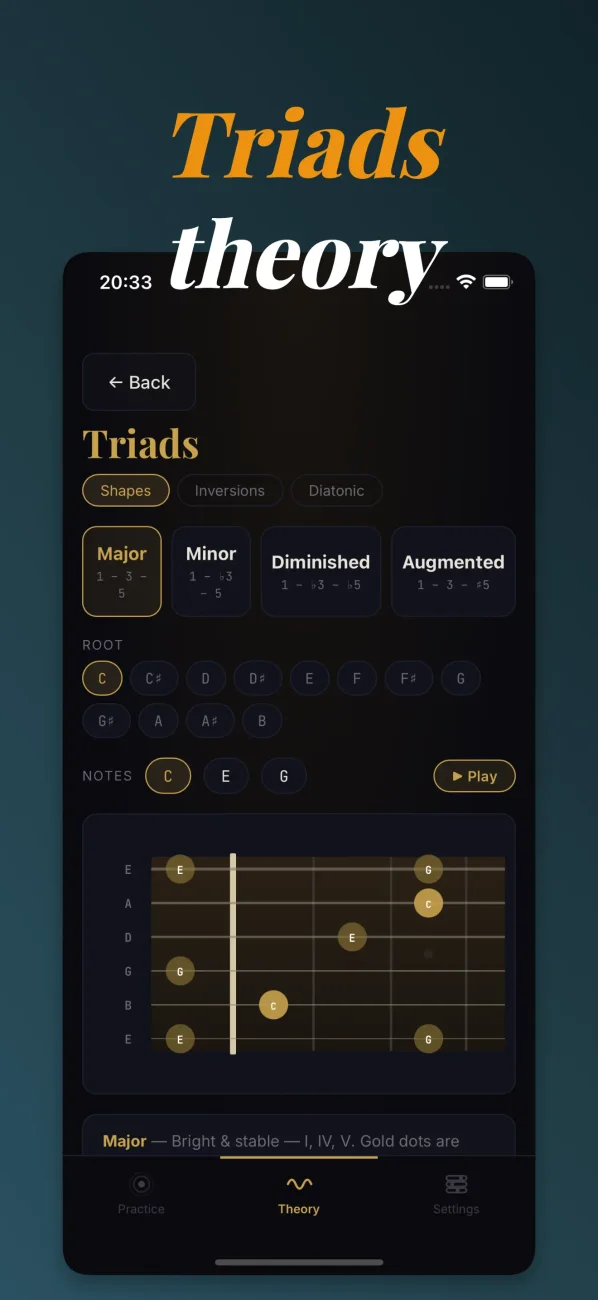
- Triad Builder: practice triads and inversions across the neck
- Mode ID: recognize the 7 modes by their notes
- Progressions: connect chords to scale degrees and harmonic function
Use built-in tools:
- Fretboard Explorer: tap the neck to hear and locate notes
- Rhythm Trainer: strengthen your internal clock
- Ear Training: identify notes by pitch
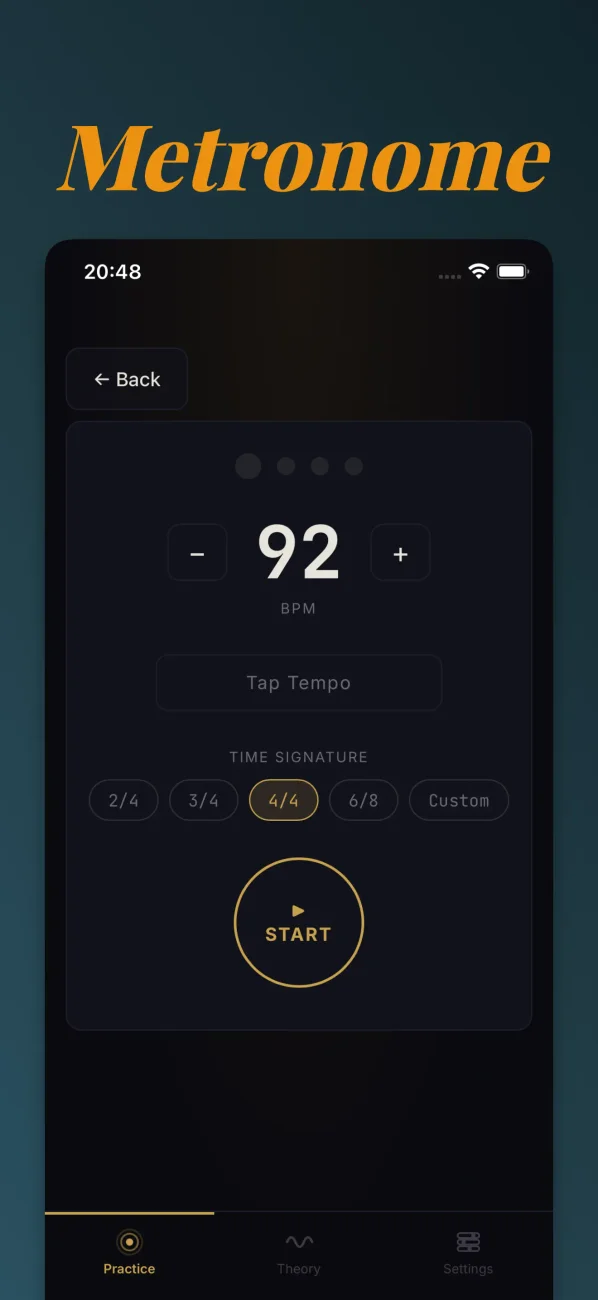
- Metronome: practice with tap tempo and time signature control
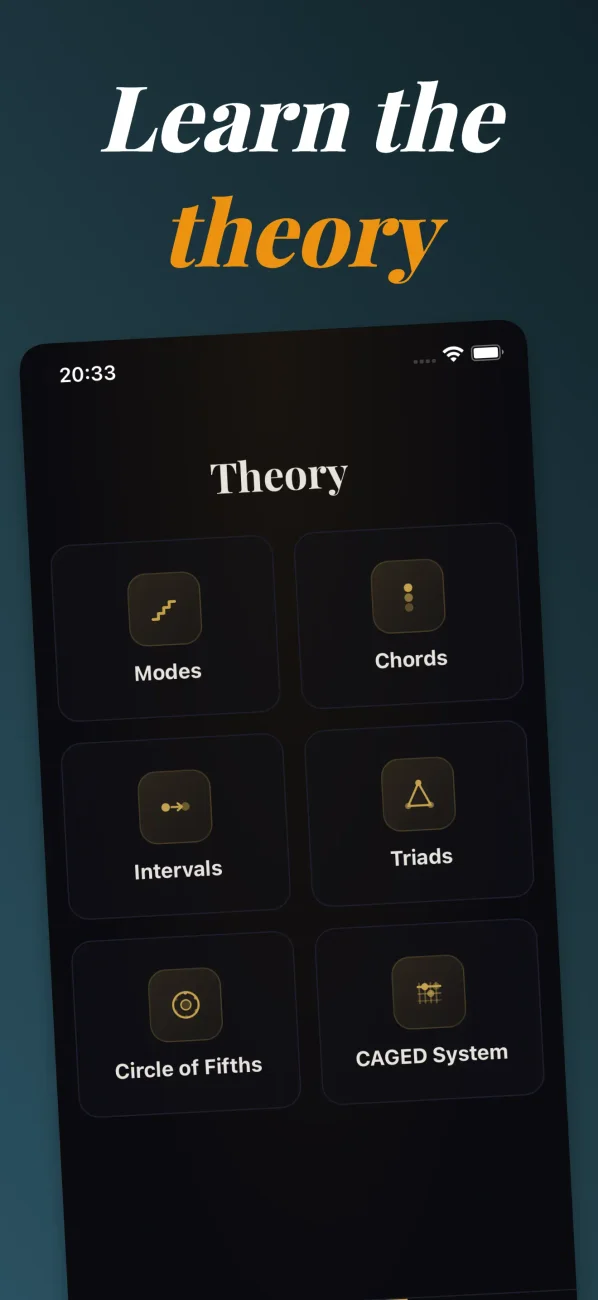
Study theory visually:
- Modes
- Chords
- Keys
- Triads
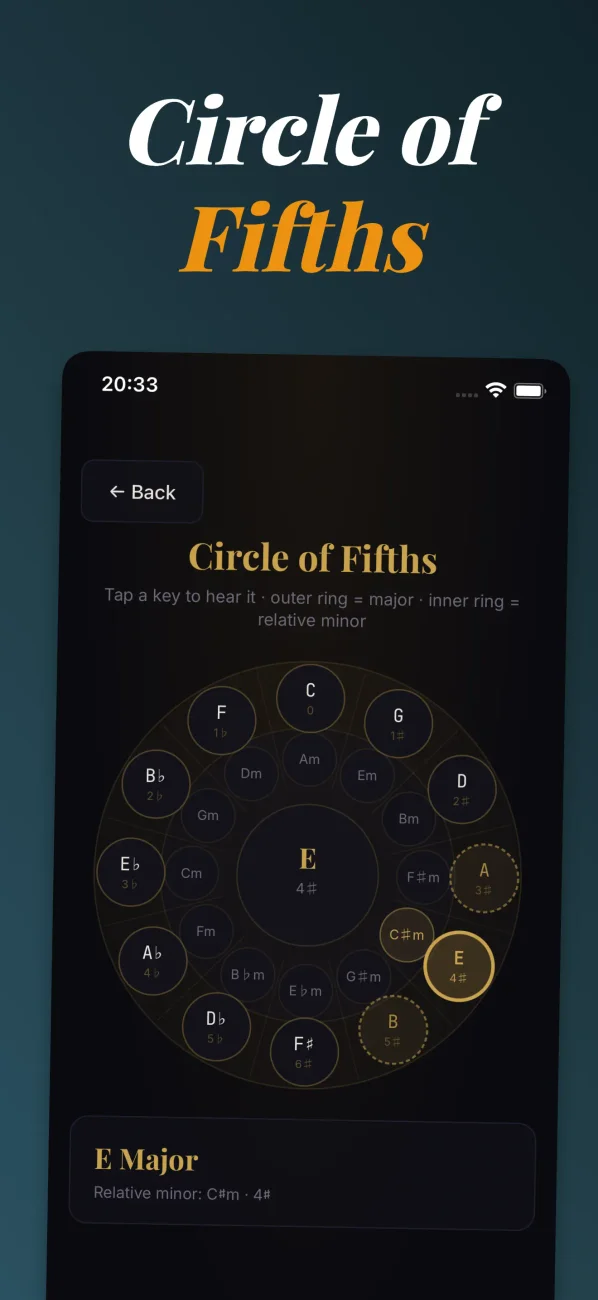
- Circle of Fifths
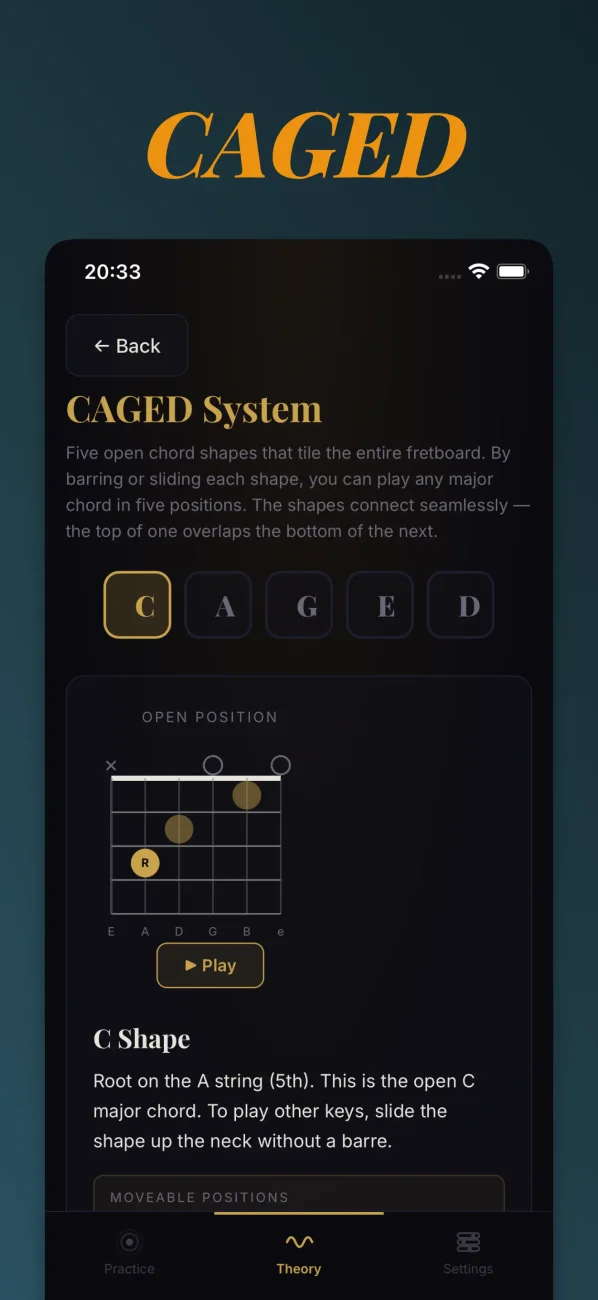
- CAGED System
Every reference is designed around the guitar neck, with interactive fretboard diagrams and playable examples that help theory become something you can see, hear, and use.
Customize the app for the way you play:
- Standard, Drop D, D Standard, Open G, Open E, and DADGAD tunings
- Left-handed mode
- Reversible string order
- Optional string numbers
- Fretboard skins
- Adjustable sound type
- Haptic feedback
- Daily practice reminders
Fretlight is for beginners building their first reliable map of the fretboard, and for intermediate players who want chords, modes, triads, and progressions to feel less abstract. Open the app, choose a drill, and build the kind of fretboard knowledge that makes practice, improvisation, songwriting, and learning songs easier.
What’s new
Version 1.3 · Apr 26, 2026
Major updates:
- New Tools tab with Fretboard Explorer, Rhythm Trainer, Ear Training, and Metronome in one dedicated place.
- New Keys theory section to help you understand key signatures, diatonic chords, and how notes relate across the fretboard.
- Improved chord theory diagrams with corrected voicings for major, minor, diminished, augmented, sus, add9, and 7th chords across all 12 roots.
Minor changes:
- Improved fretboard visibility and layout across theory pages.
- Redesigned intervals reference for clearer learning.
- Audio playback improvements, including better support when the device is in silent mode.
- General UI polish and stability improvements.
App privacy
What Sean Tollefsen Sinclair declares on the App Store about how this app handles data.
-
Data not collected
The developer does not collect any data from this app.
Privacy practices may vary, for example with the features you use or your age.
Information
- Seller
- Sean Tollefsen Sinclair
- Category
- Music
- Version
- 1.3
- Updated
- Apr 26, 2026
- Released
- Mar 29, 2026
- Size
- 143.5 MB
- Requires
- iOS 15.0 or later
- Age rating
- 4+
- Price
- $3.99
- Languages
- English
- Copyright
- © 2026 Flittig by Sinclair
You might also like
-
 Tune ThisMulti-Instrument Tuner
-
 GrooveSmith: Drum PracticeRudiments & groove trainer
-
 Crammit Player for iPhoneMusic
-
 Poco a Poco: Music NotesLearn and practice music notes
-
 Guitar Relative Pitch TrainerEasy Ear Training for Beginner
-
 Capo: Guitar Chords & ScalesFretboard · Ukulele · Bass
-
 iFretless Guitarexpressive musical instrument
-
 TriadsPro LiteLearn · Practice · Master
-
 Solfege TrainerTrain your voice and ears!
-
 Interval Matrix ProVisual Music Theory