- Age rating4+
- CategoryTravel
- DeveloperFairtiq AG
- LanguagesEnglish+ 9 more
- Size107.0 MB
Links to the official App Store page
Download.org hosts no file of FTQ Lab. The button opens its official App Store page, published by Fairtiq AG. Listing last checked on Nov 23, 2026.
Screenshots
About
The purpose of the FTQ Lab app is to cover special use cases that are not addressed by our flagship product: FAIRTIQ app.
IMPORTANT
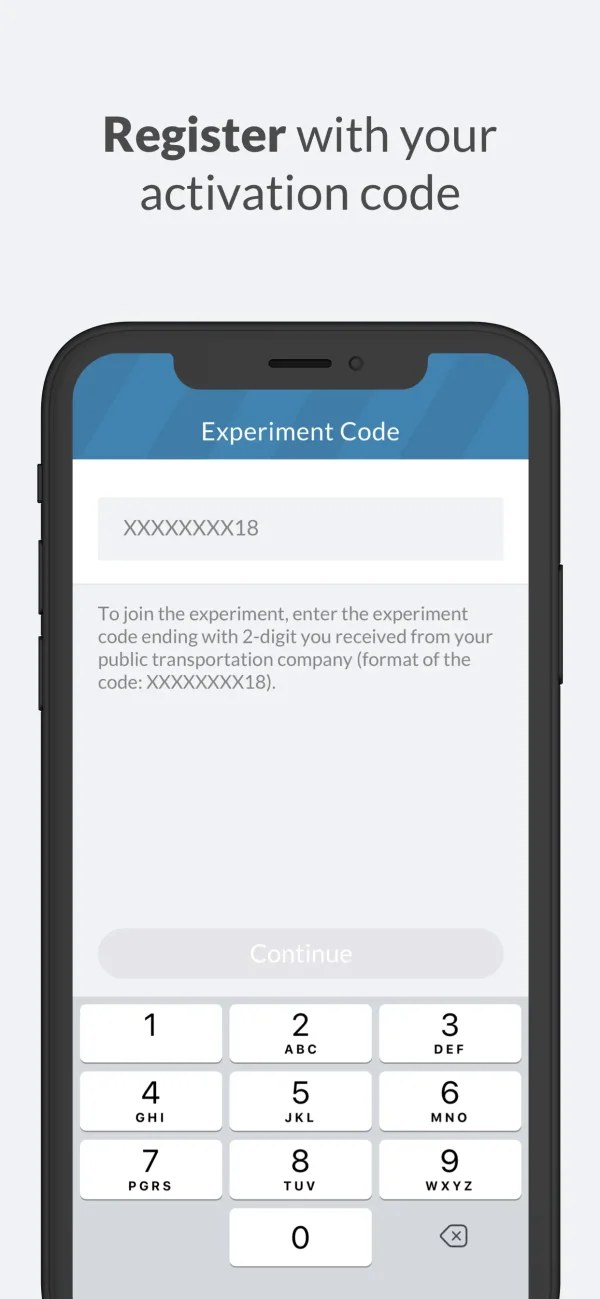
The configuration and available feature set can differ when using the FTQ Lab app. You must be in possession of an activation code in order to complete the registration process. If you don't have an activation code and haven't been instructed to download the FTQ Lab app then you should download the FAIRTIQ app instead.
Furthermore, the activation code configures the app with a tailor-made setup. The configuration depends on the activation code used. It’s possible, for example, to use a FTQ Lab setup where purchasing valid travel tickets is not possible, and you, therefore, would need to purchase a separate ticket to be authorised to travel. Please check the specific terms & conditions and in-app information that are provided for each setup
OVERVIEW
With FTQ Lab, it doesn't matter how many stops you make along the way, or if you change between trains, buses and trams. With FTQ Lab there are no hassles, no complications, just smooth and easy travel!
HOW IT WORKS
The first step of the registration process requires an activation code. This activation code defines the geographical area where you can travel in and the corresponding configuration. Once you have registered, you are ready to travel with the FTQ Lab app!
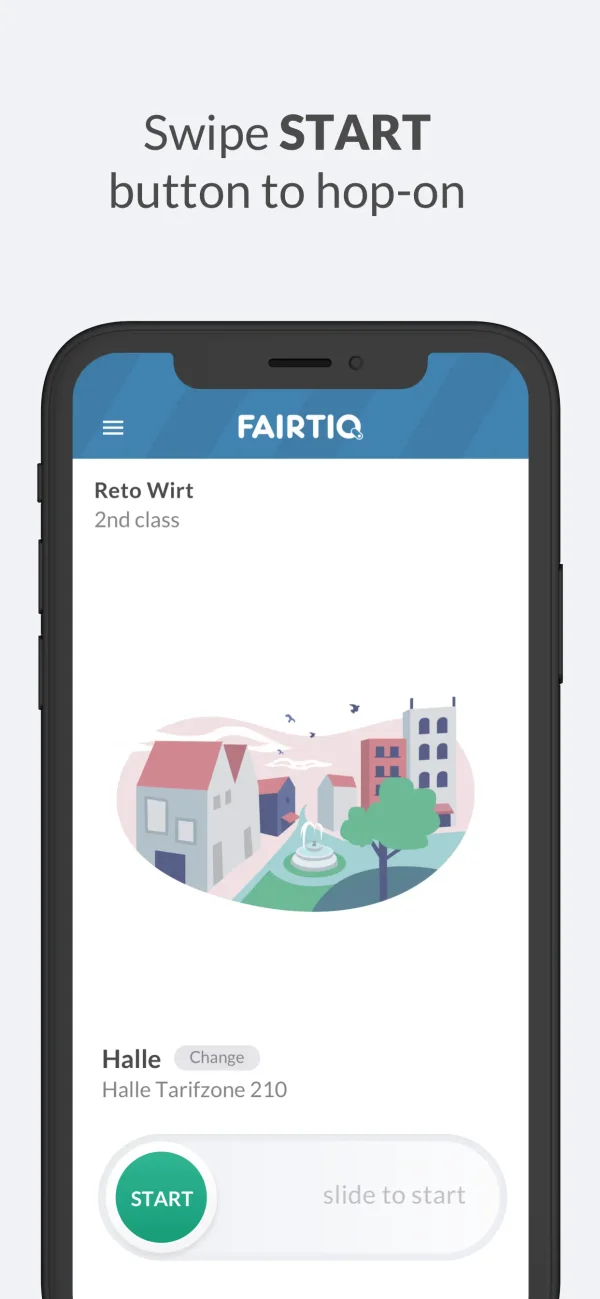
Shortly before boarding a vehicle, such as a train, bus, tram or boat, simply swipe the "Start" button in the FTQ Lab app. Your final destination does not need to be entered.
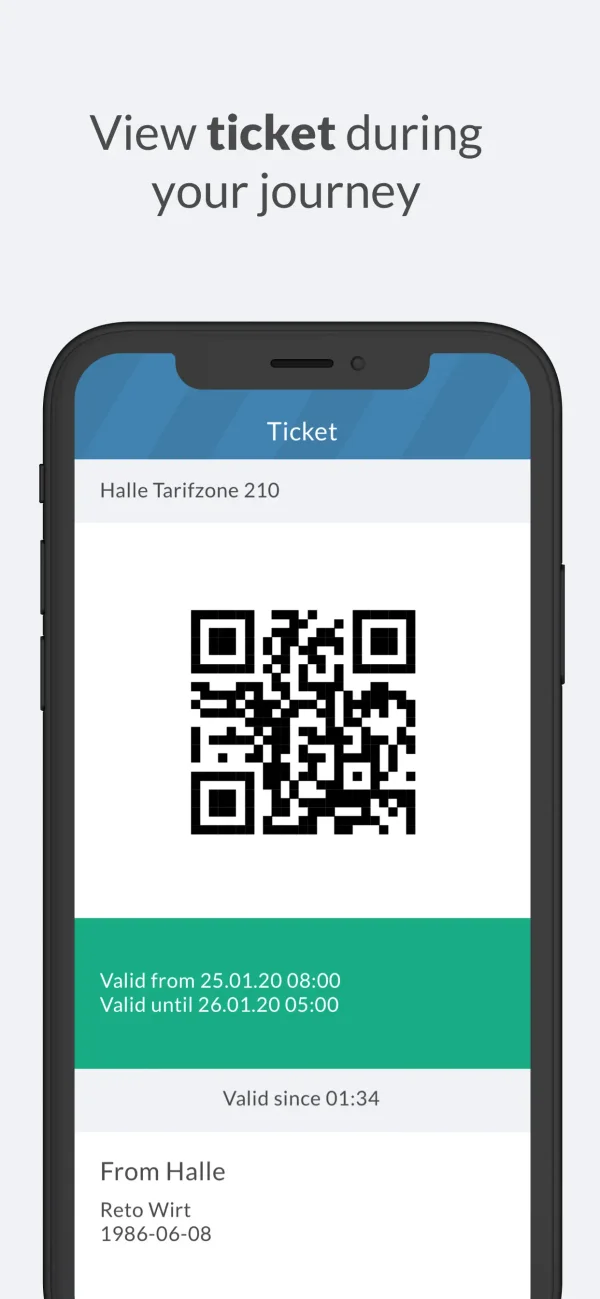
Once you have arrived at your destination, swipe the "Stop" button in FTQ Lab. The optimised cost for your trip, if applicable, is then displayed in the app. Should you ever forget to check-out, we will remind you. If there is a ticket inspection, just open the app and click on “View Ticket”.
Please check the specific terms & conditions and in-app information that are provided for each FTQ Lab setup.
WOULD YOU LIKE TO KNOW MORE?
Our support team is at your disposal to answer any questions, offer advice and provide further information. Contact us at feedback@fairtiq.com.
What’s new
Version 7.6.8 · Nov 22, 2026
Improvements in version 7.6.8:
• Various improvements and bug fixes
Thanks for using FAIRTIQ! We care about the quality of our app and continuously improve it. Thanks to your feedback we implemented a number of improvements and bug fixes.
Want to see your feature in this list? We would like that too. Send us any feedback on how to improve FAIRTIQ at feedback@fairtiq.com.
App privacy
What Fairtiq AG declares on the App Store about how this app handles data.
-
Data linked to you
May be collected and linked to your identity.
- Purchases
- Financial info
- Location
- Contact info
- User content
- Identifiers
- Diagnostics
-
Data not linked to you
May be collected but is not linked to your identity.
- Location
- Usage data
- Diagnostics
- Other data
Privacy practices may vary, for example with the features you use or your age.
Information
- Seller
- Fairtiq AG
- Category
- Travel
- Version
- 7.6.8
- Updated
- Nov 22, 2026
- Released
- Sep 28, 2018
- Size
- 107.0 MB
- Requires
- iOS 16.0 or later
- Age rating
- 4+
- Price
- Free
- Languages
- English, Czech, Danish, Dutch, French, German, Italian, Norwegian Bokmål, Slovak, Swiss German
- Copyright
- © 2026 Fairtiq AG