
Fuel Check Manager
Fuel & Flight Time Calculator
Designed for iPhone, iPad, iPod touch
$1.99
- Age rating4+
- CategoryProductivity
- DeveloperFLYT TOOLS LLC
- LanguagesEnglish
- Size7.6 MB
Links to the official App Store page
Download.org hosts no file of Fuel Check Manager. The button opens its official App Store page, published by FLYT TOOLS LLC. Listing last checked on Nov 16, 2026.
Screenshots

About
Faster than an E6B, this Fuel Manager reduces the time it takes to do fuel check calculations to just a few seconds. It also calculates your flight time and has Apple Watch Support. Features an intuitive and efficient interface. Download now to improve your cockpit workflow!
Three functions in one app.
Fuel Check Calculator
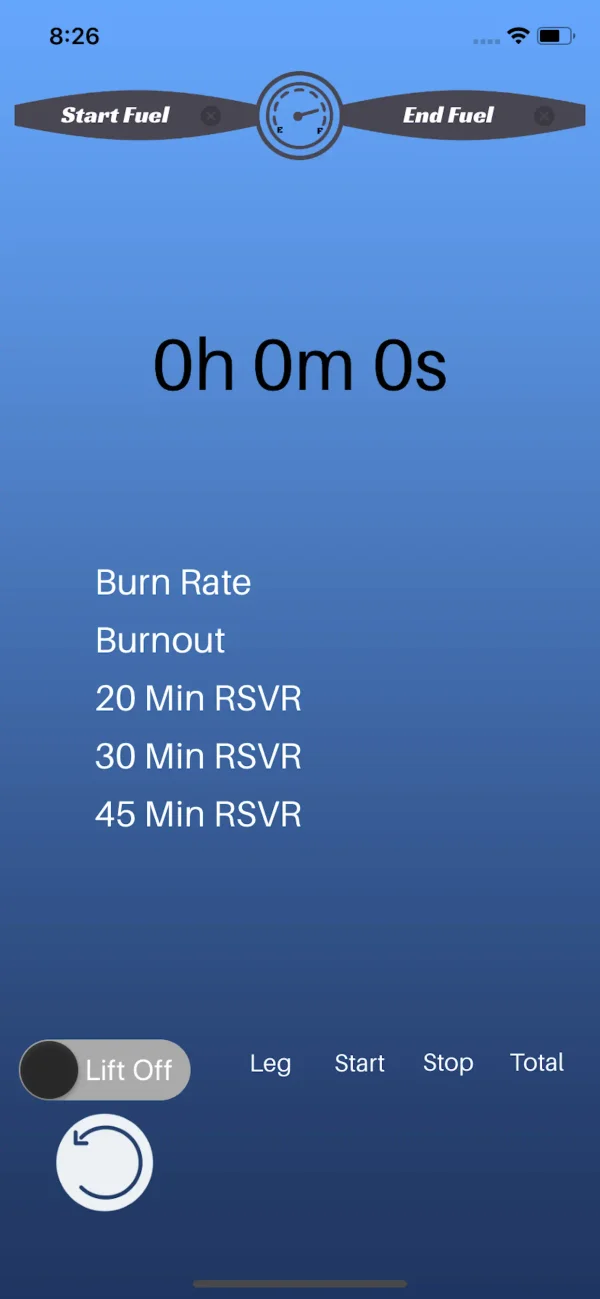
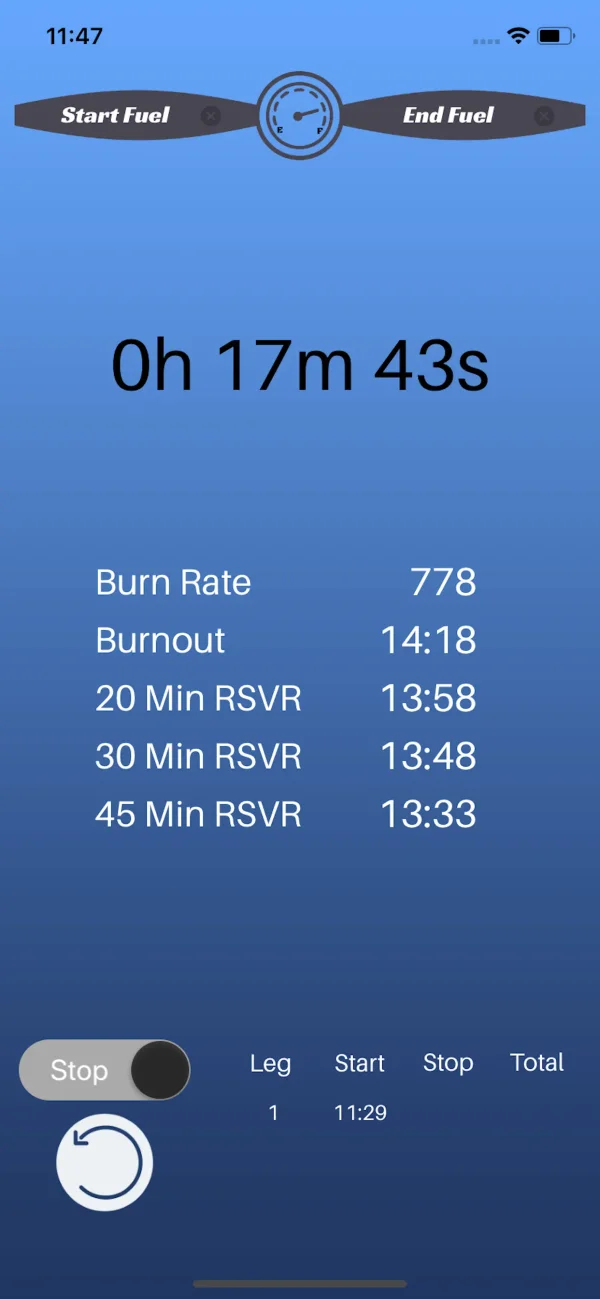
- Large print stopwatch for quick glances on lapsed time
- Custom large numeric keypad for quick fuel entry
- Calculates Burn Rate and Burnout time.
- Calculates 3 Fuel Reserve times for Rotary & Fixed Wing IFR/VFR flights
- 15-minute fuel check reminder notifications
- Supports Landscape and Portrait mode for iPad devices
Flight Time Calculator
- Keep track of flight leg times in 10ths of an hour
FLYT Time for Apple Watch
- Minimally designed with single button action
- Apple watch version of the Flight Time Calculator
- Includes 15-minute fuel check notifications
The Details
Fuel Check Calculator
Start by entering your beginning fuel number. Then, press the triangle button to start the timer. Once you are ready to calculate your Burn Rate and Reserve times, enter the ending fuel number then hit the "=" button to see the results. If you forget to close out your fuel check, no worries, the app will send a notification to your device (iPad, iPhone, or Apple Watch) after 15 minutes of starting your fuel check.
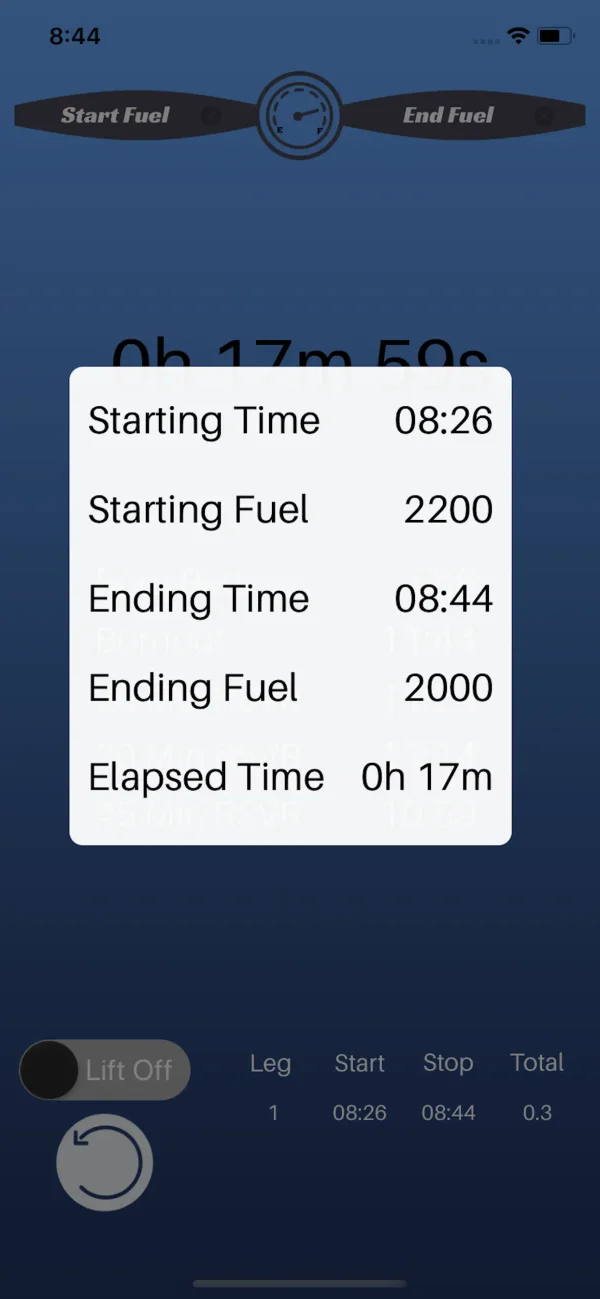
To see the details of the calculation, tap on the center of the screen to display the detail window. Press the center of the display window to return to the main screen.
To use the Flight Time calculator, press the "Lift Off" toggle switch to start and press it once more when you want to stop the clock and calculate the time in tenths of an hour. For example, 2.5 will mean two and a half hours.
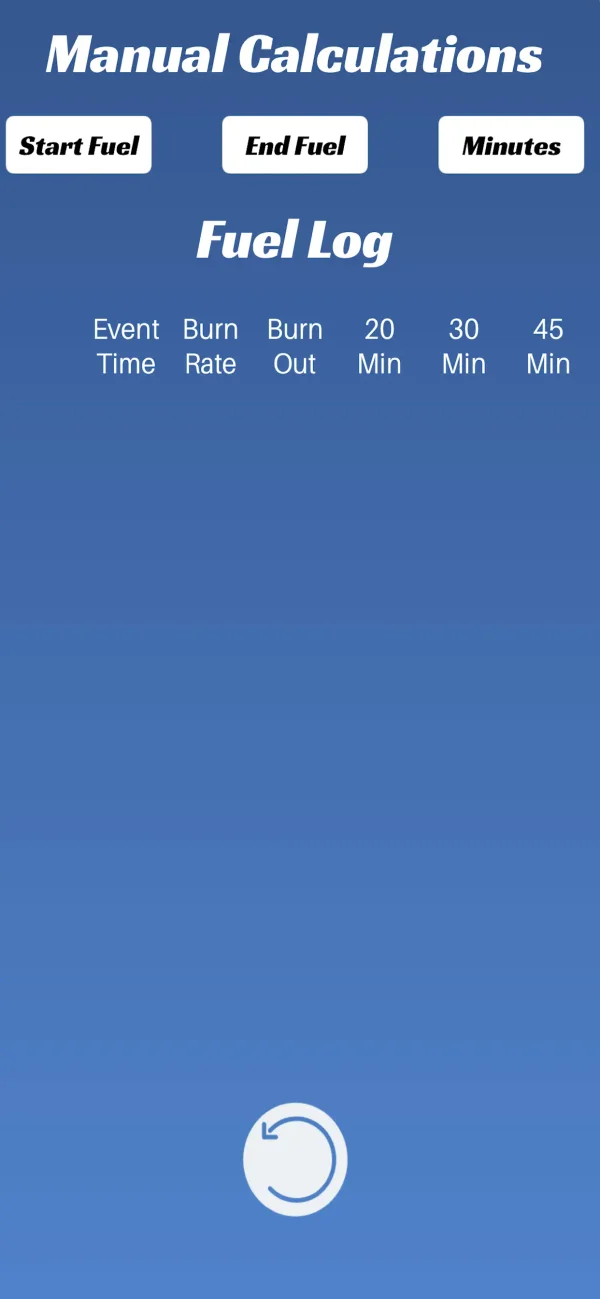
Swipe the sides of the app upward to view the manual calculation page.
FLYT Time for Apple Watch
Click the "Start" button to start the timer. When you're ready, press "Stop". FLYT Time will automatically calculate and display your flight time in tenths of an hour. For example, 1.5 means an hour and a half.
What’s new
Version 4.2 · Nov 5, 2026
Fuel Check Manager 4.2 introduces several reliability and usability improvements.
• Improved flight-time calculations by preserving flight legs and unfinished entries when switching apps or returning to Fuel Check Manager.
• Improved fuel stopwatch reliability by preserving active timing sessions when the app is interrupted or restarted.
• Fixed an issue that could cause Manual Fuel Calculations to close unexpectedly when the Minutes field was left empty.
• Improved custom keypad behavior on iPad to eliminate unwanted system keyboard appearances.
• Updated the information menu with convenient access to instructions and the privacy policy.
• Additional interface refinements and compatibility improvements for newer iOS devices.
App privacy
What FLYT TOOLS LLC declares on the App Store about how this app handles data.
-
Data not collected
The developer does not collect any data from this app.
Privacy practices may vary, for example with the features you use or your age.
Information
- Seller
- FLYT TOOLS LLC
- Category
- Productivity
- Version
- 4.2
- Updated
- Nov 5, 2026
- Released
- Sep 13, 2020
- Size
- 7.6 MB
- Requires
- iOS 15.0 or later
- Age rating
- 4+
- Price
- $1.99
- Languages
- English
- Copyright
- © 2022 FLYT TOOLS LLC.
You might also like
-
 Mil Fuel CheckAviation Fuel Monitor App
-
 Fuel Check ProHelicopter Fuel Burn Checker
-
 Wingbook: Flight LogbookThe flight, on record.
-
 ACES FLIGHT LOGArmy Flight Logbook
-
 Army Flight HoursFlight log for Army aviators
-
 PMCS GuideProductivity
-
 BenchstockInventory Management Platform
-
 WorkWell SpacesProductivity
-
 Chorebound: Gamify Your HabitsTurn chores into epic quests!
-
 GoodReader PDF Editor & ViewerPDF Annotator, File Manager